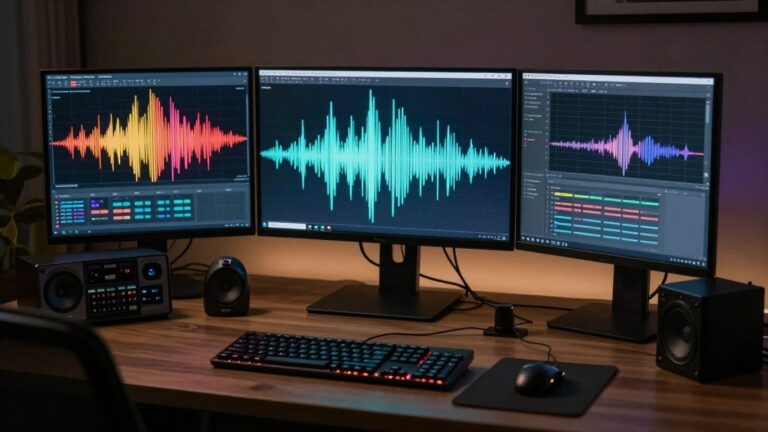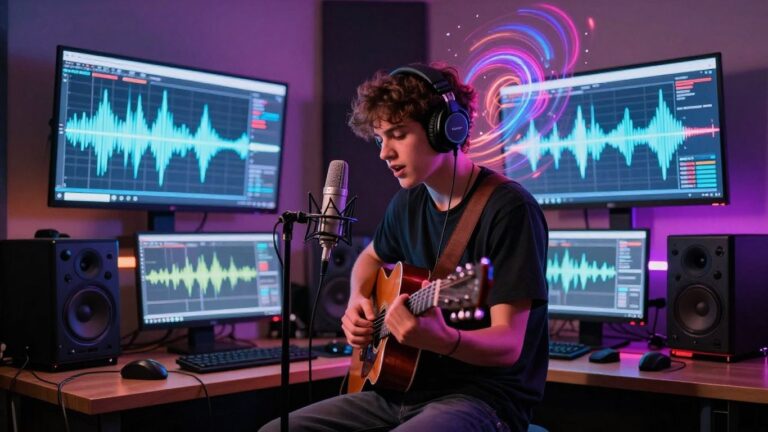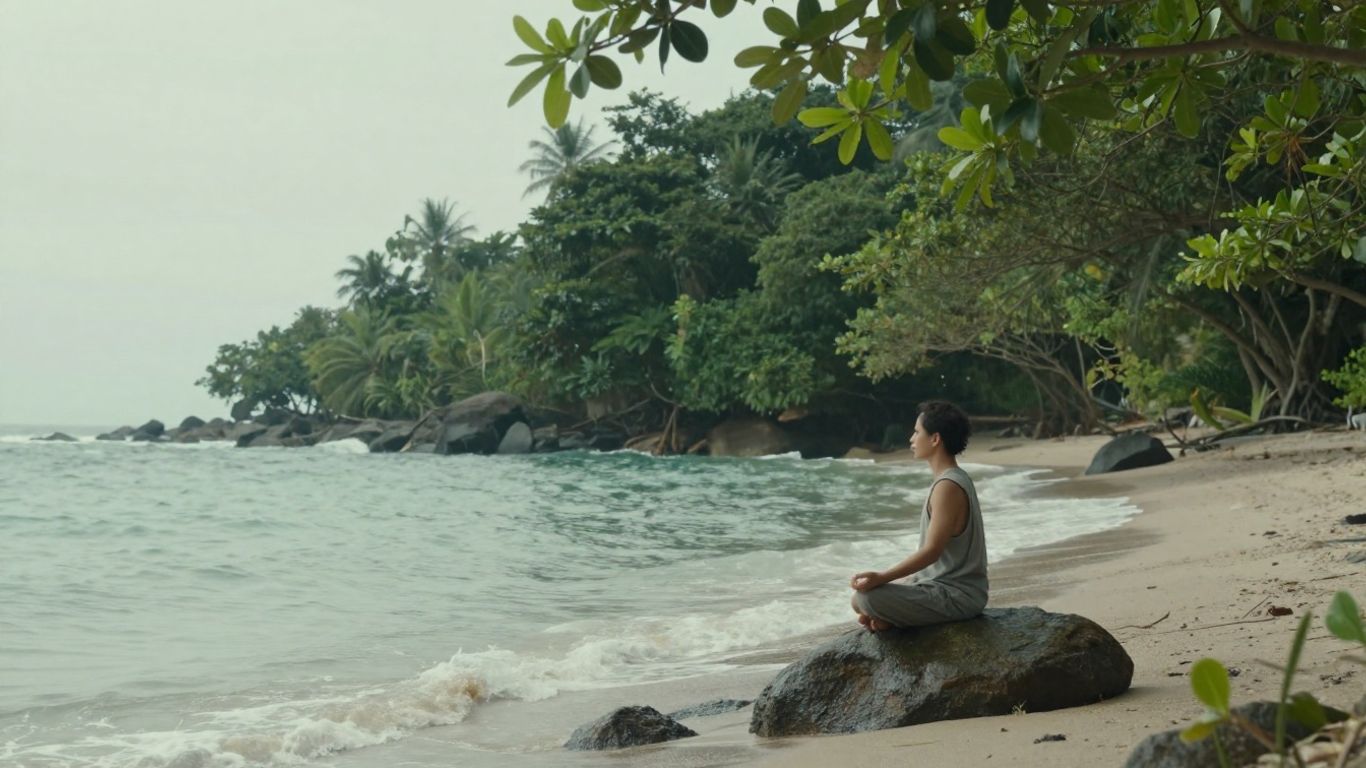
You’re looking to create some chill vibes with AI, right? Making ambient music videos used to take ages, but now you can whip them up pretty fast. This is all about using AI to make these cool, calming videos, especially for relaxation content. Think of it as your new shortcut to creating peaceful scenes with matching tunes, all generated by a computer.
Key Takeaways
- You can now create an ai ambient music video using AI tools that generate both the music and the visuals from simple text prompts.
- Tools like Creatus AI offer a combined music and video generation workflow, meaning you don’t need separate software for each part.
- These AI tools are great for making relaxation content because they can produce calming visuals and music quickly, without needing complex editing skills.
- You can pick different visual styles and export your ai ambient music video in formats suitable for platforms like TikTok, Instagram, and YouTube.
- Using AI for ambient music videos helps you save time and resources, making it easier to produce consistent, engaging content for your audience.
Leveraging AI for Ambient Music Videos
Understanding AI Ambient Music Video Creation
AI is changing how you can make ambient music videos. You can now create entire sensory experiences that help people relax or focus. This technology blends generated visuals with AI-made music. It’s a new way to build content for calm and introspection.
The Role of AI in Relaxation Content
AI tools can generate music and visuals that match specific moods. For relaxation content, this means creating soundscapes and imagery designed to soothe. Think gentle patterns and calming tones. AI helps you craft an environment that promotes peace.
Benefits of AI for Ambient Music Videos
Using AI saves you a lot of time. Traditional video production takes hours of filming and editing. AI can produce a complete music video from simple text prompts in minutes. This makes creating professional-quality relaxation content much easier and faster. You can also experiment with many styles without needing advanced skills.
Generating Your AI Ambient Music Video
Creating an ambient music video with AI is more straightforward than you might think. You’ll focus on two main parts: the music itself and the visuals that go with it. Most tools let you handle both, or at least connect them easily.
Crafting the Perfect Music Prompt
Think about the feeling you want to evoke. Is it calm, dreamy, or perhaps a bit mysterious? Describe this feeling, along with any specific sounds or instruments you imagine. A good prompt guides the AI to create music that matches your vision. For ambient music, simple, descriptive words work best. For example, try "gentle ocean waves with soft synth pads" or "distant forest sounds with a slow, evolving drone."
Selecting Visual Styles and Themes
Once you have an idea for the music, consider what visuals will complement it. Many AI tools offer different visual styles, like abstract patterns, nature scenes, or minimalist animations. Choose a style that aligns with the mood of your music. You might want slow-moving, organic shapes for a calming track, or perhaps subtle light effects for something more ethereal.
Integrating AI Music and Visuals
Most platforms make it easy to combine your AI-generated music with visuals. You can often upload your audio file or use music generated directly within the platform. The AI then analyzes the audio’s rhythm and mood to create synchronized visuals. Some tools allow for fine-tuning, letting you adjust how closely the visuals react to the music. The goal is a cohesive experience where sound and sight work together.
Key Features of AI Music Video Tools

AI music video tools bring together sound and visuals in ways that were once complex and time-consuming. These platforms automate much of the creative process, letting you focus on the artistic vision.
Text-to-Song and Audio-to-Video Capabilities
Many tools let you start with just a text prompt to generate an entire song, complete with AI vocals. You can describe the genre, mood, or even specific lyrics you want. Then, you can take that generated audio, or any audio file you have, and turn it into a video. The AI analyzes the music’s rhythm and feel to create matching visuals automatically.
Customizable Visuals and Styles
These tools don’t just create generic videos. You can often choose from a range of visual styles, from cinematic looks to abstract animations or even lyric video formats. Some platforms allow for more granular control, letting you script scenes or adjust specific visual elements to better match your audio’s energy.
Multi-Format Export Options
Once your music video is ready, you’ll want to share it across different platforms. Good AI tools offer export options for various aspect ratios. This means you can easily create videos optimized for TikTok (9:16), Instagram feeds (1:1), or standard YouTube (16:9) without extra editing work.
The real advantage of these tools is their ability to combine music creation and video production into a single, streamlined workflow. This eliminates the need to jump between multiple software programs and subscriptions, saving you time and effort.
Here’s a quick look at what you can expect:
- Text-to-Song Generation: Describe your music idea and let the AI compose it.
- Audio-to-Video Generation: Upload your audio and get a synchronized video.
- Style Selection: Choose from various visual aesthetics.
- Aspect Ratio Options: Export for any social media platform.
- No Prior Skills Needed: Designed for ease of use, even for beginners.
Choosing the Right AI Music Video Platform

Selecting the right AI platform is key to making your ambient music videos. You’ll want a tool that fits your workflow and creative needs. Think about what you want to achieve before you start looking.
Evaluating All-in-One Solutions
All-in-one platforms offer a streamlined experience. They often combine music generation and video creation in a single interface. This means you don’t have to jump between different apps. Creatus.AI, for example, lets you generate a song from text and then create a music video from that audio, all in one place. This can save you a lot of time and effort.
Comparing Dedicated Music and Video Generators
Sometimes, specialized tools do a better job. You might find a dedicated AI music generator that produces exactly the soundscapes you want. Then, you can use a separate AI video tool to bring those sounds to life visually. This approach gives you more control over each element. For instance, you could use a tool like Suno for music and then a platform like Neural Frames for video. It requires more steps but can yield a more refined result.
Considering User Experience and Skill Requirements
Think about your comfort level with technology. Some platforms are designed for beginners with simple interfaces and guided workflows. Others offer more advanced controls for users with some editing experience. If you’re just starting, look for platforms that require no prior editing or music production skills. Many tools provide free tiers, so you can test them out before committing to a paid plan. This lets you see which one feels right for you.
Optimizing AI Ambient Music Videos for Engagement
Matching Visuals to Audio Frequencies
Think about how sound waves feel. High frequencies might feel light and airy, while low frequencies can feel deep and grounding. You can translate this into your visuals. Try pairing bright, shimmering visuals with higher-pitched sounds. For deeper, bass-heavy ambient tracks, consider darker, more flowing imagery. This connection helps viewers feel the music more deeply.
Utilizing Looped Sequences for Consistency
Repetition can be very calming. For ambient music, using looped visual sequences makes sense. It creates a predictable, steady flow that doesn’t pull the viewer out of their relaxed state. This also applies to the music itself; ensure your AI-generated tracks have seamless loops. Consistency in both sound and sight is key for sustained relaxation.
Enhancing Relaxation Through Sensory Alignment
Your goal is to create a peaceful experience. This means making sure the music and visuals work together perfectly. If your music is slow and calm, avoid fast, jarring visual changes. Aim for a smooth, harmonious blend where one element supports the other. The more aligned the senses, the deeper the relaxation.
When creating ambient music videos, remember that the viewer is likely seeking a break from overstimulation. Your visuals and audio should work together to create a gentle, immersive environment, not a distracting one. Keep it simple and flowing.
Here’s a quick guide to aligning your senses:
- Visuals: Opt for slow-moving patterns, soft gradients, and natural imagery. Think gentle waves, clouds drifting, or abstract light forms.
- Audio: Focus on sustained tones, minimal percussion, and a consistent tempo. Avoid sudden shifts in volume or instrumentation.
- Pacing: Ensure visual transitions are slow and deliberate, mirroring the music’s rhythm. If the music has a gentle pulse, the visuals can subtly pulse with it.
Practical Applications and Workflow
Streamlining Content Creation for Relaxation
AI tools can really speed up how you make relaxation content. Instead of spending hours on music and visuals separately, you can generate both together. This means you get more done in less time. You can focus on the creative side, letting the AI handle the technical parts.
Integrating AI Music Videos into Wellness Practices
Think about using these AI music videos in meditation apps or wellness centers. You can create custom soundscapes and visuals that match specific relaxation goals. This makes the experience more personal for users. It’s a new way to deliver calming content.
Scaling Production with AI Tools
Need to make a lot of videos? AI makes it possible. You can generate multiple variations of music and visuals quickly. This helps you keep up with demand without needing a huge team. AI allows for consistent, high-volume production of ambient content.
Here’s a look at how you might structure your workflow:
- Define your theme: What kind of relaxation are you aiming for? (e.g., forest, ocean, space)
- Prompt the AI: Use descriptive text for both music and visuals. Combine elements like "calm ocean waves, soft synth pads, slow tempo" for a unified output.
- Generate and Refine: Create initial versions. Tweak prompts or settings based on the results. You might adjust visual styles or musical instrumentation.
- Loop and Blend: Ensure smooth transitions and consistent mood. Use looping features for both audio and video to maintain a steady flow.
AI music video generation isn’t just about making content faster; it’s about creating a more cohesive sensory experience. By aligning audio frequencies with visual color temperatures and using gentle, repetitive patterns, you can significantly deepen the sense of calm for your audience. This thoughtful integration turns simple videos into effective relaxation tools.
This section, "Practical Applications and Workflow," shows you how to use our tools in real-life situations. You’ll learn step-by-step how to make cool stuff happen. Want to see these ideas in action? Visit our website to explore more and start creating today!
Wrapping Up
So, you’ve seen how AI tools like Creatus can really simplify making ambient music videos. You can go from a simple text idea to a full song with vocals, and then turn that into a video, all without needing to be a music producer or video editor. It’s a pretty straightforward process now, and you can get content ready for any platform like TikTok, Instagram, or YouTube quickly. If you’re looking to add more relaxation content to your channels without a huge time or money investment, this is definitely a practical way to do it.
Frequently Asked Questions
What exactly are AI ambient music videos?
Think of them as cool videos made by computers that go perfectly with calm, relaxing music. Instead of spending ages making a video and finding music, AI can create both for you from just a simple idea you type in. It’s like having a super-fast helper for making chill content.
Do I need to be a music expert or a video whiz to use these tools?
Nope! You don’t need any special skills. These AI tools are designed so anyone can use them. You just give the AI some instructions, like what kind of music or vibe you want, and it does the hard work of creating the song and the video.
Can I use AI-generated music videos for my relaxation content?
Absolutely! That’s a perfect use for them. AI can create calming music and visuals that are great for things like meditation, yoga, or just helping people unwind. It’s a simple way to make your relaxation videos more engaging.
What makes one AI music video tool different from another?
Some tools are great at making just the music, while others are good at making just the video. The best ones, like Creatus, can do both in one go! This means you don’t have to jump between different apps. Plus, some offer more styles and ways to customize your video than others.
How do I make sure the music and video look and sound good together?
Good question! The AI tries to match the visuals to the music’s energy. You can also help by picking styles that fit the mood. Using repeating patterns or slow changes in both the music and the video helps create a consistent, relaxing feeling.
Can I use these AI videos on different social media platforms?
Yes, you can! Most AI video tools let you export your creations in different sizes, like for TikTok, Instagram Reels, or regular YouTube videos. This makes it super easy to share your relaxing content everywhere.