Key Takeaways
Creating compelling music videos is now faster than ever when you integrate AI into your routine. These five points highlight how you can maximize your results while minimizing manual work.
- Start with a centralized audio-and-video production tool to avoid switching between multiple platforms.
- Define specific genre and mood prompts to ensure your AI audio generator captures the right vibe.
- Sync your visuals to the rhythm of the track to maintain viewer engagement throughout your content.
- Export files in optimized formats like vertical 9:16 to ensure high performance on social media platforms.
- Iterate on your AI-generated assets by refining individual scene prompts rather than starting from scratch.
Streamlining your music video production process
Managing a complex production pipeline often leads to stalled creativity and wasted hours. Using a cohesive digital environment helps you generate, refine, and polish your music video content without needing extensive manual editing skills.
Why a unified AI platform saves time
Working within a single ecosystem prevents technical bottlenecks that occur when transferring files between separate audio and video tools. When you use a platform like Creatus.AI, you gain access to a tool that handles both text-to-song generation and audio-to-video production. This prevents the need to maintain different subscriptions for melody creation and visual effects software.
Breaking down the end-to-end production pipeline
The standard production workflow for modern musicians begins with a clear creative idea that the tool parses into actionable components. You start by defining your musical direction, followed by the generation of the song track itself.
| Process Stage | Key Input | Expected Output |
|---|---|---|
| Composition | Text Prompt | Audio File |
| Synchronization | Audio Track | Visual Timeline |
| Editing | Style Settings | Finished Video |
Once the audio is settled, the platform matches visual keyframes to your track’s tempo, ensuring your final video looks coherent and polished without hours of manual cutting.
Eliminating technical friction in audio-visual syncing
Manual syncing often creates misalignment between your audio cues and visual transitions. Advanced tools handle this by automatically analyzing the pulse and energy of your track. This shift in production workflow efficiency means your visuals respond to the song’s energy spikes instantly.
Creating original music with text prompts
Generating audio from scratch requires clear instructions. By providing the right parameters early on, you allow the machine to build a song that mirrors your exact vision in real time.
Defining genre and mood for AI audio generators
Specificity is your best asset when prompting an audio generator to create your foundation. Using descriptors like tempo, instrumentation, and emotional tone allows the engine to output a draft that matches your intent. For example, if you focus on the technical guide for your setup, you ensure your audio quality remains consistent throughout the composition phase.
Using custom lyrics to guide vocal performance
Directing the vocal track through custom lyrics adds a personal layer to your song that generic instrumental outputs cannot reach. By embedding emotional context within the lyrics, you guide the AI toward a performance that feels authentic rather than detached. This approach is highly effective for intelligent automation, where you need to scale content production while maintaining a distinct artist persona.
Preparing existing audio files for seamless import
Sometimes, you may prefer to work with a recorded track or a beat you have already produced elsewhere. Preparing these files requires consistency in your formatting to ensure the visual tool parses the rhythmic data correctly. By utilizing AI optimization principles, you can verify that your audio levels and structure are ready for the visual analysis stage without artifacts.
Selecting visual styles that match your sound
Selecting a look that captures the essence of your music involves balancing stylistic choices with the temperament of your track. Experimenting with different modes allows you to test what resonates best with your audience before committing to a final edit.
Aligning cinematic versus abstract aesthetics
Cinematic styles often provide a narrative depth that keeps viewers engaged, while abstract visuals can match experimental or ambient musical textures. Determining whether you want a grounded representation or a visual dreamscape dictates which generation models to employ. As you charter your experience, remember that your audience reacts strongly to the emotional cues your visual choice provides.
Matching visual beat-density to song complexity
High-energy tracks usually require visuals that switch scenes quickly to match the beat-density of the music. You can use this decisions guide to help determine the intensity level of your cuts. A consistent cycle where visual cuts align with the snare or kick drum results in a professional, high-engagement viewing experience.
Utilizing performance-driven modes for artist focus
When your song depends on vocal delivery, using performance-centric generation modes keeps the viewer’s focus on the simulated artist rather than overwhelming background imagery. This specific style of creation is one way to leverage visuals to maximize engagement for your brand on streaming platforms.
Optimizing assets for social media platforms
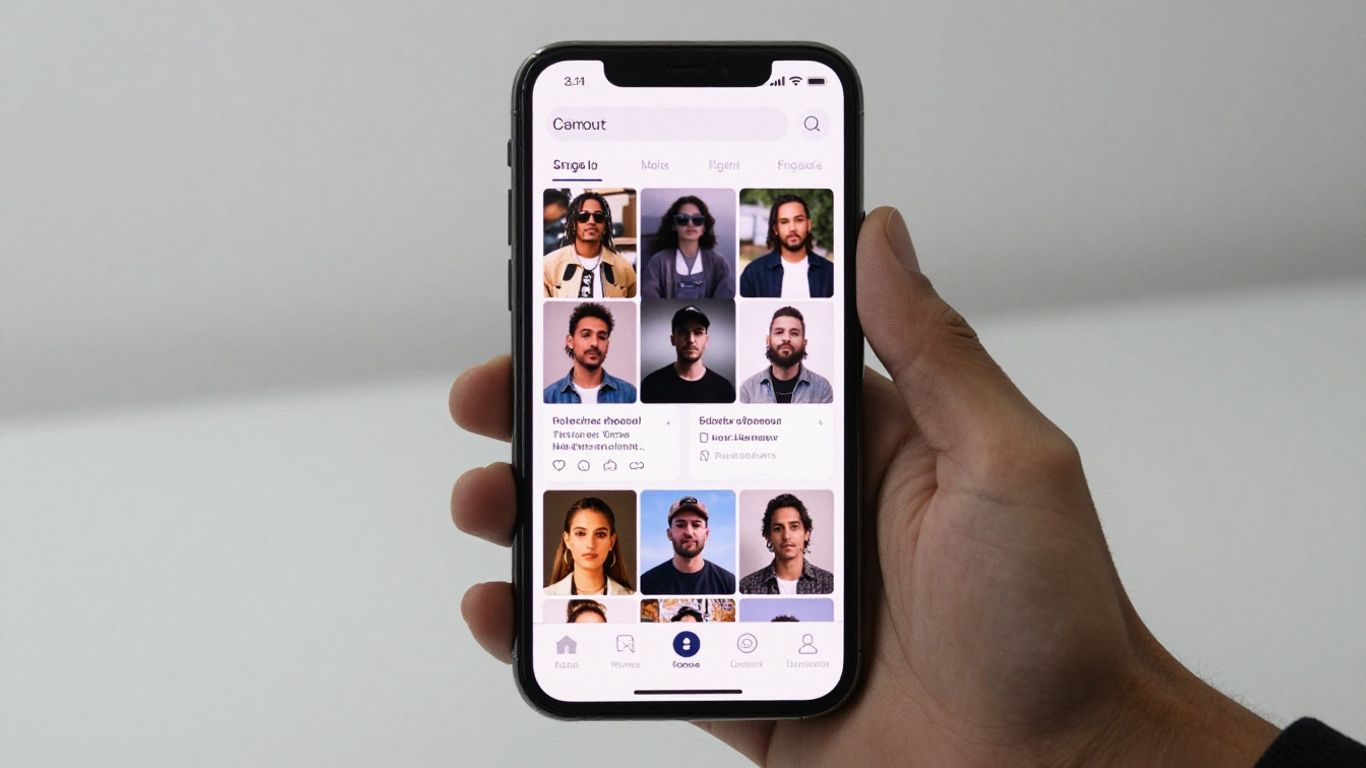
Uploading content involves meeting the technical specifications of your target platform so your video quality doesn’t degrade. Following these standards allows your content to be consumed perfectly on any device.
Configuring vertical aspect ratios for TikTok and Reels
Social media consumption is dominated by mobile, making a 9:16 aspect ratio mandatory for your assets. Designing your scene composition within this frame ensures your key subject, whether an avatar or visual effect, stays centered. For those who study AI music videos, focusing on vertical framing is the primary way to gain traction on short-form feeds.
Adjusting resolutions for native YouTube compatibility
While social platforms favor vertical, YouTube remains the home for horizontal, high-definition content. You should aim for 16:9 resolutions to maintain compatibility with standard desktop players. Learning from AI video generators helps you transition between these aspect ratios without loss of fidelity.
Exporting for high-engagement social media formats
Exporting files in modern, compressed formats keeps file sizes manageable during the upload process while retaining visual punch. Following the best video techniques allows you to deliver high-quality clips to your viewers consistently.
- Check the frame rates for your target platform
- Use standard 1080p resolution for broad compatibility
- Verify that your audio bitrates are high enough for crisp sound
- Review the file type compatibility for each platform
Keeping your export settings standard allows for rapid distribution, enabling you to share your work across multiple networks simultaneously.
Iterating on AI-generated assets for efficiency
Efficiency in this workspace comes from your ability to refine outputs iteratively rather than discarding them entirely. Subtle changes to your input often generate large improvements in the final result.
Adjusting prompts based on specific generation outputs
If the AI generates a visual sequence that doesn’t fit your theme, don’t feel discouraged; modify your prompt. Try adding more adjectives or defining specific movement patterns within the composition to steer the creative output towards success. Your ability to direct these models improves with every iteration, especially when using a tool that offers fine-grained control.
Managing versioning within your AI workspace
Keeping track of your different file versions helps you compare results across multiple runs. Using a consistent naming structure or a platform-native organizer keeps your assets orderly, preventing the confusion that often arises when managing dozens of similar video clips.
Reducing render times by using preview samples
Previewing small segments of your video before generating the full track saves significant amounts of processing power. When you test a short five-second clip, you can determine if the aesthetic is correct before committing to a longer generation. This modular workflow strategy keeps your output moving forward without waiting for full renders that may require later changes.
Expanding your creative output with integrated tools
Expanding your reach means adapting your content for different audiences and styles. Using integrated tools within your workspace turns a single idea into a multi-format campaign.
Scaling production across different musical styles
Applying your established production template across various musical genres forces you to understand how different tempos interact with your visuals. You can pivot between electronic, hip-hop, or acoustic styles by simply swapping your audio file and adjusting the corresponding visual parameters.
Integrating promotional avatars with music tracks
Avatars add a human-like presence to your tracks, which significantly increases audience engagement during promotional segments on social media. By pairing a custom character with your music, you build a recognizable presence that follows your brand across different platforms.
Leveraging workspace ecosystems for batch content creation
Batch producing your music videos during your most creative blocks allows you to maintain a steady stream of content effortlessly. Using tools within the same ecosystem where you create your music lets you maintain a seamless design process that covers everything from song concept to the final, ready-to-share social video.
Conclusion
Setting up an efficient AI music video workflow is about letting technology handle the technical heavy lifting so you can focus purely on your creative vision. By using a unified platform like Creatus.AI to sync your audio and visuals, you can produce professional music videos in a fraction of the time. This modern approach gives you more freedom to experiment, iterate, and share your unique sound with the world.
Frequently Asked Questions
Do I need prior editing experience to use AI video tools?
No prior video editing knowledge is required, as the software automates the most complex aspects of timing and synchronization for you.
How long does it usually take to create one video?
Generating a video depends on the length of your song, but most platform processes provide functional results in just a few minutes.
Can I use my own music files for video generation?
Yes, you can upload existing MP3 or WAV files to generate visuals, or use the tool to compose a song from scratch using text prompts.
Does the quality drop when I change aspect ratios?
High-quality AI platforms scale your visual content intelligently to match different platforms, ensuring consistent resolution whether you post to YouTube or TikTok.
Is it possible to change the visual style after the video is generated?
You can usually change the style settings in your workspace and trigger a new generate pass to update your existing audio track with fresh visuals.
How can I make my AI music video stand out?
Adding your own unique stylistic preferences and experimenting with diverse prompt descriptions will result in more personalized and impactful visuals.
Are there free options available for building these workflows?
Many AI video generators provide free tiers or credit-based models that allow you to build and test your video workflows at no initial cost.