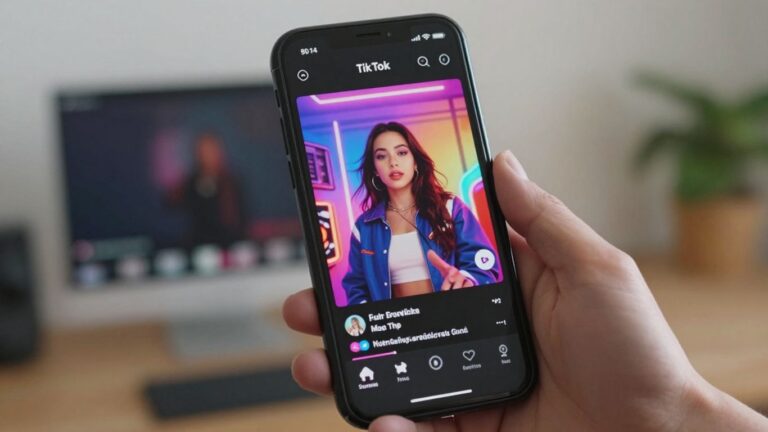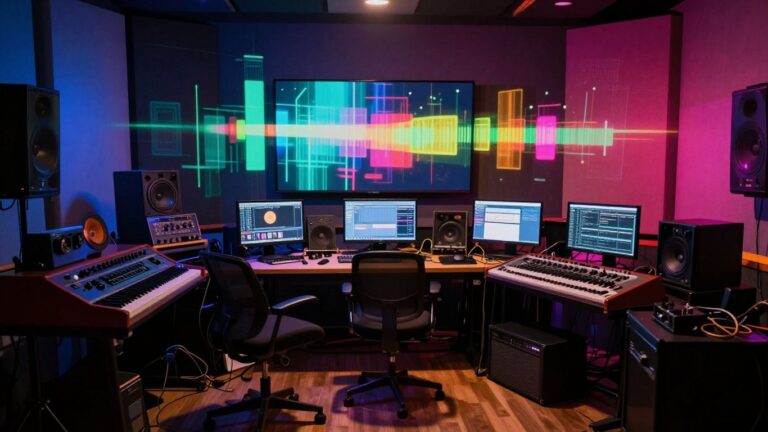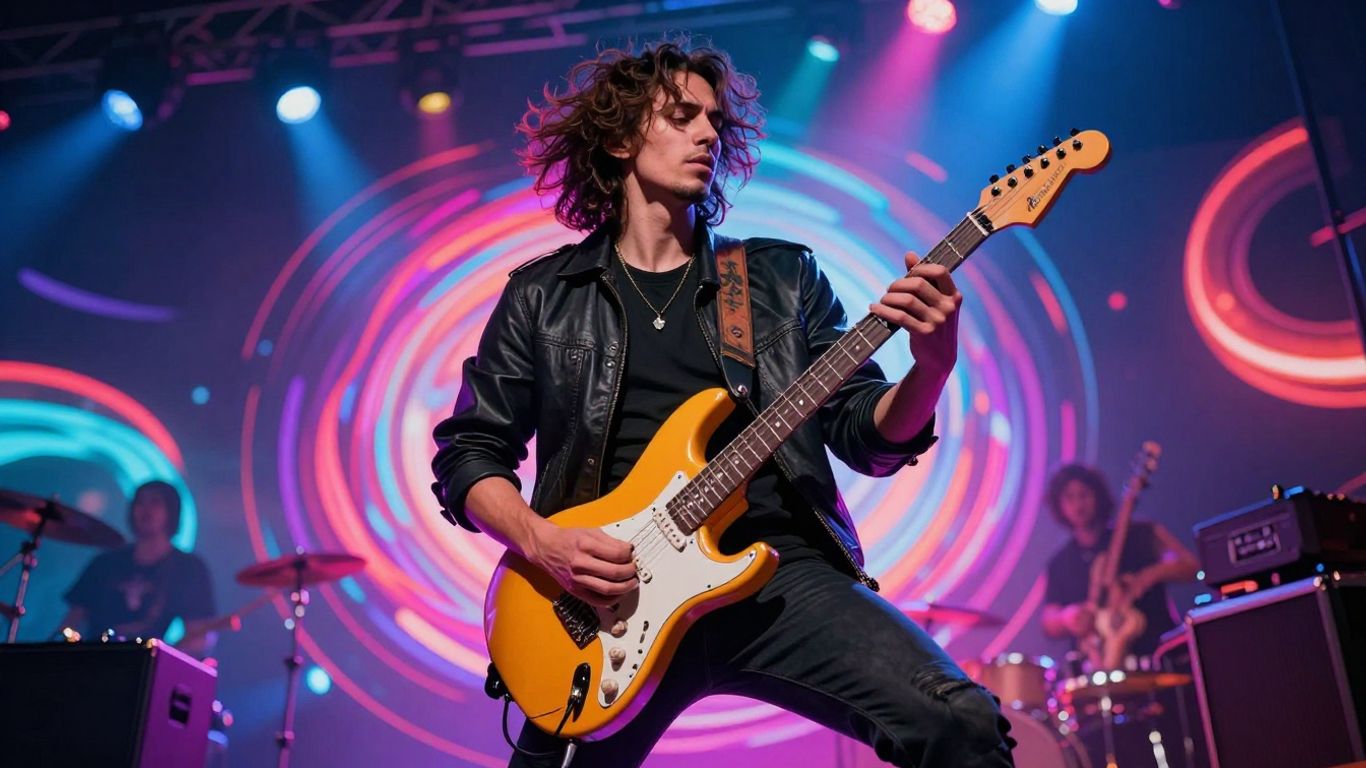
So, you’ve got this killer rock track, right? The riffs are sharp, the drums are pounding, and the vocals are screaming. But how do you get those visuals to match that energy without breaking the bank? You’ve probably heard about AI music video generators, and for rock music, they’re a pretty sweet deal. It’s like having a whole video production team in your computer, ready to turn your sound into something you can actually see. Let’s get into how you can use these tools to make your next ai rock music video.
Key Takeaways
- AI rock music video generators let you create visuals that match your song’s energy without needing a big budget or a film crew.
- These tools can generate a whole song from just text, or turn your existing audio into a video that syncs up perfectly.
- You can pick different visual styles, from gritty performance scenes to abstract animations, to fit your specific rock subgenre.
- The process is way faster than traditional video making, often taking just minutes to generate a full video.
- Many platforms offer a simple workflow: upload your track, choose a style, and let the AI do the heavy lifting, making music videos accessible to everyone.
Understanding The AI Rock Music Video Generator
What Is An AI Rock Music Video Generator?
An AI rock music video generator is a tool that uses artificial intelligence to create visual content for your songs. You give it your music, and it produces a video that matches the mood and energy. It’s designed to make video production accessible, even if you don’t have a big budget or technical skills. Think of it as a digital collaborator that helps bring your rock anthems to life visually.
The Evolution of Music Videos with AI
Music videos have always pushed creative boundaries. Early on, they were simple performance clips. Then came elaborate narratives and experimental visuals. Now, AI is the next step in this evolution. It allows for rapid creation and unique styles that were previously difficult or impossible to achieve. This technology means more artists can create compelling visuals for their music.
Why Rock Music Benefits Most From AI Visuals
Rock music, with its inherent energy and diverse subgenres, is a perfect fit for AI video generation. The genre often demands visuals that are raw, dynamic, and visually striking. AI can capture the intensity of a guitar solo, the power of a drum beat, or the atmosphere of a ballad. It helps match the sonic power of rock with equally impactful imagery, giving every riff and lyric the visual treatment they deserve.
Core Functionality Of AI Music Video Tools
Generating Music From Text Prompts
Some AI tools can actually create the music for you. You just type in what you want – maybe a genre, a mood, or even some lyrics. The AI then whips up an original song, complete with vocals. This means you don’t need to be a musician to have a track to work with. It’s a pretty neat way to get started if you’ve got ideas but no band.
Transforming Audio Into Synchronized Visuals
This is where the magic happens for your existing tracks. You upload your song, and the AI analyzes it. It looks at the tempo, the energy, and the overall vibe. Then, it generates video clips that match the music’s rhythm and feel. The goal is to make the visuals feel like a natural extension of your sound. This process can be surprisingly fast, turning your audio into a visual experience in minutes.
Key Features for Rock Music Production
When you’re making a rock video, certain features really matter. You’ll want tools that can sync visuals tightly to fast guitar riffs and drum beats. Look for options that can create dynamic lighting and energetic cuts, mimicking a live performance feel. Some platforms even offer lip-sync technology to make sure the vocals look right on screen.
Here’s a quick rundown of what to look for:
- Beat-Synced Visuals: The video clips should align perfectly with the music’s rhythm, especially during intense sections.
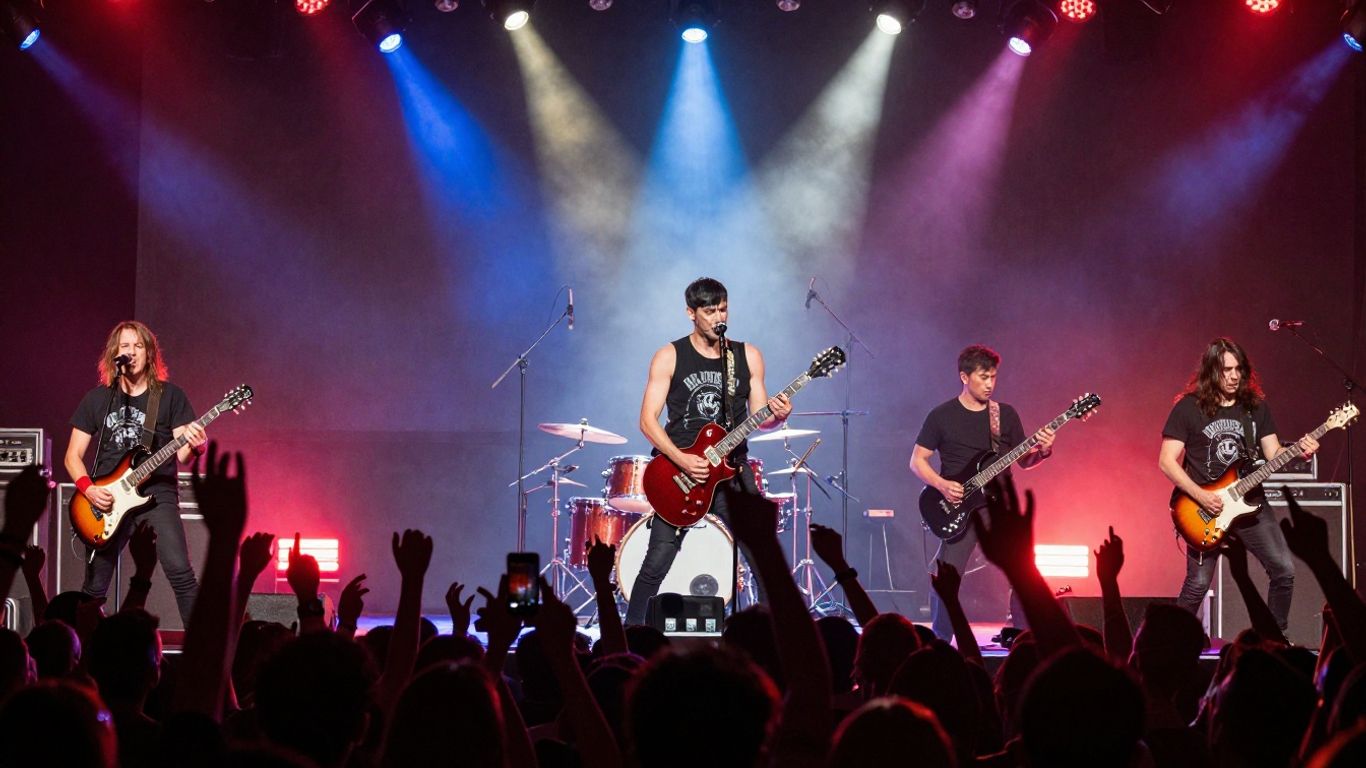
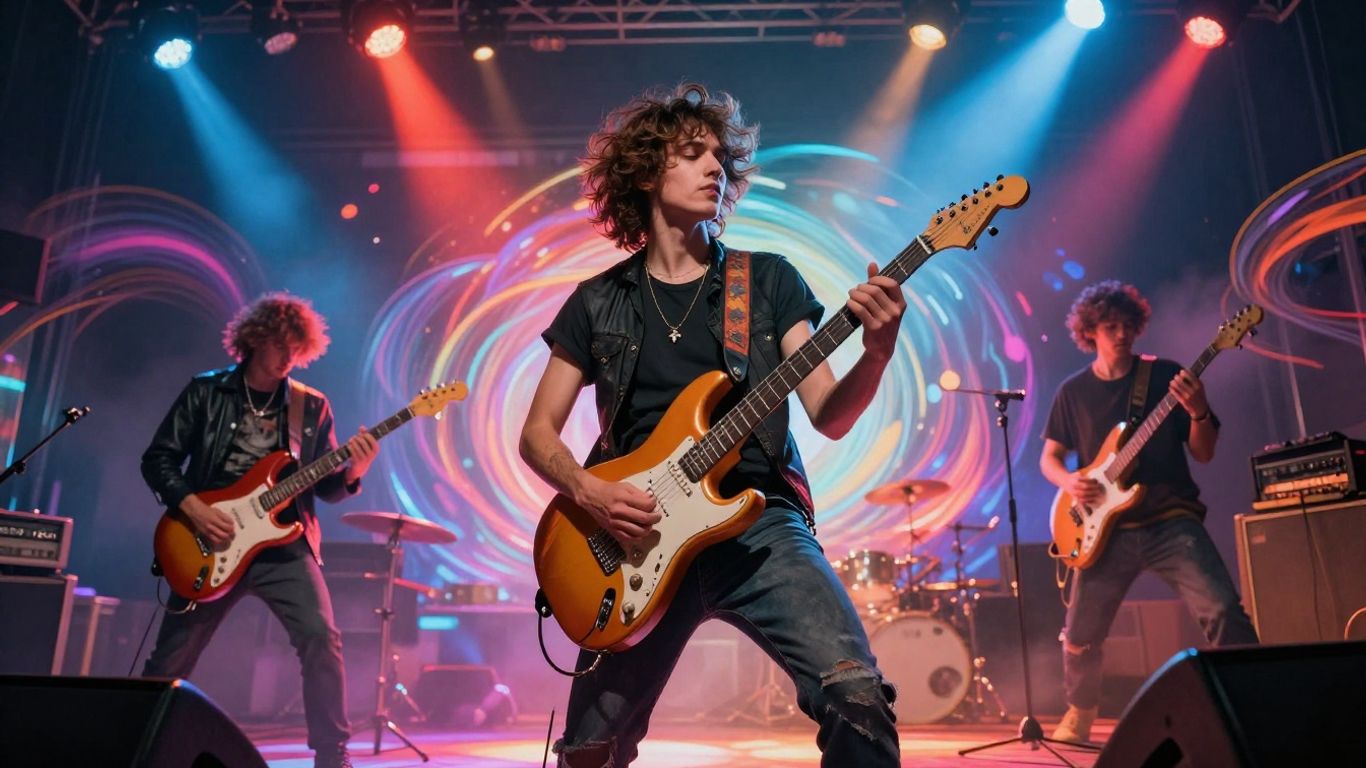
- Performance Simulation: AI can generate convincing stage lighting, crowd reactions, and close-ups of instruments.
- Visual Style Options: Access to styles that fit rock’s diverse subgenres, from gritty punk to epic arena rock.
- Lip-Sync Accuracy: For vocal-heavy tracks, precise mouth movement synchronization is key.
Creating a music video used to involve a lot of gear, a crew, and weeks of work. Now, AI tools can handle much of that heavy lifting. You can get a professional-looking video without needing a huge budget or a film degree. It really opens up possibilities for independent artists.
These tools are designed to simplify the whole process. You can often choose between letting the AI generate the entire video automatically or taking a more hands-on approach by building it scene by scene. This flexibility lets you control the final output without needing complex editing software. You can find platforms that offer a free tier to try them out before committing.
Crafting Your AI Rock Music Video
Preparing Your Rock Track for AI
First things first, get your audio file ready. For the best results with AI, your rock track needs to have some dynamic range. This means a clear difference between the quiet parts and the loud parts. The AI uses these shifts to figure out when to ramp up the visual intensity. Make sure your mix is clean so the AI can easily pick out the different instruments and sections. This helps it sync the visuals more accurately.
Supported audio formats include MP3, WAV, FLAC, AAC, and OGG. You can also paste a link from platforms like Suno, Udio, or YouTube if your track is hosted there. The AI needs a solid audio foundation to build upon.
Choosing The Right Visual Direction
Before you even start generating, think about the vibe you want. What kind of rock video fits your song? You could go for a classic performance video, showing the band rocking out. Or maybe a narrative arc, telling a story that matches the music’s mood. An atmospheric, mood piece works well for instrumental or post-rock tracks. Even a lyric visualization, where scenes illustrate the words, can be powerful for punk or alternative.
Here are a few common directions:
- Performance Video: Focuses on the band playing. AI can create convincing stage setups and lip-syncing.
- Narrative Arc: Tells a story. This requires the AI to match visuals to the song’s emotional journey.
- Mood Piece: Abstract or atmospheric visuals that capture the song’s feeling.
- Lyric Visualization: Scenes that directly illustrate the song’s lyrics.
Defining Visual Style Through Prompts
This is where you really tell the AI what you want. Be specific about the look and feel. Think about the subgenre of rock you’re making. For classic rock, you might want "golden stage lights" and "cinematic 35mm film look." For grunge, maybe "gritty urban decay" and "handheld shaky cam." Mentioning lighting, settings, mood, camera angles, and even film grain helps the AI nail the aesthetic.
Here’s a quick guide to prompt elements:
- Lighting: Harsh stage lights, neon glow, underexposed film.
- Setting: Abandoned factory, rainy city streets, desert highway.
- Mood: Aggressive energy, melancholic tension, euphoric release.
- Camera: Handheld shaky cam, low angle, slow dolly push.
- Texture: 16mm film grain, VHS distortion, clean digital contrast.
The more detail you provide in your prompts, the closer the AI will get to your vision. Don’t be afraid to experiment with combinations of these elements to create a unique look for your rock video.
Reviewing and Refining Generated Content
Once the AI gives you a video, watch it closely with your song playing. Does the energy of the visuals match the music? Do the cuts and transitions line up with the song’s structure? Check if the color palette feels right for your chosen subgenre. The pacing is also important – is it frantic during the loud parts and calmer during the quiet bits?
If a scene isn’t quite right, most tools let you regenerate just that part. You can tweak your prompts or try different visual styles. Keep refining until the video feels like a true extension of your music. Once you’re happy, you can export it in the format you need for sharing online.
Leveraging AI For Specific Rock Subgenres
Visual Aesthetics for Classic Rock and Arena Rock
Classic and arena rock often rely on grand, epic visuals. Think big stages, dramatic lighting, and a sense of spectacle. You can prompt the AI to generate scenes with large crowds, pyrotechnics, and soaring guitar solos. Focus on creating a feeling of power and anthemic energy.
Capturing The Raw Energy of Grunge and Punk
Grunge and punk demand a different approach. These genres thrive on rawness, rebellion, and a DIY aesthetic. Use prompts that suggest urban decay, gritty textures, and fast-paced, almost chaotic editing. The AI can effectively mimic the lo-fi, high-contrast look often associated with these styles. Consider visuals like abandoned buildings, flickering streetlights, and close-ups of instruments being played with intensity.
Creating Atmospheric Visuals for Indie and Post-Rock
Indie and post-rock often lean into atmosphere, mood, and introspection. You’ll want visuals that are more abstract, perhaps incorporating nature, surreal imagery, or slow-motion sequences. Prompt the AI for dreamlike landscapes, subtle color shifts, and a sense of emotional depth. This is where you can experiment with more artistic and less literal interpretations of your music. You can explore tools that allow for more nuanced control over visual style and mood.
Workflow And Output Options
Automatic vs. Scene-by-Scene Generation
AI music video tools offer two main ways to create your visuals. You can go for a fully automatic generation, where the AI interprets your song and creates a video with minimal input from you. This is fast and great for getting a quick result. Alternatively, you can opt for a scene-by-scene approach. This gives you more control, letting you define specific prompts and styles for each part of your song. It’s more hands-on but allows for a more tailored final product.
Supported Audio Input Formats
Most AI video generators accept standard audio files. You’ll typically find support for common formats like MP3, WAV, and AAC. Some platforms might also let you paste a link from other music generation services. This flexibility means you can usually use the audio you already have without much hassle. Always check the specific requirements of the tool you’re using.
Exporting For Multiple Platforms
Think about where you’ll share your video before you export. Different platforms have different needs. YouTube prefers widescreen (16:9), while TikTok and Instagram Reels are built for vertical (9:16). Many AI tools allow you to export in multiple aspect ratios, so you can easily adapt your video for each platform. This step is key to making sure your rock anthem looks its best everywhere.
Getting your video ready for different platforms is a small step that makes a big difference. A video optimized for YouTube might not work well on a vertical-first platform like TikTok. Tailoring your final cut for each place you plan to share it will help your content connect better with audiences.
| Platform | Ideal Aspect Ratio | Optimal Length | Key Engagement Tip |
|---|---|---|---|
| YouTube | 16:9 (Horizontal) | 2-4 minutes | Strong hook in first 15 seconds; custom thumbnail. |
| Instagram Reels | 9:16 (Vertical) | 15-90 seconds | Trending audio, on-screen text/captions. |
| TikTok | 9:16 (Vertical) | 15-60 seconds | Fast cuts, engaging visuals, use of popular sounds. |
| 16:9 or 1:1 | 1-3 minutes | Clear call to action, shareable content. | |
| Twitter (X) | 16:9 or 1:1 | Under 2 minutes | Concise message, eye-catching visuals. |
The Competitive Landscape For AI Music Videos
Integrated Song and Video Generation Platforms
Some platforms aim to be your one-stop shop, handling both the music creation and the video output. These tools often combine text-to-song capabilities with audio-to-video generation. This means you can start with a simple text prompt and end up with a complete song and its accompanying music video, all within the same interface. Creatus.AI stands out here, offering a two-in-one workflow that avoids switching between different applications. This integrated approach simplifies the entire production process for creators.
Specialized Audio-to-Video AI Tools
Other tools focus solely on the visual side, taking your existing audio track and transforming it into a music video. These platforms often provide more granular control over the visual elements and how they sync with your music. You’ll find options like Neural Frames, which offers a frame-by-frame editor and timeline control for precise adjustments. Freebeat and Revid.ai also fall into this category, specializing in beat-synced video generation and offering features like lyric captions. These are great if you already have your song ready to go.
AI Songwriting Competitors Without Video Features
Then there are the AI music generators that excel at creating original songs but don’t offer any video production capabilities. Tools like Suno and Udio are leading the charge in this space, producing high-quality tracks from text prompts. While they are fantastic for songwriting, you’ll need to pair them with a separate AI video tool to get your visuals. This approach gives you maximum flexibility in choosing your video generation software, but it does require managing multiple platforms. You can find a roundup of these AI tools for content creators to get a feel for the landscape.
Real-World AI Rock Music Video Examples
You’ve seen how AI can generate visuals, but how is it actually being used in rock music videos today? Artists are already experimenting, proving that AI isn’t just a futuristic concept; it’s a tool you can use right now. These examples show the range of what’s possible, from refreshing old footage to creating entirely new visual worlds.
Breathing New Life Into Archival Footage
AI can take classic band footage and give it a modern, yet respectful, update. Think of Queen’s "The Night Comes Down." AI was used to process archival images from the band’s early days, making them feel fresh for a new release. This approach respects the original aesthetic while introducing a new visual dimension. It shows you can honor a band’s history with AI.
Hybrid Approaches: AI and Traditional Media
Many artists aren’t going fully AI. Instead, they’re blending AI-generated clips with live-action footage or animation. Linkin Park’s "Lost" is a great example. It mixes anime-style scenes, band footage, and AI visuals. This hybrid method creates a unique visual language that feels both familiar and innovative. You can combine your own filmed performances with AI elements for a richer story.
Groundbreaking AI Animation in Rock Videos
Some artists are pushing the envelope with purely AI-generated animation. Periphery’s "Atropos" used AI to create abstract, morphing environments that amplified the song’s themes. The director generated thousands of images using prompts and then pieced them together. This took about 30 days of work, showing that detailed AI animation requires significant effort but can yield stunning results. You can explore tools like LTX Studio for cinematic output, but remember that complex AI animation often involves a dedicated workflow.
Want to see how AI is shaking up rock music videos? We’ve gathered some awesome real-world examples that show off what’s possible. These videos prove that AI isn’t just for sci-fi anymore; it’s here and making cool music visuals. Ready to be inspired? Check out these amazing AI-powered rock music videos on our website today!
Wrapping It Up
So, you’ve seen how AI can take your rock riffs and turn them into full music videos. It’s not about replacing your creative spark, but giving you a new way to get your music out there visually. Tools like Creatus AI Music Video Generator let you go from a song idea to a finished video without needing a big budget or a film crew. You can make tracks and then instantly turn them into visuals that fit different social platforms. It’s a practical way to keep up with how people discover music today, especially with short-form video being so big. Give it a try and see what you can create.
Frequently Asked Questions
What exactly is an AI rock music video generator?
Think of it like a super-smart digital artist that helps you make a music video for your rock song. You give it your song, maybe tell it what kind of vibe you’re going for, and it creates cool visuals that go along with the music. It’s like magic for making your rock anthems look as awesome as they sound, without needing a big film crew.
Can I use this if I’ve never made a music video before?
Absolutely! These tools are designed for people like you. You don’t need to know anything about cameras, editing software, or fancy video tricks. You just need your rock song and an idea of what you want it to look like. The AI handles the hard stuff, making it super easy to get a professional-looking video.
How does the AI know what visuals to create for my rock song?
It’s pretty clever! The AI listens to your music. It picks up on things like the beat, how loud or quiet parts are, and the overall energy. It can even tell if it’s a heavy guitar riff or a softer moment. Then, it matches those musical cues with different visual styles, colors, and movements to make the video feel just right for your rock track.
What if I want the video to tell a specific story or have a certain look?
You’re in control! While the AI can generate a video automatically, you can also guide it. You can often type in specific ideas, like ‘a dark, rainy city street’ or ‘a chaotic mosh pit,’ to help shape the visuals. Some tools even let you pick different styles, like ‘grungy’ or ‘psychedelic,’ to get the exact look you want for your rock video.
Can I use my own rock song, or do I have to use the AI to make the music too?
You have options! Many AI music video generators let you upload your own finished rock song. Others might even help you create the song itself from text prompts, and then turn that AI-generated song into a video. So, whether you’ve already got your killer riff recorded or you’re starting from scratch, you can probably make it work.
Will the AI video look like a real rock music video?
It can get surprisingly close! The best AI tools are getting really good at capturing the energy, attitude, and visual styles that make rock music videos iconic. They can create intense performance scenes, atmospheric landscapes, or even abstract visuals that perfectly match the power of your guitar solos and drum beats. It’s a fantastic way to get that professional rock video feel without the huge cost.