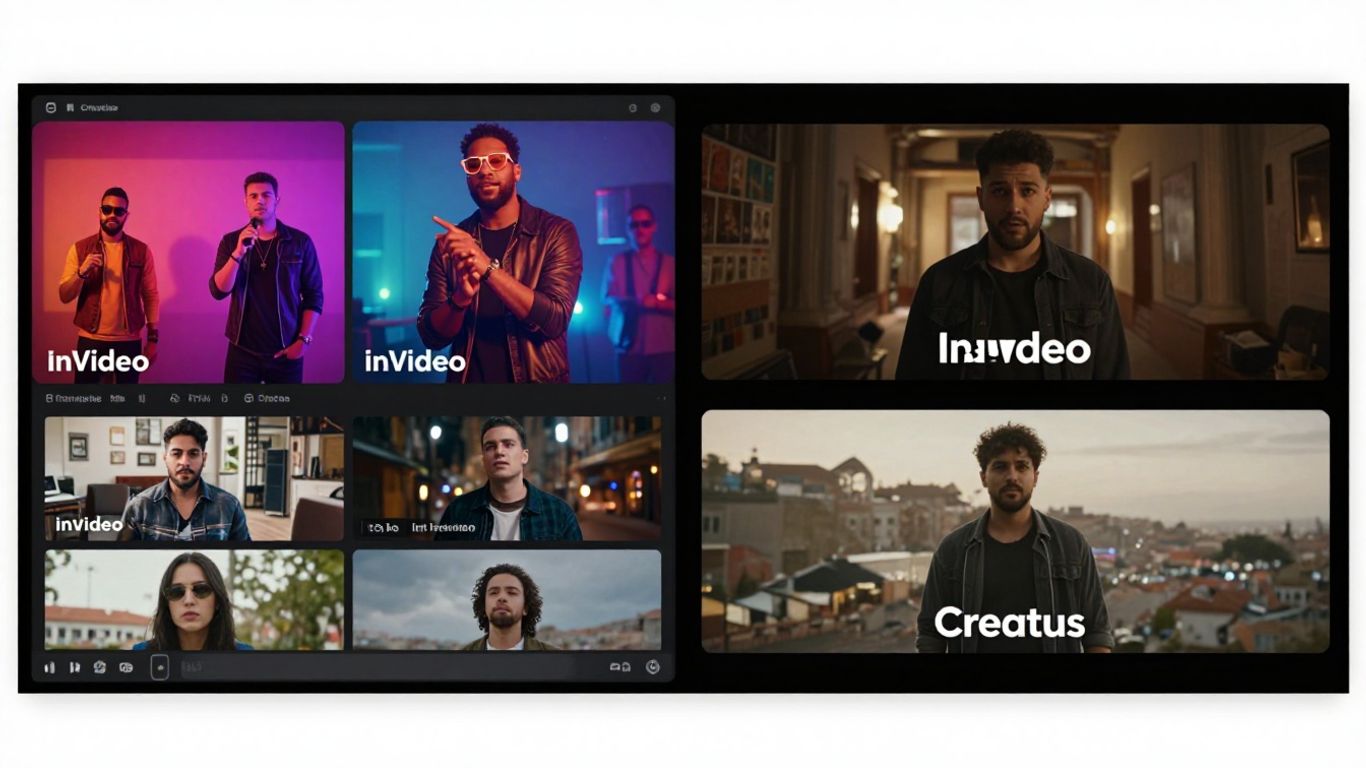
Thinking about making a music video with AI? You’ve probably heard of a couple of tools, like InVideo and Creatus. They both promise to help you create visuals for your music, but they do it in pretty different ways. Let’s break down invideo vs creatus to see which one might be the better fit for what you’re trying to do. You might be surprised at how much ground AI can cover for music video creation these days.
Key Takeaways
- Creatus is your all-in-one solution, letting you generate a song from text and then turn that song into a music video, all within the same platform. No need to jump between different apps.
- If you already have a song, Creatus can take your audio file and create a music video that syncs up with the music’s tempo and mood.
- InVideo is more of a general video editor that can also create music videos. It’s great for quickly generating video content from text prompts and then making edits with simple commands.
- For independent musicians or creators on a budget, Creatus offers a unique advantage by handling both the music and video creation process, which can save a lot of time and money.
- While InVideo is versatile for various video needs, Creatus is specifically designed for the music creation to music video workflow, making it a more focused choice if that’s your primary goal.
Core Functionality: InVideo vs. Creatus
When you’re looking to create music videos, understanding what each tool actually does is key. Both InVideo and Creatus offer ways to get visuals for your music, but they approach it differently.
Creatus: Integrated Song and Video Creation
Creatus is built as a two-in-one solution. You can start with just a text idea, and it will generate an original song, complete with AI singing vocals. After you have your track, you can then use the same platform to create a music video that syncs with your audio. This means you don’t have to switch between different software to get your song and its visuals done. It’s designed to take you from a simple concept all the way to a finished music video in one go.
InVideo: General Video Editing with Music Capabilities
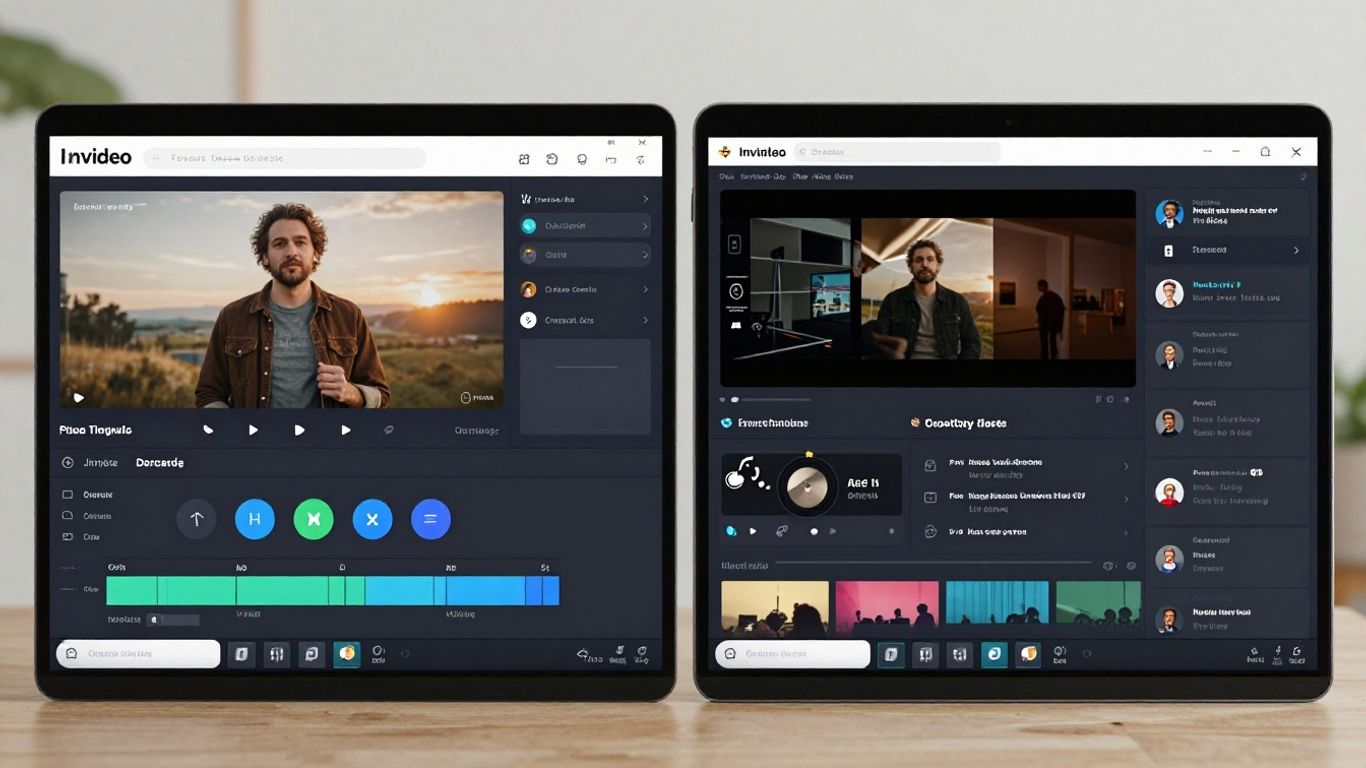
InVideo, on the other hand, is more of a general video creation tool that includes features for music videos. Its strength lies in using text prompts to generate video scripts and then finding stock footage to match. You can add music, voiceovers, and text to these generated videos. While it can certainly be used for music videos, it doesn’t generate the music itself. You’ll need to provide your own audio track. Think of it as a powerful editor that can assemble visuals for your existing music, rather than a tool that creates both the song and the video from scratch. This makes it a versatile option if you already have your music ready to go and just need to visualize it, perhaps for platforms like TikTok or YouTube Shorts. You can even use it to create faceless videos quickly.
Workflow and Ease of Use
Creatus: Single Platform for Music and Visuals
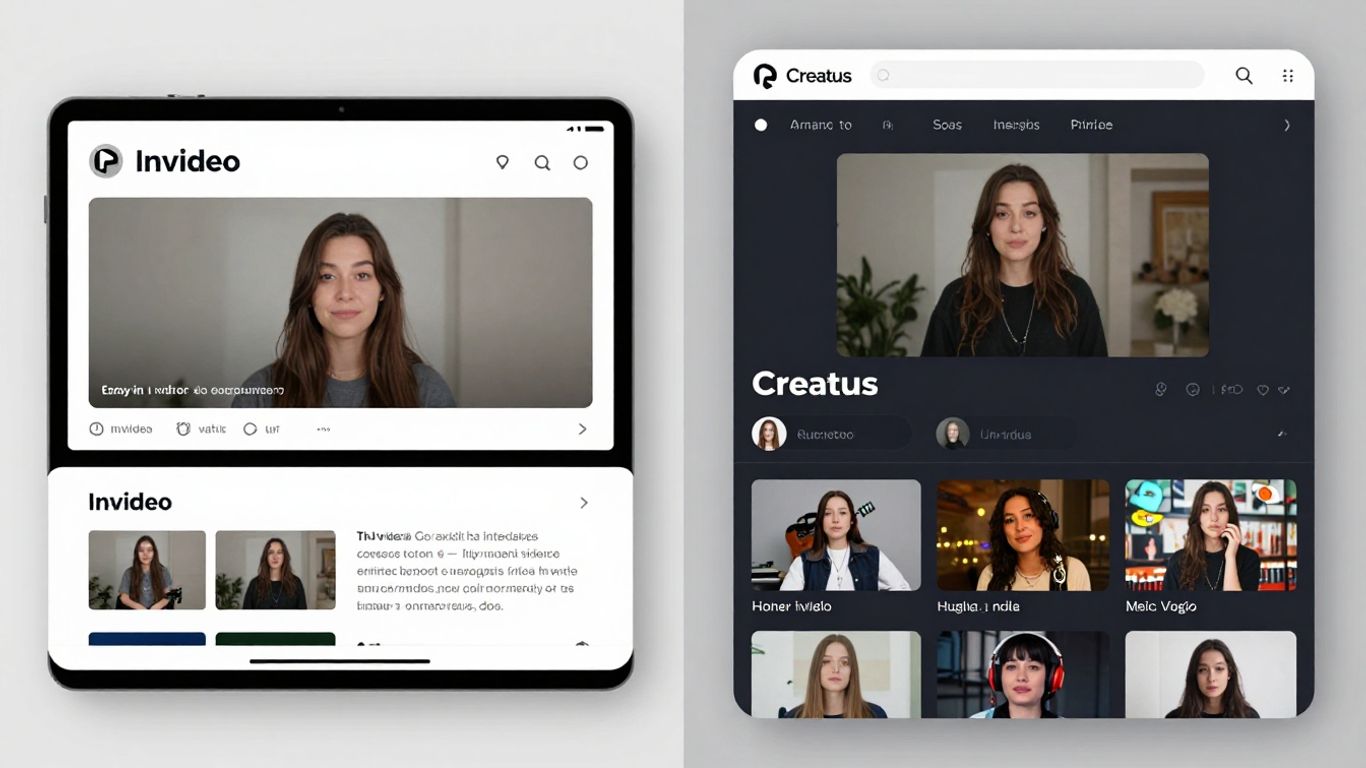
Creatus aims to keep everything in one place. You start with a song idea, generate the music, and then create the video, all without leaving the platform. This means you don’t have to jump between different apps to get your music video done.
It’s designed for people who want a straightforward process. You write your song idea, let the AI handle the music and vocals, and then pick a style for your video. The whole workflow is built to be simple, from text prompt to final video.
InVideo: Prompt-Based Editing for Quick Adjustments
InVideo works a bit differently. You can use text prompts to generate a video, and it pulls in stock footage to match. The real time-saver here is its prompt-based editing. After the video is made, you can just type what you want to change.
For example, you can tell it to "add subtitles" or "change the background music." The AI then makes those adjustments for you. This makes tweaking your video much faster than traditional editing methods. It’s great for quick edits and getting content out fast.
Both platforms aim to simplify video creation, but they approach it from different angles. Creatus focuses on an integrated song-and-video workflow, while InVideo excels at rapid video generation and AI-driven text-based modifications.
Input and Output Options
Creatus: Text-to-Song and Audio-to-Video Support
Creatus lets you start with just a text prompt. You can describe the genre, mood, or even provide lyrics, and the AI will generate a complete song with vocals. If you already have your own audio track, you can upload it directly. The platform supports common formats like MP3 and WAV for your existing music.
InVideo: Text Prompts for Video Generation
InVideo focuses on generating video content from text descriptions. You provide a prompt, and it creates visuals to match. While it has music capabilities, its core strength lies in turning text ideas into video sequences. You can then add music to these generated videos.
Supported Export Formats Across Platforms
Both platforms understand that your music video needs to fit various social media and video platforms. You can export your final creations in multiple aspect ratios. This includes vertical 9:16 for TikTok and Reels, square 1:1 for Instagram feeds, and standard 16:9 for YouTube and other platforms. This flexibility means your video is ready for wherever you plan to share it. You can check out Content Creatures for examples of diverse video formats.
Key Differentiators in Music Video Creation
Creatus’s Two-in-One Advantage
Creatus really stands out because it lets you do two big things in one place: make a song and then make a video for it. You can start with just text, describe what you want the song to be like, and Creatus will generate the music with AI vocals. Then, you can take that song, or any audio you already have, and turn it into a music video.
This means you don’t have to jump between different apps or pay for separate services to get your music and visuals done. It’s a single workflow from idea to finished music video. This integrated approach saves you time and hassle, which is a big deal when you’re trying to get your music out there.
InVideo’s Versatility Beyond Music Videos
InVideo is more of a general video creation tool that also handles music videos well. Its main strength is how easy it is to use, especially with its prompt-based editing. You can give it text instructions, and it will generate video clips, find stock footage, and put it all together.
This makes it super flexible. While it can create music videos, you can also use it for all sorts of other video projects, like social media clips or explainer videos. If you need a quick video for almost any purpose, InVideo can probably do it. It’s not locked into just music, which gives you more options for your content creation needs.
Target Audience and Use Cases
Ideal Users for Creatus
Creatus is built for musicians and creators who need to produce music videos without a big budget or a professional crew. If you’re an independent artist, a producer sharing beats, or a content creator making short-form videos for platforms like TikTok or Instagram Reels, this tool is for you. It simplifies the entire process, letting you go from a song idea to a finished video all in one place. You can even generate original songs with AI vocals, which is a huge plus if you don’t have a track ready.
Who Benefits Most from InVideo for Music Videos
InVideo shines when you need a more general video editing solution that can also handle music videos. It’s great for content creators who already use InVideo for other projects and want to add music video capabilities. If you’re looking for a tool with a wide range of templates and easy-to-use editing features, InVideo is a solid choice. It’s particularly useful for quick adjustments and making videos that fit various social media formats, even if music video creation isn’t its sole focus. You can use it to create promotional clips or lyric videos without needing advanced editing skills.
Both platforms aim to democratize music video creation, but they cater to slightly different needs. Creatus offers a more integrated, music-first approach, while InVideo provides broader video editing flexibility with music video features.
Pricing and Accessibility
Creatus: Free Tier and Paid Plans
Creatus offers a free tier, which is great for trying out its combined song and video creation features. You get a certain number of credits to experiment with, letting you generate a few songs and music videos. This is perfect for getting a feel for the platform without any initial cost. If you find yourself needing more, Creatus has paid plans that offer significantly more credits and access to advanced features.
InVideo: Free Plan Limitations and Upgrade Options
InVideo also provides a free plan, allowing you to explore its video editing capabilities, including adding music. However, the free version often comes with limitations like watermarks on your videos or restricted access to premium templates and features. To remove these restrictions and get the most out of InVideo for professional-looking music videos, you’ll need to consider upgrading to one of their paid subscriptions. These plans unlock higher export quality and a wider range of tools for your projects.
Wondering about the cost and how easy it is to get started? We’ve made sure our tools are affordable and simple to use for everyone. Dive into the details and see how you can begin creating amazing content today by visiting our website!
So, Which One Should You Pick?
Alright, let’s wrap this up. If you’re looking to go from a simple text idea straight to a finished song and a music video without jumping between different tools, Creatus is your go-to. It’s built for that exact workflow, handling both the music creation with AI vocals and the video syncing all in one place. You don’t need to be a pro musician or a video editor to get something decent out of it. On the other hand, if you already have your audio track and just need to slap some visuals onto it, or if you’re more focused on the video editing side with more control, you might look at other options. But for that all-in-one, idea-to-music-video package, Creatus really simplifies things. Give it a try and see if it fits what you’re trying to do.
Frequently Asked Questions
What’s the main difference between Creatus and InVideo for making music videos?
Creatus is like a one-stop shop specifically for music videos. It can create the song *and* the video from your ideas, all in one place. InVideo is more of a general video maker that can also do music videos, but it’s not its main focus. Think of Creatus as a specialized tool and InVideo as a versatile one that can handle music videos among many other things.
Can I make a song and a music video with Creatus if I don’t know how to sing or edit?
Absolutely! Creatus is designed for people without music or video experience. You just type in your song idea, and its AI creates the music with singing vocals. Then, you can turn that song into a music video with the AI. No complex skills needed!
How does InVideo help with making music videos if it’s a general video editor?
InVideo uses AI to help you create videos quickly. You give it text prompts, and it can generate video clips, find stock footage, and add music. What’s cool is its ‘prompt-based editing’ – you can just type commands like ‘add subtitles’ or ‘change the music,’ and the AI will make those changes for you, making it easy to tweak your music video.
Which tool is better if I already have my song and just need a video for it?
If you already have your song, both tools can help, but they work differently. Creatus lets you upload your audio and it will create a video synced to it. InVideo can also take your audio and build a video around it using its editing features. You might find InVideo’s prompt-based editing useful for making quick adjustments to an existing video concept.
Are there free options for making music videos with these tools?
Yes, both Creatus and InVideo offer free plans to get you started. Creatus lets you try its song and video creation. InVideo’s free plan allows you to create videos, but keep in mind there might be limitations on things like video length, watermarks, or how many AI features you can use.
What kind of videos can I make and export with Creatus?
Creatus is great for making videos that fit different social media platforms. You can export your music videos in formats like 9:16 (perfect for TikTok, Reels, and Shorts), 1:1 (good for Instagram feeds), and 16:9 (standard for YouTube).