So, you’re looking to make a music video with AI, huh? It’s pretty wild how much these tools can do now. You can go from a simple idea to a full-blown video without needing a film crew or a huge budget. But with so many options out there, figuring out what is the best AI music video tool for you can be a bit much. Let’s break down some of the top contenders to help you pick the right one for your next project.
Key Takeaways
- Creatus AI Music Video Generator stands out because it’s a two-in-one tool, handling both song creation from text and turning audio into video, all in one place.
- Neural Frames is praised for its audio-reactive visuals and an ‘Autopilot’ mode that can create a full music video from your track quickly, making it great for beginners.
- Vidnoz offers a free option for AI music videos with various singer and style choices, though there are limits on clip length and watermarks in the free version.
- Kaiber provides a creative canvas with multiple AI models and tools, allowing for stylized artistic loops and editing, with options for both automated and precise control.
- TopMediai focuses on creating music videos from photos and audio, offering features like storyboard previews and theme customization, though it might give you less control over the final video output.
1. Creatus AI Music Video Generator
Creatus AI Music Video Generator is a pretty neat all-in-one package. It lets you create both the song and the music video, all within the same platform. You don’t need to jump between different apps or services, which is a big time-saver.
If you’ve got a song idea, you can type it out – think genre, mood, even lyrics – and the AI will whip up an original track with vocals. Or, if you already have your audio, you just upload it. The tool then analyzes your music’s rhythm and feel to generate a video that matches.
This integrated approach is its main selling point. You get a complete workflow from initial concept to a finished music video, ready for sharing. It handles different video formats too, so you’re covered whether you’re posting to TikTok, Instagram, or YouTube.
Here’s a quick look at what it offers:
- Text-to-Song Generation: Describe your song idea, and the AI creates it with vocals.
- Audio-to-Video Production: Upload your track, and the AI builds a synced video.
- Multiple Visual Styles: Choose from cinematic, animated, abstract, and more.
- Flexible Export Options: Get videos in 9:16, 1:1, or 16:9 formats.
It’s designed to be straightforward, meaning you don’t need to be a music producer or video editor to get decent results. Plus, there’s a free tier, so you can try it out without any commitment.
Creatus aims to simplify the entire process, making it accessible for independent artists and creators who might not have the budget for traditional production.
2. Neural Frames
Neural Frames is a solid choice if you want to turn your music into visuals without a lot of fuss. It’s designed to be pretty straightforward, letting you create AI animations and music videos just by typing in what you want.
This tool really shines when it comes to making content specifically for music videos. You can get a full music video done in under 10 minutes using their "Autopilot" feature. It’s built to sync up with your audio, making sure the visuals match the rhythm and feel of your song. This makes it a great option for musicians and producers who need professional-looking videos quickly.
One of the standout features is its audio-reactiveness. Unlike some other tools, Neural Frames actually analyzes your music stems to drive the animation. This means the video reacts to specific frequencies in your track, giving you a truly synchronized experience. You can also keep characters consistent across different scenes, which is a big plus for storytelling.
Neural Frames offers several video techniques, including classic dynamic scenes, lyric videos with automated text sync, and even lip-sync videos where a character matches your vocals. You get to choose from over 12 visual styles or upload your own reference images to guide the AI. They also support different AI models like Kling and Runway.
Here’s a quick look at what you can do:
- Create music videos in under 10 minutes with Autopilot.
- Generate lyric videos with automatic text synchronization.
- Maintain consistent characters throughout your video.
- Produce lip-sync videos that match your vocals.
- Choose from 12+ visual styles or use your own reference images.
The platform breaks down your video into scenes and clips, allowing you to edit each one individually. You can tweak prompts, adjust motion, cut unwanted parts, or even regenerate specific clips. This level of control after the initial render is quite useful.
Pricing starts with a free trial, and paid plans begin at $19 per month, offering more video generation time and features like upscaling. You can explore their free trial to see if it fits your workflow before committing to a subscription.
3. Freebeat
Freebeat is an AI music video maker that also dabbles in song generation. It’s designed to make the process of creating visuals for your music straightforward.
One of its standout features is the "AI director." You can let it plan shots and pacing automatically, which is great if you’re not sure where to start. It also offers specific modes like story and stage performance, giving you different vibes to choose from. The lip-syncing capability is pretty impressive for an AI tool.
While it can generate songs, its strength really lies in the video creation side. If you’re looking for a tool that handles the visual synchronization well, Freebeat is worth checking out. You can get a feel for its capabilities with a free tier, though it has limitations compared to paid plans. It’s a solid option for creators who want to sync visuals to their audio without a steep learning curve. You can explore more about its features and see if it fits your workflow. Check out Freebeat’s features.
Here’s a quick look at what Freebeat offers:
- Lip-sync singing: Makes your generated singer appear to match the lyrics.
- Story/Stage Performance Modes: Provides distinct visual styles for your video.
- Storyboard Editing: Allows for some manual control over the video’s flow.
- AI Director: Automates shot selection and pacing for easier creation.
Freebeat aims to simplify the music video creation process by automating many of the technical aspects. It’s a good choice if you want to quickly get visuals for your tracks without needing extensive editing knowledge.
4. Vidnoz
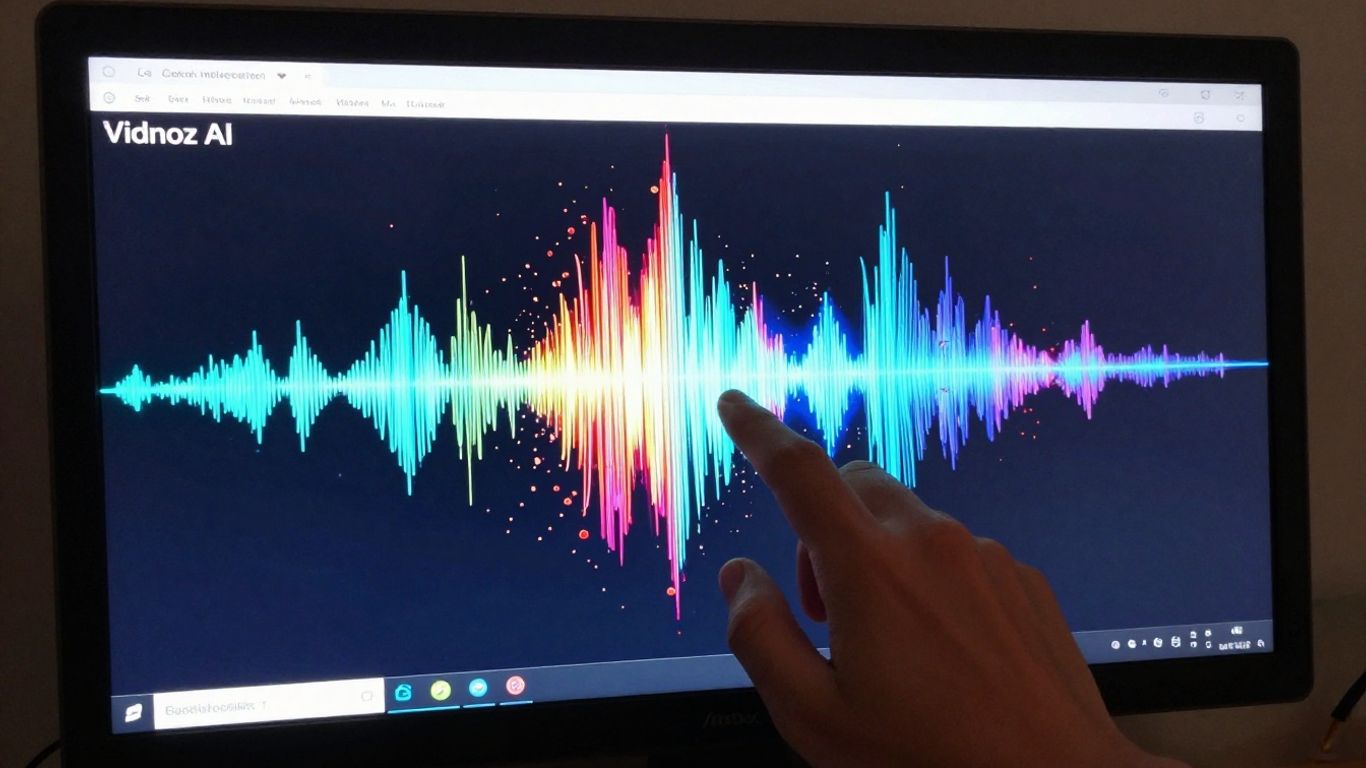
Vidnoz positions itself as a free AI music video generator, which is a pretty good starting point if you’re just dipping your toes into this. You get a few different singer and avatar options to play with, plus you can pick from various styles.
It’s definitely user-friendly, especially if you’re not looking to spend money upfront. The free tier lets you create clips, but there’s a limit to how long they can be – usually around a minute. You’ll also find a watermark on anything you export from the free version.
Vidnoz is best for quick, free video generation with avatar options.
Here’s a quick look at what you get:
- Avatar Variety: Choose from different AI-generated singers or avatars.
- Style Selection: Pick a visual style that fits your music.
- Free Tier: Access basic features without paying.
While it’s great for getting started, don’t expect super complex editing or unlimited video length on the free plan. It’s a solid option for simple projects or testing out ideas without commitment.
5. Revid.ai
Revid.ai started out with a focus on creating viral TikToks, but it’s grown into a more flexible platform. It’s a good option if you’re looking for a tool that can help you repurpose existing content into engaging videos.
This platform offers several templates to get you started. You can turn long videos into short clips, or transform audio, Reddit posts, and even articles into video formats. They also have a ‘Cinematic style’ option for more narrative storytelling.
Revid.ai also includes AI talking avatars, similar to tools like Synthesia. This lets you create consistent characters to use across multiple videos. If you’re planning your content calendar, you can keep track of scheduled posts right within the platform, which helps streamline your workflow.
Revid.ai is particularly useful for generating short-form content quickly. While it might not offer the same level of creative control as some other tools, its speed and repurposing features make it a practical choice for social media.
Here’s a look at some of its key features:
- Content Repurposing: Transforms various content types (audio, articles, long videos) into shareable video snippets.
- AI Talking Avatars: Create and reuse consistent digital presenters for your videos.
- Social Media Focus: Tools designed for generating content suitable for platforms like TikTok and Instagram.
- Content Scheduling: Manage your planned posts directly within the interface.
While Revid.ai can produce decent results, don’t expect groundbreaking creativity every time. It’s more about efficient content transformation than pure artistic generation. You’ll need to experiment to find what works best for your specific needs.
6. TopMediai
TopMediai is a tool that focuses on creating AI music videos primarily from photos and audio. It’s a good option if you have existing images or a storyboard you want to bring to life with music.
You can upload your photos and let the AI generate a video, with some options for customizing themes. It also offers a preview of your storyboard before you commit to rendering the final video.
The main strength here is its photo-to-video capability. However, you might find it offers less granular control over the final video output compared to other, more advanced tools. It’s a straightforward approach for getting visuals tied to your audio.
7. Kaiber
Kaiber offers a creative canvas where you can blend multiple AI tools for generating visuals. It’s designed to be an all-in-one workspace, letting you organize your entire project, from images to video workflows, in one expansive area. You can access various AI models for both video and image generation.
One of Kaiber’s standout features is its Beat Sync tool. You upload your music, and the tool automatically syncs video transitions to your song’s BPM. This can save you a lot of manual editing time. They also provide templates like ‘High Energy’ for quick cuts or ‘Cinematic’ for a more dramatic feel.
Kaiber also lets you train your own AI models. This means you can capture and reuse your unique artistic style across different projects. You can experiment with different visual styles and blend reference images to create new concepts directly on their canvas. This level of customization is great for developing a consistent brand or aesthetic.
For those who prefer a more hands-on approach, Kaiber includes a professional video editor. This editor offers both the automated Beat Sync mode and a traditional timeline editor for precise frame-by-frame adjustments. You can also find templates that help you pick a specific vibe, like ‘Cyberpunk’ or ‘Oil Painting,’ and apply it instantly. This makes it easy to get a desired look without complex prompting. You can share your experience with Kaiber Superstudio by leaving a star rating.
Kaiber provides different pricing options, including monthly subscriptions starting at $15 or credit packs. This makes it accessible for creators at various budget levels. The platform has been used for professional music videos, including Linkin Park’s "Lost" and Grimes’ Coachella performance.
8. Plazmapunk
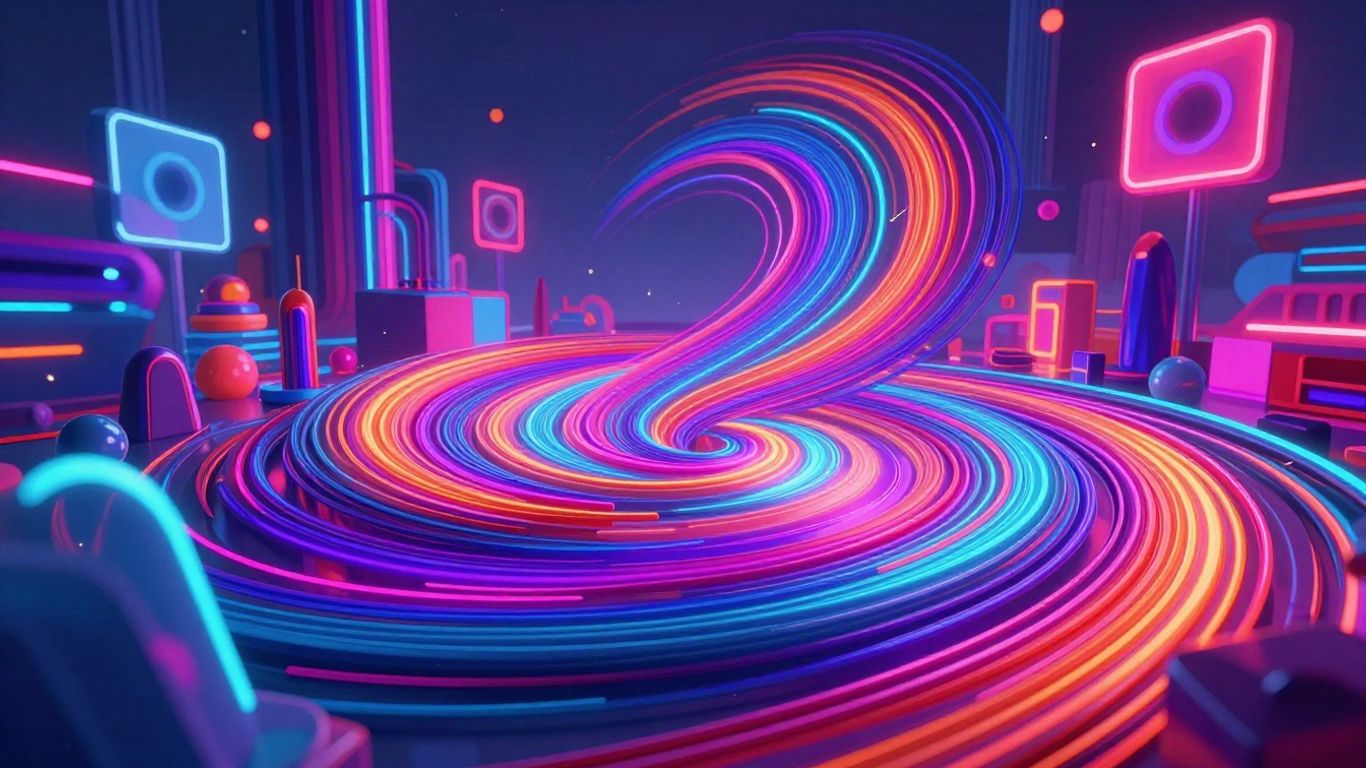
Plazmapunk is designed for those who want a truly intense visual experience with their music. This tool focuses on creating dynamic, motion-filled videos that feel almost overwhelming, in a good way. It’s not about telling a story with clear scenes; it’s about sensory overload that matches high-energy tracks.
This platform uses multiple AI models, including Kandinsky and Stable Diffusion XL, giving you a range of styles to play with. You can even script out scenes if you have a specific vision in mind. If you’re looking for something that pushes the boundaries of visual intensity, Plazmapunk is worth checking out.
It’s a niche tool, but for the right song, it can produce something truly unique. While it might have a smaller user base compared to some others, its focus on audio-reactive visuals makes it stand out for certain genres. You can explore different AI models to see what kind of visual flair they bring to your music.
9. MakeSong
MakeSong is a newer player in the AI music video space, but it’s packing some interesting features. It aims to simplify the process of turning your audio into a visual story.
What sets MakeSong apart is its focus on specific video types. You can create lip-sync videos, dance routines, or even narrative clips. They also have a "kids song maker" feature, which is pretty unique.
This tool is designed to be straightforward. You upload your audio, and then you can guide the AI to generate visuals that match. It’s particularly good if you’re looking for something beyond just abstract visuals.
While it might not have the sheer number of advanced AI models that some competitors boast, MakeSong offers a focused approach. It’s a solid option if you have a clear idea for a specific type of music video and want an easy way to bring it to life. You can check out their platform to see if it fits your needs makesong.com.
MakeSong focuses on creating specific types of music videos, like lip-sync or dance, making it a specialized tool for certain creative visions. Its ease of use is a major draw for creators who want quick results without a steep learning curve.
10. MusicCreator.ai
MusicCreator.ai positions itself as a hybrid platform, meaning it handles both audio and visual creation. This is a bit different from tools that focus solely on making videos from existing music.
It offers a straightforward way to get your music video made. You can upload your own audio files or even use their AI to generate a song if you need one. The tool then analyzes your track’s rhythm and mood to create synchronized visuals.
One of the standout features is its ability to incorporate your own images or even a logo watermark. This gives you a bit more control over the final look. It’s also good for creating different video formats, like vertical for TikTok or standard widescreen for YouTube. This makes it a flexible option for various platforms.
While it can generate visuals that match the beat, it leans more towards a visualizer style rather than a complex narrative music video. If you’re looking for something that syncs well with your audio and offers some customization, MusicCreator.ai is worth checking out. It’s a practical tool for creators who want a quick way to get their music out there visually.
Want to make cool music videos just by typing words? MusicCreator.ai lets you do exactly that! It’s super easy to use and you can start creating right away. Why not give it a try and see what amazing videos you can come up with? Visit our website today to begin your musical video adventure!
So, What’s the Best AI Music Video Tool?
Alright, let’s wrap this up. If you’re looking to get a song and a video made without needing to be a tech wizard or a studio pro, Creatus AI Music Video Generator is a solid bet. It handles both the music creation and the video part in one go, which is pretty convenient. You type your idea, it makes a song, then it makes a video for it. Simple. For those who just need visuals for a track they already have, tools like Neural Frames are strong contenders, especially with their auto-sync features. But for a complete beginner wanting to go from zero to a music video quickly, Creatus offers a straightforward path. Remember, the ‘best’ tool really depends on what you need, but for ease of use and getting a full package, Creatus is definitely worth checking out first.
Frequently Asked Questions
What exactly is an AI music video generator?
Think of an AI music video generator as a super-smart assistant that helps you create visuals for your songs. You give it your music, and it uses artificial intelligence to whip up a video that matches the beat and mood. It’s like having a whole video production team, but it’s all done by a computer program!
Do I need to be a video expert to use these tools?
Nope! That’s the best part. Most of these tools are designed for artists and creators who aren’t video pros. Many have a simple drag-and-drop system or an ‘autopilot’ mode where the AI does most of the heavy lifting for you. You can get a cool music video without knowing anything about editing software.
Can I make a song and a video with the same tool?
Some tools, like Creatus AI, are like a two-in-one package! You can actually type in an idea for a song, and the AI will create the music and even sing it for you. Then, you can take that song and turn it into a music video, all within the same platform. Pretty neat, right?
Are there any free options to try out?
You bet! Many of the top AI music video generators offer free trials or have free tiers. This lets you test out their features and see if they fit your style before you decide to pay. It’s a great way to experiment without spending any cash.
How quickly can I get a music video made?
You’d be surprised! Some tools can generate a basic music video draft in as little as 10-15 minutes. If you need something super fast for social media, you might even get short clips in under a minute. It’s way quicker than traditional video production!
Will the video look professional?
Absolutely! The AI is trained on tons of video data, so it can create really polished and creative visuals. Many tools let you choose different styles, and some even offer high-resolution outputs like 4K. You can definitely make videos that look like they cost a fortune, even on a small budget.