Key Takeaways
AI music video integration transforms standard email communication into a dynamic experience by adding audio and motion. You can use these assets to build stronger connections with your subscribers without needing a massive production team.
- Music videos capture attention faster than static images in a crowded inbox.
- Custom AI audio allows you to align tracks directly with your brand voice.
- You significantly lower production overhead by generating video content from text.
- Multi-format exports provide consistency across mobile and desktop devices.
- Real-time engagement data helps you refine your content strategy for future campaigns.
Why AI music videos elevate email marketing strategy
Email recipients often skim through content quickly, so your message must grab them instantly. Adding movement and sound forces a pause in their scrolling behavior. By using AI to create these assets, you keep your messaging feeling fresh and relevant without blowing your budget.
Increasing visual engagement in crowded inboxes
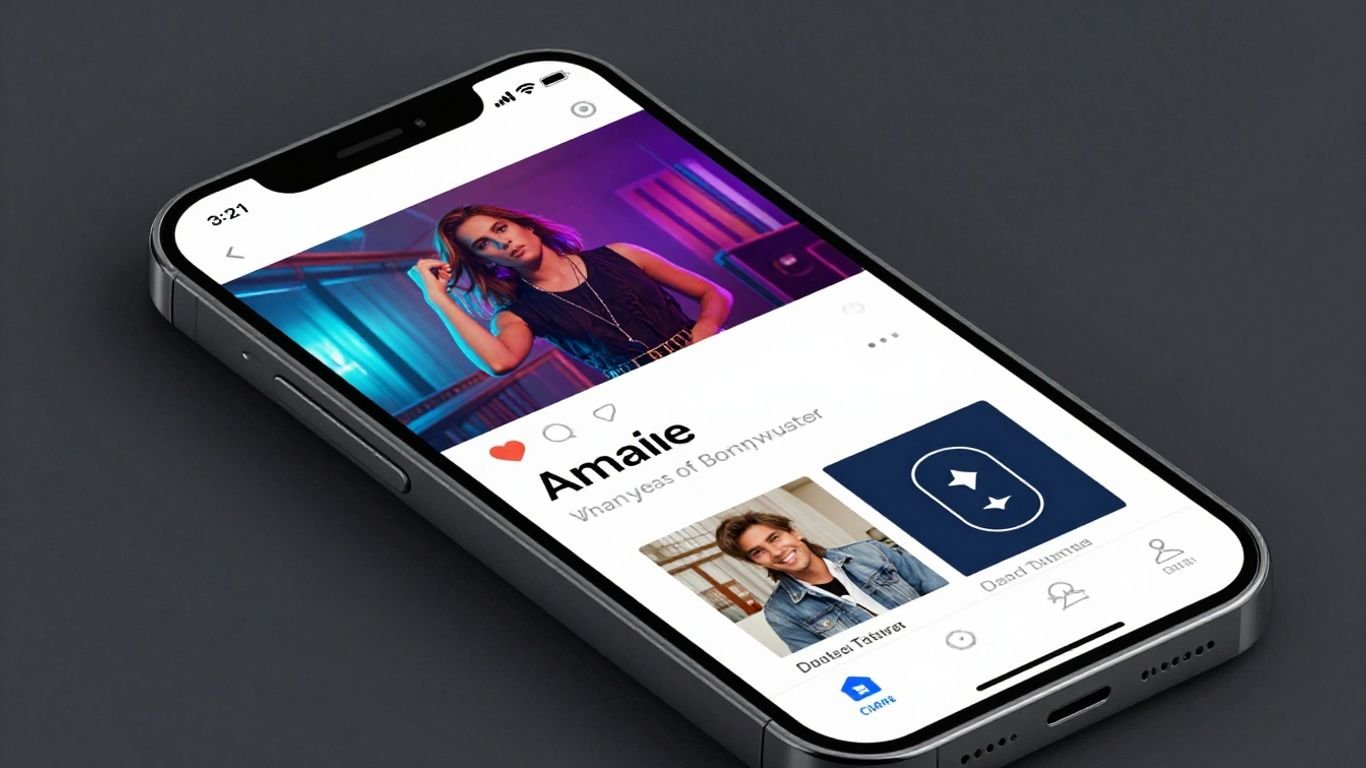
When a subscriber opens an email, the first few seconds determine whether they stick around or hit delete. A static image might get a glance, but a video thumbnail suggests movement and interaction. By placing a play icon over a compelling visual, you invite a higher level of interaction immediately upon the email opening.
Strengthening brand personality through custom audio
Your brand needs a signature sound to stand out. Instead of settling for generic stock music, you can generate audio that matches your specific tone and message. Using CREATUS.AI ensures the background elements of your email perfectly mirror the identity you work hard to establish.
Reducing production costs for recurring campaigns
Scaling your content creation usually requires a full production crew or expensive licensing fees. With automated generation, you cut those requirements out entirely. Creating one piece of content that fits multiple platform formats allows you to repurpose your efforts across every marketing channel you manage.
Competing with high-budget video content on a limited budget
Independent creators often struggle against larger companies with massive video budgets. AI levels the playing field by providing professional-grade assets that look polished and cinematic. Even with restricted resources, you can produce content that feels substantial and captures your audience’s interest as effectively as a studio project.
Best use cases for AI-generated music and video
Applying video content to specific email scenarios helps you build a rhythm for your subscribers. Whether you are teasing a feature or showing appreciation, video conveys emotion that words alone cannot achieve.
Product launches and promotional teasers
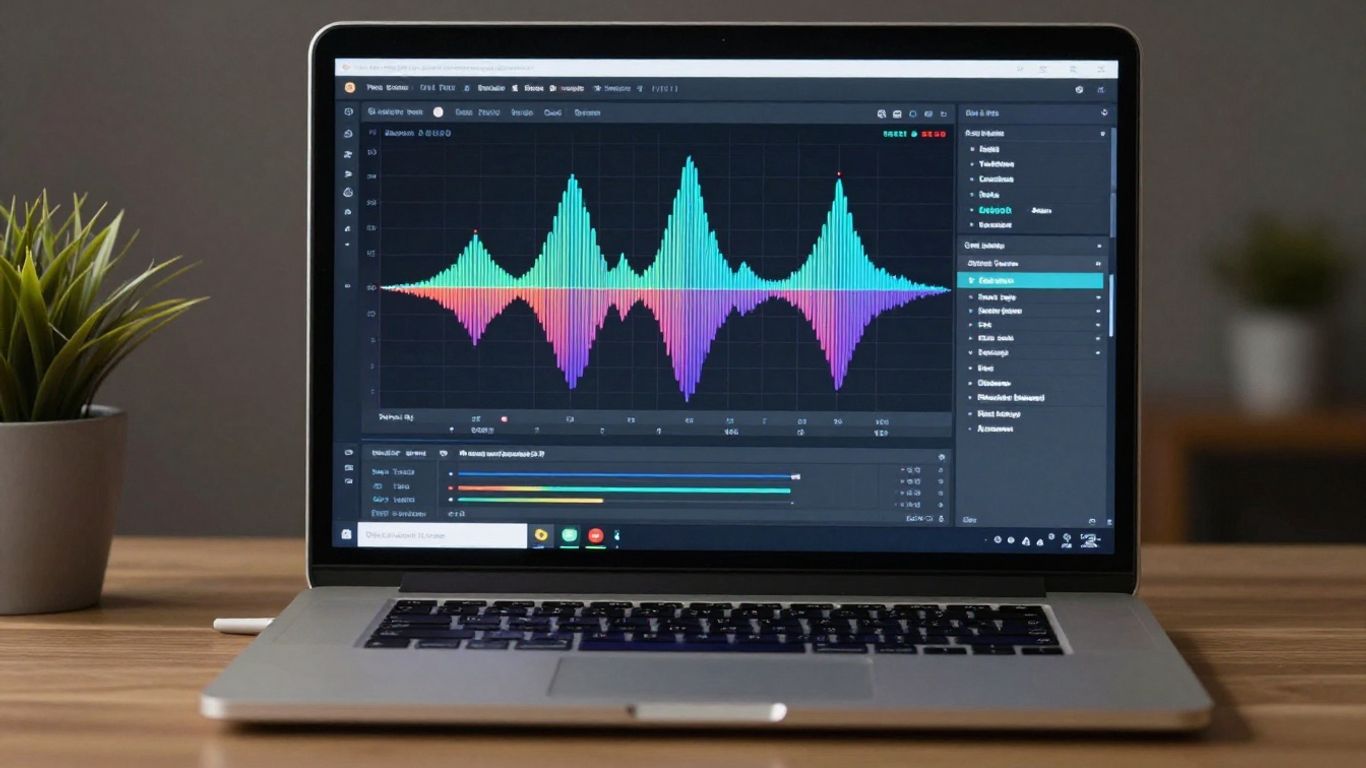
Announcing a new release requires high energy to generate excitement. You can create a short, punchy video that emphasizes the best parts of your launch. These videos serve as:
- Direct invitations for early access
- Highlights of specific product features
- Emotional teasers for upcoming announcements
- Quick recaps for limited-time sales
Brand storytelling and company announcements
Sharing your mission or big company news works better when it includes a narrative. Use voice-overs and synchronized visuals to narrate your company journey. This approach keeps your audience informed while staying authentic to your roots.
Personalized customer appreciation and loyalty rewards
Thanking your top subscribers becomes a personal touch when you send them a unique video. Sending a short music video message honors their time and loyalty. This small effort leads to stronger long-term relationships with your core customer base.
Seasonal promotions and holiday-themed content
Events like holidays are perfect times to experiment with new visual themes. By updating your style to match the season, you stay front-of-mind for your customers during busy shopping weeks. Ensure every video correlates with the spirit of the occasion to keep your email interactions feels timely.
Streamlining the AI generation workflow
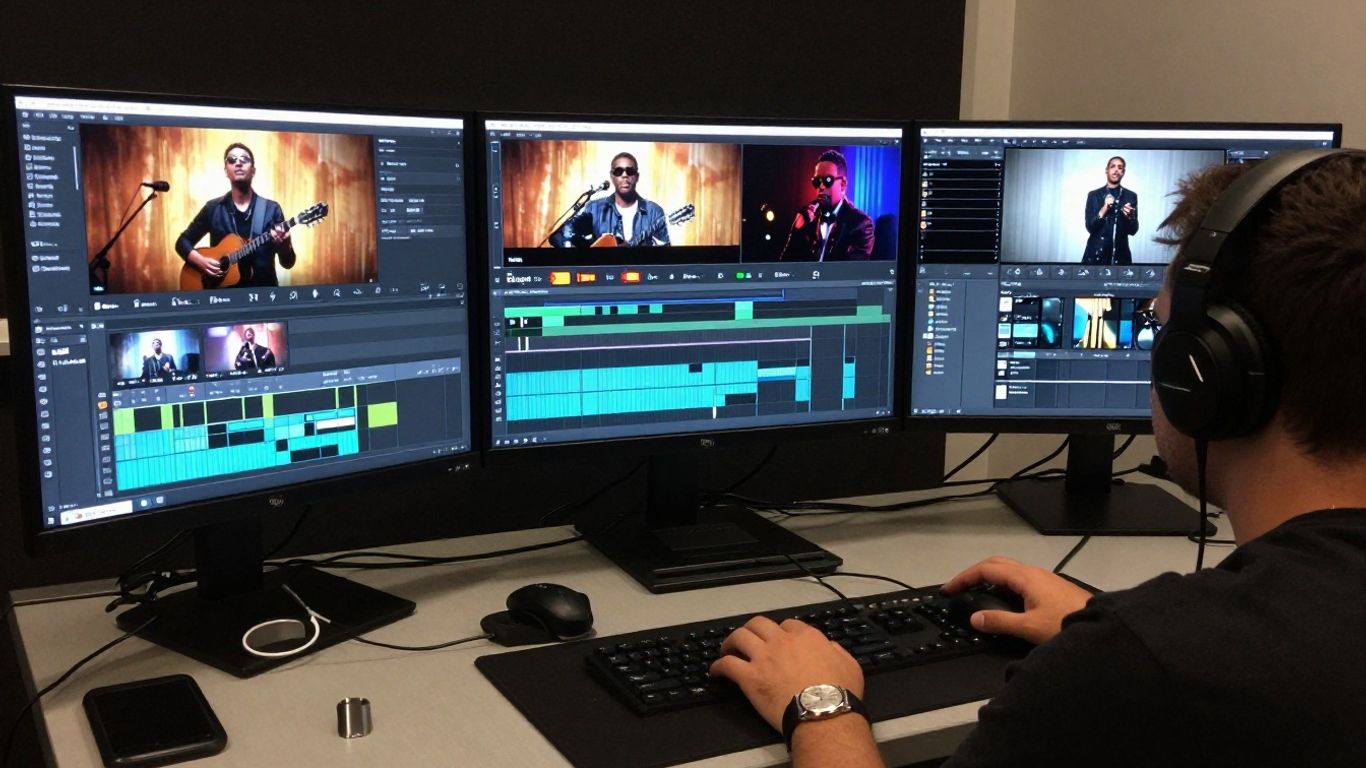
Creating consistent content requires a reliable system that removes repetitive tasks from your plate. When you map out your steps before opening the platform, you save time and ensure your output meets your quality standards.
Selecting prompts for target audience resonance
Effective prompts include descriptions of mood, tempo, and visual themes. You want to aim for clarity so the software understands your vision. Before you generate, outline the key emotions your email audience expects to feel.
Maintaining brand consistency across audio and visual styles
Consistency keeps your messaging recognizable over time. You should establish a set of visual and audio parameters that you apply to every video campaign. This baseline makes sure your audience knows exactly what to expect from your emails.
Integrating text-to-song and audio-to-video tools
Managing your production pipeline across different platforms creates friction. Having a single source for your creation process helps you move faster. Comparing tool capabilities helps you choose what creates the most value for your work.
| Feature | Text-to-Song | Audio-to-Video | Multi-Platform Export |
|---|---|---|---|
| Basic Tools | Limited | High | Standard |
| Advanced AI | Included | Full | Included |
| Professional Plan | Included | Included | Included |
Batch producing content for automated email sequences
Automation works best when you have your content ready in advance. Spend an hour generating a batch of variations so you never scramble to send your newsletter on time. Consistent scheduling allows for better tracking of your subscriber behavior over the long term.
Implementing video within email design
Every email platform handles video differently, so technical planning is necessary. A great video design is useless if it does not load properly for the end user. You must prioritize file size and email client compatibility before you hit send.
Using animated GIFs versus static thumbnails with play icons
GIFs are supported everywhere but often suffer from lower quality and large file sizes. Static thumbnails featuring a play icon provide a cleaner aesthetic while keeping deliverability high. This choice ensures your email loads fast while still prompting the click.
Optimizing file sizes for fast load times and deliverability
Large files frustrate users on slow network connections. Always compress your assets to reach a balance between visual quality and performance. When you follow email marketing best practices, your message arrives safely in the primary folder every single time.
Choosing the correct aspect ratios for mobile responsiveness
Most people read emails on their phones, so use vertical or square aspect ratios. These formats take up enough screen real estate to lead the eye directly to your call-to-action. If your video is too wide, it will look small and unengaging on a standard mobile device.
Placement strategies for clear call-to-action integration
Your call-to-action needs to sit in a logical spot near your video. Placing a button directly below the video window makes it natural for users to act after viewing. You can start building your conversion path today by getting a marketing checklist that prioritizes this layout method.
Measuring the ROI of AI video content
Data proves whether your efforts are truly working. You need to look beyond simple open rates to understand how your audience interacts with the video content you send. Tracking specific metrics provides the clarity you need to keep growing your email list.
Tracking engagement beyond standard open rates
An open rate does not tell you if they liked what they saw. Monitor click-through rates and view duration to see how much of the video they consume. If they watch to the end, you have successfully retained their attention.
Analyzing conversion paths from video-heavy email content
Linking your email content directly to your main offer allows you to track conversions accurately. When a subscriber clicks through from a video email, note if their behavior differs from those who engage with text-only emails. Small differences usually signal big changes in your audience intent.
A/B testing AI-generated visual styles against static imagery
You will never know what works best unless you test. Creating distinct version variations helps you learn exactly what triggers your subscribers to take action. Run these tests on a small segment of your list before committing to a final look for your entire campaign.
Assessing subscriber retention and list growth trends
Engagement keeps your list healthy and active. If your video content resonates, your unsubscribe rates will drop while your total list growth trends upward. Monitoring these numbers over a 90-day cycle will confirm if your strategy is effectively moving the needle for your business.
Conclusion
Integrating AI music videos into your email strategy is a practical way to boost subscriber interest while keeping production costs low. By choosing the right tools and tracking your results consistently, you can turn your email campaigns into a powerful channel for long-term growth and connection.
Frequently Asked Questions
Will embedding video in emails affect my deliverability?
Using static thumbnails with links to your video content is the standard method for avoiding deliverability issues. This ensures all recipients see your message clearly without running into technical blocks from email service providers.
How long should an AI-generated music video for email be?
Keep your videos short and concise, typically between fifteen and thirty seconds for optimal impact. This timeframe allows the user to absorb your message quickly without overwhelming their attention span.
Should I use instrumental or vocal music in email videos?
Instrumental tracks work best for background support during product showcases, while vocal tracks are effective for storytelling. Choose your audio based on the specific message you want to deliver to the reader.
Do I need to be a video editor to make these videos?
Modern generation tools remove the need for technical editing skills. Most platforms automate the process of matching visual clips to the rhythm and energy of your audio, allowing you to focus on the creative idea.
What file format is best for email video thumbnail images?
Use JPEG or PNG files for your email thumbnails, as these are universally supported by all major email platforms. Ensure the file size remains under one megabyte to maintain fast loading speeds for your users.
Can AI videos work for B2B email marketing?
Video content can effectively humanize B2B brands and simplify complex product explanations. When used for professional announcements or software demonstrations, these videos build credibility and help keep your brand top of mind.
How often should I include videos in my email newsletter?
Consistency is more important than raw frequency. Test adding video to one out of every three emails to find the balance that generates the best engagement rate without causing content fatigue.