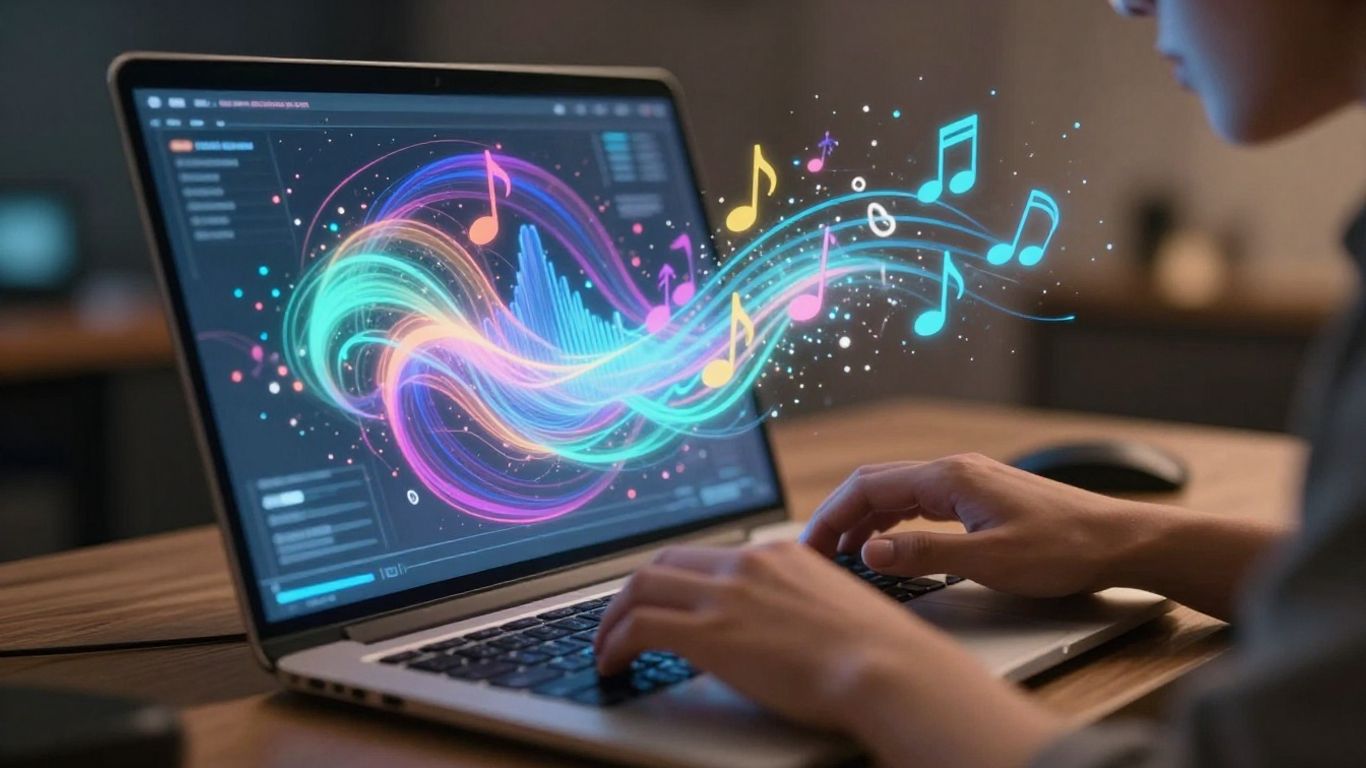
Ever had a song stuck in your head, with lyrics just begging to be heard? You know, the kind where you just want to type them out and see what happens? Well, guess what? You can now type lyrics, get a song, and have AI do all the heavy lifting. It’s pretty wild how far this tech has come, turning your simple words into actual music with vocals. Let’s check out how you can do it.
Key Takeaways
- You can type lyrics and have AI create a full song, complete with vocals and music, in just a few steps.
- AI song generators analyze your lyrics’ meaning and mood to compose fitting melodies and harmonies.
- These tools let you customize musical styles, tempos, and even vocal personas to match your vision.
- The process is quick, often generating a song in minutes, and you can usually download the final track.
- Many platforms offer free trials or tiers, making it easy to experiment with turning your lyrics into AI-generated songs.
Transforming Lyrics into Full AI Songs
Understanding The AI Song Generation Process
Ever thought about turning your written words into a complete song? That’s exactly what AI song generation does. You provide the lyrics, and the AI handles the music. It analyzes your text to understand the mood and message.
Then, it builds melodies, harmonies, and a beat around your words. The result is a finished track with AI-generated vocals singing your lyrics. It’s a pretty straightforward concept, but the technology behind it is quite advanced.
Key Features of AI Songwriting Tools
These tools come with a set of features designed to make the process easy. You can expect automatic melody and harmony creation that fits your lyrics. Many also offer voice synthesis, turning the music into a vocal performance.
Speed is another big one; these generators often work in seconds. Plus, you can usually customize the musical style, tempo, and instruments. This lets you tailor the output to your specific needs.
Inputting Your Lyrics for Song Creation
Getting started is simple. You’ll typically find a text box where you can paste your lyrics. Some platforms also let you write lyrics directly within the tool, or even use AI to generate them for you if you’re stuck.
Beyond just the words, you’ll often select a genre, mood, or specific musical style. Think pop, rock, ballad, or something more experimental. This helps the AI understand the overall direction you want for your song. The more detail you provide, the better the AI can match your vision.
Generating Music with AI Vocals
How AI Creates Melodies and Harmonies
AI song generators take your lyrics and a chosen style to build the musical foundation. They analyze patterns in existing music to construct melodies that fit the mood you’re aiming for. Harmonies are then added to complement the main melody, creating a fuller sound. This process can be surprisingly quick, turning your text into a basic musical structure.
AI Singing Voice Synthesis Explained
This is where your lyrics get a voice. AI uses advanced text-to-speech technology, often trained on vast amounts of human singing data, to produce vocal tracks. You can often select different vocal styles or even specific voice personas. The goal is to make the AI voice sound natural and expressive, matching the emotion of your lyrics. Some tools even allow for voice cloning, though this is a more advanced feature.
Customizing Musical Styles and Moods
Most AI tools let you pick from a wide range of genres, from pop and rock to jazz and electronic music. You can also fine-tune the mood, specifying if you want something upbeat, melancholic, or energetic. This level of control helps you shape the final output to match your vision. You can experiment with different combinations to see what works best for your song. For example, you might try a sad lyric with an upbeat tempo for an interesting contrast, or transform your musical ideas into a cohesive track.
The Workflow: From Text to Track
Getting your lyrics turned into a full song is surprisingly straightforward. You don’t need to be a music producer or even know how to play an instrument. The process is designed to be intuitive, taking you from a simple text input to a finished track in just a few steps.
Step-by-Step Song Generation
Here’s how you can go from lyrics to a complete song:
- Input Your Lyrics: Start by typing or pasting your lyrics into the designated text area. You can also provide a brief description of the mood or theme you’re aiming for. Some tools even offer a separate lyric generator if you need help with that part.
- Configure Song Settings: Choose your desired music model, genre, tempo, and any specific instrumental preferences. You can often select from different vocal styles or even specify the song’s duration.
- Generate and Refine: Hit the generate button. The AI will process your input and create a song. You can then listen to the result and make adjustments if needed, such as tweaking the mix or changing vocal nuances.
- Download and Share: Once you’re happy with the song, you can download it in various formats like MP3 or WAV. From there, you’re free to share it on social media, use it in projects, or send it to collaborators.
Rapid Processing for Quick Results
One of the biggest advantages of using AI for songwriting is speed. You can get a complete song, including vocals and backing music, in a matter of minutes. This is a huge time-saver compared to traditional music production methods.
The entire process is streamlined to minimize waiting time. You input your text, select a few options, and the AI handles the complex composition and arrangement. This allows for rapid iteration and experimentation with different musical ideas.
Downloading and Sharing Your AI Song
After your song is generated, you’ll want to get it into a usable format. Most platforms allow you to download your creation as an audio file. Common formats include MP3 for general use and WAV for higher quality.
Sharing is just as easy. You can often directly upload your new track to platforms like TikTok, Instagram, or YouTube. This makes it simple to get your AI-generated music out into the world or use it as background music for your videos. You can explore various AI song generators to find the one that best suits your needs for downloading and sharing.
Choosing the Right AI Song Generator
With so many AI song generators out there, picking the right one can feel a bit overwhelming. You want a tool that fits your needs, whether you’re just messing around or trying to make something professional. Think about what you want to achieve with your music.
Comparing AI Songwriting Platforms
Different platforms offer unique features. Some are built for quick, simple song creation, while others give you more control over the finer details. It’s worth looking at a few to see which interface clicks with you. For instance, Tad AI is known for being pretty straightforward to use.
Features for Content Creators and Musicians
Content creators might look for tools that easily export in social media-friendly formats. Musicians might prioritize options for editing melodies or generating instrumental tracks. Consider if you need features like vocal removal or the ability to upload your own audio as a base.
Understanding Free Tiers and Paid Plans
Many services offer a free tier, which is great for trying things out. You usually get a limited number of song generations or features. Paid plans often unlock unlimited creation, higher quality audio, and advanced customization options. It’s a good idea to test the free version before committing to a subscription.
You don’t need to be a music expert to use these tools. Most are designed for ease of use, letting you focus on your lyrics and ideas. The AI handles the complex musical arrangements.
Advanced Customization Options
Once you have your lyrics ready, the real fun begins with tailoring the AI’s output. You’re not just stuck with a single sound; there are ways to tweak the generated music to better fit your vision. This is where you can really make the song your own.
Selecting Vocal Personas and Timbres
Many AI song generators let you choose the voice for your song. Think about the mood you want to convey. Do you need a powerful lead singer, a soft backing vocal, or something in between? You can often select from a range of vocal styles and even adjust the timbre, which is the unique quality of the voice. This allows you to match the vocal performance to the emotion of your lyrics.
Adjusting Tempo and Instrumental Layers
Tempo, or the speed of the music, is another key setting you can control. A faster tempo might suit an upbeat pop song, while a slower one could be perfect for a ballad. You can also often adjust the instrumental layers. This means you might be able to add or remove specific instruments, like guitars, drums, or keyboards, to build the soundscape you’re aiming for. It’s like having a virtual band at your fingertips.
Generating Songs in Multiple Languages
Some advanced tools can even generate songs in different languages. If your lyrics are in Spanish, for example, you can often select a Spanish vocal model to perform them. This opens up possibilities for creating music for a global audience or experimenting with different linguistic sounds. This feature is particularly useful if you’re targeting diverse markets or simply want to explore new creative avenues. You can find platforms that support various languages, making your AI songwriting experience more versatile. For more on what these tools can do, check out AI song generation.
You have a lot of control over the final output. Don’t be afraid to experiment with different settings. What sounds good to one person might not be what you’re looking for, and that’s okay. The goal is to get the song sounding the way you imagine it.
Integrating AI Songs into Your Projects
Using AI Songs for Social Media Content
AI-generated songs are perfect for social media. You can quickly create unique background music for your TikToks, Instagram Reels, or YouTube Shorts. This helps your content stand out from the crowd. The key is matching the song’s vibe to your video’s theme.
Think about the mood you want to convey. Is it upbeat and energetic, or more chill and atmospheric? AI tools let you adjust the style and tempo to fit. You can even generate songs in multiple languages if you have a global audience. This makes your content more accessible and engaging for everyone.
Creating Background Music for Videos
Beyond social media, AI songs can be background music for longer videos. This includes YouTube vlogs, short films, or even presentations. You don’t need to be a musician to get professional-sounding tracks. Just input your lyrics or a description, and the AI handles the rest.
Consider the different parts of your video. You might need an intro, a main theme, and an outro. AI generators can help you create variations or extend existing tracks to fit your needs. This saves a lot of time and money compared to hiring composers or licensing existing music.
Producing Studio-Quality Song Demos
For musicians, AI can be a powerful tool for creating song demos. You can quickly flesh out lyrical ideas into full song structures with vocals and instrumentation. This gives you a solid foundation to share with bandmates or producers. It’s a great way to explore different musical styles without needing a full studio setup.
Here’s a basic workflow for creating a demo:
- Write your lyrics: Get your core message down.
- Choose a style and mood: Select genres and feelings that match your lyrics.
- Generate the song: Let the AI create the music and vocals.
- Refine and export: Make small adjustments and download the track.
This process lets you test out song ideas rapidly. You can iterate quickly, trying out different vocal styles or instrumental arrangements until you get something you like. It’s a practical way to bring your musical concepts to life before investing heavily in studio time.
Want to add cool AI-generated music to your own projects? It’s easier than you think! Imagine creating unique soundtracks for your videos or games without needing to be a music expert. You can explore all the possibilities and get started today. Visit our website to learn how you can bring your creative ideas to life with AI music.
Conclusion
If you want to turn your lyrics into a finished song, AI tools make it simple. You just type your words, pick a style, and let the software handle the rest. With platforms like Creatus, you don’t need to know music production or video editing. You get a full track with vocals, and even a music video, all in one place. It’s quick, straightforward, and works for beginners and pros alike. Whether you’re making content for social media or just want to hear your ideas come to life, these tools take care of the technical stuff so you can focus on being creative. Give it a try and see what you can make.
Frequently Asked Questions
How does this whole AI song thing actually work?
It’s pretty neat! You give the AI your lyrics, and it uses smart computer programs to figure out the feeling and structure of your words. Then, it creates music, like melodies and beats, that fit your lyrics perfectly. It can even make an AI voice sing them for you, turning your text into a full song.
Can I really make a song from just my lyrics?
Absolutely! You just type or paste your lyrics into the tool. If you don’t have lyrics yet, you can even ask the AI to help you write some based on an idea you have. It’s like having a songwriting partner that’s always available.
What kind of music styles can the AI make?
You’ve got tons of options! You can ask for pop, rock, hip-hop, R&B, electronic music, and a whole lot more. You can also tell it what kind of mood you want, like happy, sad, or energetic, and even choose the speed of the song.
Do I need to be a music expert to use this?
Nope, not at all! This is designed for everyone. You don’t need to know anything about music theory or how to play instruments. Just type your lyrics, pick a style, and let the AI handle the rest. It’s super beginner-friendly.
How long does it take to get a song back?
It’s really fast! Usually, you can get a complete song with vocals in just a few minutes. The AI works quickly to turn your text into a finished track, so you don’t have to wait around forever.
Can I use the songs I create?
Yes! Once your song is made, you can usually download it. This means you can use it for your own projects, like sharing on social media, putting it in a video, or just enjoying it. It’s your creation to use!