So, you’ve got a cool song that an AI cooked up, and now you’re wondering how to actually make it look good on screen? It’s not as hard as you might think. Gone are the days of needing a huge budget or a film degree. You can totally turn your AI song into a video without all that hassle. We’re going to walk through how to take that track you generated and give it some awesome visuals.
Key Takeaways
- You can now create a full music video from an AI-generated song using simple tools.
- AI handles both the music creation (vocals and composition) and the video visuals, often in one go.
- You don’t need special skills in music production or video editing to make a music video.
- Choosing the right AI tool is important, especially if you want one that does both song and video.
- These tools let you pick visual styles, sync video to your song’s rhythm, and export for social media easily.
Transform Your AI Song Into A Music Video
Understanding The AI Music Video Generation Process
Creating a music video used to be a big production. Now, AI tools can handle much of the heavy lifting. You start by giving the AI your song, either by uploading an audio file or pasting a link from a platform like Suno or Udio. The AI then analyzes your track’s rhythm, tempo, and overall structure. It figures out where the beats drop, where the chorus hits, and the general mood of the song. This analysis is the foundation for the visuals that will follow.
Key Features For Seamless Video Creation
When picking an AI tool, look for features that make the process smooth. The ability to sync visuals directly to the music’s rhythm is key. This means the video reacts to the beat, not just a generic timeline. Also, consider how much control you have over the visual style, characters, and overall aesthetic. Features like automatic lyric syncing and multi-format export (for TikTok, YouTube, etc.) are also very helpful. You want a tool that simplifies the creation process, not complicates it.
Choosing The Right AI Tool For Your Project
Your choice of AI tool depends on what you want to achieve. Some tools focus purely on generating visuals from existing audio. Others offer a complete package, allowing you to generate the song itself using text prompts and then create the video. Think about whether you already have a song or if you need the AI to compose one for you. Also, consider the complexity of the visuals you want. Some tools are better for abstract animations, while others excel at creating narrative scenes or performance-style videos. Researching a few options will help you find the best fit for your specific needs and budget.
Generating Your AI Music Track
Crafting Your Song Idea With Text Prompts
You don’t need a studio or even an instrument to start. Just type what you’re hearing in your head — maybe a genre, mood, or a few lines of lyrics. AI platforms can turn your input into an original song, handling both melody and structure. Type something as simple as "uplifting pop, with synth and guitar" or paste your lyrics, and the tool handles the rest.
Some tips for more useful prompts:
- Be clear about genre and mood (e.g., "melancholic piano ballad" or "energetic rock anthem").
- Mention tempo if it matters ("slow," "fast").
- Include lyric fragments or themes for vocals.
You start with a short idea or phrase. AI does the heavy lifting, delivering a full track that matches your direction.
Leveraging AI For Vocals And Composition
AI doesn’t just generate basic instrumentals—it can build full arrangements with singing vocals. Many tools let you pick vocal style or language. Specify "soft female vocal" or "rap verse," and the system adapts. Verses, choruses, and bridges unfold automatically, fitting your structure or letting the machine improvise.
If you want more control, edit sections after generation. Change lyrics, swap instruments, or tweak the arrangement. Most platforms allow minor tweaks so your song feels unique.
Here’s how AI handles the heavy lifting:
- Analyzes your prompt for genre, mood, structure
- Generates backing track and melody
- Synthesizes vocals or adapts lyrics
- Outputs a polished audio file, ready to use
Uploading Existing Audio Files
If you’ve already recorded a track or used another AI tool, uploading your own audio is just as easy. Supported formats typically include MP3 and WAV. Drop your file into the platform, and it’s prepped for the next stage—turning audio into visuals.
Uploading lets you:
- Preserve your original sound.
- Use live instrumentals or collaborations.
- Quickly make a video for older songs without re-recording.
You’re not locked into AI-only music. Mix and match: write your own, use AI tools, or collaborate with others. Upload, generate, and your song is ready for the visual treatment.
Visualizing Your AI-Generated Song
Selecting Visual Styles To Match Your Music
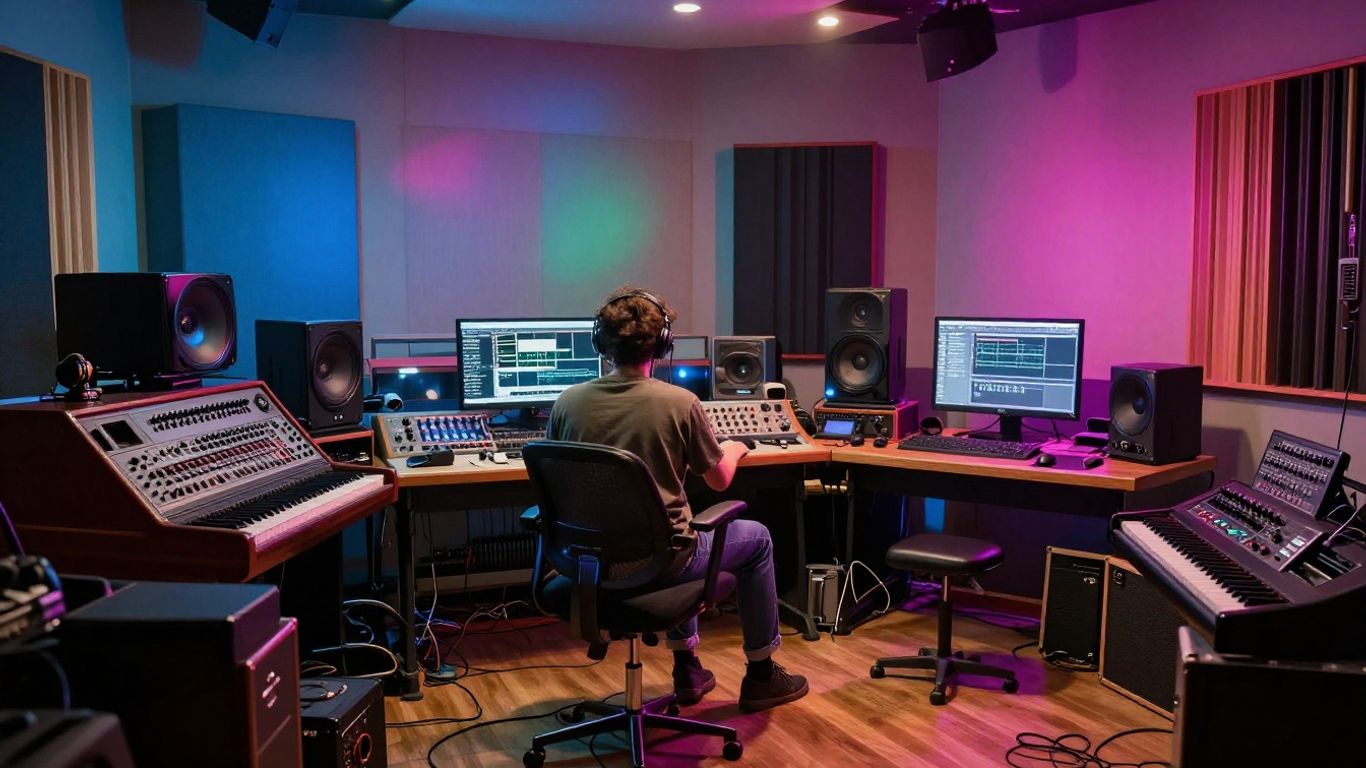
The visual style you pick shapes how people experience your music video. Think about the mood of your song—does it feel experimental, chill, or wild? AI platforms let you try tons of looks, from animated cartoons and abstract colors to realistic settings or even performance shots that look like you’re on stage. Consistency is key; stick to a style that fits your sound and doesn’t distract from your music.
Try these style options:
- Hand-drawn or animated for playful or indie tracks
- Cinematic or live-action for dramatic, story-driven music
- Abstract and reactive visuals for EDM, hip hop, or instrumental beats
You don’t need to settle for boring stock footage—AI tools, like those found at LTX Studio’s AI music video generator, let you customize everything from the background down to the camera movement.
AI-Driven Storytelling And Scene Generation
AI can automatically create scenes that follow your lyrics, rhythm, or vibe. You just feed it your song or a description, and the platform breaks down the track into segments. It matches visual elements to your lyrics, mood, or even narrative. Some tools go a step further, letting you tweak scene order or add repeating characters, making the video tell an actual story instead of just random visuals.
Typical storytelling features include:
- Scene transitions that match key song changes or mood shifts
- Automated lyric-based animations or on-screen captions
- Character or object consistency so the video feels cohesive
Don’t stress over not knowing fancy editing or storyboarding. The AI covers the technical heavy lifting so you can focus on the creative part.
Synchronizing Visuals With Music Rhythm And Structure
AI music video generators can track your song’s tempo and adapt visuals to every beat and bar. This sync makes your video come alive, especially during major drops, choruses, or rhythm changes. No more guessing when to switch scenes or how to make visual highlights match your hook.
Syncing visuals looks like this:
| Song Section | Visual Change Example |
|---|---|
| Verse | Simple, steady motion |
| Chorus | Big, energetic animation |
| Beat Drop | Sudden color or scene shift |
| Bridge | Mood or color tone shift |
Top platforms let you preview how each part of the video reacts to your track, so you always know the visuals are in step with your music. That way, everything feels intentional—and you spend less time fiddling, more time sharing your finished work.
Refining And Publishing Your Music Video
Reviewing And Adjusting AI-Generated Scenes
Once the AI has put together your initial video, it’s time to take a closer look. You’ll want to watch through the generated scenes to see if they match the mood and rhythm of your song. Most tools let you regenerate specific scenes or adjust their timing. Don’t be afraid to experiment with different visual styles or camera angles for a particular section if it doesn’t feel quite right. The goal is to make the visuals tell the story you want.
Adding Synchronized Lyrics To Your Video
Adding lyrics can really boost engagement, especially on platforms like TikTok or Instagram Reels. Many AI video generators have a feature to automatically create synchronized lyric captions. You can usually customize the font, color, and placement of the text. Make sure the lyrics appear on screen at the right moment, matching the vocals in your song. This step turns your music video into a lyric video, making it more accessible and shareable.
Exporting For Social Media Platforms
Finally, you’ll need to export your finished video. Consider where you plan to share it most. Different platforms have different optimal video formats. For example, TikTok and Instagram Reels work best with a vertical 9:16 aspect ratio. YouTube often uses a horizontal 16:9 format. Most AI tools offer multiple export options, so you can choose the one that fits your needs. Exporting in common formats like MP4 makes sharing simple.
Benefits Of AI Music Video Creation
Streamlining Production Without Technical Skills
Forget needing to be a video editing wizard. AI tools handle the heavy lifting, turning your audio into visuals automatically. You can upload your track and let the AI figure out the cuts, transitions, and pacing. This means you don’t need to spend years learning complex software or hiring expensive editors. It’s about making video creation accessible to everyone, regardless of their technical background.
Cost-Effective Visual Content Creation
Traditional music video production can drain your budget fast. Think camera crews, studio rentals, and post-production hours. AI changes that. You can generate professional-looking videos for a fraction of the cost, sometimes even for free with certain platforms. This makes it easier for independent artists and small creators to get their music seen without breaking the bank. It’s a smart way to get high-quality visuals on a limited budget.
Accelerating Content Output For Promotion
In today’s fast-paced digital world, speed matters. AI music video generators let you produce content much faster than before. You can go from song to finished video in minutes or hours, not weeks. This rapid turnaround is perfect for keeping up with social media trends and promoting new releases consistently. The ability to quickly generate multiple video variations also helps you test different visual styles and see what connects best with your audience. This efficiency is a game-changer for artists focused on growth and promotion.
Integrating AI Music And Video Workflows
The Advantage Of All-In-One AI Platforms
Using a single platform for both music and video creation simplifies things a lot. You don’t have to jump between different apps or services. This saves time and keeps your creative flow going. Think of it like having a studio where everything is already set up and connected.
Accessing Broader AI Tool Ecosystems
Many AI music video tools are part of larger creative suites. This means you can often access other AI features, like image generation or avatar creation, all within the same system. It’s like having a toolbox with many different tools, all designed to work together.
Understanding Different AI Video Generator Approaches
AI video generators work in a few main ways. Some analyze your audio file directly, picking up on beats and mood to create visuals. Others might let you use text prompts to guide the visual style, or even combine both approaches. Knowing these differences helps you pick the right tool for your specific project.
- Audio-Driven: The AI analyzes your song’s structure, tempo, and energy to sync visuals. This is great for making sure your video feels connected to the music.
- Prompt-Based: You describe the visuals you want, and the AI generates them. This gives you more creative control over the look and feel.
- Hybrid: These tools combine audio analysis with your prompts or style selections, offering a balance of automation and control.
Want to make your music videos even cooler with AI? We’ll show you how to blend AI music and video tools together. It’s easier than you think to create amazing content. Ready to see how it’s done? Visit our website to learn more and start creating!
Conclusion
So, that’s pretty much it. Turning your AI-generated song into a full music video isn’t as complicated as it sounds. With tools like Creatus, you don’t need to mess around with editing software or learn music production. Just type in your idea, let the AI do its thing, and you’ll have a song and video ready for TikTok, YouTube, or wherever you want to share it. If you want to tweak things, most platforms let you pick styles or formats, but you can keep it simple if you’d rather not fuss. In the end, you get a finished video without the usual headaches. Give it a shot next time you have a song idea—chances are, you’ll be surprised by how easy it is.
Frequently Asked Questions
What exactly is an AI music video generator?
Think of it like a magic helper for your music! An AI music video generator is a tool that takes your song, whether it’s an audio file or even just a description, and automatically creates a cool video to go with it. It figures out the beat, the mood, and sometimes even the lyrics, then makes visuals that match perfectly. You don’t need to be a video expert to use it!
Can I make a song AND a video with AI?
You totally can! Some tools let you start with just your song idea, and the AI writes and sings the song for you. Then, you can take that AI-made song and turn it into a music video, all within the same system. It’s like having a whole music studio and video crew in one app.
Do I need to know how to edit videos?
Nope, not at all! That’s the best part. These AI tools are designed so you don’t need any fancy editing skills. You just tell the AI what you want, upload your song, and it does the hard work of putting the video together for you. It’s made for creators, not just pros.
What kind of videos can I make?
You can create all sorts of videos! Whether you want something that looks like a real music video with people performing, an animated story that follows your song’s lyrics, or just cool abstract visuals that pulse with the music, the AI can handle it. Plus, you can choose different styles to fit your vibe.
Can I use my own song instead of an AI-generated one?
Absolutely! If you’ve already written and recorded your own song, you can just upload the audio file (like an MP3 or WAV). The AI will then analyze your track and create a music video that syncs up with your unique sound and rhythm.
Where can I share these AI-made music videos?
You can share them pretty much anywhere! These tools usually let you export your videos in different sizes, perfect for platforms like TikTok, Instagram Reels, YouTube Shorts, or even regular YouTube videos. So, you’re ready to get your music out there on all your favorite social spots.