Key Takeaways
A good Suno music free alternative should match your actual workflow, not just produce a song. Compare audio quality, video creation, export settings, free-plan rules, and publishing rights before you commit.
- Decide whether you need songs, videos, or both.
- Check whether vocals, lyrics, and audio uploads are supported.
- Confirm aspect ratios for each social platform.
- Read free-tier, watermark, and commercial-use terms.
- Test one complete project before building a larger release.
What to look for in a Suno music free alternative
The right tool depends on where your work slows down. Some platforms focus on generating complete songs, while others turn an existing track into visual content. A practical Suno music free alternative should fit the full path from first idea to published video.
Text-to-song generation with AI vocals
Start by checking whether the platform accepts a plain-language prompt, lyrics, or both. AI singing vocals matter when you need a complete demo rather than an instrumental bed, but you should still listen for pronunciation, structure, and consistency across verses and choruses.
A useful test is to write one short prompt in your preferred genre, then repeat it with custom lyrics. Compare how clearly the system follows the mood and how much editing the result needs. If audio quality is your main concern, a free AI song generator guide can help you compare song-focused workflows.
Audio upload and music video creation
A song generator is not automatically a music video tool. If you already have an MP3 or WAV file, look for direct audio upload, visual synchronization, character or scene options, and a way to preview the result before export.
This distinction saves time. A platform that accepts your own track can support finished releases, podcast music, or older demos, while a text-only system may require a second application for the visual stage.
Export formats for TikTok, Reels, Shorts, and YouTube
Format choice should happen early, not after the video is complete. Vertical video suits TikTok, Reels, and Shorts, square video works for several social feeds, and horizontal video remains useful for standard YouTube uploads.
Check whether the platform lets you select the ratio before rendering and whether the free plan changes resolution or clip length. You should also preview the first and last few seconds, since awkward cropping is easy to miss in a busy editor.
Free-tier limits, watermarks, and commercial use
“Free” can mean several different things. You may receive free credits, a limited number of exports, short clips, or watermarked files, while commercial rights may be reserved for a paid plan.
Read the current terms before publishing client work or monetized content. Keep a simple record of the plan used, the generation date, and the license attached to the downloaded file.
Ease of use for beginners and creators
A beginner-friendly tool keeps the process readable: enter an idea, review the output, make a few choices, and export. You should not need music production or video editing experience just to make a short promotional clip.
At the same time, ease of use should not remove every useful choice. Look for controls that affect lyrics, genre, character, visual mood, aspect ratio, and timing without forcing you through a long technical setup.
How Creatus compares with Suno and other AI music tools
The main difference between song generators and music video generators is the handoff between audio and visuals. Suno and Udio focus on music generation, while several other tools focus on video from an existing track. Creatus combines text-to-song generation with audio-to-video production in one workflow.
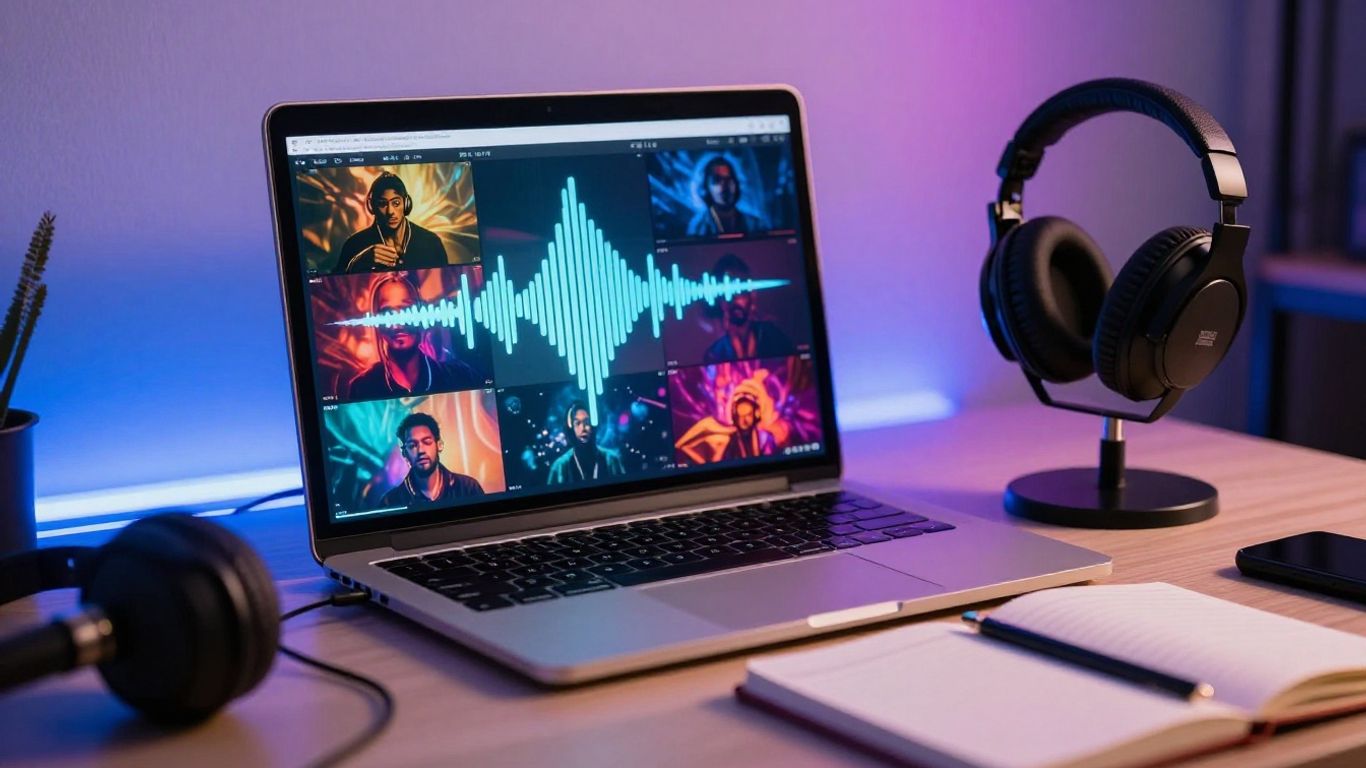
That combined path is useful when you need a shareable result quickly. It also means you should judge the tool by the complete output, not only by the first audio preview.
Song generation from prompts and lyrics
Suno creates full songs from text prompts with vocals, and Udio is known for high-quality music generation with more control. Those are strong choices when your priority is experimenting with the audio itself and refining a song before thinking about video.
Creatus accepts a text prompt and produces a full track with AI singing vocals. The practical question is simple: do you want a specialist music workflow, or do you want the song to move directly into a visual production step?
Turning generated songs or MP3 files into videos
A separate video stage adds friction. You may need to download the song, upload it elsewhere, match the timing, choose visuals, and then render a second file.
Creatus turns generated songs or uploaded MP3 and WAV files into music videos. That makes it useful when you already have audio and need a visual version without switching between separate music and video services.
Visual styles, synchronization, and format options
A music video should respond to the track rather than sit beside it as unrelated stock footage. Check for singing characters, synchronized performance, scene changes, and control over the final frame size.
The available Creatus formats are 9:16, 1:1, and 16:9. That gives you a straightforward starting point for vertical social posts, square placements, and YouTube videos, although you should still review the render for pacing and framing.
Where Suno and Udio still have an advantage
A dedicated song platform may suit you better when you want to spend most of your time on arrangement, vocal variations, or repeated audio generations. Suno is positioned as a market leader in text-to-song, while Udio offers more control over AI music generation.
Those tools do not generate videos, so you would still need a separate visual workflow. The trade-off is clear: specialist audio controls on one side, or fewer handoffs when you need a finished music video.
When a dedicated video tool is the better choice
Choose a dedicated video tool when your song is already finished and your main task is visual direction. You may want frame-level editing, a timeline, audio-reactive visuals, or detailed control over scenes rather than another round of song generation.
For a fast social post, an all-in-one workflow may be more efficient. For a carefully edited visual release, a separate video application can give you more control over every cut and transition.
How to create a song and music video with Creatus
You can treat the process as two connected steps: make or provide the audio, then select how it should appear on screen. The simpler your first brief, the easier it is to spot what needs changing. Start with a short test rather than spending credits on an untested idea.
Start with a song idea, genre, or lyric prompt
Write the subject, mood, genre, and intended listener in one compact prompt. If you have lyrics, separate verses and chorus clearly so the generated track has a usable structure.
Avoid packing ten unrelated ideas into one request. A focused prompt gives you a cleaner reference for deciding whether the vocal style, tempo, and visual character match the project.
Generate the track with AI singing vocals
The platform can generate a full track with vocals from a text prompt. Listen once for the broad feel, then listen again with headphones for pronunciation, repeated words, abrupt endings, and sections that do not support the lyric.
Save the version you prefer before making another change. Version names such as “chorus-clear” or “slower-intro” make later comparisons much easier.
Upload an existing MP3 or WAV file
You do not have to generate a new song to use the workflow. Upload an existing MP3 or WAV file when you already have a demo, released track, voice recording, or licensed instrumental ready for a visual treatment.
Use the cleanest source file you have. A distorted or heavily compressed upload can make visual timing harder to judge, even when the video itself renders correctly.
Choose a visual style and video format
Pick a character or visual direction that supports the song’s subject. Then select 9:16 for vertical social content, 1:1 for square placements, or 16:9 for YouTube and other horizontal uses.
Think about the first three seconds before you render. A clear opening pose, strong color contrast, and an obvious performance focus help the viewer understand the clip without extra explanation.
Export and prepare the video for social media
Watch the exported file from beginning to end before posting. Check lip synchronization, scene continuity, framing, audio levels, and whether the final frame ends cleanly instead of cutting off the last beat.
You can then add platform-specific captions, a title, and a thumbnail. For longer YouTube uploads, YouTube Video SEO may help with titles, timestamps, subtitles, and related publishing details.
The best free alternatives for different creator needs
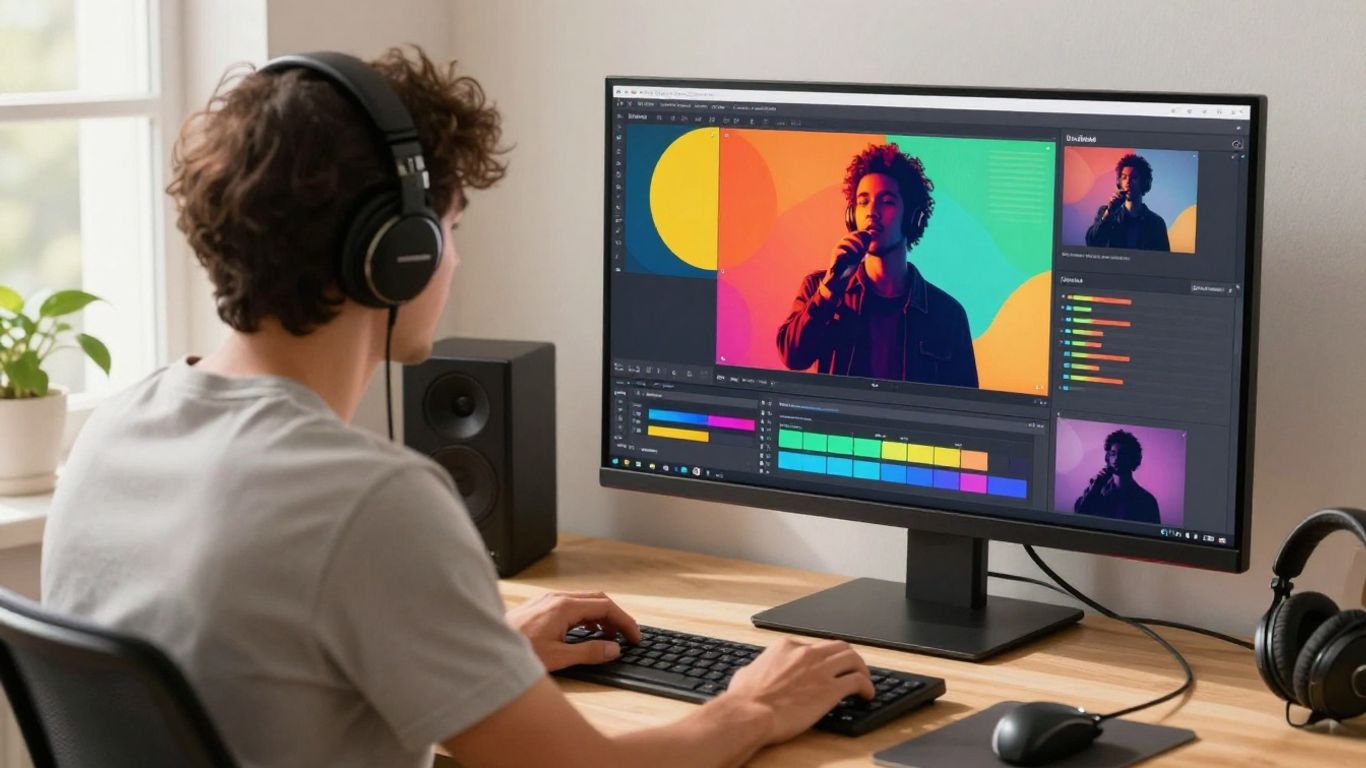
There is no single best free tool for every project. Your choice changes depending on whether you need a complete song, a character performance, a photo montage, or a reactive visualizer. The table below gives you a quick way to separate those jobs.
Creatus for an all-in-one song and video workflow
Creatus is the clearest fit when you want text-to-song generation and audio-to-video creation in one workflow. It supports AI singing vocals, MP3 and WAV uploads, and exports in vertical, square, and horizontal formats.
The free tier provides 25 credits with no credit card required. If you want a music video workflow, review the available steps and rights before you begin a larger project.
Udio for more control over AI music generation
Udio fits creators who want more control over AI music generation and are willing to handle video separately. Its focus is the audio process, so you should plan for another tool when the deliverable includes a finished music video.
That split can be worthwhile for a musician who cares more about repeated song iterations than quick social exports. It is less convenient when one person needs to manage both audio and visuals under a tight deadline.
Vidnoz for simple free music video clips
Vidnoz focuses on free AI music video generation, with multiple singer or avatar options and style selection. Its free plan has a one-minute clip limit and places a watermark on free exports.
That makes it suitable for short tests and simple clips. Check the export rules first if you need clean footage, longer songs, or commercial publishing.
TopMediai for photo-based music videos
TopMediai focuses on creating AI music videos from photos and audio. It includes photo-to-video tools, storyboard preview, and theme customization, which can work well for a slideshow-like release or a personal image sequence.
The trade-off is less control over the final video output. Use it when your photos carry the concept and you do not need detailed scene direction.
MusicCreator.ai for audio-reactive visualizers
MusicCreator.ai focuses on audio-to-video creation with custom prompts. It supports image uploads, logo watermarks, and sound-wave visuals, making it a reasonable option for artists who need a visualizer rather than a narrative performance.
Its output is more visualizer-focused than a traditional music video. That can be an advantage for a clean release asset, especially when abstract motion is enough.
How to choose the right alternative for your workflow
Choose from the finished asset backward. A song demo, lyric video, character performance, and audio-reactive background each need different controls. The fastest tool is the one that removes the step you would otherwise have to do manually.
Pick song quality when audio is the main priority
If the audio will stand on its own, test several generations with the same prompt. Listen for vocal clarity, structure, useful endings, and whether the melody supports the words.
Do not judge a platform from one lucky result. A repeatable process matters more than a single impressive sample when you need several songs or regular content.
Choose synchronized visuals for promotional content
Promotional clips benefit from visuals that follow the song’s rhythm and performance. A character singing the lyrics or scenes changing with the arrangement can make a short excerpt feel intentional.
This is where an integrated tool can save time. You can spend your attention on the hook, opening shot, and call to action instead of manually matching every visual beat.
Consider short-form video limits and aspect ratios
Check the target platform before generating. A vertical clip may need a different composition from a horizontal YouTube video, and a one-minute free-plan limit may not cover a complete track.
Use this quick checklist when comparing options:
- Confirm the available aspect ratios.
- Check the maximum free clip length.
- Review whether the export includes a watermark.
- Test the audio quality after rendering.
These details affect the final post more than a long feature list. They also tell you whether a free plan is useful for testing only or for regular publishing.
Compare editing control with automated generation
Automated generation is useful when speed matters and you can accept some variation. Editing control matters more when you need exact cuts, repeatable scenes, branded placement, or a carefully timed lyric sequence.
Ask how many decisions you can make before rendering and whether you can revise one part without starting over. That answer often reveals the real cost of a free tool.
Match the tool to your budget and production skills
Credits, subscriptions, watermarks, and editing time all belong in the budget. A tool with a free entry point may still require paid exports for a client project or monetized release.
Beginners should favor a clear workflow, while experienced creators may prefer granular audio or timeline controls. Make one complete test from prompt to export before choosing a long-term setup.
Practical use cases for free AI music tools
Free AI music tools work best when they remove a small production bottleneck. You can test a song idea, create a visual post, or prepare a rough campaign asset without booking a full production team. Treat the first output as a working version and refine only what the project needs.
Making music videos for TikTok, Reels, and Shorts
Short-form platforms reward a clear opening and a strong musical moment. Generate or upload a track, select a vertical format, and build the first seconds around the hook rather than the slow introduction.
Create several short versions with different openings. You can compare retention and engagement later without changing the underlying song.
Creating visual content for independent releases
Independent artists can use AI visuals for release teasers, lyric excerpts, cover-related motion, and alternate social edits. The visual does not need to tell the entire song’s story to support a release.
Keep the artist name, track title, and release date in the surrounding post or caption. Avoid placing important information where platform cropping may remove it.
Producing podcast intros and outros
A short generated track can give a podcast a consistent opening or closing cue. Keep the arrangement brief, leave room for speech, and test the music under the host’s voice rather than listening to it alone.
If you publish regularly, keep the same loudness target and export settings for every episode. Consistency makes the show feel more polished without adding much editing time.
Building educational and children’s music videos
Educational projects benefit from repetition, clear lyrics, and visuals that reinforce one idea at a time. Use simple prompts and review every word before sharing the result with students or families.
For children’s content, inspect characters, backgrounds, and lyrics carefully. Age-appropriate material and accurate information matter more than visual novelty.
Supporting brand and product marketing campaigns
Brands can test background tracks, product teasers, and short campaign concepts before commissioning a larger production. Match the tempo and visual mood to the product, audience, and platform placement.
Keep proof of the music and video rights attached to the campaign files. Paid advertising and client work deserve stricter documentation than a private experiment.
Limitations and rights to check before publishing
Free tools reduce the cost of experimentation, but they do not remove review work. You still need to check the plan, the source material, the export, and the rights connected to the final file. Rights come before reach when a video will earn money or represent a client.
Review free-plan export restrictions
Read the plan page at the time you generate the file. Credits, download access, resolution, clip length, and commercial permissions can differ between free and paid levels.
Do not assume that a free generation automatically includes commercial rights. Save a copy of the terms or license language that applied to your account.
Check watermarking, clip length, and resolution limits
A watermark may be acceptable for a private test but unsuitable for a release or advertisement. Clip limits can also force you to shorten a song or assemble several exports in an editor.
Watch the downloaded file, not only the preview. Confirm that the resolution, audio track, frame rate, and final duration match your publishing requirement.
Understand ownership and commercial-use terms
Ownership and permission are separate questions. You may own or control a generated file under one plan while still facing limits on commercial distribution, resale, or use in paid campaigns.
Terms can also address uploaded audio, portraits, lyrics, and characters. Read those sections before using someone else’s material or accepting client work.
Avoid unauthorized voice, lyric, and style imitation
Do not ask a system to copy a living artist’s voice or reproduce protected lyrics without permission. Describe broad musical qualities instead, such as tempo, instrumentation, vocal energy, or mood.
You should also avoid uploading audio or portraits you do not have permission to use. Safer inputs make the project easier to publish and explain.
Keep source files and generation records for future use
Store the prompt, lyrics, source audio, output file, account plan, and generation date together. This record helps you recreate a version, answer a client question, or confirm which terms applied.
A tidy project folder can include the original upload, exported video, thumbnail, captions, and license notes. That small habit prevents confusion when a release returns months later.
Conclusion
A Suno music free alternative is worth using when it fits the complete job you need to finish. Compare audio generation, visual production, export formats, free-plan restrictions, and rights, then run one full test before committing your workflow or budget.
Frequently Asked Questions
What is a Suno music free alternative?
It is an AI music tool that can replace some or all of a Suno workflow, such as generating songs from text, producing vocals, or turning audio into a music video.
Can free AI tools create songs with vocals?
Some free plans can generate complete songs with AI vocals, while others focus on instrumentals or short samples. Check the current plan details and test vocal clarity before publishing.
Can you turn an existing song into an AI music video?
Yes, some platforms accept an uploaded audio file and create visuals around it. Supported formats, clip length, synchronization, and export quality vary by service.
What video format works best for TikTok and Reels?
A 9:16 vertical format is generally the practical starting point for TikTok, Reels, and Shorts. Keep key faces and visual action near the center so platform cropping does not hide them.
Are AI-generated songs free to use commercially?
Not always. Commercial permission depends on the platform, plan, source material, and applicable terms, so review the license before using a file in monetized or client work.
Do free AI music videos include watermarks?
Some free plans add watermarks, limit resolution, or restrict clip length. Download and inspect the actual export before planning a public release.
What should you save after generating an AI song?
Keep the prompt, lyrics, source files, output versions, generation date, plan information, and relevant license terms. These records support later edits and rights checks.