Thinking about making a music video but don’t have a whole production crew on standby? You’re in luck! These days, you can totally pull off a cool music video without a big team or a massive budget. It’s all about being smart with your ideas, using the tools available, and planning things out. Whether you’re a solo artist or in a band, making a music video without a production crew is more doable than you might think. Let’s get into how you can make your song look as good as it sounds.
Key Takeaways
- You can create a music video without a production crew by focusing on a strong concept, smart planning, and using available resources.
- AI tools can help generate music and even create video elements, simplifying the production process significantly.
- Scouting free or low-cost locations and maximizing the chosen environment is key to a budget-friendly shoot.
- Careful planning of your shoot day, including a small team and essential gear, will make filming smoother.
- Editing and optimizing your video for different platforms are just as important as the shoot itself for reaching your audience.
Conceptualize Your Music Video Without A Production Crew
Before you even think about hitting record, you need a solid idea. This is where you lay the groundwork for your entire project. Without a clear concept, your video might end up feeling unfocused or just plain confusing.
Develop An Engaging Concept
Think about what makes your song special. What’s the core feeling or message you want to get across? Your concept should align with your music’s vibe and your artistic identity. Don’t try to copy what other artists are doing; find what makes you unique. Consider your existing visual assets, like your album art or social media style, to maintain a consistent look.
Define Your Narrative
What story will your video tell? Even abstract videos have a kind of narrative through mood and imagery. Think about who your audience is and what kind of story would connect with them. You can draw inspiration from your song’s lyrics, personal experiences, or even a simple theme. The goal is to create a visual journey that complements your music.
Create A Mood Board And Storyboard
A mood board is a collection of images, colors, and textures that capture the aesthetic you’re aiming for. It’s like a visual blueprint for the look and feel of your video. After that, create a storyboard. This is a sequence of drawings or images that outline each shot, much like a comic strip. It helps you visualize the flow of the video and plan your shots before you start filming. This step is super helpful for planning your visuals.
Planning your concept and narrative is like drawing a map before you start a road trip. You might discover interesting detours along the way, but having that initial map prevents you from getting completely lost. It gives you direction and helps you make informed decisions when unexpected things pop up during the shoot.
Leverage AI Tools For Song And Video Creation
Utilize AI For Song Generation
AI can now generate entire songs, complete with vocals, from simple text prompts. You can describe the genre, mood, tempo, or even provide lyrics. Tools like Suno and Udio are leading the charge here, creating original music without you needing to play an instrument. This means you can get a unique track for your video even if you’re not a musician.
Employ AI For Music Video Production
Beyond just music, AI can help create the visuals for your video. Some platforms can take your audio file and generate a video with matching visuals, often in various styles. Others can turn photos into video clips or even generate animated sequences. These tools can help you create AI video without needing complex editing skills.
Understand AI Tool Capabilities And Limitations
While AI tools are powerful, they have limits. You might not get the exact creative control you’d have with traditional methods. Some tools have watermarks or clip limits on free plans. It’s important to experiment and find tools that fit your specific needs and budget. Always check the terms of service for usage rights and licensing.
Scout And Secure Your Filming Locations
Identify Suitable Free Locations
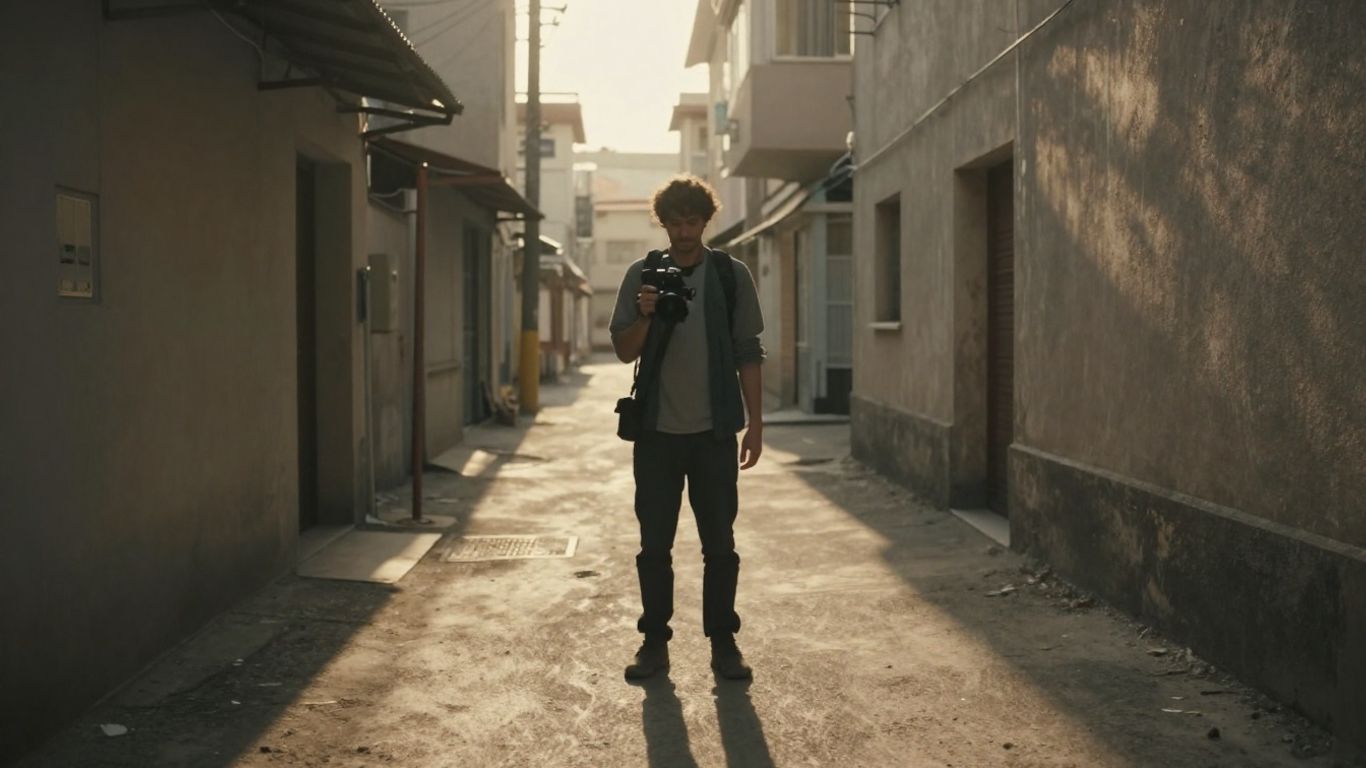
Think about places you already have access to. Your home, a friend’s garage, or even a quiet park can work wonders. The goal is to find spots that fit your song’s vibe without costing you anything. Consider locations that offer different visual textures or backdrops within a single area. This saves you time and travel.
Consider Public Spaces And Permits
Filming in public spaces like streets or plazas often requires a permit. Contact your local city hall or government office to understand the process and fees. Sometimes, a simple application is all you need. If you’re filming in a less populated area, you might find people more accommodating to your project.
Maximize Your Chosen Environment
Once you’ve picked a spot, really look at it. What angles can you shoot from? What kind of lighting does it get at different times of day? Think about how you can use the existing elements – like architecture, nature, or even street art – to add depth to your video. Plan to shoot multiple scenes in one location if possible to be efficient.
Plan Your Shoot Day Logistics
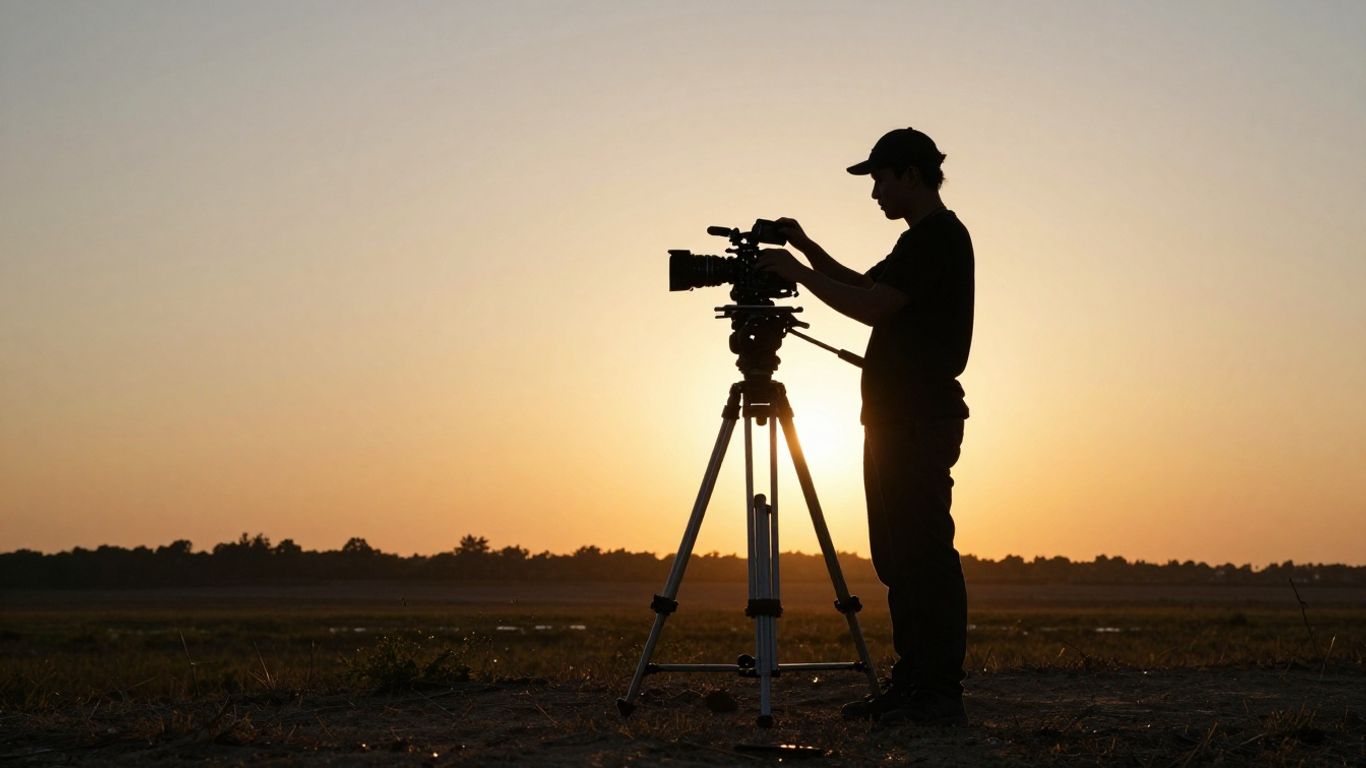
A well-planned shoot day makes all the difference. You want to be prepared so you can focus on getting the shots you need without scrambling.
Assemble A Small, Eager Team
Don’t try to do it all yourself. Find a couple of friends or fellow creatives who are excited about the project. Even one or two extra hands can help with camera operation, holding lights, or just keeping things organized. Look for people who are reliable and willing to pitch in. You can often find collaborators by searching for hashtags like #videographer or #filmmaker on social media platforms. It’s a win-win when everyone is looking to build their portfolio.
Gather Essential Gear And Props
Make a list of everything you’ll need before the shoot day. This includes your camera (even a smartphone works), any lighting equipment you have, tripods, and extra batteries. Don’t forget props that fit your concept, costumes, and any makeup if needed. Having all your gear ready to go minimizes downtime and stress. Think about what you’ll use to record audio if you’re not just lip-syncing to a studio track.
Schedule Your Filming Day Effectively
Map out your day with a rough schedule. Decide which shots you want to get at each location and in what order. Consider the light – natural light changes throughout the day, so plan accordingly. If you’re working with a small team, keep the schedule realistic. It’s better to get a few great shots than to rush through many mediocre ones. A detailed production schedule helps keep everyone on track plan a video shoot.
Be realistic about your time and energy. It’s better to have a shorter, well-executed shoot than an overly ambitious one that leaves you exhausted and with incomplete footage. Focus on quality over quantity.
Execute Your Music Video Shoot
This is where all your planning comes together. Your goal is to capture compelling footage that matches your concept. Even without a crew, you can get great shots by being organized and intentional. Focus on getting a variety of shots to give yourself options in the edit.
Direct Your Performance and Shots
If you’re in front of the camera, practice your performance. Know your lines or the song’s emotion. For any actors or friends involved, give clear direction. Keep takes short and focused to avoid fatigue. It’s better to do multiple short takes than one long, exhausting one.
Capture Diverse Footage and B-Roll
Don’t just film the main performance. Get extra shots, often called B-roll. This includes close-ups of details, wide shots of the location, or abstract visuals that fit the mood. This footage is incredibly useful for covering edits and adding visual interest. Think about shots that show the environment or specific objects that relate to your song’s theme.
Focus on Lighting and Sound Quality
Good lighting makes a huge difference, even with simple setups. Use natural light whenever possible, like during the golden hour. If using artificial lights, try to soften them with diffusion or bounce them off walls. For sound, even though your song is pre-recorded, minimize background noise during filming. Turn off fans, close windows, and be mindful of ambient sounds that could distract from the performance.
Edit And Finalize Your Music Video
Now that you’ve captured all your footage, it’s time to bring it all together. This is where your song truly meets its visual counterpart. Don’t rush this stage; it’s where a collection of clips becomes a cohesive music video.
Sync Footage With Your Song
First, get your song into your editing software. Lay it down as a guide track on the audio timeline. Then, start cutting your video clips to match the rhythm and energy of the music. Pay close attention to the beats and any significant changes in the song. The goal is to make the visuals feel like they were made for this specific track. You can use free editing software like DaVinci Resolve or iMovie to get started.
Apply Editing Techniques For Polish
Think about the pacing. Are some shots too long? Do others feel rushed? Adjust your cuts to create a flow that keeps the viewer engaged. Experiment with different transitions, but don’t overdo it; simple cuts often work best. Mix up your shots – wide, medium, and close-ups – to add visual interest. Consider adding B-roll footage to break up performance shots and add context or mood.
Incorporate Color Correction And Effects
Color correction helps make your video look consistent. If some shots are too dark or too bright, adjust them. You can also apply a color grade to give your video a specific look or mood. Think about the overall feel you want – warm and inviting, or cool and dramatic? Use effects sparingly. They should support the video, not distract from it. Keep it clean and focused on the song and your performance.
Optimize And Release Your Music Video
You’ve put in the work, and now it’s time to share your creation with the world. This final stage is all about making sure your music video reaches as many eyes and ears as possible. Think of it as the grand opening for your visual masterpiece.
Format For Various Platforms
Different platforms have different needs. YouTube prefers horizontal 16:9, while TikTok and Instagram Reels thrive on vertical 9:16. You might also need a square 1:1 version for Instagram feeds. Prepare your video in these common formats to maximize compatibility and engagement across the board. This ensures your video looks its best wherever it’s viewed.
Create Compelling Thumbnails And Descriptions
Your thumbnail is the first impression. Make it eye-catching and representative of your video’s vibe. A good thumbnail draws people in. Your description is where you can add context, links, and keywords. Use relevant terms to help people find your video through searches. A strong thumbnail and a well-written description are your video’s best salespeople.
Promote Your Release Strategically
Don’t just upload and hope for the best. Share your video across all your social media channels. Post teasers and behind-the-scenes content leading up to the release. Engage with comments and shares to build momentum. Consider reaching out to online communities that align with your music genre to find new fans. You can also create short clips from the video to share as promotional material on platforms like TikTok and Instagram Reels.
Getting your music video seen requires a plan. Think about where your audience hangs out online and tailor your promotion to those spaces. Consistency is key; keep sharing and engaging even after the initial release.
Ready to share your amazing music video with the world? Making sure it looks its best before you hit ‘publish’ is super important. We’ll guide you through the final steps to make your video shine and reach as many fans as possible. Want to learn more about getting your music video out there? Visit our website today for all the tips and tricks!
Wrapping It Up
So, you’ve seen that making a music video doesn’t have to mean a huge budget or a professional crew. You can totally do this yourself. Whether you’re using your phone, some basic gear, or even AI tools like Creatus to generate both the song and the video, the key is to plan it out and get creative. Don’t get bogged down by trying to make it perfect right away. Focus on getting your idea down, shooting what you can, and putting it together. Every video you make will teach you something, and you’ll get better with practice. Now go make something cool.
Frequently Asked Questions
Do I really need a fancy camera to make a music video?
Nope! These days, your smartphone camera is probably good enough to get started. You can also borrow gear or look for affordable options. The most important things are good lighting and clear sound, which you can often achieve without expensive equipment.
What if I have no idea what my music video should look like?
That’s totally normal! Start by really listening to your song. What does it make you feel? Think about colors, moods, and any stories that come to mind. Making a mood board with pictures and ideas can really help you figure out the vibe you’re going for.
How can I find places to film without spending money?
Think about places you already have access to, like your home, a friend’s place, or even your band’s practice space. If you want to film somewhere public, like a cool street, you might need a permit, so check with your local government. Sometimes, less busy spots are easier to film in.
Can AI really help me make a song AND a video?
Yes! Tools like Creatus AI can help you write a song just by typing in your idea, and then they can turn that song into a music video. It’s a super quick way to get both parts done without needing to be a music producer or video editor.
What if I don’t have friends who can help me film?
You can team up with other up-and-coming creators! Look for filmmakers, photographers, or artists online (like on Instagram or Reddit) who are also looking to build their portfolios. You might be surprised how many people are eager to collaborate on cool projects for free or for a small fee.
How do I make sure my video looks good after I film it?
Editing is where the magic happens! You’ll want to sync your video clips to your song’s beat. Simple editing software (some are even free!) can help you put everything together, fix colors, and add effects. The key is to keep it looking consistent and polished, matching the mood of your music.