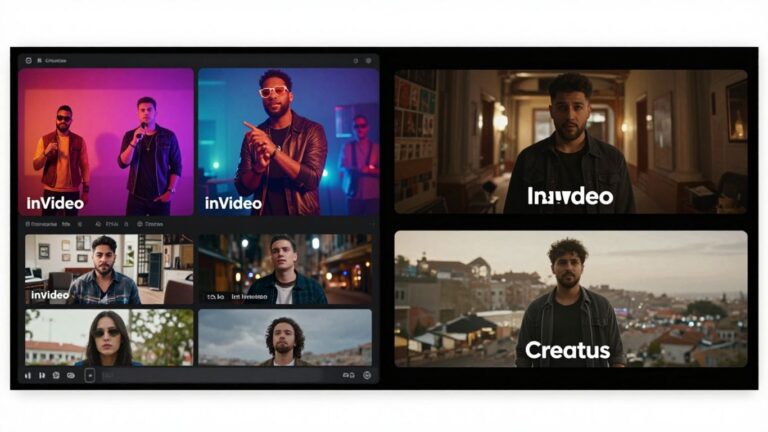
Ever wanted to make a music video but thought it was too complicated or expensive? Good news! You can totally make an AI music video right on your phone. It’s way easier than you might think, and you don’t need any fancy gear or skills. We’ll walk you through how to get your song and visuals sorted, generate the video, and get it ready to share.
Key Takeaways
- You can make an AI music video using just your phone, no complex software needed.
- Tools exist that can help you generate both the music (with AI vocals) and the video from simple text ideas.
- Look for apps that let you upload your own audio if you already have a song.
- Many AI video tools offer different visual styles and export options for various social media platforms.
- Creating a music video with AI is a quick way to get your music out there visually without a big budget.
Getting Started With AI Music Video Creation
Making a music video used to take a lot of time and money. Now, AI tools can help you create visuals for your songs right from your phone. This section will get you set up to start making your own AI music videos.
Understanding AI Music Video Generators
AI music video generators are software that use artificial intelligence to create video content based on your audio. You give them your song, and they produce visuals that match the music’s rhythm and mood. These tools can turn a simple audio file into a complete music video without you needing to film anything. It’s a fast way to get professional-looking videos for your tracks. Many platforms now offer this, like Freebeat’s AI music video generator.
Choosing the Right Tool for Your Project
When picking an AI music video tool, think about what you need. Some focus on creating music from scratch, while others are better at turning existing songs into videos. Consider if you want simple, automatic generation or more control over the final look. Look at the styles offered and how easy the interface is to use. For example, some tools are great for quick social media clips, while others aim for more cinematic results.
Essential Features to Look For
Here are some key features to consider when selecting an AI music video generator:
- Audio Analysis: The tool should be able to analyze your song’s tempo, beat, and mood to sync visuals effectively.
- Style Options: A good generator offers various visual styles, from animated to realistic, so you can match your music’s genre.
- Customization: Look for options to tweak colors, camera angles, or even add text and lyrics.
- Export Quality: Check the resolution and formats available for export to ensure your video looks good on different platforms.
- Ease of Use: A straightforward workflow means you can spend less time learning and more time creating.
Many AI video tools are designed to be user-friendly, often requiring just a few clicks to get started. This means you don’t need to be a video editing expert to produce decent results.
Some tools might offer a free trial or a limited free tier, which is a great way to test them out before committing. You can explore options like Canva’s AI video generator to see what fits your workflow best.
Crafting Your Song and Visuals
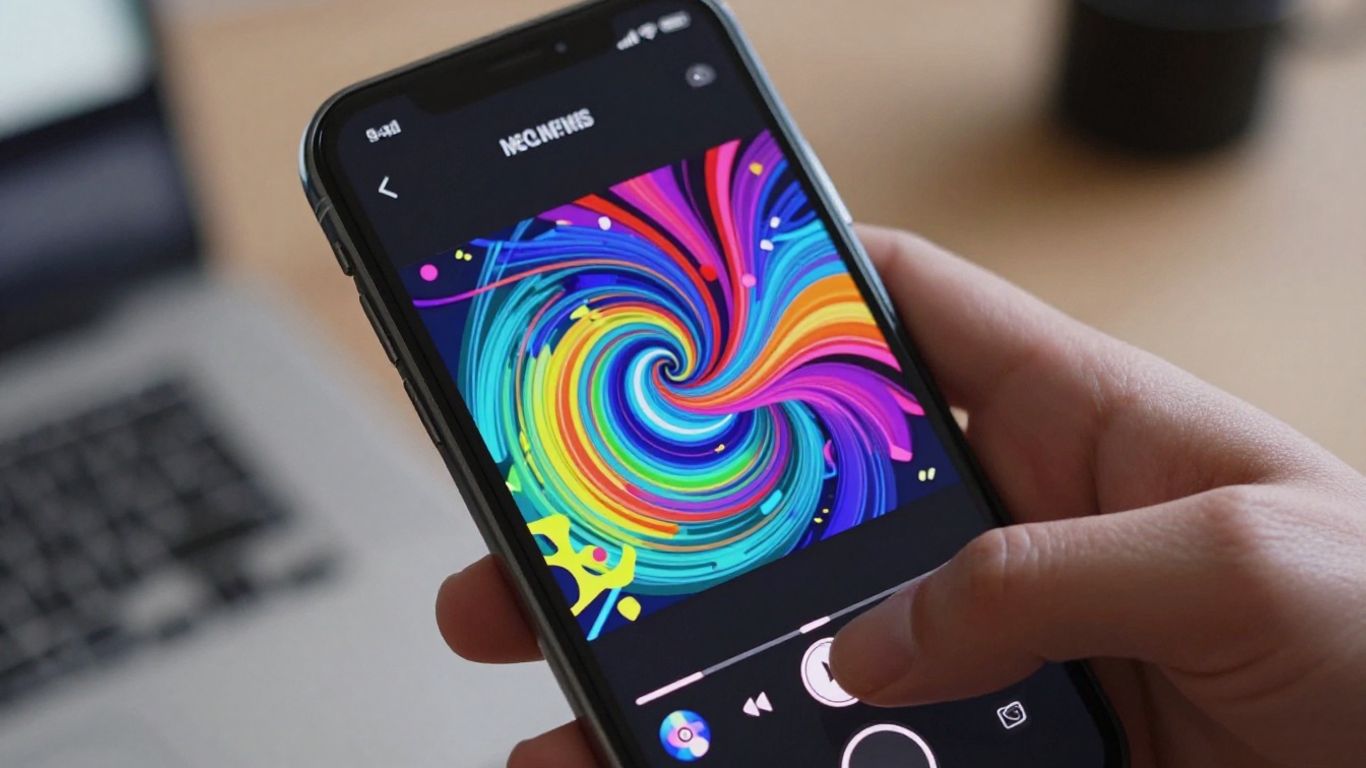
Now that you’ve picked your AI video tool, it’s time to think about the actual content. This means getting your music ready and deciding on the look and feel of your video.
Generating Music with AI Vocals
Some AI tools can actually create music for you, complete with vocals. You usually start by giving the AI a text prompt. This could be a genre, a mood, or even some lyrics you’ve written. The AI then composes a song based on your input. It’s a pretty neat way to get a unique track without needing musical experience. This can be a great starting point if you don’t have a song already. You can explore tools that offer this combined functionality, like Creatus AI.
Uploading Your Own Audio Tracks
Of course, you don’t have to use AI-generated music. If you’ve already recorded your own song, you can upload it directly to most AI video generators. Make sure your audio file is in a common format like MP3 or WAV. The AI will then analyze your track’s rhythm, energy, and structure to create visuals that match. This gives you full control over the music side of things.
Defining Visual Styles and Themes
This is where you get to be creative with the video’s look. Most AI tools offer a range of visual styles. Think about what fits your music best. Do you want something cinematic, animated, abstract, or maybe a performance-style video? You can often set a theme or mood, and some tools even let you upload reference images to guide the AI’s aesthetic. Choosing a style that complements your music is key.
Here are some common visual styles you might encounter:
- Cinematic: Aims for a movie-like quality with dramatic shots and lighting.
- Animated: Uses cartoon or motion graphics styles.
- Abstract: Focuses on shapes, colors, and patterns that react to the music.
- Performance: Simulates a live performance, often with a stage or studio setting.
- Lyric Video: Displays lyrics that sync with the song.
Deciding on your visual theme early helps the AI generate more consistent and impactful results. It’s like giving the AI a clear direction for its artistic vision.
Generating Your Music Video
Now that you have your audio ready, it’s time to bring it to life visually. This is where the AI music video generator really shines, taking your song and turning it into a dynamic visual experience. You’ll guide the AI, but it does the heavy lifting of creating the actual video content.
The Core Workflow for Video Generation
Most AI video tools follow a similar, straightforward process. You’ll typically start by uploading your audio track. This could be the song you just generated or any other audio file you have. Then, you’ll select a visual style or theme that matches the mood of your music. Finally, you hit generate and let the AI work its magic.
This process is designed to be quick and easy, often taking just a few minutes to produce a complete video. It’s a huge step up from traditional video production, which can take weeks or months. You can get a finished music video ready for sharing almost instantly.
Understanding AI Analysis of Audio
The AI doesn’t just slap random images onto your song. It actually analyzes your audio file. It looks for things like the beat, tempo, energy shifts, and even the structure of the song. This analysis allows the AI to sync the visuals precisely with your music.
This means that cuts will happen on the beat, and the visual intensity will often match the song’s dynamics. Some tools even analyze lyrics to time visual elements or text overlays. It’s a sophisticated process that makes the final video feel much more intentional and professional.
Customizing Visuals and Storytelling
While the AI does a lot automatically, you still have control. Most platforms allow you to customize the visual style, color palettes, and even specific elements within the video. You can often choose from different types of videos, like performance-based, abstract, or narrative styles.
Some advanced tools let you define characters or even script basic story elements. This allows you to inject your personal vision into the AI-generated output. You can refine the AI’s choices to better match your artistic intent, ensuring the video truly represents your music. You can explore different visual styles to see what fits best with your track, perhaps trying out a cinematic look or something more abstract like those offered by freebeat.ai.
The goal is to collaborate with the AI, not just hand over control. Think of it as having a very fast, very capable assistant who needs clear direction. Your input on style and theme is what makes the video uniquely yours.
Refining and Exporting Your Video
Editing and Fine-Tuning Your Output
Once your AI has generated the initial video, it’s time to polish it. Most tools offer some level of editing, allowing you to tweak individual scenes or the overall flow. You might want to adjust the timing of certain visuals to better match specific beats or lyrical cues. Don’t be afraid to experiment with different shot compositions or transitions if the platform allows. This is where you bring your unique artistic touch to the AI’s creation.
Selecting Export Formats for Platforms
Choosing the right export format is key for how your video will look and perform online. Most AI video generators will offer common formats like MP4. Consider where you plan to share your video most. For instance, vertical formats like 9:16 are ideal for TikTok and Instagram Reels, while 16:9 works best for YouTube. Some advanced tools might even offer XML exports, which can be useful if you plan to do further editing in professional software. This ensures your video is ready for any platform.
Sharing Your Finished Music Video
With your video refined and exported, you’re ready to share it with the world. Upload your final MP4 file to your preferred social media platforms, streaming services, or your own website. Make sure to write a compelling description and use relevant hashtags to help people discover your work. You’ve now turned your song into a visual experience, ready for your audience to enjoy. Consider using a tool that supports rapid AI music video creation to get your content out quickly.
Advanced Techniques and Considerations
Leveraging AI for Specific Video Styles
AI tools can do more than just create generic visuals. You can guide them to produce very specific aesthetics. Think about the mood of your song. Is it dark and moody, or bright and energetic? Describe that feeling in your prompts. You can even specify camera angles or lighting styles to get closer to your vision. This allows for a lot of creative freedom, turning your phone into a powerful visual studio. Explore different AI models to see which ones best fit the style you’re aiming for.
Understanding Copyright and Monetization
When you create videos with AI, you generally own the rights to the output. This means you can use them commercially. However, you’re responsible for any copyrighted material you include, like the music itself. Most platforms are clear about this. YouTube and TikTok won’t flag AI visuals for copyright; the risk comes from the audio. If your music is clear, your video should be too. Monetization is usually fine, but always check the platform’s specific rules on AI-generated content. Some might require disclosure if the visuals could be mistaken for real footage.
Integrating AI Tools for Enhanced Production
Don’t limit yourself to just one AI tool. You can combine different services for a more polished result. For instance, you might use one AI to generate the core video, then another to upscale the resolution or add specific effects. Some platforms even offer features like character consistency, letting you maintain the same person or object throughout your video. This level of control was once only possible with expensive software and a professional crew. Now, you can achieve similar results right from your phone. Consider using a tool that analyzes your audio stems for better visual sync, like this AI music video maker.
You own the full commercial rights to videos you create. This means you can use them on any platform, sell them, or include them in other projects without issue. Just make sure the music you use is cleared for use. The AI generates the pictures, but you’re responsible for the soundtrack’s legal standing.
Here’s a quick look at what you can control:
- Visual Style: Specify cinematic, animated, abstract, or even lyric video styles.
- Audio Reactivity: Map specific song elements (like drums or vocals) to visual effects.
- Character Consistency: Keep the same characters appearing across different scenes.
- Export Formats: Choose between vertical (TikTok/Reels), square (Instagram), or horizontal (YouTube) aspect ratios.
This level of customization helps you create unique content that truly represents your music. You can even transform your songs into stunning cinematic music videos with the right approach.
Ready to dive deeper? We’ve explored some cool ways to get the most out of our tools. For even more tips and tricks, check out our website. You might discover something amazing!
Wrapping Up Your AI Music Video Project
So there you have it. You’ve seen how to take your song idea, or even just a track you’ve already made, and turn it into a music video right from your phone. It’s not about needing fancy equipment or years of editing experience anymore. Tools like Creatus make it pretty straightforward to get something decent put together quickly. Give it a try with your next track. You might be surprised at what you can create without a lot of hassle.
Frequently Asked Questions
Can I really make a whole music video just on my phone?
Totally! Many apps let you type in your song idea, and the AI creates the music and the video for you. You can also upload your own music. It’s like having a whole production studio right in your pocket.
Do I need to be a musician or video expert to use these tools?
Nope! These tools are made for everyone. You don’t need any fancy skills. Just follow the steps, and the AI does the heavy lifting to make your song and video look and sound awesome.
What if I already have a song? Can I still make a video?
Absolutely. Most AI video makers let you upload your own audio files, like MP3s or WAVs. The AI will then create visuals that match the rhythm and feel of your song.
Can I pick the style of the video?
You bet! You can usually choose from different visual styles, like cinematic, animated, or abstract. Some tools even let you describe the exact look and feel you’re going for.
Where can I share my AI music video?
You can share your creations pretty much anywhere! Most tools let you export your video in different sizes perfect for TikTok, Instagram Reels, YouTube, and other social media platforms.
Is this stuff free to use?
Many of these AI tools have a free version you can try out, which is great for getting started. If you want more features or higher quality, they usually have paid plans that are pretty affordable.