So, you’ve made some killer tunes, but getting them out there feels like shouting into the wind, right? You’ve probably heard about AI, and maybe you’re wondering how to promote your music with AI videos. It sounds fancy, but it’s actually becoming a really practical way for independent artists to get their music seen and heard without needing a huge budget or a film crew. Think of it as your new best friend for making cool visuals that match your sound and grab people’s attention online. We’ll break down how you can use these tools to make your music stand out.
Key Takeaways
- You can now create both your songs and their music videos using AI, often in one go, simplifying the whole process.
- AI video tools let you make visuals that fit your music’s vibe and tempo, perfect for social media platforms like TikTok and Instagram Reels.
- These AI tools can help you create promotional content quickly, saving you time and money compared to traditional video production.
- Using AI-generated videos can help your music reach more people by making your content more engaging and shareable online.
- While AI is powerful, remember it’s a tool to help you; your unique artistic vision is still what makes your music special.
Leveraging AI for Music Video Creation
Understanding AI Music Video Generators
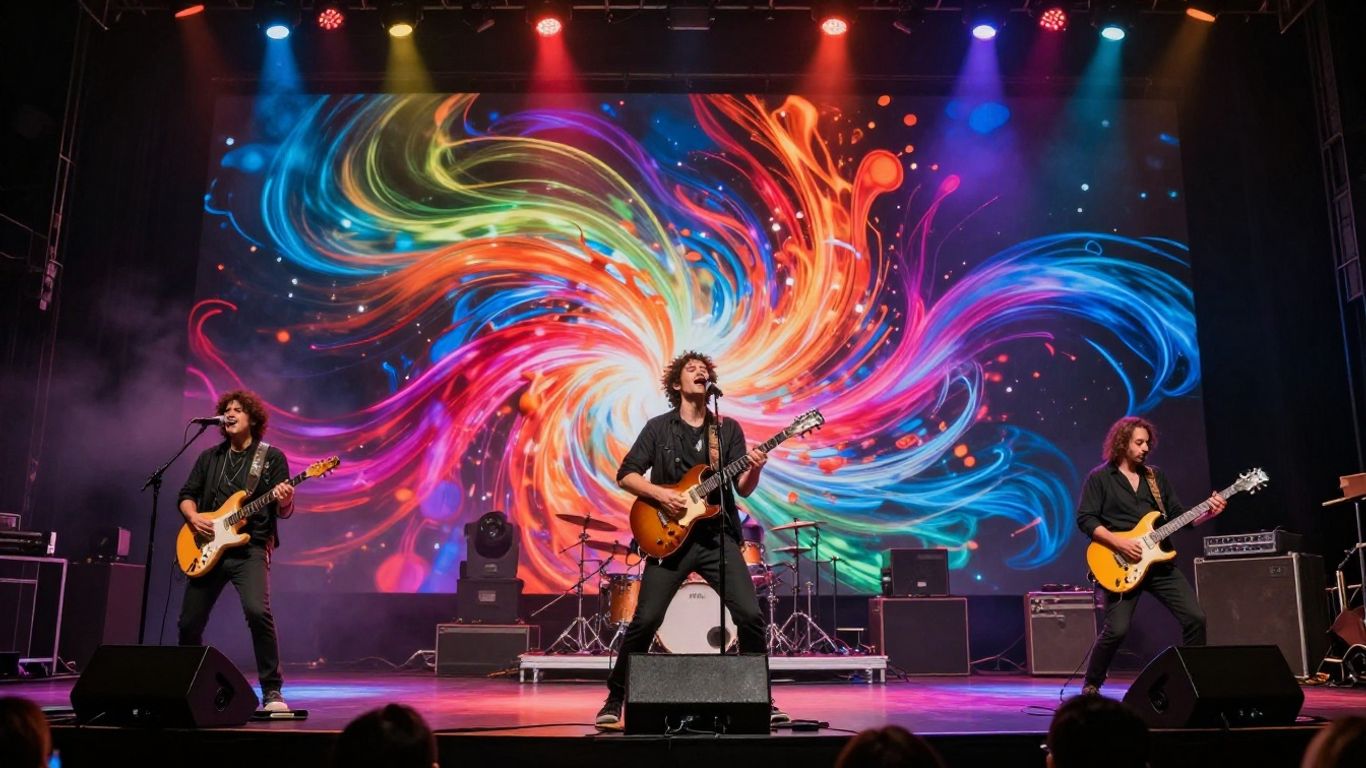
AI music video generators are tools that can create visual content for your songs. They use artificial intelligence to turn your audio into dynamic videos. This means you can produce visuals without needing a big budget or a film crew. These tools can significantly improve content creation by saving time and enhancing production quality. They are becoming a go-to for independent artists looking to make a visual impact.
The Integrated Workflow: Song to Video
Many AI tools now offer a combined workflow for both music and video creation. You can start with a text prompt to generate a song, complete with AI vocals. Then, you can directly use that generated audio, or upload your own track, to create a synchronized music video. This integrated approach means you don’t have to switch between different applications. It streamlines the entire process from initial idea to final video output.
Choosing the Right AI Video Tool
When selecting an AI video tool, consider what features are most important for your project. Some tools focus on audio-to-video conversion, while others offer text-to-song generation as well. Look for options that support various output formats, like vertical video for social media or standard widescreen for YouTube. Features like customizable visual styles and the ability to personalize videos with your own assets can also make a big difference. Many platforms offer a free tier, so you can test them out before committing.
- Consider your budget: Free tiers are great for starting, but paid plans unlock more features.
- Evaluate output quality: Look for tools that produce high-resolution videos.
- Check for ease of use: A simple interface is key if you’re not a video expert.
- Look at integration: Does it work well with your existing workflow?
The market for AI video generation is growing fast, with projections showing significant expansion in the coming years. This indicates a strong future for these tools in creative production. Staying informed about new developments will help you make the most of these technologies.
Generating Your AI Music Video
Crafting Your Song Idea with AI
Start by thinking about the core message or feeling of your song. What story do you want to tell visually? You can use AI tools to brainstorm lyrical themes or even generate initial song ideas if you’re stuck. Some platforms allow you to input a mood, genre, or even a few keywords, and the AI will help flesh out a concept. This initial step is about translating your musical intent into visual cues.
Transforming Audio into Visuals
Once you have your song ready, it’s time to bring it to life visually. Many AI video generators can take your audio file and create a synchronized video. These tools analyze the tempo, energy, and structure of your music to generate matching visuals. You can often upload your own audio or use AI-generated tracks directly within the same platform. This process removes the need for manual editing to match visuals to the beat.
Selecting Appropriate Visual Styles
AI video tools offer a range of visual styles, from cinematic and animated to abstract or lyric-based. Consider what aesthetic best represents your music and brand. Do you want something realistic, surreal, or perhaps a simple, clean lyric video? Experiment with different styles to see what fits your song’s mood. Choosing the right style can significantly impact how your audience perceives the music.
Here’s a look at common visual style options:
- Cinematic: Realistic, film-like quality.
- Animated: Cartoony or stylized motion graphics.
- Abstract: Non-representational visuals, patterns, and colors.
- Lyric Video: Text-based, often with dynamic backgrounds.
- Performance: Simulates live performance or artist presence.
The goal is to find a visual language that complements your song without overpowering it. Think about how the visuals can add another layer of meaning to your lyrics and melody. Don’t be afraid to try styles that seem unconventional at first glance; they might yield surprising results. The key is to align the visual output with the emotional core of your track. For example, a high-energy track might benefit from fast-paced, abstract visuals, while a ballad could shine with a more narrative, cinematic approach. You can explore tools like LTX Studio to see a variety of production capabilities.
Optimizing AI Videos for Promotion
Once you have your AI-generated music video, you need to make sure it works well for getting your music heard. This means tailoring it for different places you’ll share it and making sure the visuals really connect with your song.
Formatting Videos for Social Platforms
Different social media sites like TikTok, Instagram Reels, and YouTube Shorts prefer different video shapes. Most AI tools let you pick the format you need, like vertical (9:16), square (1:1), or horizontal (16:9). Choosing the right format means your video will look good and fill the screen, grabbing more attention. A vertical video on TikTok is a must, while a horizontal one might work better for a standard YouTube upload.
Ensuring Visuals Match Audio Dynamics
Your AI video should feel like your song. Pay attention to how the visuals change with the music’s energy. Does the video speed up during the chorus or slow down for the bridge? Some AI tools can analyze your audio to sync visuals automatically. If not, you might need to make small adjustments to ensure the mood and rhythm of the video match the song’s feel.
Personalizing Videos with Artist Assets
Even with AI, you can still make the video feel like yours. Many AI video generators let you upload your own images or logos. You could add your album art, a picture of yourself, or even a custom logo. This helps build your brand and makes the video unique, even if the core visuals were AI-generated. It’s a simple way to add a personal touch that AI alone can’t replicate.
Distributing Your AI-Generated Music Videos
Getting your AI-generated music video out there is the next big step. You’ve put in the work to create it, now it’s time to make sure people see it. This means understanding where to put it and how to make it fit.
Platform-Specific Video Requirements
Different platforms have different ideas about what makes a good video. YouTube likes longer, high-definition content. TikTok and Instagram Reels thrive on short, vertical clips. Spotify Canvas uses looping visuals. You need to tailor your video for each place you upload it. This might mean creating different versions or clips from your main video.
Here’s a quick look at common formats:
- 16:9 (Horizontal): Standard for YouTube, Facebook, and general web use.
- 9:16 (Vertical): Perfect for TikTok, Instagram Reels, and YouTube Shorts.
- 1:1 (Square): Good for Instagram feeds and other social media posts.
Maximizing Reach on Streaming Services
Streaming services are a huge part of music consumption. For platforms like Spotify, you can use features like Spotify Canvas to add a looping visual from your video. This keeps listeners engaged while they enjoy your track. Make sure your video’s visual style complements the music itself. You can find tools that help you create these visuals easily. Check out distribution tools to get your music and visuals onto these platforms.
Advanced AI Video Promotion Strategies
AI-Powered Advertising Campaigns
Think about running ads that actually find the people who will like your music. AI can look at listener data, like what they stream and share, to figure out who your ideal fan is. This means your ad money goes further, reaching listeners who are already interested in your sound. You can set up campaigns on platforms like Meta or Google, and let the AI do the heavy lifting of targeting.
Creating Engaging Content Loops
Short, repeating video clips can grab attention fast on social media. AI can help you create these "content loops" by taking parts of your longer music video or generating new visuals based on your song’s vibe. These can be used as teasers, background visuals for live streams, or even as short ads. The goal is to keep viewers watching and wanting more.
Analyzing Performance for Future Videos
After you release a video, check how it’s doing. AI tools can track metrics like watch time, engagement, and where your viewers are coming from. This information is gold. You can see which visual styles or video lengths worked best for your audience. Use these insights to make your next AI music video even more effective. It’s a cycle of creating, releasing, and learning.
Don’t just guess what works. Let the data guide your next creative move. AI gives you the tools to understand your audience better than ever before, making your promotion efforts smarter and more efficient.
Navigating AI Music Video Production
Understanding AI Capabilities and Limitations
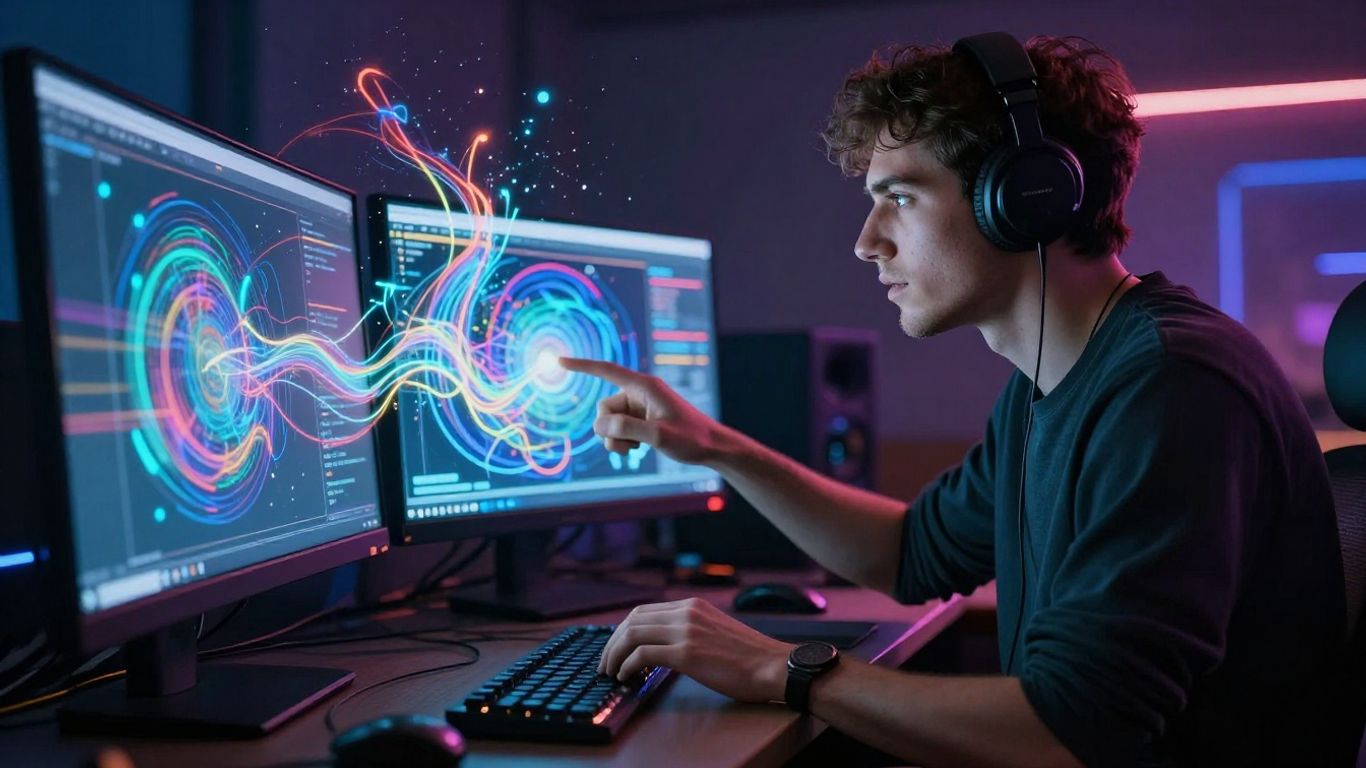
AI tools are powerful, but they aren’t magic wands. They can generate visuals based on patterns and data, but they don’t truly understand emotion or artistic intent like a human does. You’ll get interesting results, but sometimes they won’t quite hit the mark. It’s important to know what AI can and can’t do before you start.
AI video generators work by analyzing your audio and applying learned visual styles. They can create impressive effects, but they might struggle with nuanced storytelling or specific visual metaphors you have in mind. Expect to experiment and refine your prompts to guide the AI toward your vision.
Ethical Considerations in AI Music
Using AI in music production brings up some tricky questions. For starters, who owns the copyright to AI-generated music or videos? The rules are still being figured out, and they can differ between platforms. Always check the terms of service for any AI tool you use and for the platforms where you plan to share your work.
Be mindful of how you use AI-generated content. Some platforms have strict rules about AI music, and you might need to disclose its origin. Impersonating existing artists or using copyrighted material without permission can lead to serious problems, like having your music taken down or even getting banned.
Staying Ahead with Evolving AI Tools
The world of AI is changing fast. New tools and features pop up all the time, and what’s cutting-edge today might be old news tomorrow. Keep an eye on industry news and updates from the AI platforms you use.
This means you should also stay informed about platform policies. What’s allowed on YouTube or TikTok now might change. Staying updated helps you adapt your strategy and avoid issues with your releases. It’s a good idea to test new tools as they become available to see how they can fit into your workflow.
Making music videos with AI doesn’t have to be hard. You can create awesome videos just by using simple tools. Want to give it a try? Visit our website to start making your own amazing AI music videos today!
Wrapping Up: Your AI Music Video Toolkit
So, you’ve seen how AI can really change the game for getting your music out there. Tools like Creatus AI Music Video Generator let you go from a simple idea to a finished song and video without needing a big budget or a film crew. You can whip up visuals that match your sound, export them for any platform, and do it all yourself. It’s not about replacing your creative spark; it’s about giving you more power to share your music with the world. Start playing around with these tools, see what works for you, and focus on making more music. The tech is here to help you do just that.
Frequently Asked Questions
What exactly is an AI music video generator?
Think of it as a super-smart tool that can help you make music videos without needing to be a video pro! You can give it an idea, and it can help create a song with singing, then turn that song into a video. It’s like having a creative assistant that handles the tech stuff so you can focus on your music.
Do I need to know how to make music or edit videos to use these tools?
Nope! That’s the cool part. Many AI music video tools are designed for beginners. You usually just type in your song idea or upload your audio, pick a style you like, and the AI does the heavy lifting to create the video. No complicated software or skills needed.
Can I use AI to make a music video for a song I already have?
Absolutely! Most AI video tools let you upload your existing song (like an MP3 or WAV file). The AI will then analyze your music’s vibe and beat to create visuals that match. It’s a quick way to give your finished tracks a professional-looking video.
What kind of videos can AI create for my music?
AI can generate all sorts of visuals! You might get animated scenes, cool abstract patterns, lyric videos that show your words on screen, or even clips that look like they were filmed. You can often choose different styles to fit the mood of your song.
How do I make sure my AI-generated video looks good on different social media sites?
Smart question! Good AI tools let you choose the right video shape before you create it. For example, you can pick a tall, skinny format for TikTok or Instagram Reels, a square one for Instagram posts, or a wide one for YouTube. This makes sure your video fits perfectly on each platform.
Can AI really help my music get more listeners?
Yes, it can be a big help! AI tools can create eye-catching videos quickly, which grab attention on social media. They can also help you figure out who your biggest fans are and how to reach more people like them with ads. It’s like having a marketing helper that works around the clock.