Key Takeaways
Producing a music video using artificial intelligence allows you to generate professional visuals without a production budget. Understanding the workflow from file preparation to platform export ensures your content stands out.
- Files like MP3s must be crisp to ensure accurate beat detection.
- Choosing a visual style that matches your specific song genre is critical.
- Iterative prompting helps refine the AI output for a cohesive story.
- Exporting in specific aspect ratios is necessary for platform performance.
- A single-platform workflow avoids the headaches of syncing separate software.
Understanding the AI music video production process
A modern music video workflow relies on how deep learning models parse audio frequency and rhythm to trigger visual responses. Rather than traditional timeline editing, you guide the machine to match scene changes with audio events.
How AI interprets audio energy and tempo
The most effective AI tools analyze tempo alongside dynamic shifts in loudness and instrumentation. When the software detects a sudden jump in amplitude, it triggers a visual transition, ensuring the video feels reactive to your track.
Differences between visualizers and narrative music videos
Visualizers typically loop abstract patterns or geometric shapes that dance with the frequency of your song. In contrast, narrative music videos use prompt engineering to maintain consistent character appearances and specific actions across the duration of the track.
Setting expectations for AI-driven creative automation
Automation manages the heavy lifting of frame generation and motion blending, but you still need to provide clear vision and direction. It works best when you view the model as a collaborator rather than a magic button that decides the final artistic direction for you.
Benefits of a single-platform workflow
You can use the Creatus AI Music Video Generator to handle both song creation and visual production in one place. By keeping your assets in a unified workspace, you avoid issues with file compatibility or timing mismatches. This approach streamlines production when compared to stitching together outputs from various best music video generator platforms.
Preparing your MP3 for optimal AI synchronization
High-quality audio files are the foundation of accurate visual synchronization. You need to ensure your audio file is clean from start to finish.
Balancing audio quality and file size for uploads
Most platforms handle standard bitrate MP3s, but choosing a 320kbps file ensures the algorithm detects minute details in the percussion. Avoid heavily distorted audio, as it can confuse the beat detection mechanisms.
Selecting tracks with distinct structural beats
Tracks with clear rhythmic separation are easier for AI to map compared to wall-of-sound production styles. If you are starting fresh, check out freebeat.ai to see how simple rhythmic structures simplify the process. When your bass and drums are prominent, the transitions will trigger more reliably.
Understanding the role of BPM in visual rhythm
BPM controls the pace of your cuts and visual changes. Faster tempos usually require more frequent frame updates to stay coherent with the listener’s ear.
Organizing your audio assets for faster generation
Keep your project folders clear by grouping stems, raw audio, and exported video versions for quick retrieval. Referencing a VibeMV technical guide provides helpful insights on how professional workflows handle these assets from raw upload through to final rendering.
How to use an AI music video generator
Getting started after your audio is ready involves basic project setup within your chosen dashboard. You will typically find a clear interface for dragging your audio file directly into the main workspace.
Accessing and setting up your video project
Once logged into your account, initialize a new production session. Give it a name that matches your track title for easy tracking.
Uploading your audio file to the platform
Drag your MP3 into the import window and wait for the platform to process the audio wave. Some systems perform a quick scan to determine the best visual points for your video changes.
Managing account settings and project storage
Keep an eye on your storage limit and project history to save your work frequently. If you use a tool like InVideo AI, you can often manage these elements directly from the main account overview.
Navigating the AI workspace dashboard
| Feature | Purpose | Effort Level |
|---|---|---|
| Prompt box | Write scene descriptions | High |
| Timeline | Adjust transitions | Medium |
| Style picker | Select artistic aesthetic | Low |
After setting these parameters, you will be prepared to generate your first rough cut.
Matching visual styles to your track’s mood
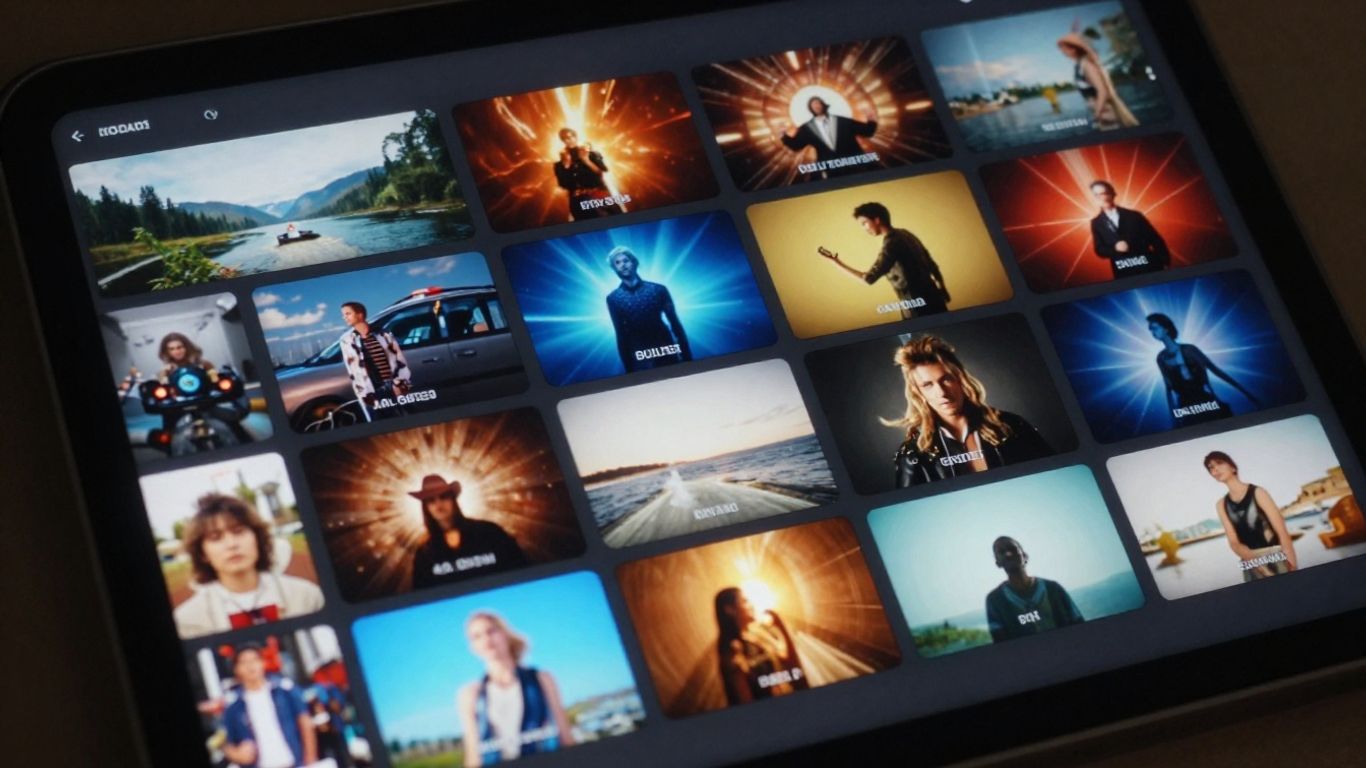
Selecting a look that aligns with your song requires examining the core emotion of your audio. You can effectively pair sounds with visual motifs.
Choosing between cinematic, animated, and abstract styles
Cinematic styles work well for melancholic or story-driven songs, while abstract styles often suit electronic music. Your selection dictates the character of the final video.
Customizing visual prompts to reflect song themes
Be specific with your prompts by describing the lighting, camera angle, and color palette. If your song is about high-speed travel, use words like blurred motion or neon light trails.
Using AI to analyze the emotional narrative of your audio
Some tools let you adjust the intensity of the emotional reaction within the visual output. By tweaking these settings, you ensure the video reflects the mood rather than just the tempo.
Integrating lyrics into your video design
Consider adding text overlays if you want to ensure viewers understand your message. Visual prominence boosts engagement significantly when the lyrics move in sync with the beat.
Exporting for TikTok, YouTube, and Instagram
Platform requirements dictate the final output you should choose to ensure your video plays correctly. You must tailor your export settings to each platform’s unique needs.
Configuring output for 9:16 vertical shorts
Vertical video is the standard for TikTok and Reels content. Always set your aspect ratio to 9:16 early in the process to prevent cropping errors later.
Providing 16:9 aspect ratios for long-form hosting
When uploading to YouTube, standard widescreen formats offer the best viewing experience. Check that any generated AI content fills the frame correctly.
Optimizing 1:1 formats for Instagram feed performance
Square videos provide a balanced focus for static feed viewing. They are great for ensuring critical action remains centered.
Ensuring quality standards for different social platforms
Avoid excessive compression, as some AI models will generate artifacts if the bit rate is too low. Always inspect your final render before hitting publish.
Best practices for high-impact AI videos
Consistent results happen when you treat each generated piece as a draft that requires human refinement. You have control over the final look by iterating on your initial thoughts.
Refining visual results through iterative prompting
If the first frame does not meet your standards, adjust one parameter like the character focus or color grade to guide the machine. You should aim to:
- Update one prompt detail per test.
- Monitor transitions for jittery motion.
- Compare different style presets side by side.
- Use fixed seeds to test slight variations.
Fixing common visual artifacts in frame generation
If you see morphing or strange shapes, reduce the complexity of your prompts. Keeping scenes steady helps the AI maintain consistency across frames.
Strategies for pairing custom audio with AI visuals
Make sure the visual pace does not outstrip the audio. If the music is slow, use long, smooth camera transitions; if it is fast, switch between scenes with more energy.
Scaling your music video creation across different projects
Once you find a visual style you enjoy, save your prompts as templates. This helps you build a cohesive visual identity for your brand. Use these Creatus AI Music Video Generator workflows to create music videos quickly across multiple tracks.
Conclusion
Creating compelling music videos is now accessible through AI automation that interprets both your audio structure and artistic intent. By focusing on smart file preparation and iterative refinement, you can produce content that competes with studio-level production without needing external help. Leverage these tools to consistently share your sound with the world.
Frequently Asked Questions
Do I need to be a video editor to use these AI generators?
No, most modern tools are specifically designed for creators without formal video editing experience, using automated systems to handle the technical requirements.
Can I use my own footage alongside AI visuals?
Many advanced AI platforms allow you to input your own reference images or short video clips to guide the generation process, blending real assets with synthetic ones.
What file formats are generally supported for audio uploads?
MP3 and WAV are the most common file formats, as they offer the balance of size and fidelity needed for algorithms to read the audio data.
How long does a typical AI music video generation take?
Depending on the complexity of your prompt and the length of your song, rendering can take anywhere from a few minutes to half an hour.
Are the music videos created by AI copyright safe?
Ownership rights vary by platform, so always verify the terms of service of the specific AI generator you use to understand the licensing of your output.
Can I edit the video once it has been generated?
Many platforms include built-in editors or text-based editing features that let you update specific sections of the video without re-generating the entire file.
Why does the video quality sometimes look degraded on social media?
Social media platforms compress all video content, so uploading in a clean, high-resolution format ensures the AI-generated details remain intact after platform compression.