So, you want to make a song using AI? It’s actually pretty straightforward these days. You don’t need to be a music whiz or a tech genius to get started. Think of it like telling a really talented friend what kind of song you want, and they just whip it up for you. We’ll walk through how to create an AI song, from just having a basic idea to having a finished track, and even a music video to go with it. It’s all about using the right tools and knowing what to tell them. Let’s get you making some tunes!
Key Takeaways
- You can create a full song with AI vocals just by typing in a description, like a genre or a mood.
- To get the best results, be specific when you tell the AI what kind of music you want.
- Some tools let you make both the song and a music video all in one place, which is super handy.
- After the AI makes your song, you can check it out, download it, or even split it into parts to remix.
- Using AI for music is great for making copyright-free tunes for your projects without needing music skills.
Understanding AI Song Creation Tools
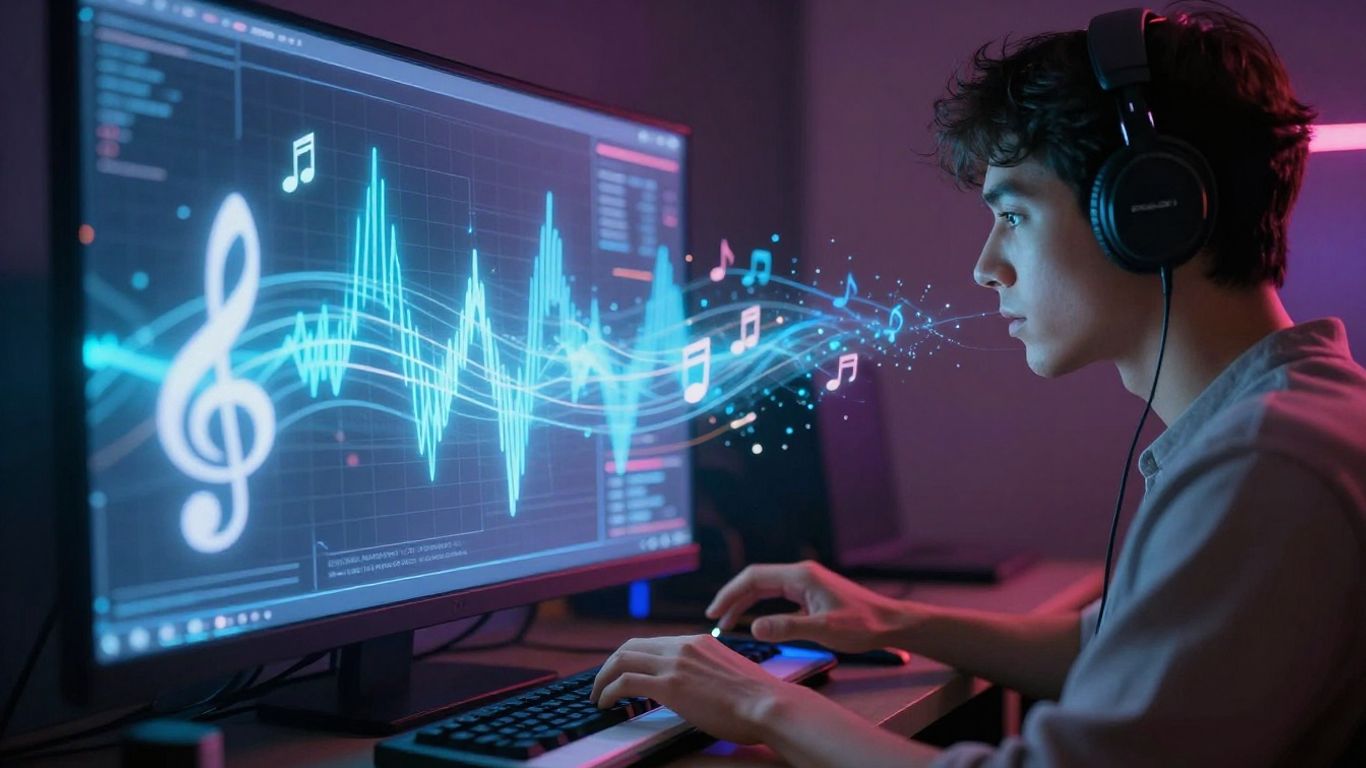
AI song creation tools are changing how we make music. These platforms use artificial intelligence to help you compose, arrange, and even perform songs. You can go from an idea to a finished track much faster than before.
Defining AI Song Generation Capabilities
AI music generators can do a lot. They can write lyrics, create melodies, and produce full instrumental arrangements. Some even generate realistic AI vocals. The core capability is turning simple inputs, like text prompts or lyrics, into complete songs. These tools are designed to be accessible, even if you don’t have traditional music training.
Key Features of AI Music Generators
When looking at AI music tools, several features stand out. You’ll find options for selecting genres, moods, and tempos. Many offer different vocal styles and instrumental sounds. Some platforms also provide tools for editing and refining the generated music.
Here’s a quick look at common features:
- Text-to-Song: Generate music from descriptive text prompts.
- Lyrics-to-Song: Turn your written lyrics into a musical piece.
- Vocal Styles: Choose from various AI-generated voices.
- Genre Selection: Pick from pop, rock, hip-hop, classical, and more.
- Instrumental Options: Select specific instruments or full band arrangements.
- Tempo & Mood Control: Adjust the speed and emotional feel of the track.
Differentiating AI Song Tools
Not all AI music tools are the same. Some focus on generating simple background music, while others create complex songs with vocals. You might find tools that specialize in specific genres or offer advanced customization.
Consider what you need the tool for. Are you looking for a quick way to create background music for a video, or do you want to produce a full song with AI vocals? Some platforms, like Creatus AI Music Video Generator, even combine song creation with video generation, offering a unique all-in-one solution. Understanding these differences helps you pick the right tool for your project.
Crafting Your AI Song’s Foundation
Before you hit ‘generate,’ you need to lay the groundwork for your AI song. This involves thinking about what you want to create and how you’ll tell the AI about it. Getting this part right makes a huge difference in the final output.
Developing Song Concepts and Lyrics
Start with a clear idea. What story do you want to tell, or what feeling do you want to evoke? Jot down some keywords or a basic narrative. If you’re writing lyrics, focus on rhythm and rhyme, but don’t get too bogged down in perfection at this stage. The AI can help refine things later. Think about the core message you want your song to convey.
Utilizing Text Prompts for Music Generation
Text prompts are your main way of communicating with the AI. Be descriptive. Instead of just ‘sad song,’ try ‘a melancholic acoustic ballad about lost love, with a slow tempo and gentle piano.’ The more detail you provide, the better the AI can match your vision. Consider mentioning the mood, genre, and even specific instruments you imagine. This is where you can really guide the AI’s creative process.
Selecting Musical Styles and Genres
AI tools offer a wide range of musical styles. You can pick from established genres like pop, rock, or electronic, or even try combining them. Think about what kind of sound best fits your lyrical theme and overall concept. Some platforms allow you to experiment with cross-genre creation, blending elements from different musical worlds. This can lead to some really unique and unexpected results. Choosing the right style sets the stage for the entire song.
Generating Your AI Song
Now that you have your foundation, it’s time to bring your song to life. This is where the AI music generator takes your ideas and turns them into actual audio.
Inputting Lyrics or Text Descriptions
You can start by feeding your lyrics directly into the AI. Alternatively, if you haven’t written lyrics yet, you can use a descriptive text prompt. This prompt acts as the blueprint for your song’s theme and mood. For example, you might describe "a melancholic piano ballad about lost love" or "an upbeat electronic track for a road trip." The more detail you provide, the better the AI can interpret your vision. Many tools allow you to develop song concepts this way.
Choosing Vocal Styles and Instrumental Arrangements
Most AI music tools offer a selection of vocal styles. You can choose between male, female, or even specific vocal characteristics like a husky tone or a clear soprano. You’ll also select the instrumental arrangement. This could range from a full band with drums and bass to a simple acoustic guitar or a complex orchestral score. Some platforms even let you specify instruments you want included or excluded.
Configuring Tempo and Emotional Tone
Fine-tuning the tempo and emotional tone is key to shaping the final output. Tempo is usually set in beats per minute (BPM). A faster BPM creates an energetic feel, while a slower one lends itself to more relaxed or somber tracks. The emotional tone can be adjusted through sliders or descriptive tags, allowing you to guide the AI towards happiness, sadness, excitement, or calm. This step ensures the music truly matches the feeling you want to convey.
Refining and Exporting Your AI Song
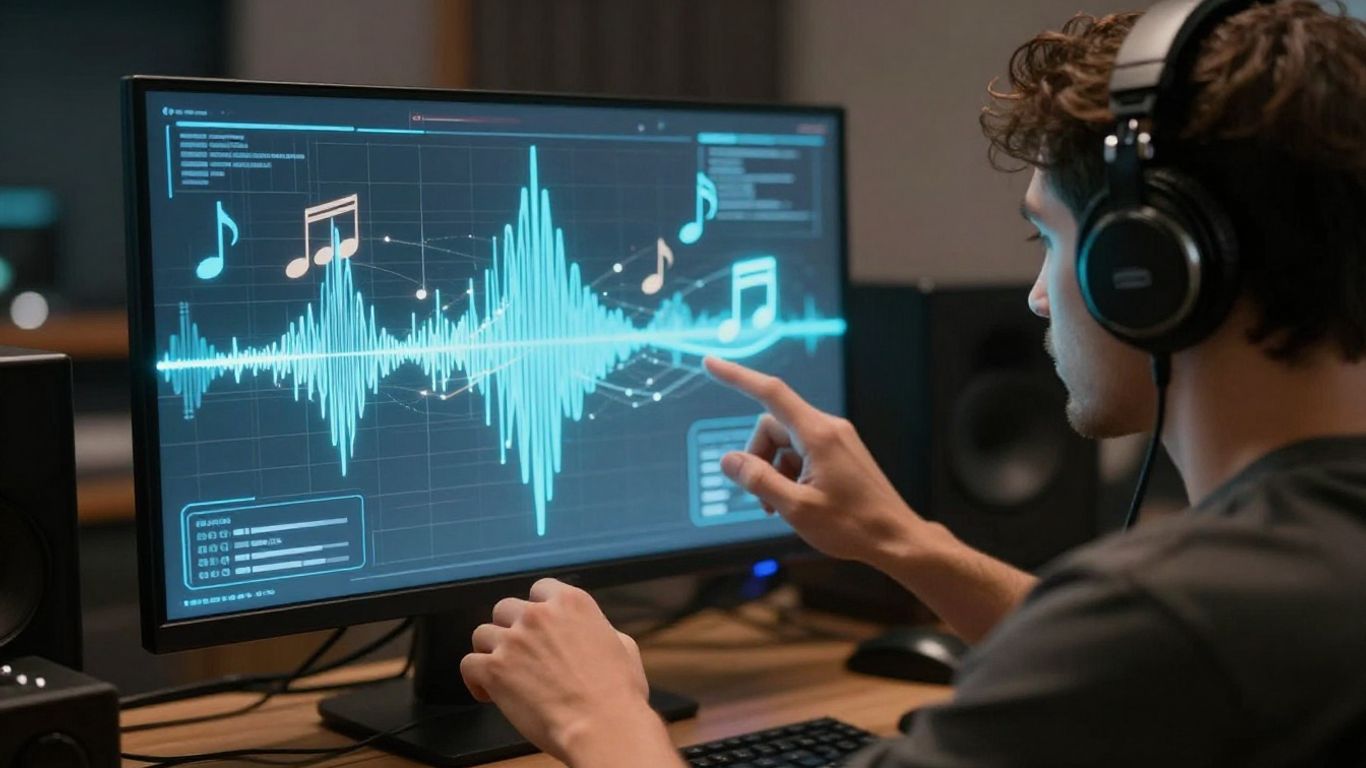
Once your AI has finished creating the song, it’s time to take a closer look. You’ll want to listen through the entire track to make sure it sounds right. Check if the vocals and instruments are balanced and if the overall mood matches what you were going for. This is your chance to catch any little things that might be off.
Evaluating AI-Generated Song Output
Play your song from start to finish. Does the melody flow well? Are the lyrics clear? Listen for any awkward phrasing or instrumental parts that seem out of place. Sometimes, the AI might produce something unexpected, and that’s okay. You’re the final editor here.
Exporting Your Song in Standard Formats
When you’re happy with the song, you’ll need to export it. Most AI music tools let you download your track in common audio files like MP3 or WAV. MP3 is good for general sharing, while WAV offers higher quality if you plan on doing more with the audio later. Make sure you choose the format that best suits your needs for sharing your music.
Leveraging Stem Separation for Remixing
Some advanced tools offer something called stem separation. This breaks your song down into its individual parts – like vocals, drums, bass, and melody. It’s like getting the raw ingredients separately instead of a finished dish. This is super useful if you want to remix the song, add your own instruments, or just tweak specific elements without affecting the whole track. It gives you a lot more control for future projects.
Integrating AI Songs with Visuals
Now that you have your AI-generated song, it’s time to give it some eyes. Pairing your music with visuals can make it much more engaging, especially for sharing online. You can create music videos that match the mood and energy of your track.
Understanding AI Music Video Generation
AI tools can now create entire music videos from your audio. These platforms analyze your song’s tempo, mood, and structure to generate fitting visuals. Some tools even let you upload photos or choose from pre-set styles to guide the video’s look. This technology makes producing a music video accessible without needing complex editing skills. It’s a fast way to get a visual component for your new track.
Matching Visuals to Audio Characteristics
When you generate a music video, you’ll want the visuals to feel connected to the song. Think about the emotion your music conveys. Is it upbeat and energetic, or slow and reflective? AI video generators often let you pick styles like "cinematic," "animated," or "abstract." You can also upload specific images or choose themes that align with your song’s narrative or vibe. Some tools even offer lyric video options, displaying your song’s words on screen.
Exporting Music Videos for Social Platforms
Once your AI music video is ready, you’ll need to export it in the right format. Most AI video tools offer several aspect ratios. You’ll typically find options like 16:9 for YouTube, 1:1 for Instagram feeds, and 9:16 for TikTok and Reels. Choosing the correct format ensures your video looks good on whichever platform you plan to share it on. This makes your music more discoverable and shareable.
Best Practices for AI Song Creation
Creating music with AI is exciting, but a few tips can make your process smoother and your results better. Think of these as shortcuts to getting the sound you want without a lot of trial and error.
Writing Effective Song Prompts
Your prompt is the blueprint for your song. Be specific about the mood, genre, and any instruments you want to hear. Instead of "sad song," try "a melancholic piano ballad about lost love, with a slow tempo." The more detail you provide, the closer the AI will get to your vision. This helps the AI understand the emotional core and sonic texture you’re aiming for.
Experimenting with Genre Combinations
Don’t be afraid to mix and match genres. AI tools are great at blending styles that might not typically go together. Try combining electronic beats with folk melodies or jazz harmonies with hip-hop rhythms. This can lead to unique sounds you wouldn’t have thought of otherwise. It’s a fantastic way to push creative boundaries and discover new sonic landscapes.
Ensuring Copyright-Free Music
When you create music with AI, it’s important to know if it’s safe to use. Many platforms train their AI on legally sourced music, which means the output is typically copyright-free. Always check the platform’s terms of service to confirm. This protects you if you plan to use the music commercially or share it widely. You can find tools that guarantee a clear chain of custody for all training data, ensuring your generated tracks are safe for commercial projects.
Using AI for music creation means you can produce professional-sounding tracks quickly. However, always remember that the AI is a tool. Your creative direction and refinement are what make the song truly yours. Pay attention to the details in your prompts and the output you receive.
Want to make your own AI songs? It’s easier than you think! We’ll guide you through the steps to create amazing music with AI. Ready to start your musical journey? Visit our website today to learn more and begin creating!
Wrapping Up Your AI Song Creation
So, you’ve gone from a simple idea to a finished song, complete with vocals and even a music video. It’s pretty wild how far we’ve come, right? You don’t need a fancy studio or a band anymore to get your music out there. Tools like Creatus AI make it straightforward – just type what you want, and it handles the rest. Now you’ve got a track and a video ready to share. Go ahead and put it out there. It’s your creation, and the next step is just seeing what people think.
Frequently Asked Questions
What exactly is an AI song generator, and how does it work?
Think of an AI song generator like a super-smart music maker. You give it some ideas, like a feeling you want the song to have, maybe some lyrics, or even just a genre you like. The AI then uses all that information to create a brand new song, complete with music and even singing! It’s like having a musical assistant that can whip up tunes based on your imagination.
Do I need to be a musician to use these AI tools?
Nope, not at all! These tools are designed for everyone. You don’t need to know how to play an instrument or read music. If you can type or speak your ideas, you can create a song. It’s a fantastic way for anyone to explore their musical creativity without needing years of practice.
Can I use the songs I create with AI for my own projects, like videos or social media?
Absolutely! Most AI song tools are made so you can use the music you create freely. This means you can use them as background music for your YouTube videos, TikToks, or any other project without worrying about copyright issues. It’s perfect for content creators who need original music.
What’s the difference between just making a song and making an AI music video?
Making just a song with AI means you get the audio track. Making an AI music video takes it a step further. You can often use your AI-generated song (or even an audio file you already have) and the AI will create a video that matches the music’s vibe, tempo, and mood. Some tools can even do both song and video creation in one go!
How do I get the best results when asking an AI to make a song?
The key is to be descriptive! Instead of just saying ‘make a happy song,’ try something like ‘an upbeat, catchy pop song with a driving beat, perfect for a summer road trip.’ Mentioning the genre, the mood, the instruments you like, and even the kind of feeling you want to evoke will help the AI create something closer to what you’re imagining.
Are AI-generated songs truly original, and can they be copyrighted?
AI song generators create music based on patterns they’ve learned, but the specific combinations and arrangements are unique to your prompts. Many platforms ensure their AI is trained on legally sourced music, making the output copyright-free for you to use commercially. However, it’s always a good idea to check the specific terms of the tool you’re using to be sure.