So, you’re looking to make a music video with AI, huh? It sounds pretty cool, and it can be. But getting the visuals to actually match your music and not look like a jumbled mess? That’s the tricky part. We’re going to break down how to choose the right visual style for your AI music video so it actually looks like you know what you’re doing. It’s not just about hitting a button and hoping for the best.
Key Takeaways
- Think about the vibe of your music first. Is it chill, energetic, or something else? The visuals should match that feeling.
- Don’t just pick random styles. Try to stick to a color scheme and camera feel that works for your whole video.
- When picking AI tools, see if they let you control the look and if they can sync up with your music’s beat and energy.
- It’s okay to test things out. Make short clips to see if a style works before you commit to a whole video.
- Make sure the visuals and the music feel like they belong together. Transitions should be smooth, and animations should match the song’s pace.
Understanding Visual Style Options
Exploring Different Visual Aesthetics
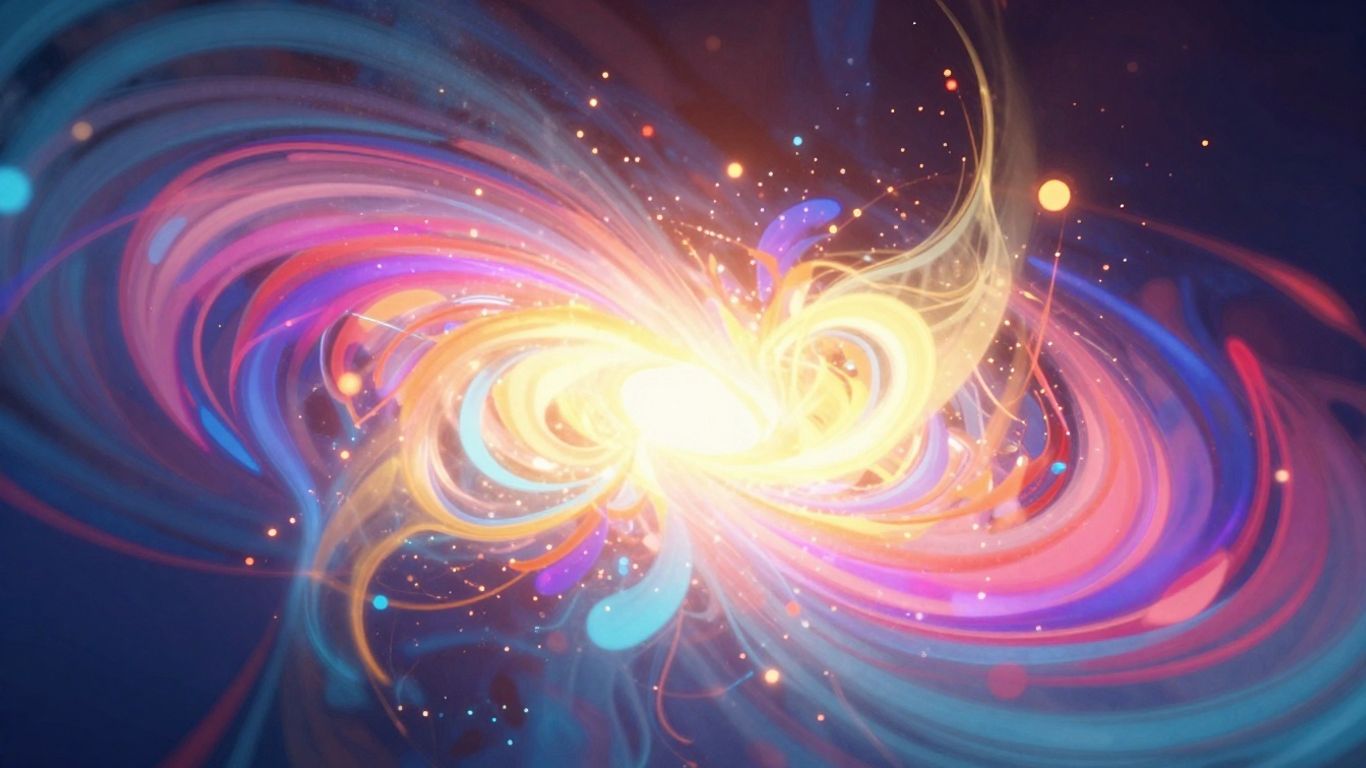
AI music video tools offer a range of visual styles, from abstract animations to realistic scenes. Think about the overall vibe you want to create. Do you want something sleek and modern, or perhaps more gritty and experimental? Exploring these different aesthetics is your first step in defining the look of your video. Many platforms provide pre-set styles you can preview, giving you a quick look at what’s possible. This helps you get a feel for the variety available before you commit to a specific direction.
Matching Style to Music Genre and Mood
Your music’s genre and mood should heavily influence your visual style choice. A high-energy electronic track might suit a neon-drenched, fast-paced visual, while a melancholic ballad could benefit from softer, more atmospheric imagery. Consider the emotional core of your song. The visual style you choose acts as a translator for the music’s feeling. If your music is upbeat and danceable, you’ll want visuals that reflect that energy. Conversely, a more introspective piece calls for visuals that are calmer and more contemplative.
Considering Target Audience Preferences
Who are you trying to reach with your music video? Different audiences respond to different visual languages. Younger audiences might gravitate towards trending styles seen on platforms like TikTok, while a more mature audience might appreciate a classic, cinematic feel. Research what visual trends are popular within your genre and among your target demographic. Understanding your audience helps you make choices that will connect with them more effectively. It’s about speaking their visual language.
| Genre | Common Visual Styles |
|---|---|
| Electronic | Neon, Abstract, Glitch, Futuristic |
| Hip-Hop | Urban, Gritty, Street Art, Bold Typography |
| Pop | Bright Colors, Energetic Motion, Clean Aesthetics |
| Rock | Analog, Grunge, Cinematic, High Contrast |
| Folk/Acoustic | Natural Landscapes, Soft Lighting, Hand-drawn Elements |
The visual style you select is more than just decoration; it’s a narrative tool. It sets the tone, guides the viewer’s emotions, and reinforces the message of your music. Choose wisely, and it will amplify your song’s impact.
Defining Your Music Video’s Aesthetic
Now that you’ve explored the options, it’s time to nail down the look and feel of your AI music video. This is where you translate the song’s essence into a visual language that connects with your audience. Getting this right means your video won’t just be a collection of pretty pictures; it’ll be a cohesive artistic statement.
Establishing a Consistent Color Palette
Color is a powerful tool for setting mood and conveying emotion. Think about the feelings your music evokes. Is it energetic and vibrant, or calm and introspective? Choose a primary color and a few complementary shades that reflect this. A well-chosen color palette acts like a signature for your video. It helps create a unified atmosphere that viewers can easily connect with.
Choosing Camera Movement and Scene Continuity
How your camera moves, or doesn’t move, significantly impacts the viewer’s experience. Do you want dynamic, fast-paced shots that mirror an upbeat tempo, or slow, deliberate pans that build atmosphere? Consider how each scene will transition into the next. Maintaining a sense of flow, even with AI-generated elements, is key to a professional-looking video. Tools that offer cinematic quality often focus on realistic camera work and smooth scene transitions.
Leveraging Lighting and Depth for Impact
Lighting can dramatically alter the perception of a scene. Harsh, direct light can create drama, while soft, diffused light can feel more gentle. Think about how you can use light and shadow to add depth and dimension to your visuals. This can make even simple AI-generated scenes feel more tangible and engaging. Consider how different lighting setups might align with the song’s emotional arc.
Selecting the Right AI Generation Tools

Evaluating Tools for Motion Graphics
When you’re picking an AI tool, think about how it handles movement. Some tools are better at creating smooth, natural motion, while others might give you more control over specific animations. Look for tools that offer a good balance between automatic motion generation and manual adjustments. This way, you can get started quickly but still tweak things if needed. Consider if the tool can create dynamic graphics that react to your music.
Assessing Style Control and Flexibility
Not all AI generators are created equal when it comes to style. Some stick to a few predefined looks, which can be limiting. You’ll want a tool that lets you guide the aesthetic, perhaps through detailed text prompts or by uploading reference images. This flexibility is key to making your video stand out. Explore options that allow you to experiment with different visual styles before committing to a final look. Tools like Google’s Veo 3.1 are noted for their strong adherence to prompts and image references.
Prioritizing Music-Sync Capabilities
This is where the magic happens. Your visuals need to feel connected to the music. Check if the AI tool can analyze your audio track and sync visual elements to the tempo, beat, and energy. Some platforms offer advanced features like audio-reactive animation, which makes the visuals pulse and move with the sound. This integration is vital for a professional-sounding music video. You can find many AI music video generators that focus on this, like Freebeat, which offers features for story and stage performance modes.
Achieving Visual Cohesion
Making sure your AI-generated visuals feel connected is key. It’s not just about individual cool shots; it’s about how they flow together to tell a story or convey a feeling. This section helps you tie everything up so your video looks intentional, not just a random collection of AI art.
Using Style Presets Effectively
Many AI tools come with built-in style presets. Think of these as starting points. They can quickly give your video a consistent look, whether it’s "cinematic," "anime," or "abstract." Experiment with these presets to see which one best matches the vibe of your music. Don’t be afraid to tweak them slightly if the default isn’t quite right.
Iterating with Test Clips
Don’t commit to a full video without testing. Generate short clips using different prompts and settings. This lets you see how the AI interprets your ideas before you invest a lot of time. You can compare these test clips side-by-side to spot inconsistencies or areas that need improvement. This process is vital for refining your visual direction and ensuring a cohesive experience.
Customizing AI Outputs
Sometimes, presets aren’t enough. You might need to fine-tune the AI’s output. This can involve adjusting parameters within the tool, like color saturation or motion blur. You can also use reference images to guide the AI more precisely, helping it maintain a specific look or character across different scenes. This is where you can really start to make the video your own.
Achieving visual consistency means your audience doesn’t get pulled out of the music by jarring changes. It builds recognition and makes the whole piece feel more professional and thought-out. It’s the difference between a collection of cool images and a real music video.
Integrating Music and Visuals Seamlessly
Aligning Visuals with Tempo and Energy
Your video’s visuals need to feel like they belong to the music. Think about the song’s pace and intensity. A fast, energetic track calls for quick cuts and dynamic movement. Slower, more emotional pieces might benefit from smoother transitions and lingering shots. The goal is to make the viewer feel the music through what they see.
Utilizing Audio-Reactive Animation
Some AI tools can make visuals react directly to the audio. This means elements in your video might pulse with the beat or change color with the melody. It’s a great way to add a layer of sophistication and ensure your visuals are truly connected to the sound. Tools that analyze beats and mood can generate motion that naturally fits the track. This often looks more organic than just applying generic animation loops.
Ensuring Smooth Transitions
Transitions are where your video can either flow or feel jarring. Look for AI tools that can create transitions that match the music’s structure. A sudden beat drop might warrant a sharp cut or a dramatic visual shift. A gradual fade-out in the music could be mirrored by a slow dissolve. Getting these right makes the whole video feel more polished and intentional. You want the viewer to follow the story without being pulled out by awkward cuts. Consider using tools that offer beat-matched content for a more cohesive experience.
Advanced Techniques for Unique Styles
Exploring Experimental Visuals
AI tools can generate some pretty wild stuff if you push them. Don’t just stick to the presets. Try combining unexpected prompts or using very abstract descriptions. You might discover a visual language that no one has seen before. This is where you can really make your music video stand out from the crowd.
Implementing Cinematic Techniques
Think about how professional films are shot. You can mimic these techniques with AI. Consider using specific camera angles like Dutch tilts or extreme close-ups. You can also experiment with depth of field effects to draw attention to certain elements. The goal is to create a visual narrative that complements the music’s emotional arc.
Combining Multiple AI Models
Why limit yourself to just one AI tool? Some platforms let you use different models for different parts of your video. You could generate the main scenes with one model and then use another for specific effects or transitions. This multi-model approach can lead to incredibly unique and layered visuals. It’s a bit more work, but the results can be worth it. You can find tools that offer support for multiple AI models to achieve this.
Want to make your music videos stand out? Dive into our "Advanced Techniques for Unique Styles" section to discover cool new ways to get creative. Ready to see what you can do? Visit our website today and start making amazing music videos!
Wrapping Up Your Visual Style Search
So, you’ve explored the different ways to pick a visual style for your AI music video. Remember, the goal is to match the vibe of your music. Don’t be afraid to try out a few options, especially if the tool you’re using lets you preview them easily. Sometimes, the best way to know what works is to just see it with your own track. Keep it simple, focus on what feels right for your song, and you’ll end up with a video that looks as good as it sounds. It’s not rocket science, just a bit of experimentation to get it right.
Frequently Asked Questions
What’s the easiest way to get started making an AI music video?
Think of it like this: you type in what you want your song to be about, and the AI makes the whole song, even the singing! Then, it instantly turns that song into a music video. You don’t need to be a music producer or a video expert. Tools like Creatus AI let you do both parts in one place, making it super simple to start.
How can I make sure my AI music video looks like it belongs to my music?
You gotta match the vibe! If your song is fast and exciting, your video should look energetic. If it’s slow and sad, the video should feel that way too. Think about the colors, how the camera moves, and the overall feeling. Some AI tools let you pick a style that fits your music genre, like ‘cinematic’ for a serious song or ‘animated’ for something fun.
Can AI tools create cool motion graphics for my video?
Totally! Good AI video tools can automatically create animations and transitions that move with the beat of your music. It’s like the visuals are dancing to your song! This makes your video way more interesting than just showing static pictures.
What if I want my AI music video to look really unique, not like everyone else’s?
That’s where you get creative! You can try ‘experimental’ styles that are a bit weird and wonderful. Some tools let you mix different AI models or use really detailed text descriptions to guide the AI. It’s all about pushing the boundaries to make something nobody has seen before.
How do I make sure the video and the music flow together perfectly?
It’s all about timing! You want the visuals to match the energy and rhythm of the music. If there’s a big beat drop in the song, something exciting should happen on screen. Some AI tools can automatically sync the visuals to the music, making it look like they were made for each other. Smooth changes between scenes also help a lot.
Do I need to be good at editing to use AI music video tools?
Nope! The whole point of these tools is to make things easier. Many of them are designed so you don’t need any editing skills at all. You pick a style, maybe tweak a few things, and the AI does the heavy lifting. It’s perfect for musicians or creators who want great-looking videos without spending ages in editing software.