Key Takeaways
AI song generators work best when you connect them to a clear musical or academic goal. Use the output as material for listening, analysis, revision, and performance rather than as a finished answer.
- Start with a specific learning objective.
- Let students compare musical choices and revise results.
- Keep human musicianship at the center of the lesson.
- Set clear rules for privacy, attribution, and publishing.
- Choose tools that match your students, devices, and school policy.
Understand what AI song generators add to music instruction
AI song generators give you a quick way to put a musical example in front of the class. You can turn a lyric, topic, or mood into a track and then ask students to listen closely to what happened. The value comes from the discussion and the follow-up work, not from pressing a button.
If you are researching music teachers and AI, you will see the strongest classroom ideas keep the teacher’s judgment in charge. That approach helps you use the technology without letting it set the lesson’s purpose.
Move beyond novelty toward specific learning goals
Begin with the skill you want students to practice. A generated song might support a lesson on repeated sections, syllable stress, musical mood, or how instrumentation changes a listener’s response. If you cannot name the skill, the activity may remain a brief novelty.
Give students a task they can complete through listening or making music. They might mark the verse and chorus, rewrite one line to fit the melody, or explain why a particular tempo suits the subject.
Use generated songs to teach melody, rhythm, harmony, and form
A song provides a shared example that the class can hear several times. Ask students to tap the pulse, identify rhythmic patterns, trace melodic movement, or find the point where the harmony changes. You can also have them map the form with simple labels such as A-B-A or verse-chorus-verse.
For a plain-language starting point, an AI Song Generator guide can help you frame prompts around vocals, lyrics, genre, and musical structure. Keep the focus on what students hear and explain, rather than on the novelty of the software.
Position AI as a creative aid rather than a replacement for musicianship
Tell students that the generator supplies material, while people make the decisions that give a piece direction. Students still need to sing, play, listen, edit, interpret, and defend their choices. Human judgment remains central when a class decides whether a musical idea actually works.
Use the first output as a draft for critique. A student who changes the rhythm of a lyric or performs a new melody is doing more meaningful musical work than a student who simply accepts the first result.
Choose age-appropriate activities and levels of student control
Younger students may work from teacher-written prompts and focus on beat, mood, and repetition. Older students can write lyrics, compare several outputs, and discuss arrangement or authorship. Give students more control only when they have the musical vocabulary to use it responsibly.
Keep prompts and examples suitable for the age group. A short teacher demonstration is often enough for an introductory lesson, while advanced classes can manage a longer revision cycle.
Build classroom activities around AI-generated songs
The best activities make students do something with the audio. You can begin with words they wrote, ask them to compare versions, or use a track as the starting point for a live arrangement. These approaches keep the lesson active and leave room for individual musical decisions.
A song can also connect music to reading, science, history, or language study. The AI music classroom ideas collected for educators offer a useful reminder to tie every experiment back to the curriculum.
Generate songs from student-written lyrics
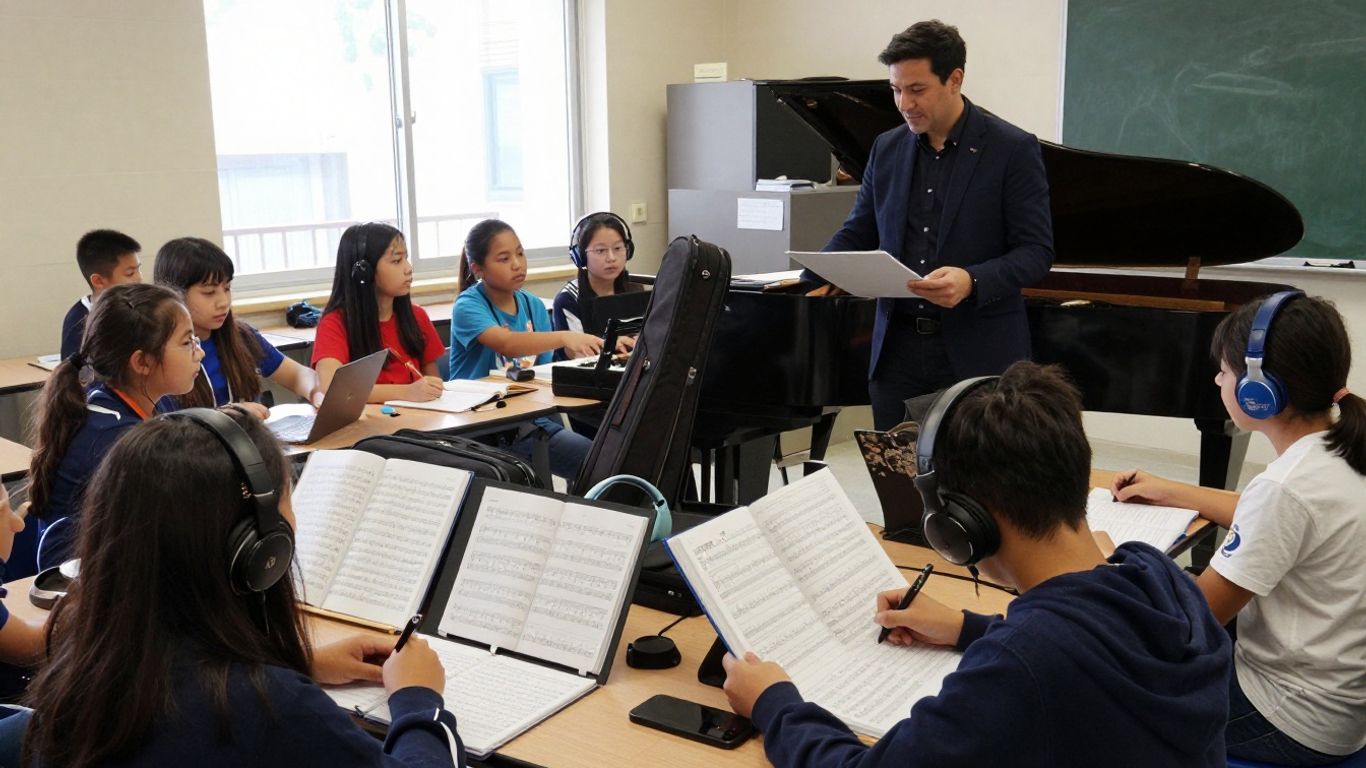
Have students write a short verse about a class topic, then select a few lyrics for a supervised generation. Ask them to check whether the melody respects the syllables and meaning of the original words. If it does not, students can revise either the lyric or the musical direction.
CREATUS.AI can generate a full song from a text prompt with AI singing vocals and can turn a song into a shareable music video. In a classroom, you can use that audio-video connection as an optional extension after students have evaluated the song itself.
Compare genre, tempo, instrumentation, and vocal choices
Generate two or three versions from the same lyric while changing one musical element at a time. Students can then describe how the change affects mood, clarity, energy, or the perceived audience.
Keep the comparison controlled. If you change genre, tempo, instruments, and vocal direction all at once, students may struggle to identify which choice caused the difference.
Turn generated tracks into arrangement and performance exercises
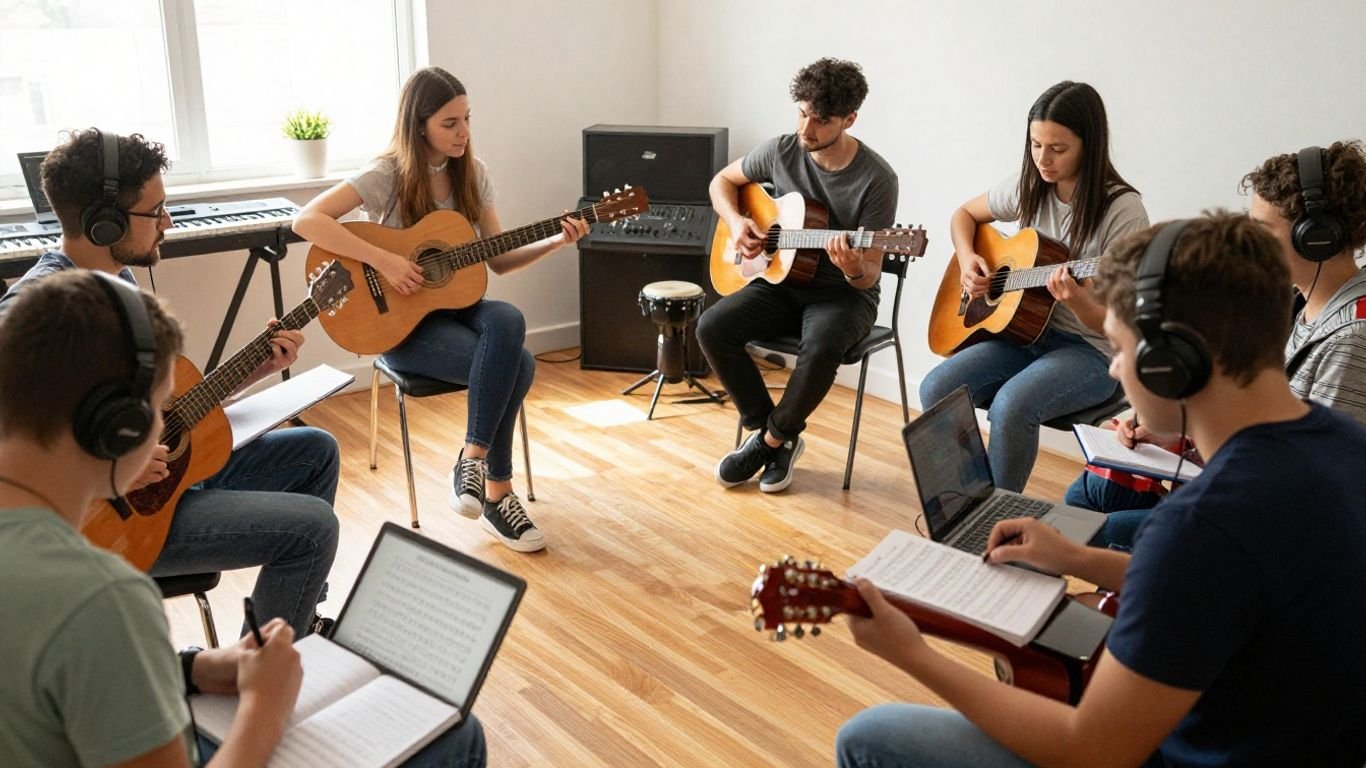
Treat the track as a score students can respond to, even if they cannot recreate every sound. They might clap the rhythm, play a bass pattern, sing the chorus, or arrange a simplified version for classroom instruments.
Give groups different responsibilities so the activity includes listening and performance. One group can map the form, another can create a percussion part, and another can prepare a spoken explanation of the arrangement.
Create short songs for cross-curricular learning
A short song can help students remember vocabulary, summarize a process, or set a scene from a novel. Keep the academic content accurate by supplying the facts yourself and checking every generated lyric before sharing it.
For visual lessons, a tool that pairs song creation with video can give students another object to analyze. The video should support the subject and song, not distract from the learning target.
Follow a practical AI song creation workflow
A repeatable process keeps the activity within one class period and makes assessment easier. You define the goal, set musical limits, generate a draft, review it with students, and decide how the class will use the result. Clear stages also reduce aimless prompting.
You can use an AI music video workflow when a lesson needs both sound and visuals, but begin with the musical objective. Video should be an additional format, not a substitute for listening or performance.
Define the lesson objective and musical constraints
Write the objective in one sentence before opening the tool. Then set limits such as song length, number of sections, tempo range, instruments, vocal register, or vocabulary that must appear. Constraints give students something concrete to evaluate.
A useful plan might ask students to identify the chorus, perform its rhythm, and explain how the arrangement supports the subject. The generated track is only the shared example for that work.
Write prompts that describe genre, mood, structure, and instrumentation
Use plain descriptions with one idea per phrase. State the subject, mood, approximate tempo, structure, instruments, vocal direction, and any lyric requirements. Avoid stuffing every possible style into one prompt because the result becomes harder to assess.
CREATUS.AI accepts a song idea in text and produces a complete song with AI singing vocals. That makes it suitable for a teacher-led demonstration in which you show how changing one prompt detail can change the result.
Review and revise the generated track with students
Play the track once without interruption, then replay short sections for analysis. Ask students to identify a successful choice and a problem that needs revision. You can record their comments on the board and use them to write a second prompt or edit the lyrics.
The review stage is where students practice musical language. Encourage specific observations such as “the phrase has too many syllables” or “the repeated rhythm makes the chorus easy to remember.”
Export, share, or adapt the song for classroom use
Decide how students will access the result before you export it. You might play it from the teacher’s device, place it in a restricted class folder, or adapt it into a live performance. Check the tool’s terms and your school’s rules before publishing any student-related material.
A visual version can be useful for a presentation, but keep the audio available on its own. Students should be able to discuss the music without relying on the images.
Teach students how to evaluate AI-generated music
Listening critically turns an impressive first impression into a teachable object. Students can examine what the track does well, where it sounds awkward, and how their own choices might improve it. This also gives you a fair basis for assessment.
Do not grade students on whether the generator produces a polished result. Grade the quality of their observations, revisions, musical explanations, and performances.
Identify strengths and weaknesses in the composition
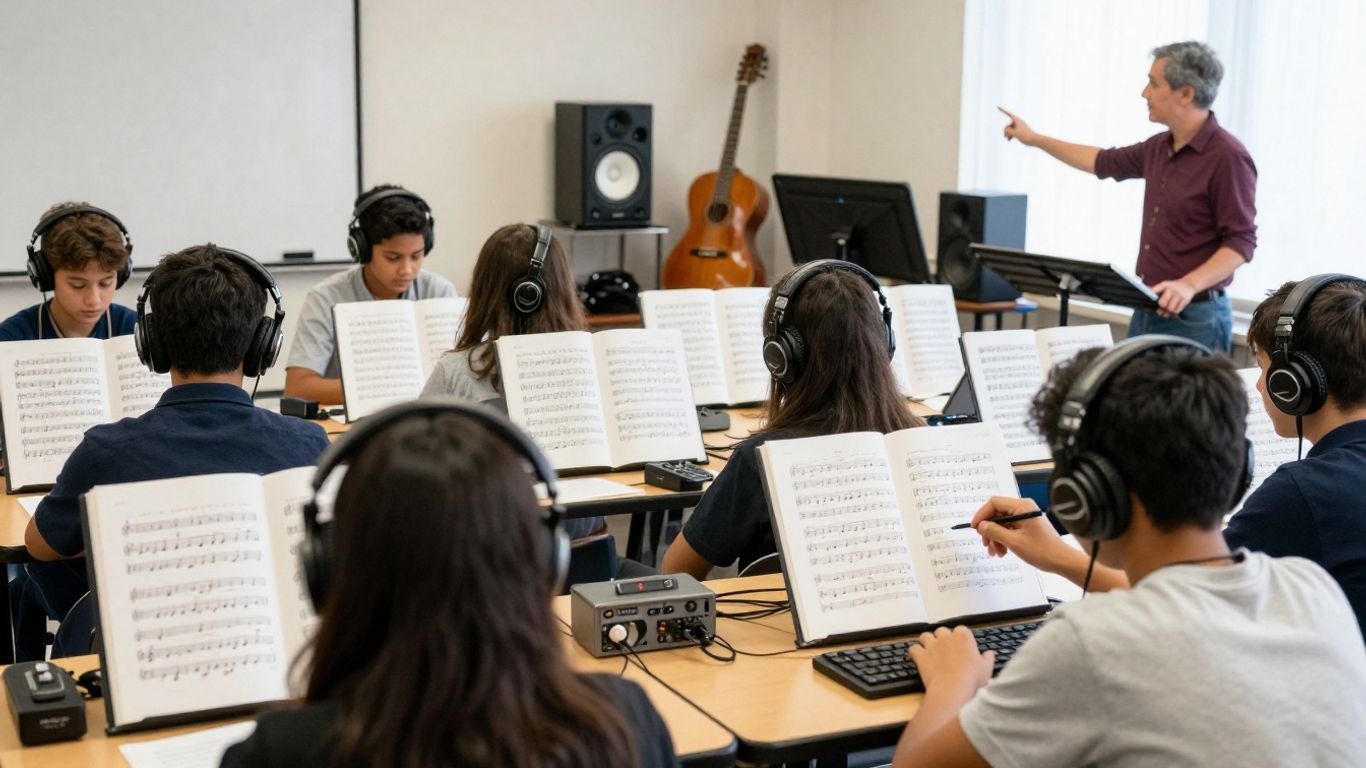
Give students a simple listening frame: melody, rhythm, harmony, form, lyrics, vocals, and arrangement. They can choose one strength and one weakness in each category, then support their comments with a moment from the track.
A class may notice that a song has a memorable chorus but a weak transition into the bridge. That kind of balanced judgment is more useful than calling the entire track good or bad.
Listen for repetition, awkward phrasing, and inconsistent vocals
Generated songs often invite close attention to details that students might overlook in a casual listen. Ask them to mark repeated lines, unnatural word stress, sudden changes in pronunciation, or vocals that do not match the lyric’s emotion.
Play the same passage twice and let students compare what they heard. Repetition helps them separate a genuine musical pattern from an accidental error.
Compare AI output with human-written or student-created music
Use two short examples with a shared theme or purpose. Students can compare how each piece handles phrasing, form, expression, and personal meaning. Avoid presenting the comparison as a contest with one automatic winner.
A student performance may have rougher timing but clearer intention. An AI track may have a smoother surface but less specific interpretation. Both observations can lead to useful discussion.
Use reflection questions to explain creative decisions
Ask students to explain what they changed, why they changed it, and what evidence supports the revision. Written reflection works well for students who are less comfortable performing in front of the class.
Useful prompts include: Which musical choice best supports the subject? Where does the song lose clarity? What would you change with a live ensemble? What did the generator do that you did not expect?
Manage classroom implementation and student participation
Classroom management matters as much as the musical activity. You need a clear demonstration, a fair division of tasks, and a plan for students who prefer not to use generative tools. Set expectations before students begin so the technology does not take over the period.
Your song creation tutorial can serve as background preparation, but students still need your instructions for the specific assignment. Keep the class focused on listening, writing, playing, and reflection.
Demonstrate the tool before independent use
Show one prompt from start to finish on a shared screen. Explain what information you enter, what you check in the result, and what you do when the output misses the goal. A short demonstration prevents repeated questions and makes the limits visible.
Model a critical response as well. Say exactly why you would keep one section and revise another so students see that generation is not the same as approval.
Organize individual, pair, and group songwriting tasks
Match the group size to the learning goal. Individual work supports lyric writing and reflection, pairs support comparison, and groups work well for arrangement or performance. Give every student a named role when the task is collaborative.
Roles might include lyric editor, prompt writer, rhythm leader, listener, or presenter. Rotate them so one student does not control every decision.
Set time limits for prompting and revision
Set a short generation window and a separate listening window. Students should spend more time evaluating and improving the result than chasing an endless series of prompts.
A practical sequence might allow five minutes for the first prompt, ten minutes for listening and notes, and ten minutes for revision. The limit turns the tool into part of a lesson rather than the entire lesson.
Provide alternatives for students who cannot or do not want to use AI
Offer a parallel task using classroom instruments, notation software, recorded human performance, or a teacher-provided track. Students can meet the same musical objective without creating an AI output.
Make the alternative equally serious and assess it by the same criteria. Choice supports participation without requiring students to share personal reasons for opting out.
Address copyright, privacy, and responsible use
Students need plain rules before they upload lyrics, recordings, or images. Explain what the tool receives, who may access the result, and where a class product may be shared. Treat privacy and attribution as part of musicianship, not as paperwork added afterward.
Source checking matters beyond music too. When students evaluate online information, they may encounter unrelated material such as ABA therapy costs, futures trading accounts, artificial flower imports, or Java virtual threads. The subject changes, but the habit stays the same: check who published the information and what the source actually supports.
Discuss ownership and licensing before publishing student work
Read the generator’s current terms before you post a class song publicly. Do not promise students that every output is automatically copyrightable or cleared for every use. If the class adds original lyrics, recordings, or performances, explain which parts come from students and which parts come from the tool.
Keep a record of prompts, revisions, student contributions, and permissions. That record helps you describe the work honestly if you later share it with families or the school community.
Avoid uploading personal, copyrighted, or identifiable material
Use fictional names, teacher-created examples, and lyrics students have permission to share. Do not upload a student’s voice, photograph, private writing, or identifying details without following your school’s consent process.
The same caution applies to copyrighted lyrics and recordings. A classroom setting does not remove the need to check whether the material may be uploaded or redistributed.
Explain why AI-generated vocals and styles require careful review
Students should understand that a convincing vocal does not prove a human singer performed it or that a requested style is ethically uncomplicated. Ask them to avoid prompts that imitate a living performer or depend on recognizable personal traits.
Review lyrics and vocal output for stereotypes, inappropriate content, and accidental references. The teacher remains responsible for what enters the classroom.
Create classroom rules for attribution and acceptable use
Write the rules where students can see them. Include when to label AI assistance, what material may be uploaded, whether public sharing is allowed, and how students can request an alternative.
One useful rule is to require a short process note with every project. Students list the human contributions, the tool-assisted steps, and the changes they made after listening.
Select an AI song generator that fits the classroom
A classroom tool must fit the lesson, not just produce an attractive demo. Check how much control you have over lyrics, structure, vocals, and revisions, then test the full process on the devices your students will use. A free account is not automatically a good classroom fit.
If you want audio and video in one workflow, CREATUS.AI generates songs from text with AI singing vocals and turns audio into a music video. Its documented formats include 9:16, 1:1, and 16:9 exports, which may help when a class prepares different presentation formats.
Compare text-to-song features, vocal quality, and editing control
Run the same short prompt through the tools you are considering. Listen for clear vocals, sensible phrasing, consistent tempo, and a structure students can analyze. Then check whether you can revise a lyric or musical direction without starting from zero.
A tool that produces a fast first draft may suit a listening lesson. A tool with more editing control may suit an advanced songwriting unit.
Check free-plan limits, exports, watermarks, and account requirements
Test the account process before assigning anything. Check whether students need individual accounts, whether audio can be downloaded, how many generations are available, and whether exports contain a watermark. Also confirm whether the plan permits the kind of sharing your school expects.
Write these limits into your lesson plan. If students know they have one or two attempts, they are more likely to plan their prompts and listen carefully.
Consider tools that combine song creation with video production
A combined workflow can support a project that ends with a music video, but it also adds another layer to review. Ask whether the visual output helps students communicate the song’s structure or academic content. If not, stay with audio and performance.
A short video can work well as a final presentation after students have completed the musical analysis. It should extend the assignment rather than replace the work that came before it.
Test accessibility, device compatibility, and school policy compliance
Check volume controls, captions or transcripts, keyboard access, playback on school networks, and the reading level of the interface. Test the tool on the exact browser and device combination students will use.
Finally, ask your administrator or technology team about account creation, data handling, and public sharing. A technically impressive tool is not suitable if it conflicts with school policy or leaves some students unable to participate.
Conclusion
When you use AI song generators with a clear objective, students gain material they can hear, question, revise, and perform. Keep the tool in a supporting role, protect student information, and judge the learning process rather than the polish of the final track.
Frequently Asked Questions
What is the best classroom use for an AI song generator?
The strongest use is a focused activity tied to a musical or academic goal, such as analyzing form, revising lyrics, comparing arrangements, or creating a mnemonic song.
Should students write the prompts themselves?
They can, once you have modeled the process and set clear boundaries. Younger students may benefit from teacher-written prompts, while older students can write, compare, and revise their own.
Can AI-generated songs replace live performance?
No. A generated track can provide source material, but singing, playing, arranging, and interpreting music develop skills that passive listening does not.
How do you assess an AI-assisted music project?
Assess the student’s objective, musical reasoning, revision process, reflection, and performance or presentation. Do not grade the tool’s ability to produce a polished result.
What should students avoid uploading?
Avoid personal information, identifiable recordings or images, private writing, and copyrighted lyrics or audio unless you have permission and your school allows the upload.
How can you keep students from spending the whole class prompting?
Set a fixed number of generations and separate time for listening, notes, revision, and reflection. Require students to explain why they kept or changed each result.
Do you need a music background to use these tools in class?
You do not need advanced production skills, but you should understand the musical goal, check the output, and provide a meaningful way for students to listen, discuss, and make decisions.
Turn Songs Into Videos
When a class project needs a visual finish, you can make a music video from a song after checking permissions and school policy. Use the result as a presentation option, not as a replacement for the musical work behind it.