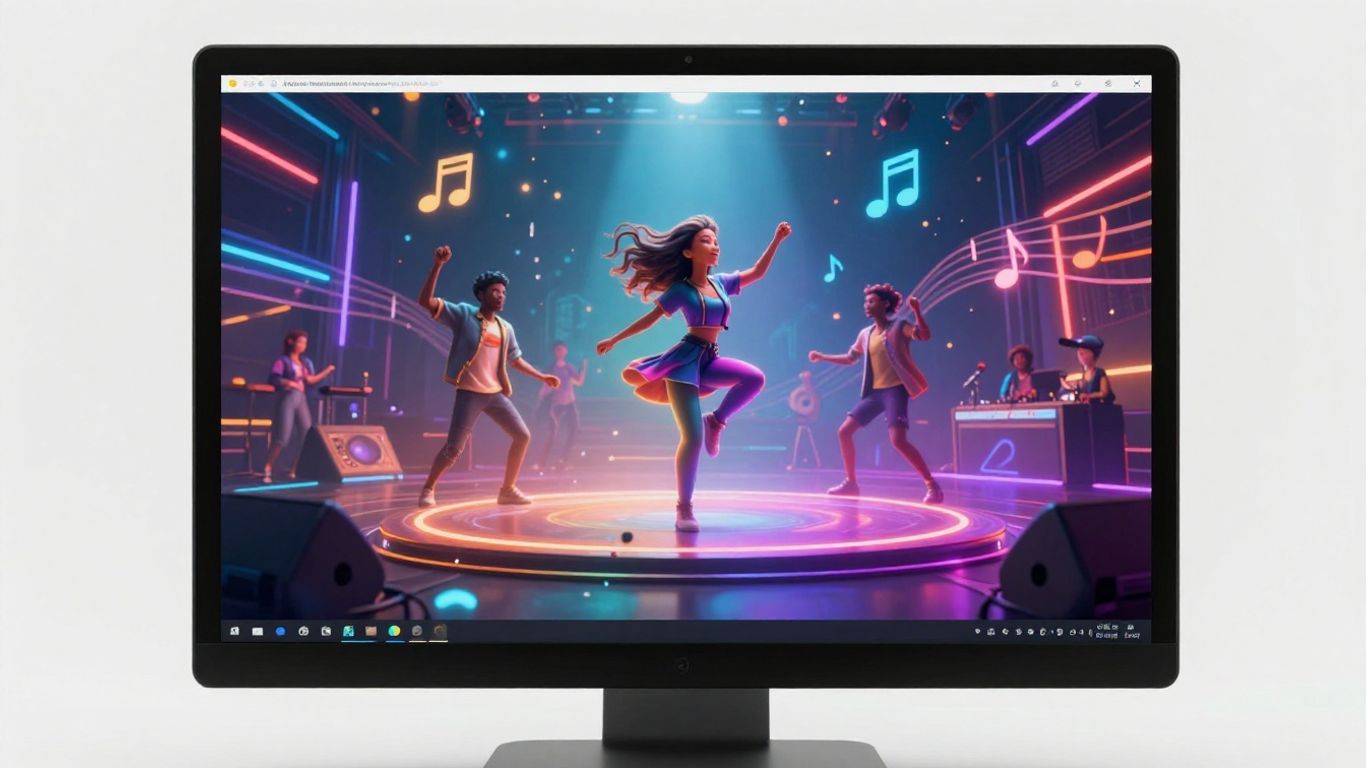
Ever wanted to make a music video but didn’t know where to start? Or maybe you’ve got a killer track but zero video editing skills. Well, you’re in luck! Technology has come a long way, and now you can actually convert song to music video ai without needing a big budget or a film crew. We’re going to walk through how you can take your music and turn it into a visual masterpiece using the power of artificial intelligence. It’s easier than you think, seriously.
Key Takeaways
- You can now turn your songs into music videos using AI tools, making the process accessible to everyone.
- These AI tools analyze your music’s rhythm, mood, and structure to create matching visuals.
- Many platforms let you either generate a song with AI and then make a video, or upload your own audio file.
- You can customize styles, themes, and even add lyrics to your AI-generated music video.
- Export your finished video in formats perfect for social media like TikTok, Instagram, and YouTube.
Understanding AI Music Video Generation
The Core Concept: Turning Audio into Visuals
Think of AI music video generation as giving your song a visual voice. The basic idea is to take the audio file of your music and have an artificial intelligence system create a video that matches it. It analyzes the sound, rhythm, and mood of your track. Then, it generates images and motion to go along with it. This process turns a purely auditory experience into a visual one.
Key Benefits for Musicians and Creators
Using AI for music videos saves a lot of time and money. Traditionally, making a music video involves hiring crews, renting equipment, and spending days editing. AI tools cut through all that. You can experiment with different visual styles quickly and affordably. This means more artists can have music videos, even with small budgets. It also helps creators produce content faster for platforms like TikTok and Instagram.
How AI Analyzes Your Song for Video
When you give your song to an AI tool, it doesn’t just play it on repeat. The AI breaks down the audio in several ways. It identifies the tempo, the beat, and the overall energy of the music. It can also detect different sections of the song, like verses, choruses, and bridges. Some advanced AIs can even analyze the lyrics to match visuals to the story being told. This detailed analysis allows the AI to create visuals that feel connected to your music, not just random clips.
Here’s a quick look at what the AI considers:
- Rhythm and Tempo: The speed and beat of the music.
- Energy Levels: How intense or calm the song feels.
- Song Structure: Identifying verses, choruses, and other sections.
- Mood and Tone: The emotional feel of the music.
- Lyrics (Optional): Matching visuals to the words being sung.
Choosing the Right AI Tool
With so many AI tools popping up, picking the right one for your music video needs can feel overwhelming. You’ll want a tool that fits your workflow, budget, and desired outcome. Think about what you need most: a simple way to generate visuals, or more control over the creative process.
Integrated Song and Video Creation Platforms
Some platforms offer a complete package, letting you generate both the music and the video within the same application. This is great if you’re starting from scratch or want a streamlined process. You can often input a text prompt or lyrics, and the AI will create a song, then generate a video to match it. This kind of all-in-one solution simplifies things considerably, especially if you’re not a seasoned music producer or video editor. It’s a good way to get a full package without juggling multiple software programs.
Specialized Audio-to-Video Generators
Other tools focus solely on turning your existing audio into visuals. You upload your song, and the AI analyzes it to create a synchronized video. These are perfect if you already have your music ready and just need the visual component. They often provide a wider range of visual styles and more detailed control over how the video syncs with the audio. You might find these offer more advanced customization options for the video itself, letting you tweak specific elements to better match your song’s mood and energy. These tools are designed to work with what you already have.
Evaluating Features: Styles, Formats, and Customization
When comparing tools, look at the visual styles they offer. Do they have options that match your genre and aesthetic? Also, check the output formats. You’ll want to export in aspect ratios suitable for platforms like TikTok, Instagram, or YouTube. Some tools allow you to upload your own images or logos, giving you a bit more branding control. The best tools offer a balance of ease of use and creative flexibility.
Here’s a quick look at some features to consider:
- Visual Styles: Cinematic, animated, abstract, lyric-focused, performance-based.
- Output Formats: Vertical (9:16), Square (1:1), Horizontal (16:9).
- Customization: Ability to upload images, add logos, fine-tune timings, select specific visual elements.
- Audio Input: Support for MP3, WAV, or even direct links to streaming services.
Consider how much control you actually want. Some tools are designed for quick, automated generation, while others give you granular control over every scene and transition. Your choice depends on whether you prioritize speed or artistic direction. For many independent artists, finding a tool that offers a good starting point with options for refinement is ideal. This allows for rapid creation while still letting your personal touch shine through. You can explore tools that help you visualize emotion and lyrics effectively.
When you’re ready to start, think about what kind of video best represents your music. Do you need something that tells a story, or just a dynamic visualizer that pulses with the beat? Some platforms are better suited for specific types of videos. For instance, if you want a video with dancing avatars, you’ll need a tool that specializes in that. If you’re aiming for a more abstract, artistic feel, look for generators with a wide array of unique visual effects. Understanding these differences will help you narrow down your options and find the perfect fit for your project.
Preparing Your Song for Conversion
Before you can turn your audio into a visual masterpiece, you need to make sure your song is ready for the AI. This involves a few simple steps to ensure the best possible output.
Supported Audio File Formats
Most AI tools accept common audio formats. You’ll typically be able to upload files like MP3 or WAV. Some platforms also let you paste a link from popular music or video sites, which is super convenient. Always check the specific requirements of the tool you choose.
Optimizing Audio Quality for Best Results
The better your audio quality, the better the AI can interpret your song’s nuances. Try to use a lossless format like WAV if possible, or at least a high-bitrate MP3. Remove any background noise or clipping from your track. A clean, clear song helps the AI map the rhythm and mood more accurately.
Understanding Input Options: Upload vs. Link
You usually have two main ways to get your song into the AI tool. You can upload the audio file directly from your computer. Alternatively, many services allow you to paste a link to your song hosted on platforms like YouTube, SoundCloud, or even TikTok. This makes it easy to use existing tracks without needing to download them first. Some tools even integrate with services like Suno or Udio, letting you use songs you’ve generated there directly. Check supported links.
Preparing your audio is like giving the AI a clear map. The more detail and clarity you provide, the more precise the AI’s interpretation will be, leading to a video that truly matches your music.
Generating Your Music Video with AI
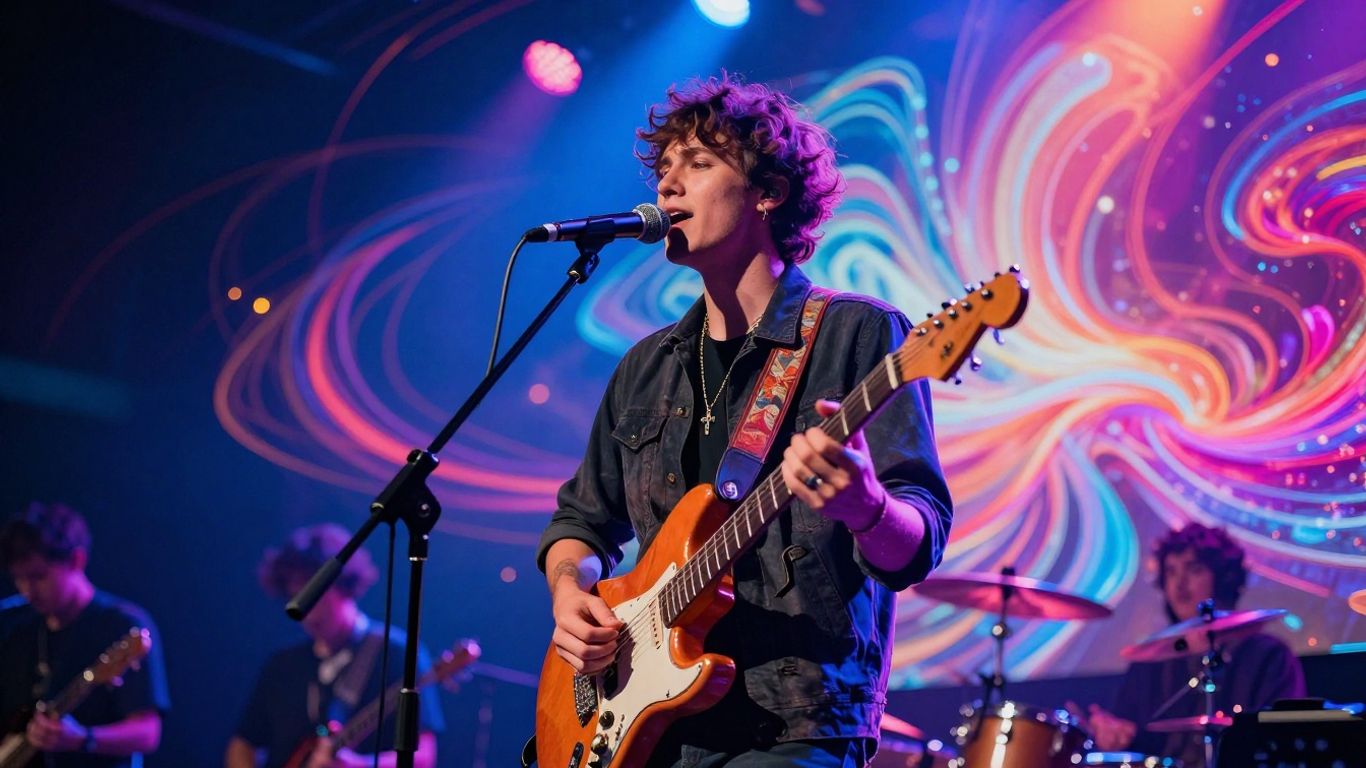
Now that you’ve chosen your tool and prepped your audio, it’s time to bring your song to life visually. This is where the AI really takes over, translating the sounds and emotions of your track into moving images. You’ll guide the process, but the AI does the heavy lifting.
Selecting Visual Styles and Themes
Most AI tools offer a range of visual styles. Think about the mood of your song. Is it energetic and fast-paced, or slow and atmospheric? You might choose between cinematic looks, abstract animations, or even performance-style videos. Some platforms let you select specific themes or keywords to guide the AI’s aesthetic choices. The goal is to find a style that complements your music’s genre and message.
AI-Powered Storyboarding and Shot Planning
Don’t worry about complex shot lists. The AI analyzes your song’s structure, identifying beats, drops, and changes in energy. It then creates a basic storyboard, mapping out scenes and camera movements. You can often preview this storyboard and make adjustments. This AI-driven planning ensures your video’s pacing aligns with the music, creating a cohesive experience. It’s like having a director who understands your song’s rhythm.
Generating and Refining Video Content
With your style and plan in place, you hit the generate button. The AI will then produce the video clips based on its analysis and your selections. This process usually takes a few minutes. Once generated, you’ll get to review the output. Most tools allow for refinement, letting you regenerate specific scenes or adjust elements. You can iterate until the visuals feel right for your song. This iterative process is key to getting a result you’re happy with, and it’s much faster than traditional methods. You can get a solid first draft of your music video by simply uploading your track to a service like Revid.ai.
The AI acts as a creative partner, translating your audio into a visual narrative. While it handles the technical generation, your input on style and refinement is what makes the video uniquely yours. It’s a collaborative process that democratizes music video creation.
Enhancing Your AI-Generated Music Video
So, you’ve got your AI-generated music video. That’s awesome. But we’re not done yet. You can actually make it even better, adding those little touches that make it truly yours.
Synchronizing Lyrics and Captions
If your song has lyrics, you’ll want to make sure they show up on screen. Most AI tools can automatically detect and sync lyrics. You can usually adjust the timing if a word or phrase appears a bit too early or late. Getting the captions just right makes your video much easier to follow.
Customizing Visual Elements and Effects
AI gives you a great starting point, but you can tweak it. Many platforms let you swap out generated clips for ones you prefer, or add specific visual effects. Think about the mood of your song. Do you want more vibrant colors, or something more subdued? You can often adjust these settings.
Post-Generation Editing and Fine-Tuning
Even after the AI does its thing, you might want to do some final edits. This could involve trimming clips, adjusting the overall color grading, or adding a subtle intro or outro. Some tools offer basic editing features right within the platform. If not, you can always export the video and use separate editing software for more control.
Exporting and Publishing Your Video
Getting your finished video out of the AI tool and onto the right platform is straightforward once you know what you want. Choosing the right export settings can save you headaches later. Here’s how to make sure your video looks its best wherever you share it.
Choosing the Right Aspect Ratio for Platforms
Every social media platform has its own preferred dimensions. TikTok and Instagram Reels love 9:16 vertical videos. Standard YouTube videos work best as 16:9 horizontal. If you’re sharing to a feed (like a static post on Instagram), 1:1 square is usually safe. Most top AI tools allow you to pick your format before exporting, so always match your destination platform from the start.
| Platform | Suggested Aspect Ratio | File Format |
|---|---|---|
| TikTok/Reels | 9:16 (Vertical) | MP4 |
| YouTube | 16:9 (Horizontal) | MP4 |
| Instagram Feed | 1:1 (Square) | MP4/Mov |
Picking the best aspect ratio from the start keeps your video crisp and avoids awkward black bars. See how multi-format exporting works if you need extra guidance.
Understanding Output Quality and Resolution
Most AI platforms let you export in several resolutions, usually ranging from 720p up to 4K. Higher resolution means sharper video but also larger files and longer upload times. Unless your phone or internet connection is slow, go for the highest quality your content creator or social platform allows. Double-check your video before publishing—sometimes text or effects look fuzzy if exported too small.
Here’s a quick checklist for quality:
- Always preview the exported file before upload
- Choose 1080p minimum for most platforms
- Make sure your captions and visuals are readable
Before sharing, play your video on the device you plan to use—what looks good on a laptop can look compressed or cropped on a phone.
Commercial Use and Copyright Considerations
Don’t skip the licensing details if you want to monetize or promote your video. You need the rights for any song you use, even if you own the video visuals. Most AI video tools let you use their generated assets, but always check if any clip art, effects, or sample music is royalty-free. For original tracks or those made in the platform, you’re usually clear for social and commercial use.
Key reminders:
- Check music licensing for every song before posting
- Read the platform’s terms on commercial video use
- Use only your own or copyright-cleared materials for public releases
Taking these steps will help you avoid takedowns and copyright flags—especially if you plan to reach a big audience or run ads with your video.
Ready to share your amazing video with the world? Our guide on exporting and publishing makes it super easy. We’ll walk you through the steps so you can get your creation out there. Want to learn more about making your video look its best? Visit our website today for tips and tricks!
Wrapping It Up
So there you have it. Turning your songs into music videos is now way more accessible than it used to be. You don’t need a big budget or a film crew anymore. Tools like Creatus, TopMediai, and others we’ve looked at can take your audio and whip up visuals that fit. You can get started with free versions to see what works for you. It’s a practical way to get your music out there visually, whether you’re an artist, a producer, or just someone with a song idea. Give it a try and see what you can create.
Frequently Asked Questions
Can I really turn any song into a music video with AI?
You bet! AI tools can take your song, whether you upload an audio file or even link to one online, and create a music video that matches the vibe and beat. It’s like magic for your music!
Do I need to be a video expert to use these AI tools?
Nope! That’s the best part. These tools are designed for everyone. You don’t need any fancy editing skills. Just upload your song, pick a style you like, and the AI does the heavy lifting to create the video for you.
What kind of visuals can I expect from an AI music video?
It really depends on the tool you use! Some can create cinematic scenes, others go for animated looks, and some even make cool lyric videos where the words pop up with the music. You can often choose a style that fits your song’s mood.
How long does it take for the AI to make a music video?
It’s super fast! Usually, you can get a video generated in just a few minutes. This is way quicker than trying to make one yourself, letting you get your music out there much faster.
Can I use the AI-generated music videos for my business or on social media?
Absolutely! Most tools let you use the videos you create for commercial purposes, like promoting your music on platforms like YouTube, TikTok, or Instagram. Just make sure you have the rights to the song you’re using.
What if I want to make my own song first, then turn it into a video?
Some cool AI tools can actually help with that too! They can write music and even create singing vocals from just a text idea. So, you could potentially create the whole song and then the music video, all within one AI platform.