So, you’ve got a killer track or a fresh beat and you’re wondering if you can just slap it into an AI video generator and call it a day. It’s a pretty common question these days, especially with all the cool AI tools popping up. The short answer is: yes, you totally can! But like most things, there are a few details to keep in mind. Let’s break down how you can get your own audio into these AI video makers and what you need to know.
Key Takeaways
- Many AI video tools let you upload your own audio files, like MP3s or WAVs, to create custom music videos.
- These tools analyze your audio’s tempo and mood to generate matching visuals.
- Some platforms, like Creatus AI, offer a combined workflow where you can generate a song and then make a video for it, all in one place.
- Be aware of potential file size and quality limits imposed by different AI video platforms.
- Using your own audio gives you more creative control and can streamline your video production process.
Uploading Your Audio to AI Video Generators
Understanding Audio Input Capabilities
Many AI video tools now let you bring your own sound. This means you’re not limited to the platform’s stock music or AI-generated tunes. You can upload your own audio files to serve as the backbone for your video. This gives you complete control over the soundtrack of your visual creation. It’s a big step for creators who have specific musical ideas.
Supported Audio File Formats
When you’re ready to upload, check what file types the AI generator accepts. Most platforms support common formats like MP3 and WAV. Some might also handle AAC or other less common types. It’s always a good idea to confirm the supported formats before you start. This avoids any last-minute file conversion headaches.
Here’s a quick look at common formats:
- .MP3: Widely compatible, good balance of quality and file size.
- .WAV: Higher quality, often used for professional audio, but larger file sizes.
- .AAC: Common for digital audio, often used in streaming.
Direct Audio-to-Video Conversion
Some AI tools are built specifically for turning audio directly into video. You upload your track, and the AI analyzes it to create visuals. It might sync animations, images, or even AI-generated scenes to the rhythm and mood of your audio. This process can be incredibly fast, turning a song into a music video in minutes. It’s a powerful way to transform your audio into captivating videos.
The core idea is that the AI listens to your audio and then decides what visuals would best represent it. This can range from abstract patterns that pulse with the beat to more complex scenes that tell a story. The goal is to match the energy and emotion of the sound.
These tools can be great for musicians looking to quickly produce visuals for their tracks. You can upload existing songs or even use AI-generated music. The system then works to create a visual experience that complements your sound. It’s a way to create captivating visuals for your music without needing a full production crew.
AI Video Generation with Custom Audio
Synchronizing Visuals with Your Audio
When you upload your own audio, the AI video generator’s main job is to make the visuals match what you’ve provided. It looks at the rhythm, the energy, and even the mood of your track. The goal is to create a video that feels like it was made specifically for your song. This means the cuts, the movement, and the overall style will try to reflect the audio’s characteristics.
AI Analysis of Audio for Video Creation
AI tools analyze your audio file to understand its structure. They identify beats, tempo changes, and vocal parts. This analysis helps the AI decide where to place visual elements, how fast to transition between scenes, and what kind of imagery might fit best. Some platforms even let you see this analysis, like a waveform, to give you a hint of what the AI is picking up on. This process is key to getting a video that syncs well.
Customizing Visual Styles for Uploaded Audio
After the AI analyzes your audio, you usually get to pick a visual style. Think of it like choosing a theme for your video. Options can range from realistic footage to abstract animations or even lyric videos. You might have choices like:
- Cinematic: Uses stock footage or AI-generated scenes with a movie-like feel.
- Animated: Creates cartoon-style visuals or motion graphics.
- Abstract: Generates dynamic, non-representational patterns and colors.
- Performance: Might use AI avatars or simulated stage setups.
Some tools allow for further tweaking, letting you adjust colors, effects, or even specific scene elements to better match your vision. This is where you can really make the video your own. For instance, BeatViz.ai lets you upload audio and instantly re-sync visual effects, giving you a lot of control.
Tools That Support Custom Audio Uploads
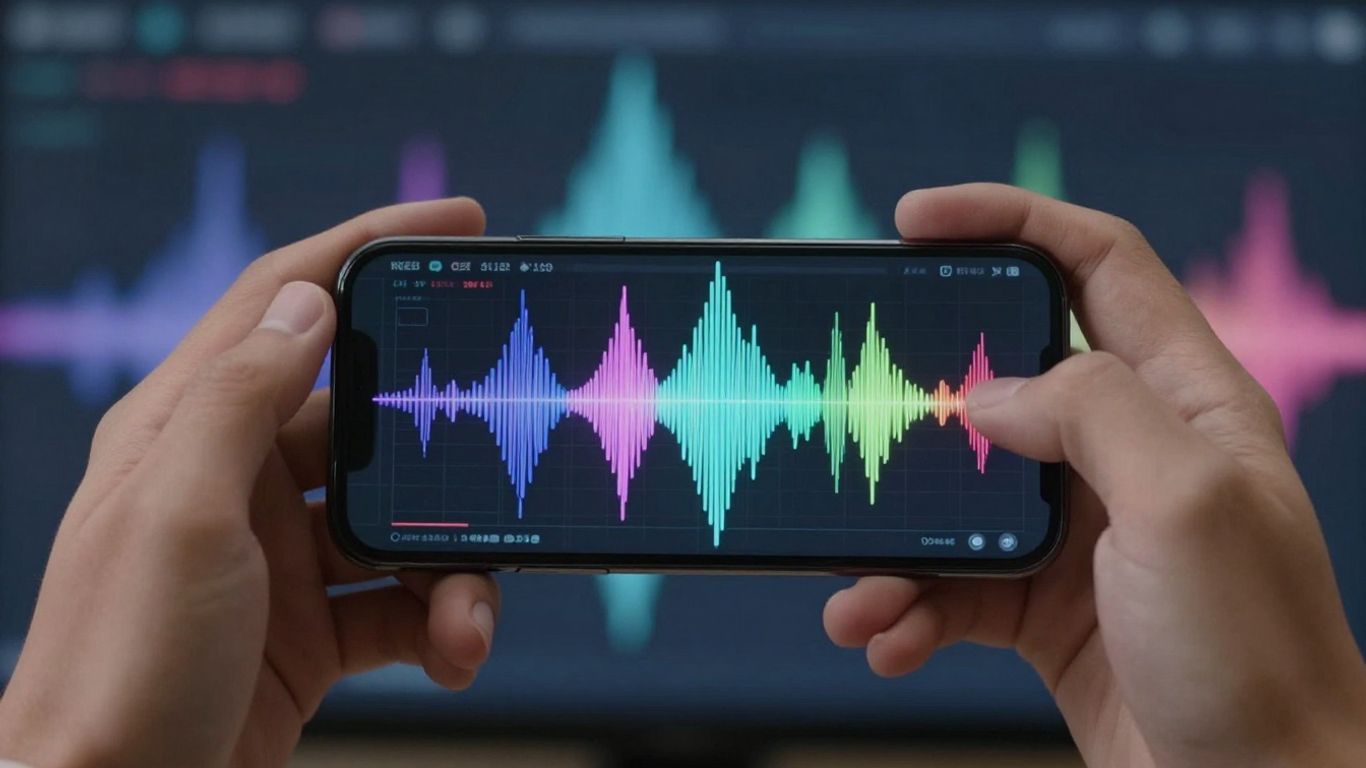
When you’re ready to put your own audio into an AI video generator, you’ll find a few different types of tools out there. Some are built specifically for music, while others are more general video creation platforms that happen to accept audio files. It’s good to know what you’re looking for.
Creatus AI Music Video Generator Features
Creatus offers a unique two-in-one approach. You can either generate a song from text or upload your own audio file, like an MP3 or WAV. Then, it creates a music video that matches the vibe of your audio. This means you don’t need separate tools for making music and making the video. It’s all in one place.
- Text-to-song generation with AI vocals
- Audio-to-music-video production
- Multiple visual styles available
- Exports in 9:16, 1:1, and 16:9 formats
Other AI Video Platforms Accepting Audio
Beyond specialized music tools, broader AI video platforms also let you bring your own sound. For example, you can use tools like Canva AI to create videos from text, and they often include options to upload your own audio track. These platforms might offer a wider range of editing features, allowing you to add text, B-roll, or adjust visuals after the initial AI generation. Some even offer avatar creation, like Visla AI Avatars, which you can then sync with your audio.
Comparing Audio-to-Video Capabilities
When comparing different tools, look at what kind of audio they accept and how well they sync visuals to it. Some platforms are great at automatic beat-syncing and lyric synchronization, which is perfect for music. Others might be better if you’re converting a podcast or a voiceover, focusing more on avatar lip-syncing or adding background visuals.
The key difference often lies in how deeply the AI analyzes your audio. Does it just detect speech, or can it pick up on the nuances of music like tempo, mood, and energy to create truly fitting visuals?
Here’s a quick look at some common features:
| Feature | Creatus AI Music Video Generator | General AI Video Platforms |
|---|---|---|
| Audio Input | MP3, WAV, Text-to-Song | MP3, WAV, sometimes links |
| Syncing | Beat-synced, Lyric sync | Basic audio sync, Lip-sync |
| Visual Styles | Music-focused, varied | General, template-based |
| Editing After Gen | Limited | Often extensive |
Workflow for Uploading Audio to AI Video
Step-by-Step Audio Integration Process
Getting your audio into an AI video generator is usually a straightforward process. Most platforms are designed for ease of use, even if you’re new to this.
First, you’ll need to upload your audio file. Make sure it’s in a format the AI tool supports, like MP3 or WAV. Then, the AI will analyze your audio for tempo, mood, and structure. This analysis helps it decide what kind of visuals to create.
Finally, you’ll select your desired visual style. This could be anything from abstract animations to realistic scenes. The AI then generates the video, syncing the visuals to your uploaded audio track. You can then review and export your creation.
Generating Videos from Existing Tracks
If you already have a song or a piece of audio you want to visualize, the process is quite simple. You’re essentially providing the soundtrack and letting the AI build the visuals around it.
Start by uploading your existing audio file. The AI will then process this track. It looks for beats, changes in intensity, and overall feeling to match the visuals appropriately. This is where the magic happens, turning your sound into a visual story.
Once the AI has analyzed your track, you can choose from various visual themes or styles. Some tools even let you pick specific elements or colors. The AI then renders the video, ensuring everything lines up with your original audio. You can then download your new music video.
Exporting Your AI-Generated Music Videos
After your AI video is generated, you’ll want to get it into a usable format. Most platforms offer several export options to fit different needs.
You can typically choose from various aspect ratios. This is important for platforms like TikTok (9:16), Instagram (1:1), or YouTube (16:9). You can also often select the video quality and file format, such as MP4.
The final step is to download your video. Once downloaded, you can share it on your preferred social media channels or use it in any other project. This makes it easy to get your AI-created content out into the world.
Benefits of Using Your Own Audio
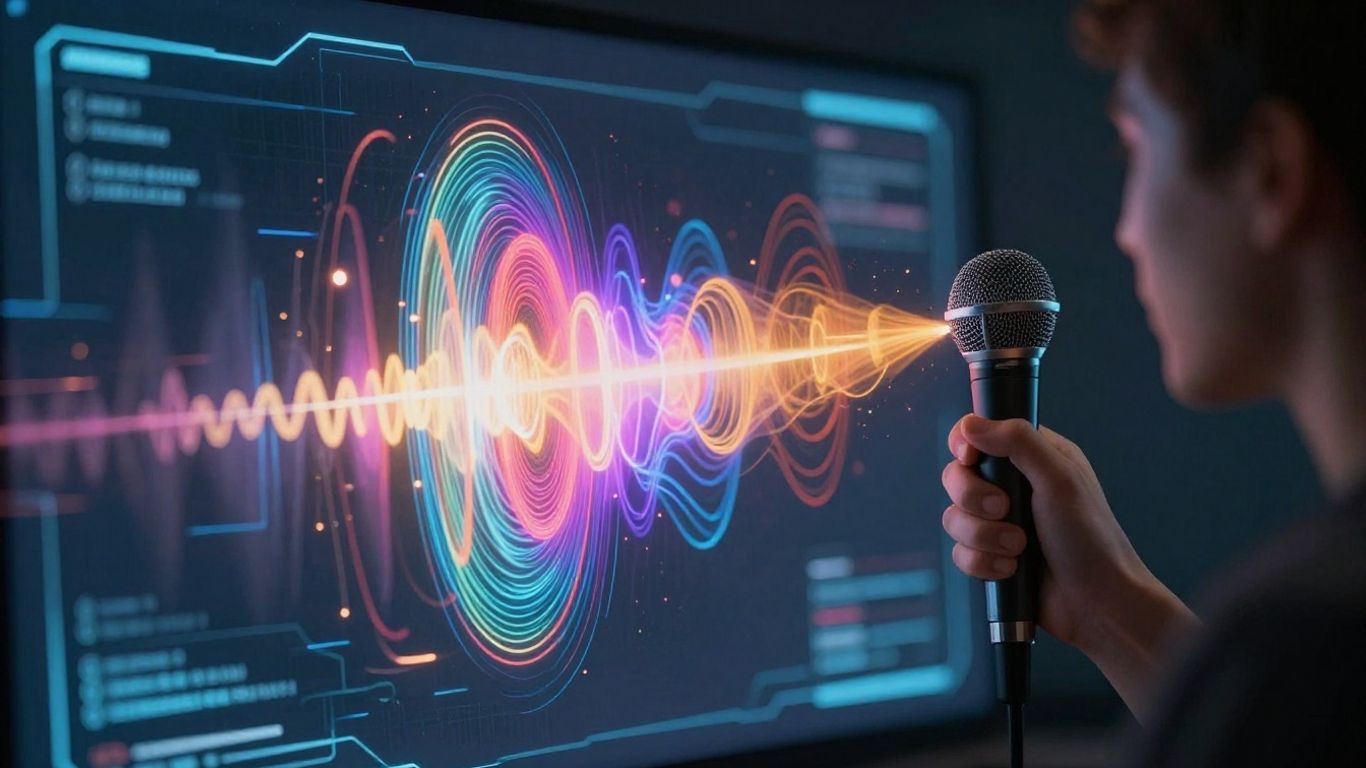
Maintaining Creative Control Over Music Videos
When you upload your own audio, you’re the one calling the shots. This means the visuals generated will directly reflect your artistic vision, not some AI’s interpretation of a generic prompt. You get to ensure the mood, pacing, and overall feel of the video perfectly match your music. This level of control is key for artists who want their music videos to tell their unique story.
Streamlining Production with Integrated Workflows
Using your own audio can simplify the whole video creation process. Instead of juggling multiple tools for music and video, you can often do it all in one place. This means less time spent transferring files or learning different software. It’s about making the path from your audio file to a finished video as smooth as possible.
Cost-Effectiveness for Musicians and Creators
Producing professional music videos can get expensive fast. Hiring crews, renting equipment, and editing all add up. By using AI video generators with your own audio, you bypass many of these traditional costs. You can create visually appealing content without breaking the bank, which is a huge plus for independent artists and small creators. This approach makes professional-looking videos more accessible than ever before. AI audio integration can also boost efficiency.
Uploading your own audio means the AI works for you, translating your existing creative work into a visual format. It’s about augmenting your music, not replacing your creative input. This is a powerful way to get more mileage out of the music you’ve already made.
Here’s a quick look at what you gain:
- Direct Visual Translation: Your audio’s energy and emotion are directly mirrored in the video.
- Reduced Production Time: Skip lengthy shoots and complex editing sessions.
- Budget-Friendly: Significantly cuts down on the expenses associated with traditional video production.
- Unique Output: Creates videos that are distinct to your specific track and style.
Many platforms support various audio formats, so you don’t have to worry about converting your files beforehand. You can often upload common types like MP3 or WAV directly. This flexibility means you can focus on the creative side rather than technical hurdles. You might even find tools that let you generate custom sound effects to add another layer to your video.
Technical Considerations for Audio Uploads
File Size and Quality Limitations
When you upload your audio, the AI tool has limits on how big the file can be. Larger files often mean better quality, but they can take longer to process. Most platforms accept common audio formats like MP3, WAV, and AAC. Always check the specific requirements of the AI video generator you’re using.
Ensuring Audio Compatibility with AI Tools
Make sure your audio file is in a format the AI can understand. While many tools accept MP3 and WAV, some might have preferences. If your audio has a lot of background noise, it might affect how well the AI can sync visuals. Cleaning up your audio beforehand can lead to better results. You can often find tools that help remove background noise from your recordings.
Troubleshooting Common Audio Upload Issues
If your audio won’t upload, it’s usually due to file size or an unsupported format. Try compressing your audio file or converting it to a more common format like MP3. Sometimes, a corrupted file can also cause problems. If the AI struggles to sync visuals, check if your audio has clear beats or distinct sections. This helps the AI analyze the music’s structure more effectively. You might need to adjust the audio’s clarity or loudness for optimal performance.
Some AI platforms might have specific requirements for audio quality to ensure the best visual synchronization. It’s wise to use high-fidelity audio files whenever possible, as this generally leads to more accurate and dynamic video generation. Low-quality audio can result in choppy visuals or missed synchronization points.
Thinking about how to get audio files ready for upload? It’s not as tricky as it sounds! We’ve put together some simple tips to make sure your sound files are in the best shape possible. Want to learn more about making your audio uploads smooth and easy? Visit our website today for all the details!
So, Can You Upload Your Own Audio?
Yep, you absolutely can. Most of the AI video tools out there let you upload your own audio files, like MP3s or WAVs, to build a video around. Some even let you generate the song first and then make the video, all in one place. It means you’re not stuck with whatever music the AI comes up with. You can use your own tracks, your band’s latest single, or even just a voice memo. Just upload your audio, pick a style, and let the AI do its thing. It’s a pretty straightforward way to get a music video made without needing a big production crew.
Frequently Asked Questions
Can I really upload my own song to an AI video maker?
Totally! Many AI video tools let you upload your own music files, like MP3s or WAVs. This means you can use your original tracks or songs you’ve already created to make a music video.
How does the AI know what visuals to make for my song?
The AI looks at your audio file. It checks things like the beat, the mood, and how energetic the song is. Then, it tries to match the video scenes, colors, and movements to what it hears in your music.
What if I don’t have a song, can AI make one for me to use?
Yes, some tools can actually create a song from scratch just by you typing in an idea! You give it a genre, a mood, or some lyrics, and the AI writes and sings the song for you. Then, you can turn that AI-made song into a video.
What file types can I use for my audio?
Most AI video tools are pretty flexible. Common formats like MP3 and WAV are usually supported. Always check the specific tool’s requirements, but these two are a safe bet.
Will the AI video look exactly like a professional music video?
AI video generators are getting really good, but they might not always match a big-budget music video. They’re awesome for creating cool visuals quickly and affordably. Think of them as a powerful way to get your music seen without needing a huge team or lots of cash.
Are there any limits on the audio I upload?
Sometimes there are limits on how big your audio file can be or how good the quality needs to be. It’s a good idea to use clear, good-quality audio files. Also, make sure you have the rights to use the music you upload, especially if you plan to share it widely.