So, you’re wondering if a computer can whip up a music video for you, specifically for your phone screen? It sounds like science fiction, right? But honestly, with all the new AI tools popping up, it’s becoming a real possibility. We’re going to look into whether AI can actually make a music video in vertical format, and what that even means for musicians and creators out there.
Key Takeaways
- AI can now generate both the music and the video for a song, all within one tool, which is pretty neat.
- These tools are great for making videos that look good on phones, like for TikTok or Instagram Reels, because they can export in that 9:16 format.
- You don’t need to be a pro musician or video editor; you can just type in your idea and let the AI do the heavy lifting.
- While some AI tools focus just on making songs or just on making videos, others, like Creatus, combine both, saving you from jumping between different apps.
- Using AI for music videos can save independent artists a ton of time and money compared to traditional production methods.
Understanding AI Music Video Generation For Vertical Formats
The Rise Of Vertical Video Content
Look around your phone. Chances are, you’re seeing a lot of videos that are taller than they are wide. This vertical format has become the standard for platforms like TikTok, Instagram Reels, and YouTube Shorts. It’s how most people consume short-form content today. This shift means creators need to think vertically from the start.
AI’s Role In Music Video Production
Artificial intelligence is changing how music videos are made. Tools can now generate entire songs, create visuals from text, or turn audio into video. This technology helps artists visualize their music without needing a big crew or expensive equipment. It’s making video production more accessible than ever before.
Can AI Make A Music Video In Vertical Format?
Yes, AI absolutely can create music videos in a vertical format. Many AI tools are built with social media in mind, meaning they support vertical output directly. You can input your song or an idea, choose a style, and let the AI handle the rest. This process is designed to be quick and efficient for platforms where vertical video reigns supreme. You can even find tools that help you create vertical AI music videos specifically for platforms like Shorts and Reels.
Key Features Of AI Music Video Tools
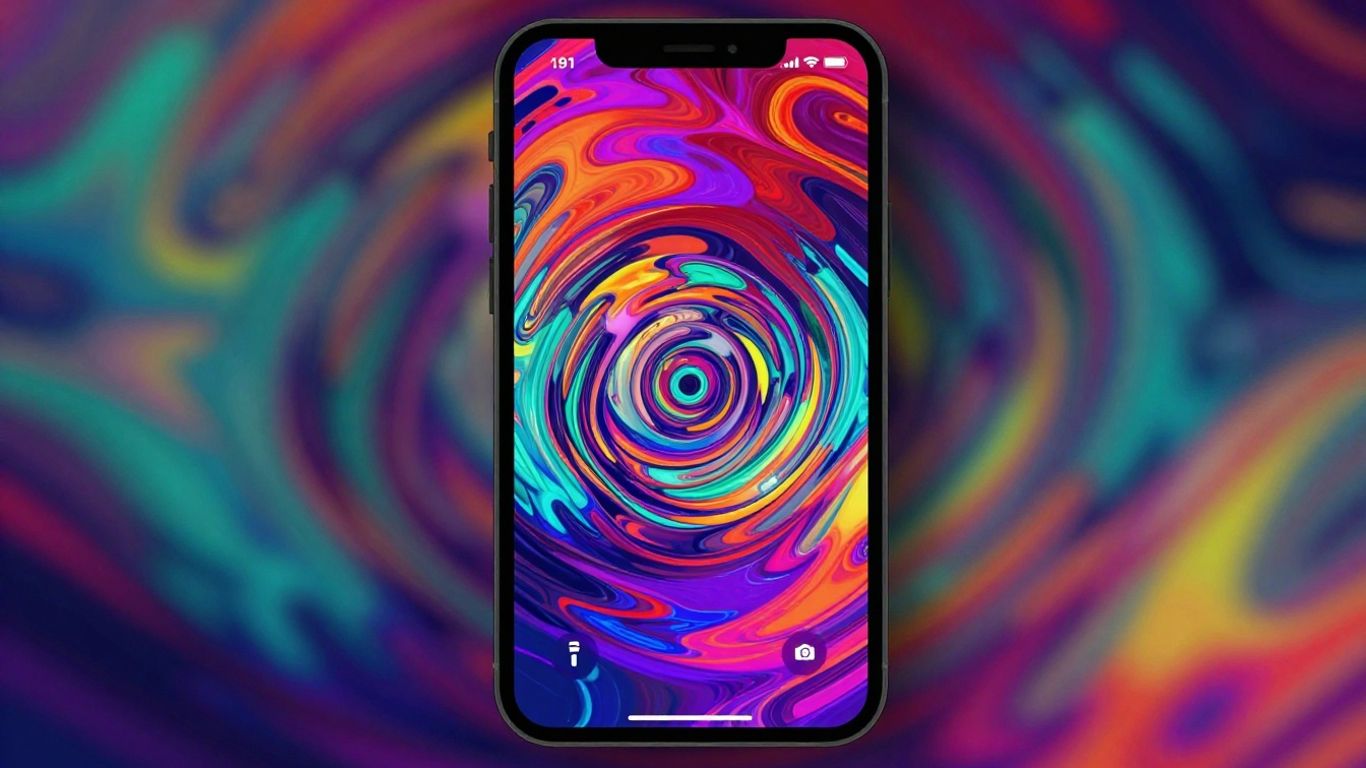
AI music video tools come with a set of features designed to make the creation process smoother, especially for vertical formats. You’ll find that many of these tools aim to simplify complex tasks, letting you focus more on the creative side.
Integrated Song And Video Creation
Some platforms offer a complete package where you can generate both the music and the video within the same application. This means you can start with just an idea or lyrics and end up with a finished song and its accompanying music video. It’s a pretty neat way to keep everything in one place, avoiding the need to jump between different software. This integrated approach can really speed things up if you’re working on a tight schedule.
Automated Visual Synchronization
A big part of making a music video is getting the visuals to match the audio. AI tools excel at this by automatically syncing video elements to the beat, tempo, and mood of your song. You won’t have to manually count beats or time cuts yourself. The AI analyzes your audio and generates visuals that move in rhythm, making the final product feel cohesive and professional. This automatic synchronization is a game-changer for efficiency.
Multi-Format Export Options
When you’re creating content for platforms like TikTok, Instagram Reels, or YouTube Shorts, the aspect ratio is key. Good AI music video tools will let you export your finished video in various formats, including the 9:16 vertical aspect ratio needed for these platforms. You can also often choose square (1:1) or standard widescreen (16:9) formats. This flexibility means you can create one video and adapt it for multiple uses without starting over. You can create vertical videos online effortlessly with an AI-powered tool. Simply describe your concept and choose from various video options to start building your project in just a few clicks.
Workflow For Creating Vertical Music Videos With AI
Creating a vertical music video with AI is more straightforward than you might think. You’ll move through a few key stages, starting with your core idea and ending with a polished video ready for sharing.
Inputting Your Song Idea Or Audio
First, you need to give the AI something to work with. You can either describe your song idea in text, providing details like genre, mood, and tempo, or you can upload an existing audio file. If you’re starting from scratch, the AI can even generate the music and vocals for you. This initial step sets the foundation for the entire video.
Selecting Visual Styles And Parameters
Once the AI has your audio, you’ll choose the look and feel of your video. Most tools offer a range of visual styles, from cinematic and animated to abstract or lyric-focused. You can also adjust parameters like pacing and energy to match your music. The goal here is to guide the AI’s creative output to align with your artistic vision.
Generating And Refining The Video Output
With your audio and style preferences set, you can generate the video. The AI will then process everything and create a draft. You’ll likely want to review this output. Most platforms allow you to regenerate scenes or make minor adjustments to ensure the visuals sync well with the music and convey the intended message. This iterative process helps you get the best possible result.
The beauty of AI in this workflow is its ability to handle complex tasks quickly. What once took days of editing can now be done in minutes, allowing for more experimentation and faster content creation.
Here’s a quick look at the typical steps:
- Provide Audio: Upload your track or let the AI compose it.
- Choose Style: Select from various visual themes.
- Set Parameters: Adjust pacing, mood, and other visual cues.
- Generate Video: Let the AI create the initial draft.
- Refine: Make tweaks and regenerate sections as needed.
- Export: Download your final vertical video.
Comparing AI Music Video Generators
When you’re looking to create a music video with AI, you’ll find a few different types of tools out there. Some platforms focus solely on turning your audio into visuals, while others try to do a bit of everything, including song creation. It’s helpful to know what each offers so you can pick the right one for your project.
Tools Offering Combined Song and Video
Some AI generators aim to be an all-in-one solution. These tools let you input a song idea or upload your audio, and then they generate both the music and the video. This can be super convenient if you’re starting from scratch and don’t have a finished track yet. You get a complete package without needing to switch between different software.
Specialized Audio-to-Video Platforms
Other AI tools are built specifically for the audio-to-video conversion process. You upload your song, and the AI creates visuals that sync with the music. These platforms often give you more control over the visual style and how the video reacts to the audio’s rhythm and mood. They’re great if you already have your music ready and just need compelling visuals. You can find some of the best AI video generators here.
AI Songwriting Competitors
It’s also worth noting the AI tools that focus purely on songwriting. Platforms like Suno and Udio are leaders in generating full songs with vocals from text prompts. While they don’t create videos themselves, they’re important to consider if your primary need is to generate the music first. You’d then use a separate AI video tool to bring your song to life visually. These tools are great for quickly generating short video loops for social media content.
Practical Applications And Benefits
Empowering Independent Musicians
Creating a music video used to require a significant budget and a team of professionals. Now, you can produce polished visuals for your tracks without breaking the bank. AI tools let you experiment with different styles and concepts quickly, making professional-looking videos accessible. This means you can focus more on your music and less on the complex logistics of video production.
Streamlining Content Creation For Social Media
Vertical video is king on platforms like TikTok, Instagram Reels, and YouTube Shorts. AI can automatically generate content in the perfect 9:16 aspect ratio, ready for immediate upload. You can repurpose existing footage or create entirely new visuals that grab attention on mobile screens. This makes it easier to maintain a consistent presence across social channels [4eac].
Reducing Production Costs And Time
Think about the hours and money saved. Instead of hiring a crew, renting equipment, and spending days editing, you can generate a music video in a fraction of the time. AI handles the heavy lifting, from syncing visuals to the beat to applying stylistic effects. This efficiency allows you to release more content, more often, keeping your audience engaged.
The ability to quickly iterate on visual ideas means you can test different approaches without significant financial risk. This experimentation is key for artists trying to find their unique visual identity.
Here’s a quick look at how AI can speed things up:
- Song Idea to Video: From a simple text prompt or audio file to a finished vertical video in minutes.
- Visual Style Selection: Choose from various aesthetics without needing to master complex editing software.
- Export Ready: Output files are optimized for direct upload to social media platforms.
AI tools also help you make the most of your existing content. If you have landscape footage, AI can intelligently reframe it for vertical formats, ensuring key elements remain in view. This means less wasted footage and more content ready for mobile audiences.
Technical Considerations For Vertical Video
When you’re making a music video for platforms like TikTok or Instagram Reels, the format matters. You need to think about how your video will look on a phone screen. This means paying attention to the aspect ratio, which is the relationship between the width and height of the video.
Aspect Ratio Optimization For Mobile
Most social media platforms that favor vertical content use a 9:16 aspect ratio. This is taller than it is wide, fitting perfectly on a smartphone held upright. If your original footage is in a standard 16:9 (widescreen) format, you’ll need to adapt it. Simply cropping a 16:9 video to 9:16 can cut off important parts of the scene. You want to make sure your main subjects and action remain visible and centered.
AI-Driven Reframing Of Existing Footage
AI tools can help you repurpose horizontal video for vertical formats without losing the core of your content. These tools analyze your video to identify key elements like faces or movement. They then intelligently crop and adjust the frame to keep the focus on what’s important, creating a natural-looking vertical video. This process saves you a lot of manual editing time. You can reframe your 16:9 footage into 9:16 for Reels, Shorts, and TikTok automatically.
Ensuring Visual Cohesion In Vertical Format
Even when using AI, you still need to guide the output. Think about how the visuals will flow together in a vertical space. Does the AI understand the mood of your song? You might need to experiment with different styles or prompts to get the right look. Keeping the composition tight and focused is key for vertical video. This helps maintain audience attention on mobile devices where viewers often scroll quickly.
Thinking about how to make your videos look great on phones? Vertical video has its own set of challenges and cool tricks. We’ve put together some easy-to-understand tips to help you nail it. Want to learn more about making your videos stand out? Visit our website for all the details!
So, Can AI Make a Vertical Music Video?
Yeah, it totally can. You’ve seen how tools like Creatus AI can take your song idea, make the music, and then whip up a video, all in that vertical format you need for TikTok or Reels. No need to be a video pro or a music whiz. You just give it the prompt, and it handles the rest, spitting out a 9:16 video ready to go. It’s not about replacing human creativity, but it sure makes getting your music out there a lot simpler, especially if you’re flying solo or on a tight budget. Give it a shot, you might be surprised what you can create without all the usual hassle.
Frequently Asked Questions
Can an AI really make a whole music video for me?
Totally! Some AI tools can actually create both the song and the music video. You can give the AI an idea for a song, and it can write and sing it. Then, it can take that song (or one you upload) and make a video that matches the music’s vibe and beat. It’s like having a mini music production team in your computer!
What’s so special about vertical videos?
Think about your phone – you probably hold it upright most of the time, right? Vertical videos (like for TikTok, Instagram Reels, and YouTube Shorts) are made to fit that screen perfectly. They grab your attention way better on mobile devices compared to regular wider videos.
Do I need to be a music expert or a video whiz to use these AI tools?
Nope! That’s the cool part. These AI tools are designed so you don’t need any fancy skills. You just need your ideas. The AI handles the complicated stuff like composing music, singing, editing video, and making sure everything syncs up. It’s made for everyone, even if you’ve never touched music software or video editing before.
Can I use my own song with an AI video maker?
You bet! Most AI music video tools let you upload your own music files, like MP3s or WAVs. The AI will then watch your song’s rhythm, energy, and mood to create visuals that go along with it. So, you can use your original music and still get an AI-powered video.
What if I want the video to look a certain way?
You usually have a lot of control over the style! AI video makers often let you pick from different visual styles – maybe you want something animated, cinematic, or like a lyric video. You can often tweak settings to get the look and feel you’re going for, making the video truly yours.
Are there AI tools that can do both the song AND the video?
Yes, there are! Some tools, like Creatus AI, are built to do both things in one place. You can type in a song idea, get an AI-generated song with vocals, and then turn that song directly into a video. This saves you from having to use separate tools for music and video, making the whole process much smoother.