Ever wondered how those cool music videos get made with visuals that perfectly match the beat? It’s not always a huge crew and a massive budget anymore. You can actually use AI to turn your audio into moving graphics. This whole process is pretty neat, and it’s opening up new ways for artists and creators to get their music seen. Let’s talk about how an ai visualizer for music can help you.
Key Takeaways
- AI music visualizers take your audio files and automatically create synchronized video content.
- Tools like Creatus offer a combined workflow, generating songs from text and then turning that audio into visuals, which is different from most tools that do only one or the other.
- You don’t need fancy editing skills; these tools are designed to be easy to use, letting you pick styles and export for platforms like TikTok or YouTube.
- These AI visualizer for music tools can help you make music videos without big production costs, which is great for independent artists or social media content.
- When choosing a tool, look at what kind of output it offers, how easy it is to use, and if it combines song creation with video generation in one place.
Understanding AI Music Visualizers
What is an AI Music Visualizer?
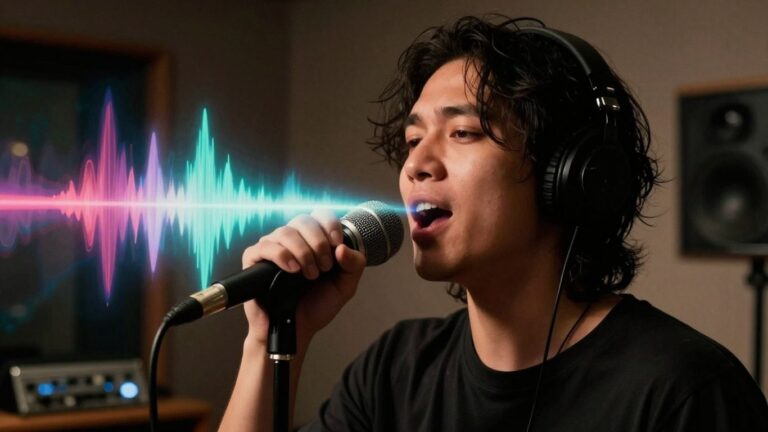
An AI music visualizer is a tool that takes your audio and turns it into moving graphics. It analyzes the sound, like its rhythm and mood, to create visuals that go along with it. Think of it as giving your music a dynamic, animated face. This helps your music stand out, especially on platforms where visuals are key.
How AI Transforms Audio Into Visuals
AI visualizers work by breaking down your audio. They look at things like the beat, tempo, and frequency of the sound. Based on this analysis, the AI generates images, animations, or abstract patterns that sync up with the music. The goal is to create a cohesive experience where the visuals feel like a natural extension of the sound. Some tools even let you use text prompts to guide the visual style, giving you more control over the final look.
Key Components of an AI Visualizer
Several parts make an AI visualizer work. First, there’s the audio analysis engine, which dissects your music. Then, you have the visual generation module, responsible for creating the graphics. Many tools also include style selection options, letting you pick from pre-set themes or even create custom ones. Finally, an export function allows you to save your creation in a usable format. These components work together to turn your audio into a visual spectacle, perfect for content creation.
Here’s a quick look at what goes on under the hood:
- Audio Analysis: Detects beats, tempo, frequency, and mood.
- Visual Generation: Creates animations, patterns, or scenes based on audio data.
- Style Selection: Offers choices for visual aesthetics (e.g., abstract, realistic, animated).
- Synchronization Engine: Ensures visuals perfectly match the music’s timing and energy.
- Export Options: Allows saving in various formats and resolutions.
Creating Your First AI Music Visualizer
Ready to turn your audio into something visual? It’s simpler than you might think. You’ll start by picking a tool that fits what you want to do. Then, you’ll feed it your music and tell it what kind of visuals you’re after. Finally, you’ll choose the look and feel for your video.
Choosing the Right AI Visualizer Tool
There are a few different kinds of tools out there. Some focus just on making visuals from your existing audio. Others can even help you create the music itself before they make the video. Think about whether you already have a song or if you need help with that part too.
Here’s a quick look at what’s available:
- Dedicated Audio-to-Video Tools: These are great if you have your music ready. They analyze your track and create visuals that sync up. Examples include tools that focus on beat-synced animations or abstract patterns.
- Integrated Song and Video Platforms: These tools let you generate a song from text prompts and then create a video for it, all in one place. This is handy if you’re starting from scratch.
- General AI Video Tools with Music Features: Some broader AI video platforms have features for music visualization. They might offer more customization but could be less specialized for music.
Inputting Your Audio and Prompts
Once you’ve picked your tool, it’s time to give it your music. You’ll usually upload your audio file. Most tools support common formats like MP3 or WAV. Make sure you’re using a high-quality audio file for the best results.
If you’re using a tool that also generates music, you’ll provide text prompts. This is where you describe the genre, mood, tempo, or even specific lyrics you want. The AI uses this information to compose your track. For video, you might also add text prompts to guide the visual style or specific elements you want to see.
Selecting Visual Styles and Themes
This is where your video starts to take shape. Most AI visualizers offer a range of styles. You might find options like:
- Stock Footage: Videos that are pre-made and sync to your music’s beat.
- AI-Generated Visuals: Unique, often abstract or surreal imagery created by the AI based on your prompts.
- Animated Elements: Moving graphics, characters, or objects.
- Lyric Videos: Text that appears on screen, synchronized with your song’s lyrics.
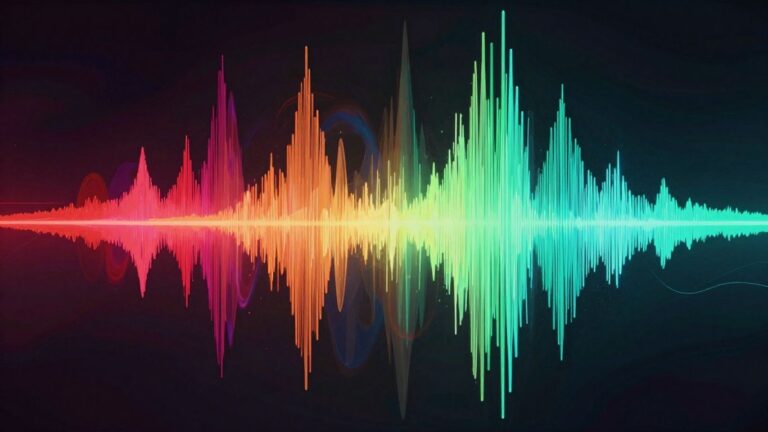
Some tools also let you add specific elements like sound waves that pulse with the music. You can often choose the overall theme or aesthetic, from futuristic to natural landscapes. Experiment with different styles to see what best fits your music’s vibe.
The goal is to find a visual style that complements your audio without overpowering it. Think about the emotion and energy of your song and how different visual elements can amplify that. Don’t be afraid to try a few different combinations before settling on the final look.
Advanced Features and Customization
Audio Analysis for Precise Synchronization
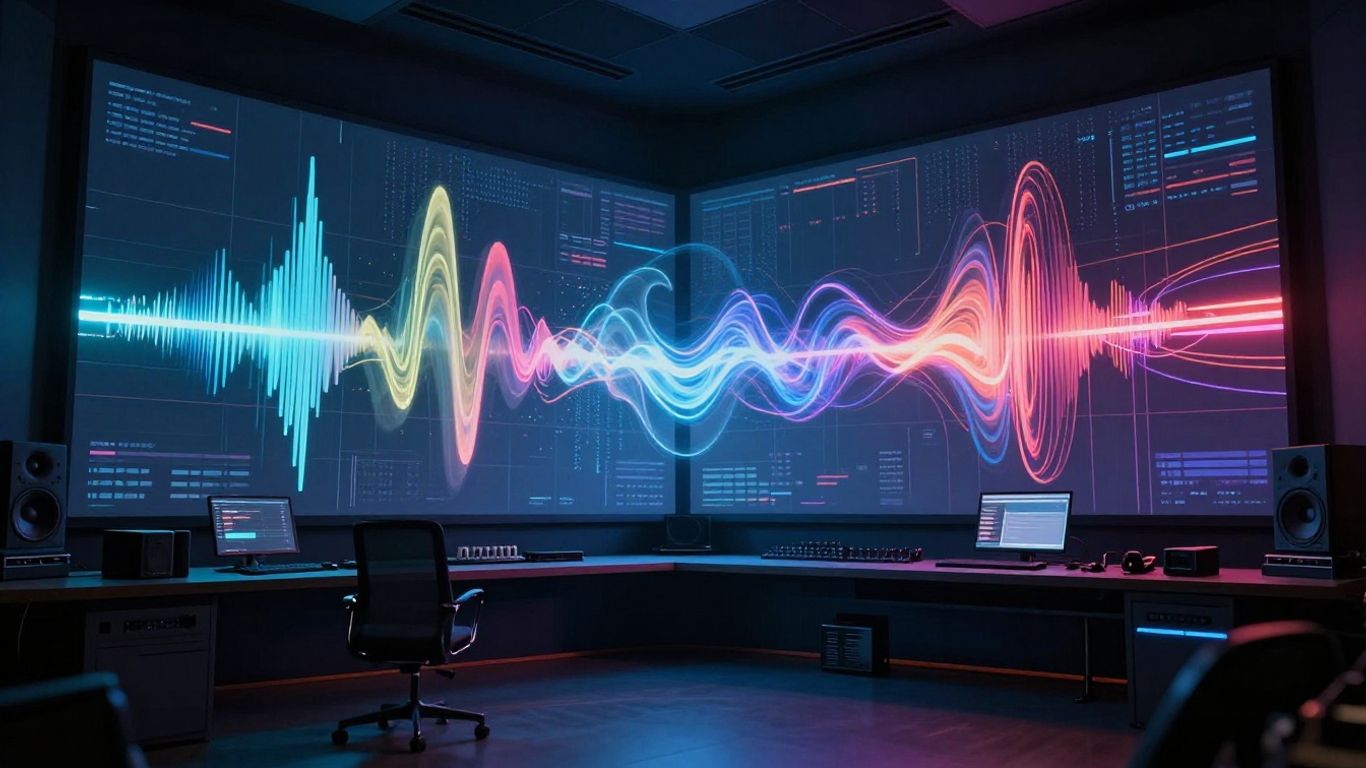
To make your visuals truly sync with your music, you need to go beyond basic beat matching. Advanced tools can analyze your audio’s stems, meaning they break down the track into individual components like drums, vocals, and bass. This allows you to tie specific visual elements to specific sounds. Imagine a bass drop causing a visual distortion or a vocal line triggering a particle effect. This level of detail makes the visualization feel alive and connected to the music.
Customizing Visual Elements
Once you have the basic synchronization down, you can start tweaking the visuals themselves. Many AI visualizers let you adjust colors, textures, and movement patterns. You can often input specific prompts or select from a range of artistic styles, from abstract to photorealistic. The goal is to create a look that matches the mood and message of your song. Experimenting with these settings is key to developing a unique visual identity for your music.
Exporting for Different Platforms
Finally, consider where you’ll be sharing your creation. Different platforms have different requirements for video aspect ratios and resolutions. You’ll want to export your visualizer in formats suitable for YouTube, Instagram Reels, TikTok, or even Spotify Canvas. Most tools offer multiple export options, like 16:9 for standard video, 9:16 for vertical formats, and 1:1 for square posts. Getting this right means your visualizer will look great everywhere you share it, making your music more visible across the web.
Leveraging AI Visualizers for Content Creation
AI music visualizers are powerful tools for anyone looking to make their audio content stand out. You can use them to create engaging visuals for social media, music videos, and more, often without needing a big budget or complex editing skills.
Enhancing Social Media Content
Short-form video platforms like TikTok, Instagram Reels, and YouTube Shorts thrive on dynamic content. AI visualizers can quickly turn your music tracks into eye-catching videos perfect for these platforms. You can generate multiple video variations in minutes, testing different styles to see what connects best with your audience. This speed and flexibility are key for staying relevant in the fast-paced social media landscape.
Producing Music Videos Without Production Budgets
Creating a professional-looking music video used to require significant investment in equipment, locations, and crew. AI visualizers change that. You can upload your song and let the AI generate synchronized visuals, from abstract animations to scenes that match the mood of your music. This makes producing visuals for singles or EPs much more accessible for independent artists.
Applications Beyond Music Promotion
While great for music, these tools have broader uses. Think about creating unique visuals for podcasts, audiobooks, or even spoken-word poetry. You can also use them for brand promotion, generating short, attention-grabbing clips with custom audio. The ability to create custom audio-visual content opens up many creative avenues for different types of creators.
The Workflow of an AI Visualizer for Music
From Song Idea to Visual Output
You can go from a simple idea to a shareable music video in just a few steps. Start with a text prompt, lyrics, or even just a short description—some platforms will turn this into an original song with AI vocals for you. If you’ve already got a track, upload your file (usually MP3 or WAV). Next, the AI breaks down your song by tempo, mood, and structure. You pick a visual style—cinematic, animated, abstract, or a lyric-driven theme—and the system generates a video that moves with your music’s energy.
- Start with a song idea or finished audio
- Choose a visual style and settings
- Generate, download, and share your video
Integrating Song Generation and Video Creation
A lot of newer tools let you make both your music and the visuals within the same app. No bouncing between platforms. Some—like those mentioned on Wondera’s beat-synced visualizer tools—let you enter a text description to create a song and then build a matching music video instantly. This means editing or tweaking both audio and video is much simpler, and you don’t waste time on complicated imports or exports.
Making content this way saves time and keeps every part of your creation in sync. You don’t need to be an audio engineer or video editor—the tool handles the tough stuff.
Streamlining the Production Process
You don’t need fancy skills or a studio setup to use AI music visualizers. Most platforms support standard formats (MP3, WAV) and export in multiple sizes for TikTok, Instagram, and YouTube. Everything’s handled inside one platform, with options to adjust visuals, switch up styles, and instantly download your finished product. It’s direct, and the learning curve is low.
Here’s what the step-by-step might look like for most AI visualizer apps:
- Upload or generate your song
- Pick or customize a visual style
- Review a quick preview
- Tweak if needed, then export in your chosen video format
Most modern AI visualizers focus on keeping this workflow simple, so you can get your music out to an audience fast without dealing with complicated software or extra fees.
Comparing AI Music Visualizer Solutions
Integrated Song and Video Platforms
Some platforms offer a complete package, handling both music creation and video generation. These tools are great if you’re starting from scratch and want a single workflow. You can often input a text prompt, and the AI will generate a song with vocals, then create a synchronized video for it. This approach saves you from switching between different applications.
These all-in-one solutions are designed to streamline the entire process. You might find features like AI singing vocals, automatic beat synchronization, and a variety of visual styles all within one interface. It’s like having a full production studio in a single app, making it easier to get your music out there quickly.
Dedicated Audio-to-Video Tools
Other tools focus solely on the visual aspect, taking your existing audio and turning it into a video. You upload your track, and the AI analyzes its rhythm, tempo, and mood to generate matching visuals. These are perfect if you already have your music produced and just need a compelling visualizer.
These specialized tools often provide more granular control over the visual output. You might be able to fine-tune specific elements, choose from a wider range of AI models, or even edit frame-by-frame. They are built for creators who want to pair their finished music with dynamic, synchronized visuals.
Evaluating Key Differentiators
When choosing a solution, consider what you need most. Do you require song generation alongside video, or do you have your music ready? Look at the level of customization offered – can you tweak the AI’s output, or is it a more automated process?
Think about the output formats and quality. Most tools offer standard resolutions and aspect ratios suitable for social media, but some might provide higher-end options. Also, check for features like automatic sound wave visualizations or the ability to extract specific audio stems for more precise visual control. Some platforms even aggregate multiple AI video models, giving you access to a wider array of styles and capabilities. For a look at various audio editing tools, you can check out this analysis from DATAFOREST.
The biggest difference often comes down to workflow integration and control. An all-in-one platform might be faster for beginners, while a dedicated tool could offer more artistic freedom for experienced users. Consider your technical comfort level and desired end result.
Trying to pick the best AI music visualizer? It’s a tough choice with so many options out there. We’ve broken down the top contenders to help you decide. Want to see which one is right for your music? Check out our full comparison on our website!
Wrapping Up
So, you’ve seen how AI can take your audio and turn it into something visual, no fancy editing skills needed. Whether you’re making a quick clip for social media or a full music video, these tools are pretty straightforward. You upload your sound, pick a style, and let the AI do the heavy lifting. It’s a practical way to get your music seen without needing a big budget or a film crew. Give it a try and see what you can create.
Frequently Asked Questions
What exactly is an AI music visualizer?
Think of an AI music visualizer as a super-smart tool that takes your song and turns it into a cool video. It listens to your music, figures out the beats and the mood, and then creates moving pictures that go along with it. It’s like giving your music its own animated movie!
How does AI make visuals from music?
It’s pretty neat! The AI analyzes your audio, looking for things like the rhythm, how loud it is, and the different sounds. It then uses this information to decide what kind of visuals to create and when to change them, making sure everything syncs up perfectly with your song.
Do I need to be a tech whiz to use these tools?
Nope! Most AI music visualizers are designed to be super easy to use. You usually just upload your song, maybe pick a style you like, and the AI does the heavy lifting. You don’t need to know anything about video editing or music production.
Can I make a song AND a video with AI?
Some tools can do both! You can type in an idea for a song, and the AI will create the music and even sing it. Then, you can take that song and have the same AI turn it into a music video. It’s like having a complete music studio and video production team in one place.
What if I already have a song? Can I still make a video?
Absolutely! If you’ve already recorded your music, you can just upload the audio file (like an MP3 or WAV). The AI visualizer will then create a video that matches your existing track. You get to focus just on the visuals.
Where can I use the videos I create?
These AI-generated videos are usually made to be shared everywhere! You can download them in different sizes perfect for TikTok, Instagram Reels, YouTube, or other social media platforms. They’re ready to go for your online audience.