So, you’ve got this killer R&B track, right? But how do you give it the visuals it deserves without breaking the bank? Well, you’re in luck. AI tech has gotten pretty good, and creating an ai rnb music video is totally doable now. Forget needing a huge crew or a fancy studio; you can make something soulful and professional right from your computer. This guide is all about showing you how to make that happen, from picking the right vibe to getting your video out there.
Key Takeaways
- You can now create a full ai rnb music video using AI tools that handle both song generation and video production in one go.
- Focus on R&B’s visual history – think warm colors, intimate lighting, and emotional storytelling, not just flashy stuff.
- AI prompts should be specific about mood, light, and emotion to capture the genre’s feel, like ‘late-night city glow’ instead of just ‘city’.
- The AI music video workflow involves writing a song idea, generating the track, choosing a visual style, and then refining the output.
- Get your ai rnb music video seen by using platforms like YouTube, TikTok, Instagram Reels, and even Spotify Canvas for looping visuals.
Crafting Your AI R&B Music Video
Understanding R&B Visual Aesthetics
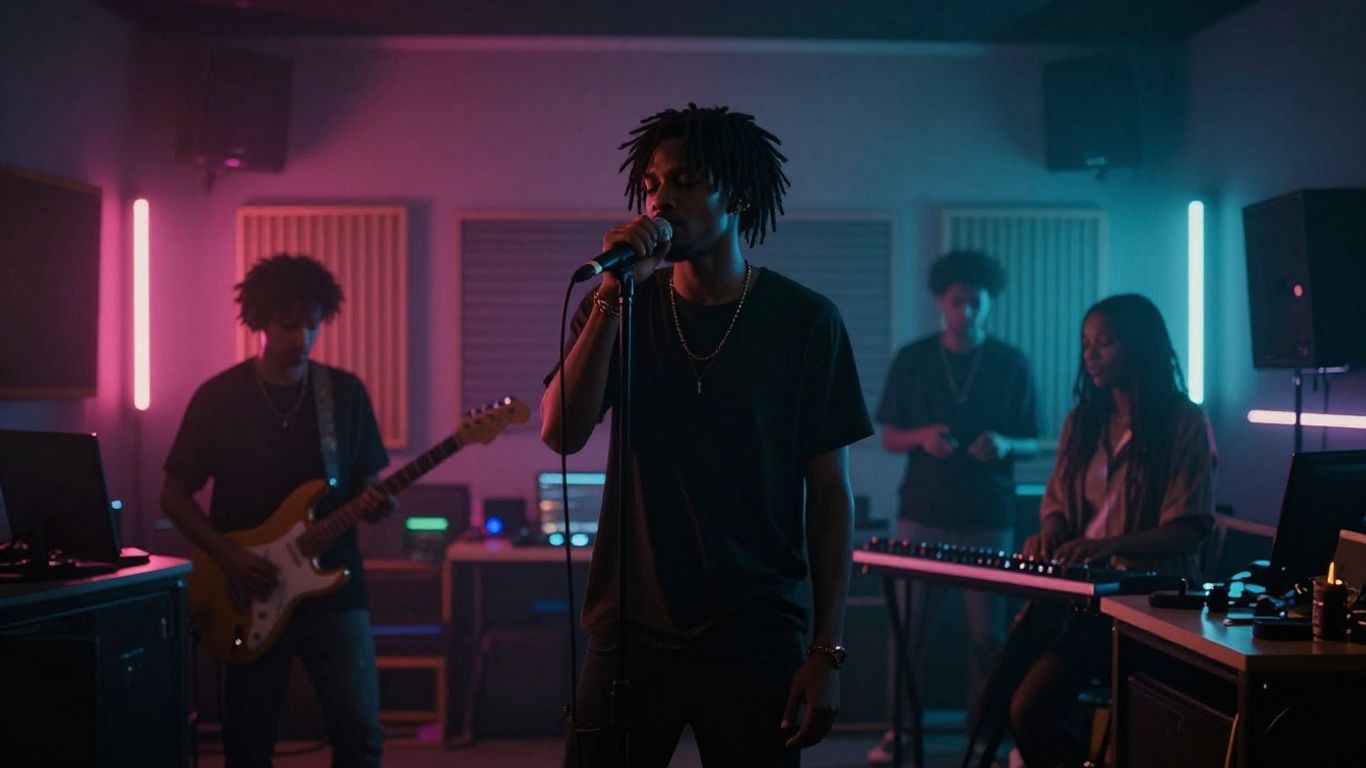
R&B music has a rich visual history, often focusing on emotion and atmosphere. Think about the warm, intimate lighting of classic soul videos or the sleek, modern feel of contemporary R&B. The genre thrives on conveying feeling, whether it’s love, longing, or confidence. Your video should reflect this emotional depth. Consider the era your music evokes – is it the smooth vibes of the ’90s, the earthy tones of neo-soul, or something entirely new? This understanding is your first step to creating visuals that match your sound.
Defining Your Video’s Emotional Core
Before you even think about prompts, listen to your song like a viewer. What’s the main feeling? Is it a quiet ache, a bold declaration, or a hazy memory? Don’t just aim for
AI Music Video Generation Workflow
Creating an AI music video involves a structured process, moving from your initial audio to a polished visual output. You’ll typically start by preparing your song, then feeding it into an AI tool that synchronizes visuals. Finally, you’ll refine the output to match your artistic vision.
From Text Prompt to Song
If you don’t have a track ready, you can generate one using AI. You’ll start by providing a text prompt that describes the genre, mood, tempo, and even lyrics for your song. The AI then composes original music and adds singing vocals based on your input. This means you can get a complete song without needing any music production experience.
Audio to Synchronized Video
Once you have your audio, whether it’s an AI-generated track or your own recording, you’ll upload it to the video generation platform. The AI analyzes your song’s tempo, mood, and energy to create visuals that sync up. This audio-reactive generation is key to making the video feel connected to the music. You can then select from various visual styles to best represent your R&B track.
Selecting Visual Styles and Pacing
Choosing the right visual style is important for R&B. Consider styles that lean towards warm, cinematic looks or intimate, human-centered scenes. For pacing, R&B often benefits from slower, more deliberate visual transitions. Aim for scenes that last between 4 to 8 seconds, allowing the mood to settle. This contrasts with faster genres that might use rapid cuts. You can also select different aspect ratios, like 16:9 for YouTube or 9:16 for short-form platforms, all within the same workflow. For a more in-depth look at the process, check out how to make an AI music video.
Prompting for R&B Specificity
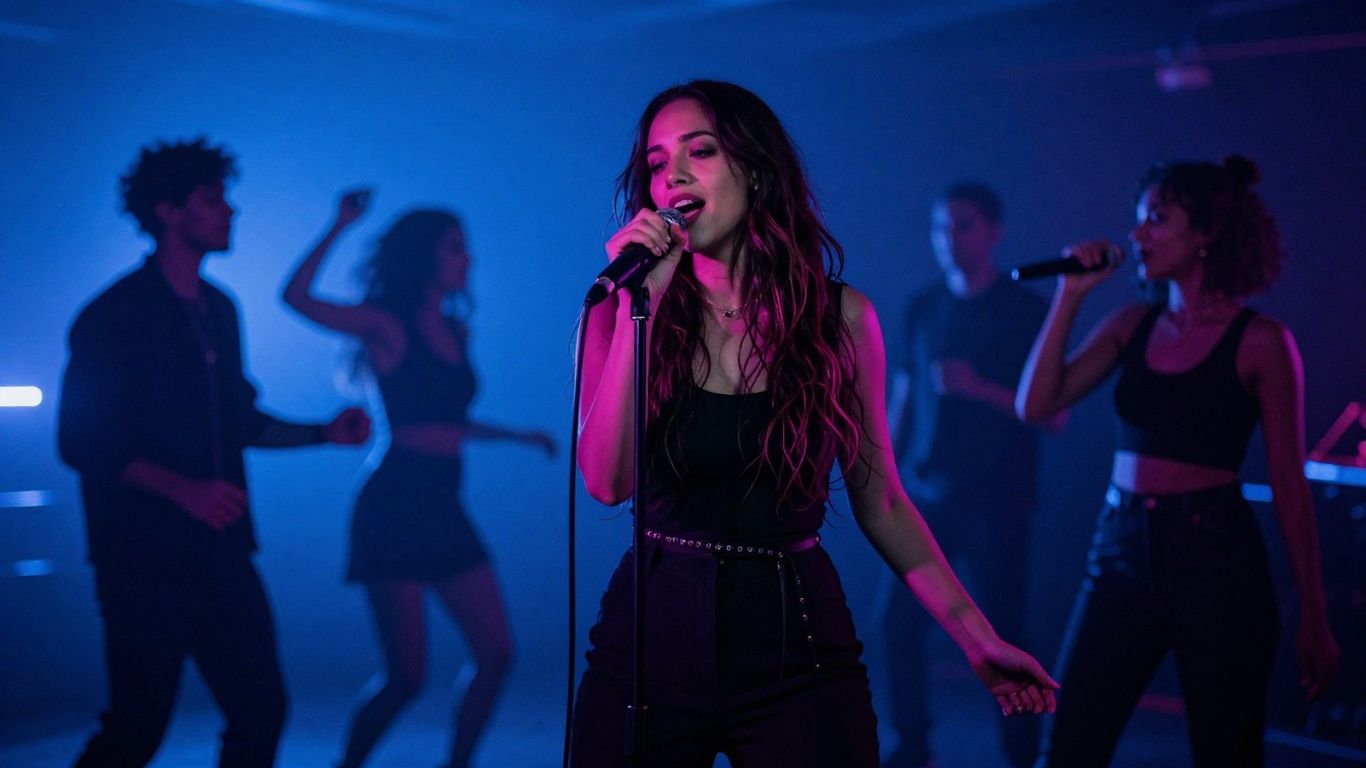
To make your AI R&B music video feel authentic, you need to guide the AI with specific prompts. It’s not just about what you want to see, but the feeling you want to create. Think about the mood, the lighting, and the overall atmosphere. This is where you translate the soul of your music into visuals.
Capturing Mood and Light
Light is a character in R&B visuals. Don’t just say "nighttime." Specify the light source: "candlelight," "golden hour," "neon reflections," or "a single spotlight." This detail makes a huge difference. Warm, directional light often works best for R&B, creating intimacy and depth. Think about how light falls on skin or creates soft shadows.
Avoiding Common Pitfalls
AI can easily fall into clichés. Avoid prompting for generic "romantic vibes" or an endless stream of luxury items like champagne and sports cars. R&B visuals often connect through human emotion and specific feelings, not just expensive props. Keep the scenes focused; simplicity can be very powerful.
Genre-Intelligent Prompt Examples
Here are some examples to get you started. Remember to tailor these to your specific song and subgenre:
- Contemporary R&B: "A person looking out a rain-streaked window in a city apartment at night. Warm interior light reflects on their face. Slow camera movement inward. Moody and intimate feel, with deep blue shadows and soft gold highlights."
- Neo-Soul: "Someone sitting in a sunlit room full of plants and old furniture. Golden afternoon light comes through sheer curtains. Earthy colors like terracotta and sage green. A calm, grounded atmosphere with gentle movement."
- Classic Soul/Throwback: "A couple slow dancing in a dimly lit club. A single spotlight creates long shadows. Vintage film grain texture. Rich colors like burgundy and cream. A steady camera with a slight sway that matches the music’s rhythm."
- Funk: "A band playing on a stage with bright stage lights in purple, pink, and gold. Reflections from a disco ball on the ceiling. Energetic movement. Silhouettes of bell-bottom pants. A wide-angle view of a retro nightclub."
The goal is to use prompts that evoke specific emotions and sensory details. Instead of asking for "a happy scene," describe the feeling: "the quiet joy of a shared smile" or "the nervous excitement before a first date." This level of detail helps the AI generate visuals that truly match the heart of your R&B track.
Technical Aspects of AI Video Creation
Creating an AI R&B music video means thinking through the nuts and bolts before you hit export. Whether you’re making content for YouTube, TikTok, or Instagram, technical details like aspect ratio, AI model strengths, and review processes affect the end result more than you’d expect. Start here, and avoid common missteps.
Choosing Aspect Ratios for Platforms
Pick your aspect ratio first. The same video looks completely different in vertical (9:16 for TikTok, Reels), square (1:1 for Instagram), and widescreen (16:9 for YouTube).
| Platform | Recommended Aspect Ratio |
|---|---|
| TikTok/Reels/Shorts | 9:16 (vertical) |
| Instagram Feed | 1:1 (square) |
| YouTube | 16:9 (horizontal) |
Don’t just crop after the fact. Frame your story with your destination in mind, so nothing important gets cut off.
Understanding AI Video Capabilities
AI video tools all have limitations. Some can sync visuals tightly to music while others give you more control over style. But most have trouble with consistent faces, smooth camera moves, and lighting that feels natural.
- Expect some frame-to-frame flicker or minor character changes
- Slow, deliberate shots work better than fast edits right now
- Warmer, softer lighting fits R&B’s vibe, but not every tool nails it
Not all tools do lyric videos, dancing avatars, or camera moves equally well. Try a few and see what actually matches your vision.
Reviewing and Refining Generated Content
Fine-tuning an AI music video isn’t optional if you want a polished look. Play the video through fully with sound—do the visuals match each verse and chorus? Watch for awkward transitions, faces that morph, or moments where color suddenly shifts. Some tools let you regenerate a section or tweak the look with prompt adjustments.
Use a quick checklist:
- Is the vibe right for R&B (warm, intimate, not cartoonish)?
- Do the edits line up with the beat or emotional shifts?
- Are there any visual errors—broken faces, flicker, random objects?
- Does the style stay consistent from start to finish?
Stepping back and watching with fresh eyes helps you catch weird glitches you’d miss after hours at the screen. Clean up anything distracting so your song stays the focus.
Distributing Your AI R&B Music Video
Optimizing for YouTube
YouTube is still the main place for full music videos. Upload your AI-generated R&B video in the highest quality possible. Use relevant keywords in your title, description, and tags to help people find it. Think about what terms someone would search for to discover music like yours.
Leveraging Short-Form Platforms
Don’t forget about TikTok, Instagram Reels, and YouTube Shorts. These platforms are great for reaching new audiences. You can use clips from your main video or create shorter, punchy versions specifically for these formats. This is where many new fans discover artists today.
Utilizing Spotify Canvas
Spotify Canvas lets you add a looping visual to your tracks. A short, atmospheric clip from your AI music video can keep listeners engaged. A slow pan or a subtle animation can reinforce your visual style. It’s a simple way to add more depth to the listening experience on Spotify.
Creating the video is just the first step. Getting it seen by the right people requires a smart distribution plan. Think about where your target audience spends their time online and tailor your approach for each platform. Consistency across platforms helps build your brand.
The Two-in-One Advantage for Musicians
Making music and making music videos used to be separate, expensive processes. Now, you can do both with AI tools. This means you can create a song and its visual counterpart all in one go.
This integrated approach saves you time and money. You don’t need to hire different teams or use multiple software programs. It streamlines the entire creative journey from idea to finished product.
Integrated Song and Video Production
Imagine writing lyrics and then immediately seeing them come to life visually. AI platforms now let you generate a song from text prompts, complete with vocals. Once the track is ready, you can use the same system to create a music video that matches the mood and rhythm. This eliminates the need to switch between music creation software and video editing tools.
Eliminating Production Budget Barriers
Traditional music video production can cost thousands, even tens of thousands, of dollars. You’d need a director, camera crew, editors, and studio time. AI tools bring this down to a fraction of the cost, often starting with a free tier. This makes professional-looking music videos accessible to independent artists who previously couldn’t afford them.
Streamlining the Creative Process
The speed of AI generation is a game-changer. You can go from a concept to a complete song and music video in a matter of hours, not weeks or months. This rapid iteration allows you to experiment more freely. You can try different visual styles or song variations without significant investment.
Here’s a look at how the workflow simplifies:
- Idea to Song: Input lyrics, genre, and mood. AI generates the music and vocals.
- Song to Video: Upload your generated or existing track. AI creates synchronized visuals.
- Refine and Export: Select styles, adjust pacing, and export for any platform.
This combined approach means your visual narrative is always in sync with your sonic one from the very beginning. It’s about making your artistic vision a reality without the usual roadblocks.
Discover how having two powerful tools in one can really help your music career. It’s like getting a super boost for your creativity and your reach. Ready to see how this game-changer can work for you? Visit our website today to learn more and unlock your musical potential!
Wrapping It Up
So, you’ve got your R&B track, and now you know how to give it the visuals it deserves without needing a big budget or a film crew. Tools like Creatus.AI let you go from a simple text idea to a full song with vocals, and then turn that song into a music video, all in one place. You can pick your style, export in different sizes for any platform, and get your vision out there. It’s about making your music look as good as it sounds, and with these AI tools, that’s more achievable than ever. Give it a try and see what you can create.
Frequently Asked Questions
Can I really make a whole song and music video just by typing?
Totally! You can type in your song idea, like the mood, style, and even some lyrics. The AI then creates the music and sings it for you. After that, you can turn that song into a music video with just a few clicks. It’s like having a whole music studio and video crew in your computer!
What if I already have a song? Can I still make a video?
Yep, you sure can! If you’ve already got a song you love, you can just upload it. The AI will listen to your music, figure out the vibe, and then create a video that matches the beat and feeling. No need to start from scratch if you don’t want to.
Will the AI music video look like a real R&B video?
The goal is to make it feel real and soulful, just like R&B. You can guide the AI by telling it what kind of mood, colors, and lighting you want – think warm, intimate, or maybe late-night city vibes. By being specific, you can get visuals that really capture that R&B feeling.
Do I need to be good at editing or music stuff to use this?
Nope, not at all! This tool is made so you don’t need any fancy skills. You don’t need to know how to mix music or edit videos. The AI does most of the heavy lifting, so you can focus on your creative ideas.
Where can I share my AI music video?
You can share your video pretty much anywhere! It can be made in different shapes and sizes, perfect for YouTube, TikTok, Instagram Reels, or even just as a cool looping visual on Spotify. It’s ready for all your favorite platforms.
What makes this different from other AI music tools?
The biggest thing is that it does both song creation AND video creation in one place. Many other tools only do one or the other. With this, you go from a simple text idea all the way to a finished music video without having to jump between different apps or services. It saves you time and hassle!