Key Takeaways
Creating high-quality fitness content is challenging when relying on manual production. AI tools now allow for rapid generation and synchronization of music and visuals for all workout types.
- Generate original, high-energy music tailored for fitness classes.
- Produce synchronized music videos without expensive camera kits.
- Automate routine video edits for social media platforms.
- Optimize visual pacing to match specific workout intensities.
- Save budget by skipping traditional licensing and editing processes.
Leveraging AI for fitness content production
You need constant content to keep your audience engaged and maintain reach across platforms like TikTok or Instagram. Doing this manually often burns out trainers who also handle client coaching and business operations.
The shift from licensed music to AI-generated soundtracks
Traditional music licensing blocks your creative freedom and risks copyright strikes. Instead, tools like Creatus.AI allow you to generate original tracks that match the specific energy and mood required for your exercise routines. These sounds provide a unique identity that generic stock libraries lack.
Cost-effective scaling for independent fitness creators
High production costs for gym-based shoots keep many trainers from growing their channels. Using a Creatus AI Music Video Generator means you can produce pro-grade visual content from simple text or audio input. This shift moves your spending away from cameras and crews, focusing it on more frequent content delivery.
Maintaining brand voice through custom sonic signatures
Consistency matters when you want your followers to recognize your style instantly. You define your brand audio by describing your ideal tempo, genre, and vocal vibe in simple prompts. Using the broad Creatus ecosystem keeps these audio assets aligned with your visual aesthetics for a polished presence. You maintain control over your sound without needing an audio engineer.
Creating original music and visuals for workout routines
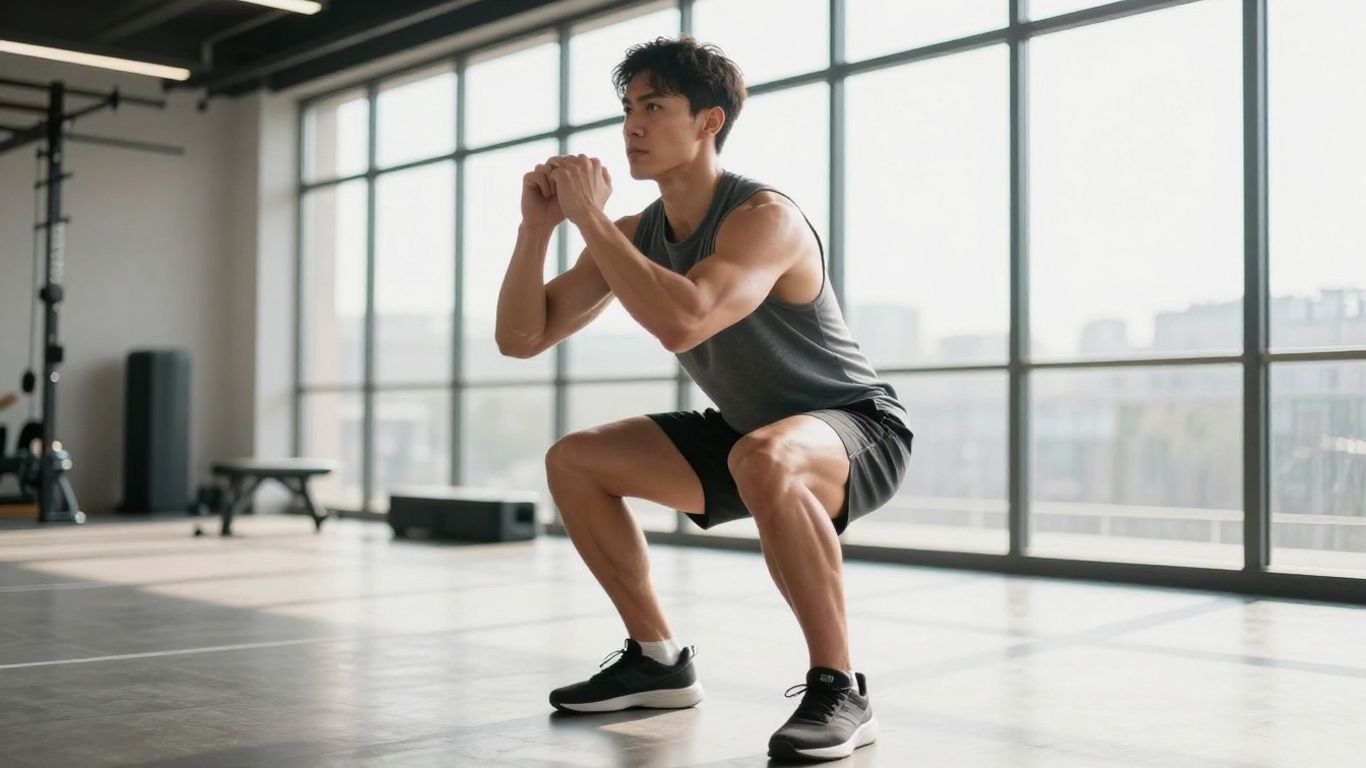
Prompt engineering for high-energy exercise genres
Your inputs dictate the intensity of the result. To get an aggressive, fast-paced track for HIIT, describe specific instruments and beats like "high-BPM synth-pop with heavy percussive snare." Avoid weak descriptors to ensure the AI focuses on high-intensity workout vibes while building the backing track.
Converting conceptual descriptions into rhythmic audio
Once you have a track, you transition from audio to visual. You can map your routine structure against the music beat to keep attention high throughout a video. The following table summarizes how you might align session intensity with audio styles:
| Workout Phase | Target BPM | Visual Style Suggested |
|---|---|---|
| Warm-up Mobility | 80-100 | Cinematic Slow Motion |
| High Intensity HIIT | 140-160 | Fast-cut Energetic |
| Strength Training | 110-120 | Steady Pacing |
The data shows how adjusting tempo directly impacts user focus during the clip. Following these steps helps you maintain viewer attention for the full length of a workout segment without finding that users drop off.
Synchronizing visual narrative with percussive workout beats
Syncing the cut to the beat creates a more professional user experience. Because you rely on the rhythm, each movement you perform aligns cleanly with the bass hits. This level of coordination makes a standard home workout look like a high-end commercial production.
Strategic integration of music into training segments
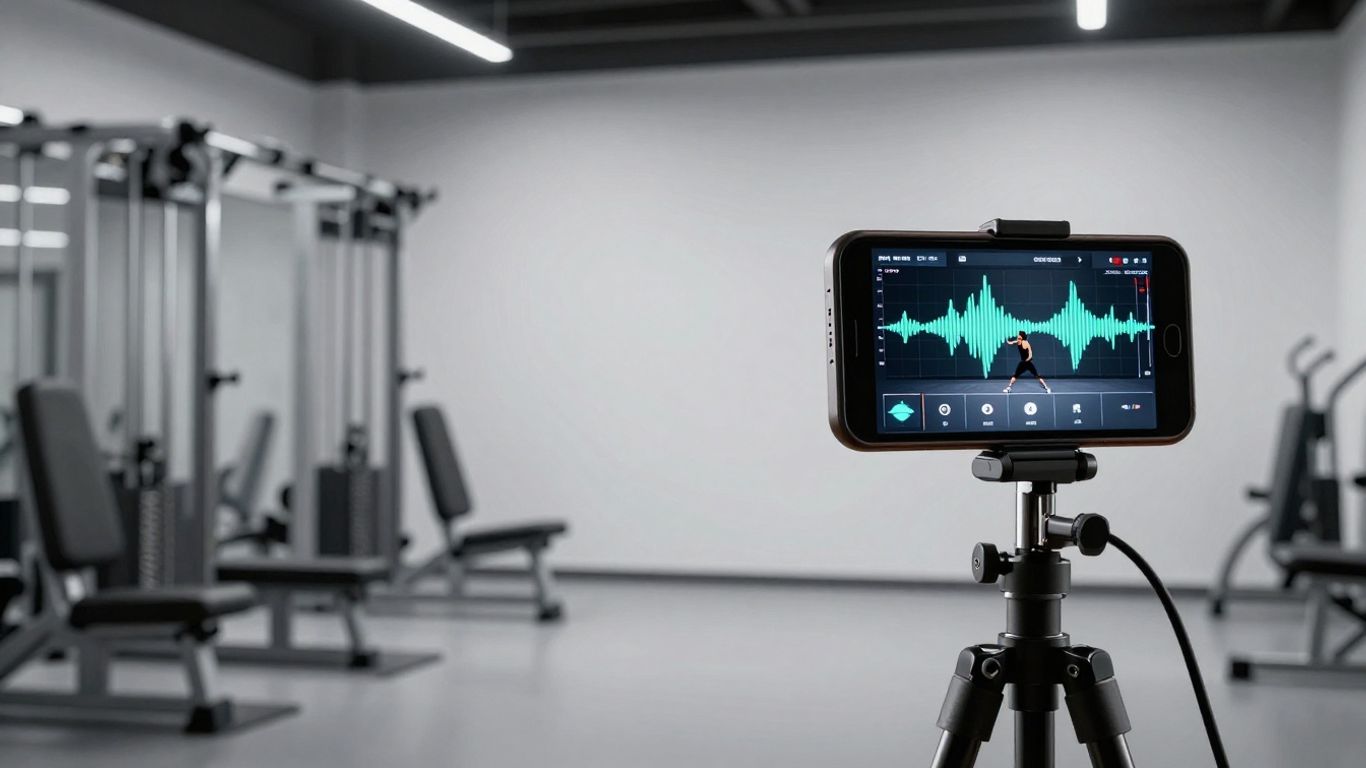
Matching audio BPM to the intensity of specific training blocks
Slow down the audio for technical form work to encourage precision, or speed it up for metabolic conditioning. You want your background sound to push the viewer during tough sets and offer space during rest periods. This ebb and flow keeps the viewer engaged while you manage the physical load.
Building audio-reactive visual sequences for form demonstrations
- Select a workout exercise clip that lasts 10 to 30 seconds.
- Add the audio file to your generation tool to identify the beat pattern.
- Configure the visual model to switch angles at every beat drop.
- Apply a consistent color grading filter to bind the scenes together.
- Export the final file in your chosen vertical aspect ratio.
Using this sequence helps clarify movement patterns, especially for viewers learning new techniques. A steady flow of clips makes the instructions clear and easy to follow without interruptions.
Managing seamless transitions between warm-ups and high-intensity intervals
A sudden shift in energy disrupts your viewer’s focus. You can use cross-fades or bridge tracks that slowly change in intensity rather than cutting instantly. This keeps the audience moving with you as the workout progresses from mobility to maximum effort.
Choosing the right AI music video tool
Evaluating all-in-one platforms versus modular AI workflows
Single-platform systems generally provide speed since you generate both songs and visuals in one go. Modular workflows might offer more specific control over characters or lighting if they rely on separate engines. For fitness, you typically prefer the faster, more integrated approach to save time during your filming week.
Comparing audio-to-video production versus text-to-music generation
Some tools focus purely on turning your track into a visual flow, while others start with zero assets. You should identify whether your main pain point is the audio production or the final export. If you already have your own tracks, you just need a platform that handles strong beats-to-visuals mapping.
Determining essential export requirements for mobile and desktop
You need flexible resolution options. Ensure your chosen tool supports vertical mode for phone consumption and horizontal mode for larger tutorials. Check these requirements early so your traveling family activity tips or expert lease car advice don’t get cropped on different screens.
Optimizing music videos for social media engagement
Tailoring visual cuts to platform-specific retention trends
Different feeds prioritize different pacing styles. Shorts and Reels favor quick cuts starting from the first second, while long-form viewers stay for a consistent flow throughout the clip. You adjust your output settings to match the trends of your target feed.
Incorporating trending themes without facing copyright violations
Using your own original AI-generated music lets you stay trend-aligned without triggering platform copyright flags. You mirror the vibe of a popular song without borrowing the actual audio file. This safe approach allows you to reach fans of trending sounds during offshore royalty management phases of your growth.
Automating content distribution across TikTok, Reels, and YouTube Shorts
Using a batch generation strategy makes multi-platform hosting easier. Once you have a template for your training intro or outro, you apply it to all your future video uploads. This consistency supports your professional image, just like the standards found in the Evel Knievel Museum project.
Scaling fitness channel growth with content automation
Reducing production hours for daily posting schedules
You free up time by letting machines handle the repetitive cutting and beat-matching. This workflow change turns an eight-hour edit into a ten-minute job. It gives you the ability to focus on hosting corporate social events or improving your personal client coaching.
Utilizing AI ecosystems for cross-functional asset development
Combine your video tools with other automation suites to manage the whole process. You generate the audio, create the visual, and schedule the post without leaving your workspace dashboard. This total coverage simplifies your day-to-day operations significantly.
Measuring algorithm performance based on audio-visual cohesion
Watch your view-through rates closely. If audiences leave when the music changes or the visuals feel disjointed, adjust your settings. Data tells you where the link between your movement and audio snaps during AI music video creation sessions for fitness content.
Conclusion
Integrating AI production into your process saves huge amounts of time and allows for a higher volume of professional-looking posts. By starting with original audio and mapping it to your workout, you build an engaging, copyright-proof experience that keeps your followers moving with you. You take total control of your video style while making social media growth a regular, routine part of your workday.
Frequently Asked Questions
Can AI-generated music be used for commercial fitness content?
Yes, most AI platforms offer commercial rights, especially when you use the paid plans, which allows you to monetize your fitness programs and videos without worry.
Do I need to be a video editor to make these music videos?
No, modern generation tools handle the editing, beat-synching, and visual rendering for you based on the song, so you never need to learn complex software.
What file formats should I use for my workout videos?
For most social media, MP4 is standard. Aim for a vertical 9:16 aspect ratio for mobile platforms and keep your file sizes reasonable for quick uploads on mobile data.
How long should an AI fitness music video be?
Generally, keep them under 60 seconds if you want maximum reach on social media, or 3-5 minutes if you are using them for structured, full-session instruction.
Will the AI automatically stay on beat with my workout?
Most tools analyze the tempo of the music file you provide and automatically align visual changes to the beat, which creates the rhythmic effect you want for workout footage.
Can I add my own voiceover to AI music videos?
Yes, you can edit your voiceover into the final video file or layer it over the AI track to guide the user while the music plays in the background.
How can I make my fitness music videos stand out from others?
Focus on your unique visual style, custom prompts, and consistent pacing. Adding your own personality to the workout and keeping the video framing unique is the best way to separate yourself from repetitive slideshow content.