Thinking about making a music video but don’t know where to start? You’ve probably heard about AI tools that can help. This guide is for you. We’ll walk through how to use an ai music video maker for beginners, making the whole process seem way less scary. You don’t need to be a video pro or a music genius to get cool results. Let’s figure this out together.
Key Takeaways
- An ai music video maker for beginners combines song creation and video generation in one place, simplifying the process.
- Look for tools that let you input your song idea via text and then automatically create visuals synced to the music.
- Before you start, have your song ready or know how you want to describe it to the AI. Simple text prompts work best.
- Most tools let you customize visuals, add text like lyrics, or even include your own images.
- Check the output formats to make sure your video works for where you plan to share it, like TikTok or YouTube.
Understanding AI Music Video Makers
What an AI Music Video Generator Does
An AI music video generator is a tool that uses artificial intelligence to create visuals for your songs. You give it your music, and it produces a video. This means you can skip the complicated editing software and expensive production crews. It makes creating music videos much more accessible, even if you’ve never made one before.
Key Features for Creators
These tools often come with features designed to make your life easier. You can usually upload your song and then customize the visuals. Many allow you to add text prompts to guide the AI, choose different visual styles, or even upload your own images and logos. Some can also generate lyrics or display sound waves that react to the music.
- Audio analysis for beat synchronization
- Customizable visual themes and styles
- Option to include lyrics and sound wave animations
- Support for custom image and logo uploads
Core Workflow Explained
The basic process is pretty straightforward. First, you’ll upload your audio track. Then, you’ll typically provide some input to guide the AI, like text prompts describing the mood or style you want. Finally, the AI generates the video based on your song and instructions. You can then preview and download the finished product.
The goal is to simplify video creation, allowing musicians and creators to focus more on their music and less on the technical aspects of video production. It’s about making professional-looking results achievable without a big budget or a team of experts.
Choosing Your First AI Music Video Tool
When you’re starting out, picking the right AI tool can feel overwhelming. There are many options, and they do different things. Some focus on creating everything from scratch, while others are built to work with music you already have. Understanding these differences will help you find the best fit for your project.
Integrated Song and Video Creation
Some platforms offer a complete package. You can write your song idea using text prompts, and the AI generates both the music and the video. This is great if you’re starting with nothing and want a single tool to handle everything. These all-in-one solutions simplify the process significantly. They often include AI vocals and a variety of visual styles to match your tune.
Audio-to-Video Focused Platforms
Other tools specialize in turning your existing audio into visuals. You upload your song, and the AI analyzes its mood, tempo, and structure to create a video. These are perfect if you’ve already got your music ready and just need the visual component. Many of these platforms offer features like beat-syncing and lyric overlays to make your video pop.
Evaluating Platform Strengths and Weaknesses
When you look at different tools, consider what’s most important for your music video. Do you need a tool that generates the song too, or are you just looking for video creation? Check if the platform supports the output formats you need, like vertical video for social media. It’s also wise to see if there’s a free tier to test out before committing.
Here’s a quick look at what some platforms offer:
| Platform Type | Primary Function | Strengths | Weaknesses |
|---|---|---|---|
| Integrated | Song & Video Generation | All-in-one workflow, ease of use | Less control over individual elements |
| Audio-to-Video | Visuals from existing audio | Music-first focus, beat-syncing, lyric support | Requires separate music creation tool |
| Text-to-Video (T2V) | Cinematic shots from prompts | High visual quality, creative freedom | Not music-specific, requires editing |
| AI Video Editors | Editing, captions, repurposing | Efficiency, multi-platform output | Not for initial video generation |
Think about your end goal. If you want a simple lyric video synced to your track, an integrated or audio-to-video tool might be best. If you’re aiming for more cinematic visuals, you might combine a T2V engine with a music-focused editor. Understanding these categories helps you choose the right tool.
It’s also worth checking out platforms that offer a free trial or a limited free version. This lets you experiment without spending money. You can see how intuitive the interface is and if the generated visuals meet your expectations. Don’t be afraid to try a few different options before settling on one.
Getting Started with Your Music Video Project
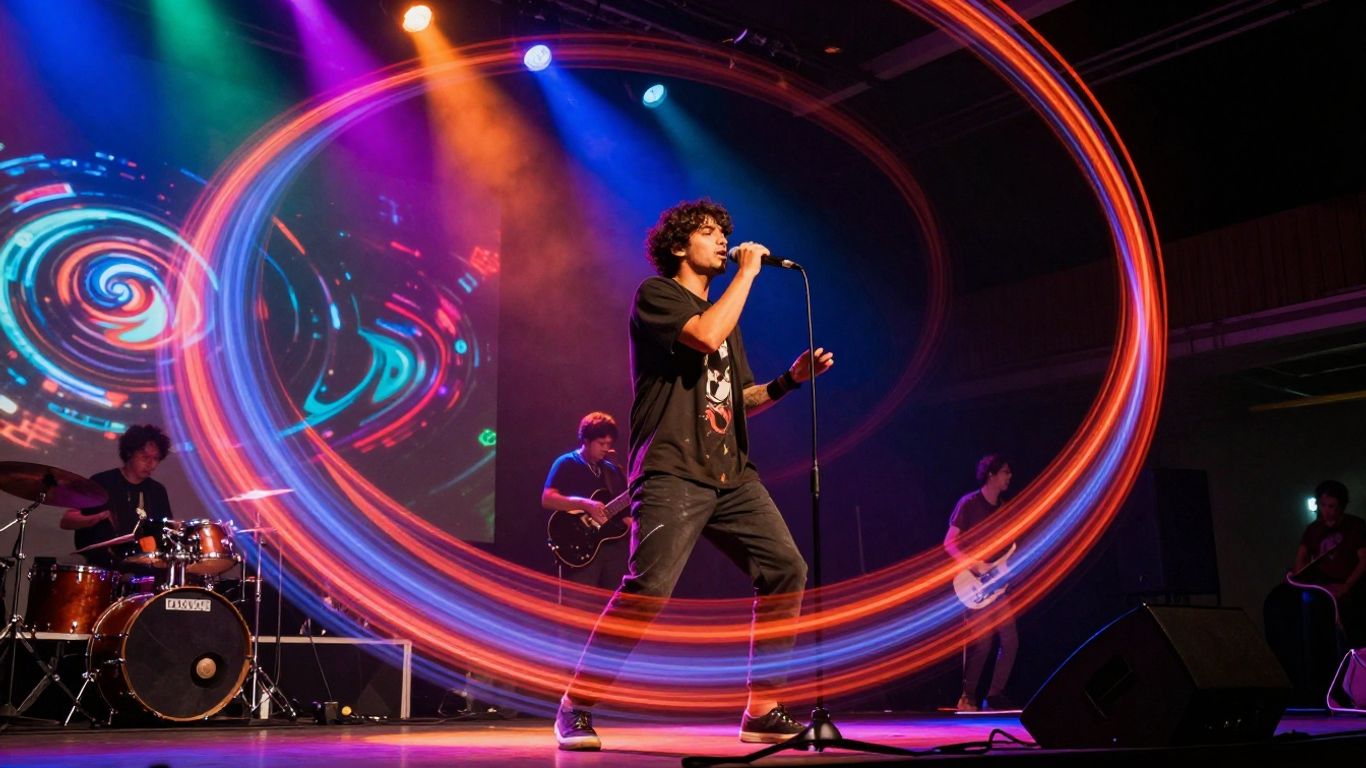
Now that you’ve got a handle on what AI music video makers can do, it’s time to actually start making your own. This section breaks down the initial steps to get your project off the ground.
Preparing Your Song for Video
Before you even think about visuals, make sure your song is ready. If you’ve generated your music using an AI tool, export the final mix. If you’re using a pre-existing track, ensure you have the master file. For the best results with AI video generators, it’s often helpful to have stems (individual instrument tracks) or at least an instrumental and vocal version. This gives the AI more information to work with when syncing visuals to specific parts of the song. You can explore tools to split existing tracks if needed.
Crafting Effective Text Prompts
Text prompts are your main way to guide the AI in creating visuals. Think about the mood, setting, and action you want. Be specific. Instead of
Customizing Your AI Music Video
Adding Lyrics and Sound Waves
Many AI music video tools let you add lyrics directly onto the screen. This is great for making sure your audience catches every word. You can often choose different fonts and styles to match your song’s vibe. Some platforms also let you add dynamic sound waves that pulse with the music. This adds a visual representation of the audio itself.
Incorporating Custom Images and Logos
Want to add your own flair? You can usually upload personal images or your band’s logo. These can be placed strategically within the video. Think about using them as background elements or as a watermark. This personal touch makes your video uniquely yours. It helps build brand recognition if you’re an artist or band.
Fine-Tuning Visuals and Camera Movements
Beyond basic customization, some tools offer more control. You might be able to adjust the speed of visual transitions or the intensity of effects. Some advanced options even let you tweak camera movements. You can specify pans, zooms, or tilts to create a more cinematic feel. Experimenting with these settings can really make your video stand out. It’s about making the AI’s output work for your specific vision, not the other way around. You can find more tips on using AI music to elevate your videos on various platforms.
Exporting and Sharing Your Creation
Understanding Output Formats
Once your AI music video is ready, you’ll need to export it. Most AI tools offer several output formats to suit different needs. The most common are 16:9 (standard widescreen for YouTube), 9:16 (vertical for TikTok and Instagram Reels), and 1:1 (square for Instagram feeds). Choosing the right format ensures your video looks best on its intended platform. Think about where you plan to share your creation before you hit export.
Optimizing for Different Platforms
Each social media platform has its own best practices for video. For YouTube, a 16:9 aspect ratio is standard. TikTok and Instagram Reels thrive on vertical 9:16 content, which fills the entire screen. Square 1:1 videos work well for general social media feeds where users might be scrolling. Some tools allow you to export multiple versions at once, saving you time.
Ensuring Royalty-Free Usage
Before you share your masterpiece, check the terms of service for the AI music video maker you used. Understand what rights you have to the generated video content. Most platforms grant you commercial rights to the videos you create, but it’s always wise to confirm. This is especially important if you plan to monetize your content or use it for business purposes. Look for information on licensing and usage rights within the tool’s help section or FAQ.
Exploring Advanced AI Video Capabilities
Text-to-Video Engines for Cinematic Shots
Beyond basic lyric videos, advanced text-to-video (T2V) engines let you create more cinematic scenes. Tools like Google Veo, Luma Dream Machine, and Runway are great for this. You can generate short clips with specific camera movements and moods. Think of these as your source for B-roll or establishing shots that add depth to your music video.
These engines work by taking your text prompts and turning them into moving images. You can describe a scene, a feeling, or even a specific camera angle. The AI then interprets this to create visuals. Experiment with different prompts to see how the AI interprets them. It’s a powerful way to visualize abstract ideas or create unique visual metaphors for your song.
Avatar and Presenter Tools
If your music video needs a human element, consider avatar and presenter tools. Platforms like Synthesia or HeyGen allow you to create virtual presenters. You can script their dialogue, choose their appearance, and even select different languages. This is useful for intros, outros, or even narrative segments within your video.
These tools are particularly handy for music projects that have a spoken word component or require a direct address to the viewer. You can generate professional-looking presenter segments without needing to film yourself or hire actors. It streamlines the process, especially if you’re working solo.
AI-Powered Editing and Repurposing
Once you have your core visuals, AI can help with the final polish and distribution. Tools like Descript or Canva offer AI-powered editing features. They can help with tasks like automatic captioning, removing filler words, or even resizing your video for different social media platforms. This saves a lot of time on repetitive editing tasks.
Repurposing content is also made easier. You can take a longer music video and use AI tools to quickly generate shorter clips for platforms like TikTok or Instagram Reels. This helps you reach a wider audience with less effort. It’s about making your content work harder for you across different channels.
Dive deeper into the amazing world of AI video creation! We’re talking about tools that can make stunning videos just from your words. Imagine turning your ideas into visuals without needing fancy equipment. Ready to see what’s possible? Visit our website to learn more and start creating your own AI videos today!
Wrapping Up Your AI Music Video Journey
So, you’ve explored the world of AI music video makers. It’s pretty straightforward now, right? You can start with a simple idea and have a song and video ready to go, often without needing to be a pro at music or video editing. Tools like Creatus AI are good examples because they handle both making the song and the video in one place, which saves you from jumping between different apps. Don’t get too caught up in all the options out there; pick one that seems to fit what you want to do and just start making stuff. The best way to learn is by doing, so jump in and see what you can create.
Frequently Asked Questions
What exactly does an AI music video maker do?
Think of it like a magic wand for your music! An AI music video maker takes your song (or even just an idea for a song) and automatically creates a cool video to go with it. It can make the video match the beat and mood of your music, add lyrics, and use different cool visual styles, all without you needing to be a video editing whiz.
Do I need to know how to make music or edit videos to use these tools?
Nope! That’s the best part. These tools are made for beginners. You don’t need to know how to play an instrument or use complicated software. You just need your song (or an idea) and your imagination. The AI handles the technical stuff.
Can I make a song and a video all in one place?
Some tools let you do just that! You can type in what kind of song you want, and the AI will create it for you, complete with singing. Then, right there, you can turn that song into a music video. It’s like a one-stop shop for your music video project.
What if I already have a song? Can the AI make a video for it?
Absolutely! Most AI music video makers let you upload your own song files, like MP3s or WAVs. The AI will then listen to your track, figure out the rhythm and feeling, and create visuals that sync up perfectly with your music.
Can I add my own personal touches to the video?
You sure can! Many tools let you upload your own pictures or logos to include in the video. You can also often choose specific visual styles, colors, and even fine-tune how the camera moves to make the video truly yours.
Are the videos I make royalty-free?
Generally, yes! The videos you create with these AI tools are usually royalty-free, meaning you can share them on platforms like YouTube, TikTok, or Instagram without worrying about copyright issues. It’s always a good idea to double-check the specific platform’s terms, though.