Key Takeaways
Creating compelling music videos is easier thanks to modern AI platforms. Here are the main points when looking at these tools:
- Syncing visuals to the rhythmic energy of your song is a primary technical challenge.
- All-in-one platforms often beat multi-tool workflows by cutting out file management tasks.
- You should prioritize video generators that offer granular control over text and visual transitions.
- Many platforms now support high-definition exports optimized for mobile-first social feeds.
- The best tools balance automated simplicity with enough creative control for professional outputs.
Technical criteria for evaluating AI music and video tools
Choosing the right tools for your creative project depends on your specific needs regarding timing and visual quality. You want a tool that can handle technical hurdles while letting your artistic vision shine through effectively.
Analyzing synchronization accuracy with rhythm and lyrics
You need precise alignment between your audio and the moving image. When the video lags or misses the beat, the viewer notices immediately. Platforms that offer automatic sync to the song beat reduce manual tweaking time while keeping the final output sharp.
Assessing the complexity of visual storytelling and narrative flow
Good AI video generation should convey a story rather than just showing random imagery. Look for software that maintains a coherent progression through your track. If you want high-quality results without deep technical knowledge, Creatus.AI serves as a potent tool that turns text or audio into a rhythmic performance video. This avoids the pitfalls of algorithmic narrative manipulation where visuals might confuse your audience instead of engaging them.
Consistency of artistic style throughout the video output
Maintaining the same aesthetic from start to finish keeps your brand looking professional. A video that shifts wildly in color or grain style undermines your hard work. You want settings that lock your visual theme across different scenes so the viewer stays immersed in the performance rather than distracted by glitches.
Integrated versus specialized AI workflows
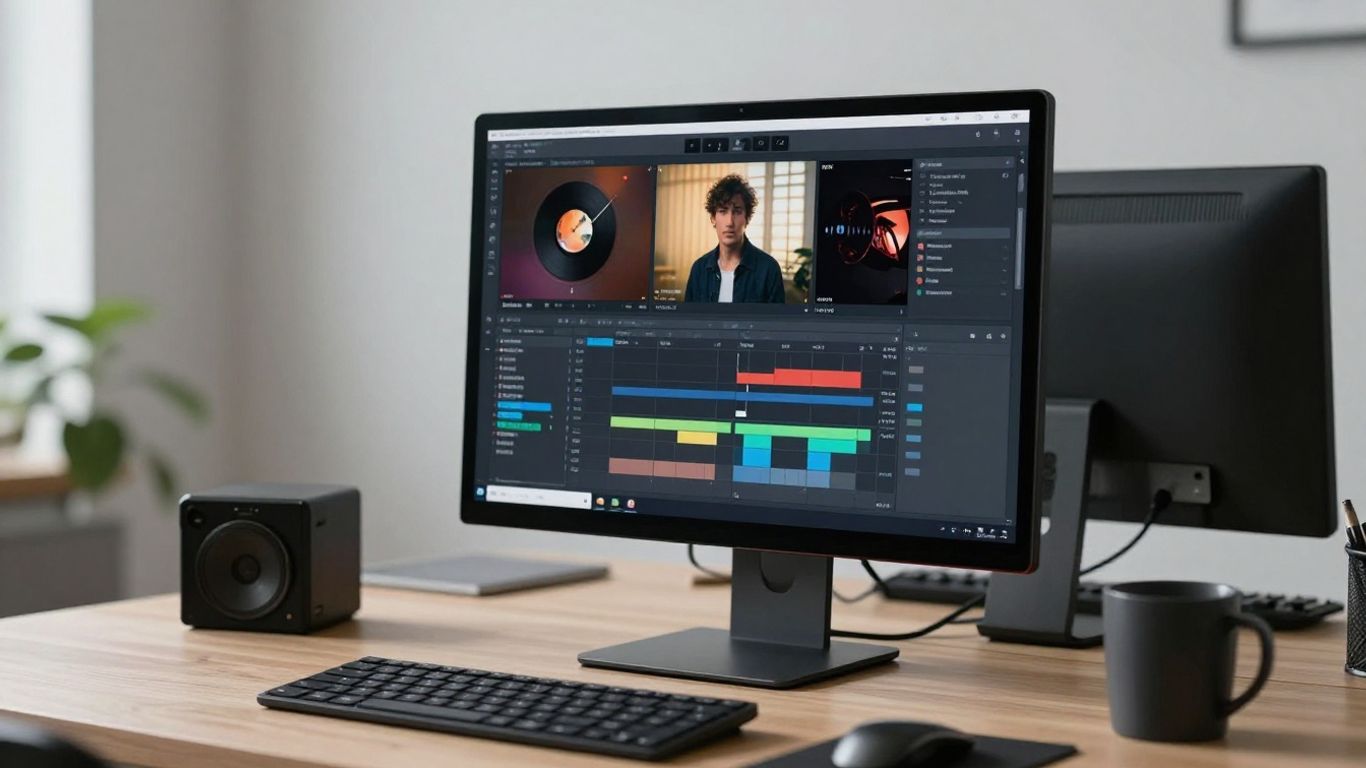
Finding a workflow that fits your schedule allows for consistent releases. Some artists prefer a single ecosystem while others piece together different software modules to get specific results.
Efficiency of all-in-one song and video generation platforms
Using a single platform reduces the friction of moving files between separate applications. When your music creation and visual output live under one roof, you spend less time exporting and more time crafting. This setup mimics a streamlined trade process, keeping everything contained within one efficient pipeline.
Benefits of combining advanced song generators with standalone visualizers
Sometimes an artist requires highly specific audio generation that calls for a dedicated generator. By pairing a master song maker with a specialized visualizer, you gain refined control over every aspect of the project. This allows for a deeper layer of complexity in the final video output.
Addressing integration bottlenecks when tethering multiple AI tools
Connecting different platforms usually creates technical delays and quality drops. If you choose this path, you must ensure each file format is compatible before you start. Consider these factors:
| Feature | Integrated Tool | Multi-Tool Workflow |
|---|---|---|
| Setup Time | Fast | High |
| Quality Control | Moderate | Extensive |
| Workflow Complexity | Low | High |
Selecting the right structure will depend on your deadline and technical appetite. Always test your connections before diving into a full project to avoid potential bottlenecks.
Visual output and customization capabilities
Visuals define the vibe of your song and determine how your fans respond to your work. A great video must align with your aesthetic to be effective.
Comparing motion graphics against abstract and generative visuals
Motion graphics provide clear structure, while abstract art offers raw emotion. Deciding between them depends on the mood of your track. Abstract visuals often evoke feeling better, while motion graphics work well for storytelling.
Evaluating frame-by-frame versus narrative-driven video generation
Frame-by-frame control lets you change every detail, whereas narrative models suggest actions for your characters automatically. Automation is often faster, yet manual control keeps your creative intent protected. Aim for tools where you can adjust the visual direction comfortably without losing your unique look.
Customization limits for brand identity, watermarks, and logos
Ensure the platforms you use allow for personal branding. A professional should never have a platform mark covering their artistic content. Check if you can upload your own logos or specific character models to keep your project representative of your personal brand.
Format support and social platform compatibility
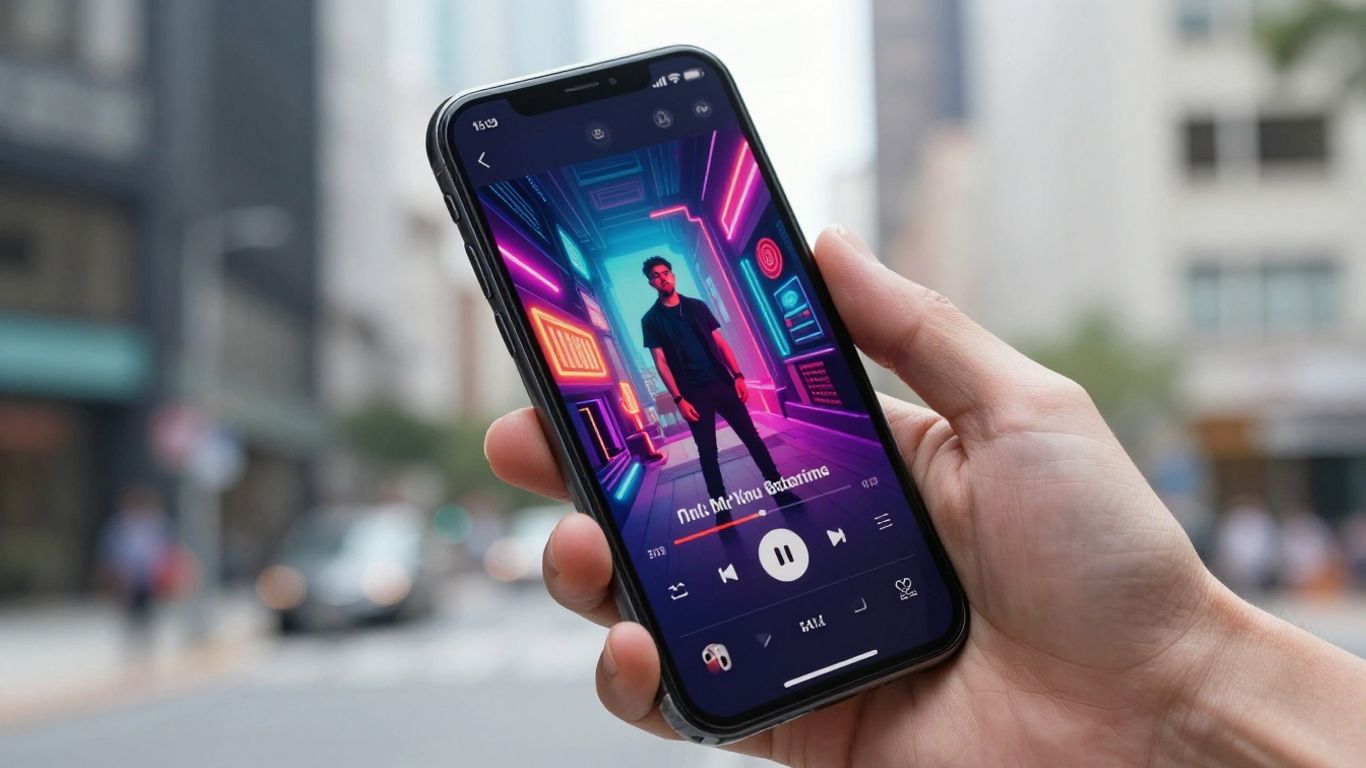
Creating universal content ensures your music reaches every fan easily. Optimization for social media isn’t just about resizing—it’s about how the video feels on a phone screen.
Optimizing video content for mobile-first feeds like TikTok and Reels
Most fans will watch your new video on a small screen using vertical orientation. Vertical video requires dynamic action in the center to maintain engagement throughout. Always preview your draft to ensure your important visual details aren’t lost in the edges.
Requirements for high-definition 16:9 widescreen exports
YouTube still thrives on traditional widescreen formats, so having a high-def 16:9 option is a baseline need. You want crisp details that do not degrade when viewed on larger desktop monitors. Focus on sharpness in your composition so the final render holds up at full screen.
Managing aspect ratios and export quality for cross-platform distribution
Cross-platform success requires flexibility in how you save your files. Delivering high-quality media requires careful planning of which codecs and bitrates to use for each specific target app. By managing these specs early, you ensure your work stays truly high quality across every platform.
Performance constraints and usability for musicians
Music production is enough to handle on its own without wrestling with complex software. You should be looking for tools that remove the barriers between your ears and your audience.
Removing technical dependencies on professional editing software
Traditional editing software often demands heavy hardware and hours of training. Modern AI tools offload this rendering work to the cloud. You are freed from needing to master complicated timelines just to get a sync effect working.
Understanding the learning curve for prompt-based video direction
Writing commands for AI to generate video is a distinct skill set. You learn how much detail to add to your prompts to get the result you actually want. Practice helps you understand whether a short or descriptive prompt produces the better outcome for your specific genre.
Striking the balance between automated simplicity and creative control
Automation is great until it loses your personal touch. Look for sliders or simple toggle controls that let you intervene in the automated process. You want humanized digital experiences in your output, keeping the creative energy organic and fresh, much like the unparalleled freshness of a high-quality product.
Comparative value and cost structures
Budgeting matters as you expand your output. You need to identify what you pay for in terms of features versus basic access.
Identifying feature trade-offs between free tiers and paid subscriptions
Free tiers are excellent for testing the capabilities of a service. However, paid plans usually unlock critical features like higher resolutions and expanded commercial rights. Start for free to see if the engine fits your workflow before upgrading your commitment.
Evaluating the impact of output watermarks on professional use
Watermarks signal to your audience that your work hasn’t been fully finalized or that it originated from a specific trial. Professional presentation demands clean visuals. If you want to grow as an artist, consider moving away from free versions that force branding onto your work.
Scalability considerations for independent artists and creative teams
As your audience grows, you will need tools that grow with you. API availability and team accounts help as you ramp up production for larger campaigns. Evaluating how a platform manages your long-term needs is a smart move before you build your whole process around them.
Conclusion
Finding the right AI lyric video generators compared allows you to simplify your production process and reach your fans more effectively. Whether you focus on simple lyric sync or complex narrative visuals, choose a tool that matches your creative workflow and provides the technical support you need. For those starting their journey, explore your ai lyric video generators compared options today to see how quickly you can turn a track into a finished music video and generate your content with confidence.
Frequently Asked Questions
How does AI know where to put the lyrics in a video?
AI tools use audio analysis to detect vocal start and end times within your track. They then map these timestamps to the video timeline to ensure text appears in perfect synchronization with the singing.
Do I need a professional computer to generate AI music videos?
No, most AI video generation happens in the cloud. You only need a stable internet connection and a web browser to upload your files and manage your projects while the remote servers do the processing.
Can I use these generated videos for commercial purposes?
Permissions vary by the platform’s terms of service. Always check the specific license agreements in the paid tiers, as these plans usually provide the full commercial rights required for professional publishing.
What are the main limitations of automated video generators?
Limitations often involve consistency in character appearance or specific scene control. While they are great for fast outcomes, deep narrative control or precise brand styling might require more manual iteration.
How long does it usually take to create a music video?
Simple videos can be generated in a matter of minutes depending on the length of your song. Complex videos with custom style requirements may take longer due to the rendering time needed for higher visual fidelity.
Can I upload my own images or video clips to include?
Many platforms allow you to upload source media for the AI to reference or integrate. This combination of your own assets and AI enhancement is a common way to achieve a unique visual result.
Why do some video exports look blurry or low quality?
Blurriness often stems from your export settings. Ensure you are selecting the highest resolution available in your plan and verify that your input files meet the recommended quality standards of the generation platform.