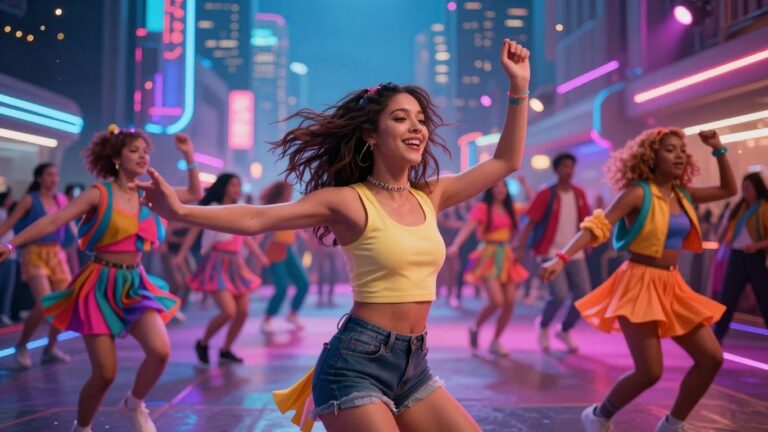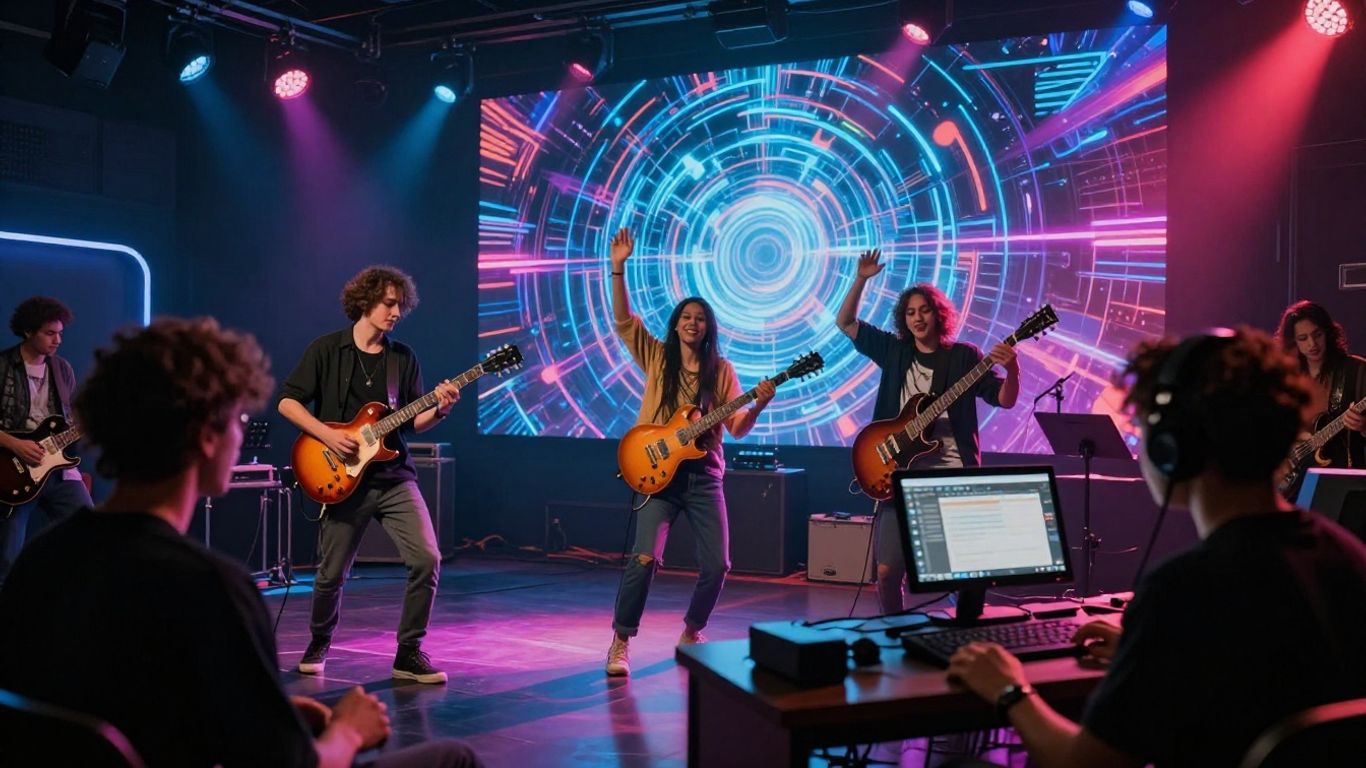
You’ve got this amazing song, maybe even one you made with AI, and now you want to give it some visuals. Making a music video used to be a huge hassle, costing a fortune and needing a whole team. But guess what? AI has totally changed the game. Now, you can go from an idea or an audio file straight to a finished music video without needing fancy skills or a big budget. This guide will walk you through the whole process, showing you how to turn your ai generated song to music video with ease.
Key Takeaways
- You can create a complete song with AI vocals just by typing in your idea, making the songwriting part super simple.
- AI tools can take your song, whether it’s AI-made or one you already have, and automatically create a music video that matches the music’s beat and mood.
- You get to pick the look and feel for your video, deciding if it tells a story or focuses on performance, and the AI helps plan out the shots.
- You can add AI-generated lyrics to your video and use smart tools to make sure everything looks consistent and polished before you finish.
- The big win is that you can do both song creation and video making in one place, saving time and effort, and you don’t need to be a tech expert to get professional results.
Generating Your AI Song
Crafting the Song Idea Prompt
Start by thinking about the core idea for your song. What feeling or story do you want to convey? Your prompt is the instruction manual for the AI, so be clear and specific. Include details like genre, mood, tempo, and any specific lyrical themes you have in mind.
A well-crafted prompt is the foundation of a great AI-generated song. Don’t be afraid to experiment with different phrasing and keywords. You might find that adding a specific artist’s style or a particular instrument can guide the AI more effectively.
Understanding AI Vocal Capabilities
AI vocal technology has advanced significantly. Most tools can now generate singing vocals that sound surprisingly natural. You can often specify the vocal style, gender, and even the emotional tone you’re aiming for.
Consider the role of the vocals in your song. Are they the main focus, or are they more atmospheric? This will help you decide how much detail to put into your vocal prompts. Some platforms allow you to input your own lyrics, which the AI will then sing.
Iterative Song Refinement
Your first AI-generated song might not be perfect, and that’s okay. The real power comes from refining the output. Listen critically to the generated track and identify areas for improvement. You can then provide feedback to the AI to make adjustments.
This iterative process is key. You might ask the AI to change a specific melody, adjust the instrumentation, or alter the song’s structure. Treat the AI as a collaborator; guide it through revisions until the song matches your vision. Keep track of your prompts and the resulting changes to learn what works best for future creations.
Transforming Audio into Visuals
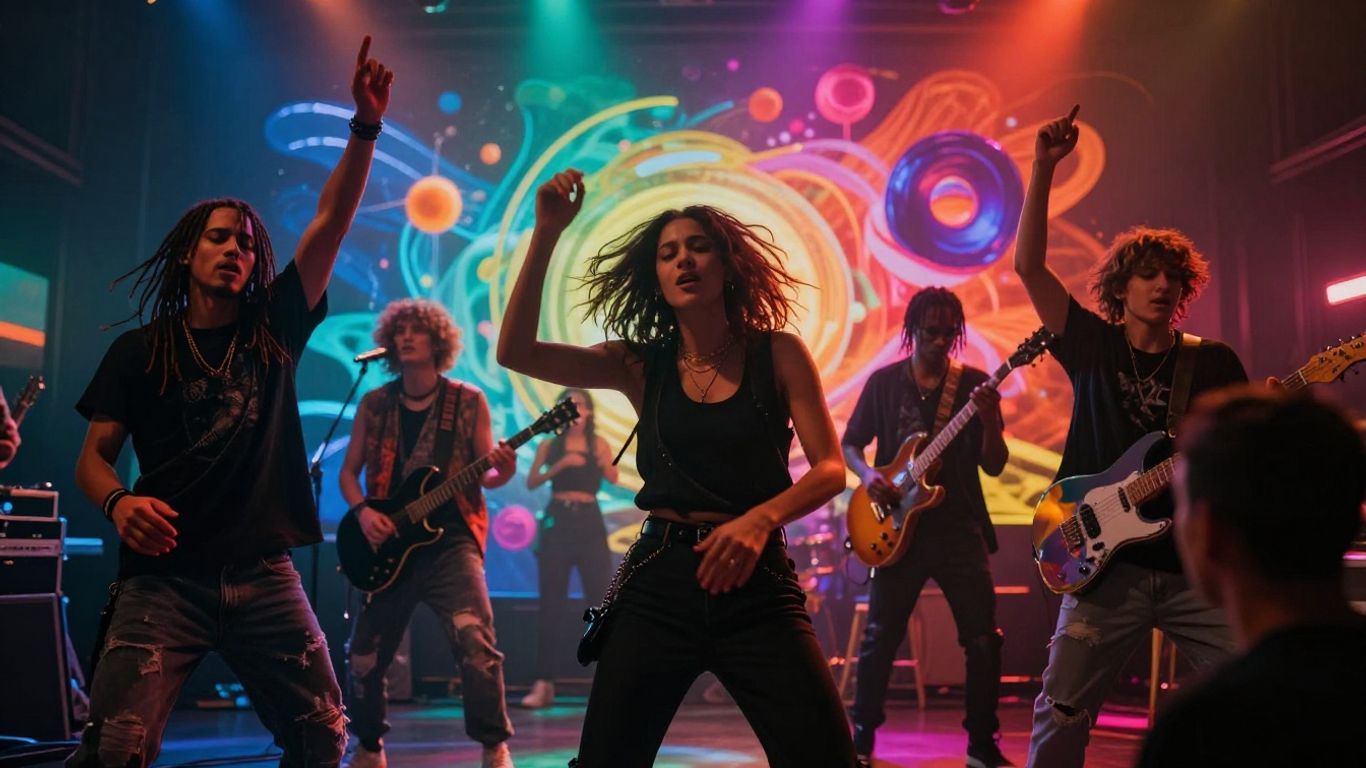
Now that you have your AI-generated song, it’s time to give it a face. This is where your audio track gets its visual counterpart, turning a simple song into a full music video experience. You don’t need to be a video editing pro to do this. The tools available today make it surprisingly simple.
Uploading Your Track or AI-Generated Song
First, you’ll need to get your audio into the video creation platform. You can upload any audio file you have, whether it’s the song you just created with AI or a track you’ve been working on for a while. Most platforms accept common formats like MP3 or WAV. Once uploaded, the system will analyze the audio’s characteristics.
Analyzing Music for Video Synchronization
This is a key step. The AI looks at your song’s tempo, mood, and energy. It breaks down the structure, identifying beats and changes in intensity. This analysis is what allows the visuals to sync up perfectly with your music. It’s like the AI is listening to your song and deciding how the video should move and feel along with it. This process ensures your video isn’t just a random collection of images but a cohesive visual representation of your sound.
Selecting Visual Styles and Themes
With the audio analyzed, you get to choose the look and feel of your video. Most AI tools offer a variety of visual styles. You might find options ranging from cinematic and abstract to animated or performance-based. Think about what best fits the mood of your song. Do you want something realistic, or more artistic and interpretive? Picking the right style sets the tone for the entire video and helps you create a recognizable brand for your music.
Directing the AI Music Video
Choosing Between Storytelling and Performance Modes
When you start directing your AI music video, you’ll typically have two main paths: storytelling or performance. The storytelling mode lets the AI build a narrative based on your prompts. It’s great for creating a visual journey that complements the song’s mood or lyrics. Performance mode, on the other hand, focuses more on the artist or a virtual performer. This is ideal if you want the video to feel like a live show or a direct artist showcase.
AI Director for Shot Planning and Pacing
Think of the AI director as your virtual camera crew and editor. It analyzes your music’s rhythm, energy shifts, and key moments, like drops or changes in tempo. Based on this analysis, it plans out shots, camera angles, and scene transitions. This automatic shot design ensures your visuals sync up with the music’s pulse, making the video feel dynamic and professional without you needing to manually edit every cut. This is a big step up from just having static images creating AI music videos.
Fine-Tuning Visuals and Scene Transitions
While the AI handles much of the heavy lifting, you still have control. You can adjust the overall visual style, character consistency, and specific scene elements. If a transition feels abrupt or a shot doesn’t quite fit, you can often regenerate it or tweak the parameters. This iterative process allows you to refine the video until it perfectly matches your artistic vision. It’s about guiding the AI, not just letting it run wild.
The goal is to make the AI work for your creative vision, not the other way around. You’re the director, and the AI is your incredibly fast, albeit sometimes literal, crew.
Enhancing Your Music Video
Integrating AI-Generated Lyrics
Adding lyrics to your music video can really connect with your audience. It helps them follow along and understand the story you’re telling. Most AI video tools can automatically sync lyrics to your song’s audio. You can usually adjust the timing and style to match your video’s overall look. Make sure the lyrics appear clearly and at the right moment.
Utilizing Smart Edit and Smart Add Features
These features let you tweak the video after the initial generation. Smart Edit allows you to swap out elements or even entire scenes if something isn’t quite right. Smart Add lets you insert new AI-generated shots that fit the existing style. Think of them as your digital editing suite, but much faster. They help you polish the video without needing complex editing skills.
Maintaining Visual Consistency Across Scenes
Keeping a consistent look and feel throughout your video is important. If you used specific styles or themes when generating the video, try to stick with them. When using Smart Add or making edits, pay attention to color palettes, character designs, and overall atmosphere. This makes the video feel more professional and cohesive. A unified visual style helps your audience stay immersed in the music and story.
Finalizing and Distributing Your Video
Exporting in Platform-Ready Formats
Your AI music video is almost ready for the world. Now, you need to get it into a format that works everywhere. Most platforms accept standard video files, but the dimensions can vary. You’ll want to export your video in formats suitable for different social media sites and streaming services. This means considering aspect ratios like 16:9 for YouTube, 9:16 for TikTok and Reels, and 1:1 for Instagram feeds.
Preparing for Social Media and Streaming Platforms
Before you hit publish, think about how your video will look on each platform. You can export your video in multiple formats to fit different screen sizes. This ensures your visuals look great whether someone is watching on a desktop or a phone. Consider adding captions or subtitles, especially if your song has lyrics. This makes your content accessible to a wider audience and can improve engagement.
Understanding Copyright and Safe Publishing
When you create music and videos using AI tools, it’s important to know the rules. Most AI platforms provide clear guidelines on ownership and usage rights for the content you generate. Always check the terms of service to understand how you can use your creations commercially. This way, you can share your work confidently without running into legal issues. You can find more information on AI video generation here.
Here’s a quick checklist before you upload:
- Format Check: Is your video exported in the correct aspect ratio (e.g., 16:9, 9:16, 1:1)?
- Quality Assurance: Does the video play smoothly without glitches?
- Accessibility: Have you considered adding subtitles or captions?
- Copyright: Have you reviewed the AI tool’s terms for commercial use?
- Metadata: Are your title, description, and tags optimized for discovery?
Publishing your work is the final step in bringing your AI-generated song and video to life. Make sure you’ve covered all the bases so your creation can reach its intended audience without any hitches. It’s about getting your art seen and heard.
Leveraging the Integrated Workflow
The Advantage of a Single-Platform Solution
Using a single platform for both song creation and music video production cuts down on a lot of hassle. You don’t have to jump between different apps or worry about file compatibility. Everything works together, making the whole process smoother. This unified approach saves you time and reduces the chances of errors. It’s like having all your tools in one toolbox, ready to go.
Expanding Your Creative Toolkit with AI Ecosystems
Think of the platform as a gateway to a larger creative world. Beyond just music and video, these ecosystems often include tools for generating images, avatars, or even text. You can pull elements from these other AI tools directly into your music video project. This lets you experiment with different visual styles and add unique touches that would be difficult or impossible otherwise. It’s a way to expand what you can create without needing a huge budget or specialized skills.
Streamlining Production Without Technical Skills
This integrated workflow is designed for creators, not just tech experts. You can generate a song and then turn it into a music video without needing to be a professional video editor or music producer. The AI handles the complex parts, like syncing visuals to the beat or planning camera shots. You focus on the creative direction, telling the AI what you want. This makes producing professional-looking content accessible to more people. You can get started with tools like LTX Studio even if you’re new to this.
The real benefit here is democratizing creation. What used to take a team of specialists and weeks of work can now be done by one person in a fraction of the time. It shifts the focus from technical execution to pure artistic vision.
Unlock the power of our smooth, connected system. See how easy it is to go from idea to finished product without any hassle. Ready to try it yourself? Visit our website today and start creating!
Wrapping It Up
So, you’ve seen how you can go from a simple text idea to a full song with AI vocals, and then turn that song into a music video, all without needing to be a pro musician or video editor. Tools like Creatus AI are making this whole process way more accessible. You can try it out, see what works for your sound, and get your music out there with visuals that match. It’s not about replacing creativity, it’s about giving you more ways to express it. Give it a shot and see what you can make.
Frequently Asked Questions
Can I really make a song and a music video all by myself with AI?
Totally! Imagine typing in your song idea, and an AI creates the music and even sings it for you. Then, you can take that song and have the AI turn it into a music video, all without needing to know how to play an instrument or edit videos. It’s like having a whole music studio and film crew in your computer.
What if I already have a song? Can AI still make a video for it?
Absolutely. If you’ve already got a song you love, you can just upload it. The AI will listen to your track, figure out the beat and mood, and then create a video that matches the music. You can also upload songs made by other AI tools, like from Suno or Udio.
Do I need to be good at video editing to make a cool music video?
Nope! That’s the best part. You don’t need any fancy editing skills. The AI handles putting the video together, making sure the visuals sync up with your song. You can pick styles and themes, and the AI director helps plan the shots and how they flow, so it looks professional.
How does the AI know what kind of video to make?
You tell it! You can give the AI ideas about the style you want, like if it should be a story, a performance, or something abstract. You can also choose themes and even fine-tune how the scenes connect. It’s like giving directions to a director, but you’re using simple text or choices instead of complex commands.
Can I use the videos I make on TikTok or YouTube?
Definitely. The tool lets you export your music video in different shapes and sizes that work perfectly for platforms like TikTok, Instagram Reels, YouTube Shorts, and regular YouTube. So, you can easily share your creation wherever your fans are.
Is this AI tool just for making music videos, or can it do other things too?
This tool is part of a bigger set of AI helpers. While it’s awesome for making songs and videos, you can often use other AI tools from the same place for things like creating images, editing photos, or even making AI avatars. It’s like a whole creative toolbox powered by AI.