So, you’re looking to make a killer music video without that annoying watermark messing up your vibe? It’s totally doable these days with AI. You can whip up visuals that match your sound without needing a huge budget or a film crew. Let’s get into how you can find the right ai music video maker no watermark and actually make something cool.
Key Takeaways
- You can create music videos using AI without any watermarks, making them ready for sharing.
- Some tools let you generate both the song and the video in one go, simplifying the whole process.
- Look for features like customizability and commercial usage rights to get professional results.
- AI helps speed up video production and sync visuals with your music automatically.
- These tools are great for social media, marketing, or just bringing your musical ideas to life visually.
Understanding AI Music Video Makers Without Watermarks
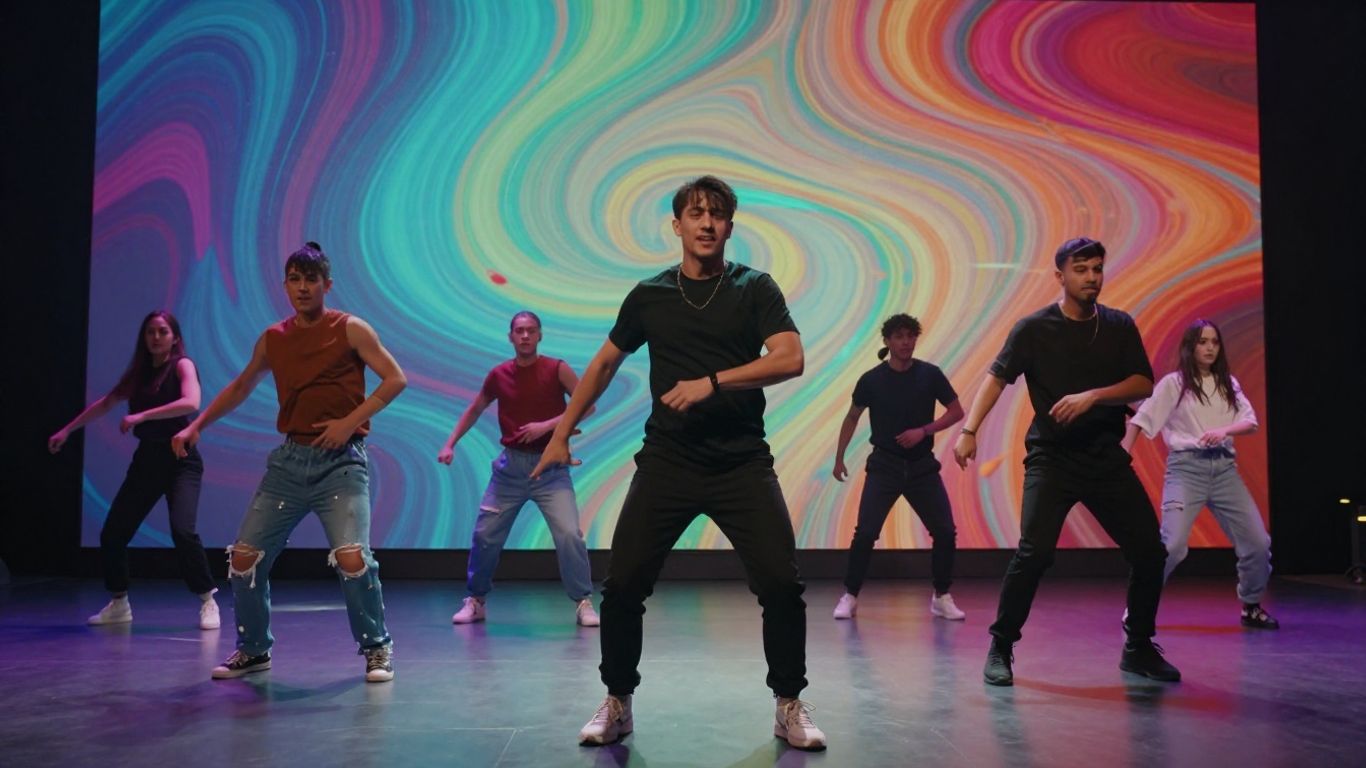
What an AI Music Video Generator Does
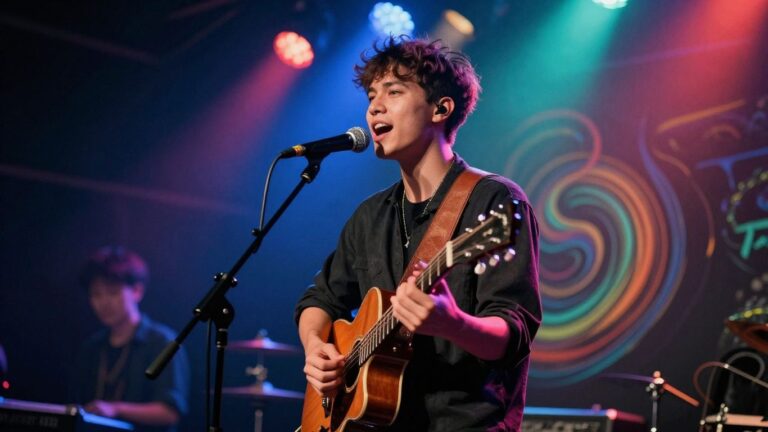
An AI music video generator is a tool that uses artificial intelligence to create visual content for your music. It takes your audio and turns it into a video, often without needing complex editing skills. Think of it as a digital assistant that handles the visual side of your music production. This means you can get a finished music video much faster than traditional methods.
Key Features for Seamless Creation
When looking for an AI music video maker, pay attention to a few key things. You’ll want tools that can sync visuals to your audio automatically. The ability to customize elements like colors, styles, and even add your own logos is important for a professional look. Also, check if it supports different video formats so you can share your creation on any platform.
- Audio-Visual Synchronization: The AI should intelligently match video beats and mood to your music.
- Customization Options: Look for tools that let you tweak styles, add text, or upload images.
- Watermark-Free Export: This is crucial for using your video freely across different platforms.
- Multiple Output Formats: Support for 9:16, 1:1, and 16:9 aspect ratios is a big plus.
Core Workflow Explained
The process is usually quite straightforward. First, you upload your music track or let the AI generate a song for you. Then, you might select a visual style or provide text prompts to guide the AI. Finally, the tool generates the video, which you can then preview and download. The goal is to simplify the entire process, from song to finished video. It’s designed to be accessible even if you have no prior video editing experience. You can get a complete music video in just a few minutes.
Selecting the Right AI Music Video Maker
Choosing the right tool makes all the difference when you’re trying to create music videos with AI. You’ll want something that fits your workflow and your budget. Think about what you need most: is it generating both the song and the video, or just focusing on making visuals for existing audio?
Integrated Song and Video Generation
Some platforms let you create the music and the video all in one place. This is super convenient if you don’t have a track ready or want to experiment with new ideas. You can often start with just a text prompt, and the AI handles the rest, from composing the song to generating visuals that match. This approach simplifies the entire process, letting you focus on the creative vision.
Audio-to-Video Focused Tools
Other tools specialize in turning your existing audio into a music video. These are great if you already have your song finished and just need compelling visuals. They often analyze your track’s rhythm, mood, and energy to create synchronized video content. You might upload your audio file and then select from various visual styles or provide text prompts to guide the AI. Tools like Neural Frames are built for this specific task.
Evaluating Platform Strengths and Weaknesses
When you’re looking at different AI music video makers, compare their features side-by-side. Consider what output formats they support and if they offer watermark-free exports. Some platforms might excel at generating specific styles, while others offer more control over the final product. It’s also smart to check if they have a free tier or trial so you can test them out before committing.
Here’s a quick look at some options:
- Creatus AI: Offers both song and video generation in one workflow. Good for independent musicians and content creators.
- Freebeat: Features a storyboard editor and an AI director for planning shots and pacing.
- Revid.ai: Known for fast, beat-synced videos with lyric captions, ideal for short-form content.
- Kaiber: Great for generating unique, animated footage from text prompts, suitable for more artistic music videos.
Remember to check the terms of service regarding commercial usage rights. You don’t want any surprises down the line.
Ultimately, the best choice depends on your specific needs. Do you need a tool that handles everything from scratch, or one that’s a master at visualising existing audio? Testing a few options will help you find the perfect fit for your project. You can explore tools that focus on audio-to-video conversion to see what works best for your existing music.
Achieving Professional Results Without Branding
Watermark-Free Export Options
Most AI music video makers let you download your creations without any annoying watermarks. This is key for making your videos look polished and professional. You want the focus to be on your music and visuals, not on the tool you used. Always check the export options before you commit to a platform.
Customization for Brand Consistency
To keep your brand looking sharp, you’ll want to customize the generated videos. This means tweaking colors, styles, and even adding your own logo if the tool allows. Some platforms let you fine-tune prompts to match your specific visual identity. This helps your videos feel unique and on-brand, even when generated by AI.
Ensuring Commercial Usage Rights
Before you start using AI-generated videos for anything serious, like marketing or selling your music, you need to know about usage rights. Make sure the platform clearly states you have the rights to use the videos commercially. Some tools might have restrictions, especially on their free tiers. Always read the terms of service to avoid any legal headaches down the line. You can find more details on commercial use in articles about AI video generators.
Getting your videos out there without watermarks and with clear commercial rights is a big step. It means you can use them confidently for promotion, social media, or whatever else you need.
Leveraging AI for Efficient Music Video Production
AI music video makers significantly speed up your creative process. You can go from an idea to a finished video much faster than traditional methods. This means more time for making music and less time wrestling with editing software.
These tools automate many time-consuming tasks. Think about generating visuals that match your song’s beat and mood automatically. You upload your track, and the AI does the heavy lifting. This efficiency is a game-changer for independent artists and small teams.
Here’s how AI streamlines production:
- Fast Generation: Create videos in minutes, not days or weeks. The AI analyzes your audio and produces synchronized visuals quickly.
- Intelligent Synchronization: AI tools automatically sync video elements to your music’s rhythm, tempo, and energy. You get a polished, beat-perfect video without manual adjustments.
- Simplified Control: While AI handles the heavy lifting, you still have control. You can guide the AI with prompts, select styles, and make minor tweaks to get the look you want.
The speed of AI video generation means you can experiment more. If one visual concept doesn’t work, you can try another without losing significant time or resources. This iterative approach helps you find the best visual representation for your music.
Many platforms offer different AI models and styles. You can often choose from cinematic looks, animated sequences, or abstract visualizers. This variety lets you match the video’s aesthetic to your music’s genre and mood.
Exploring Advanced AI Music Video Capabilities
Accessing Multiple AI Video Models
Don’t limit yourself to just one AI’s interpretation of your music. Many advanced platforms now aggregate several leading AI video models. This means you can experiment with different engines, like Google Veo 3.1, Luma AI, or Pika, all from a single interface. You gain the power to test various styles and features to find the absolute best output for your track. This aggregation saves you time and subscription costs, letting you compare and contrast without hassle.
Dynamic Effects and Style Options
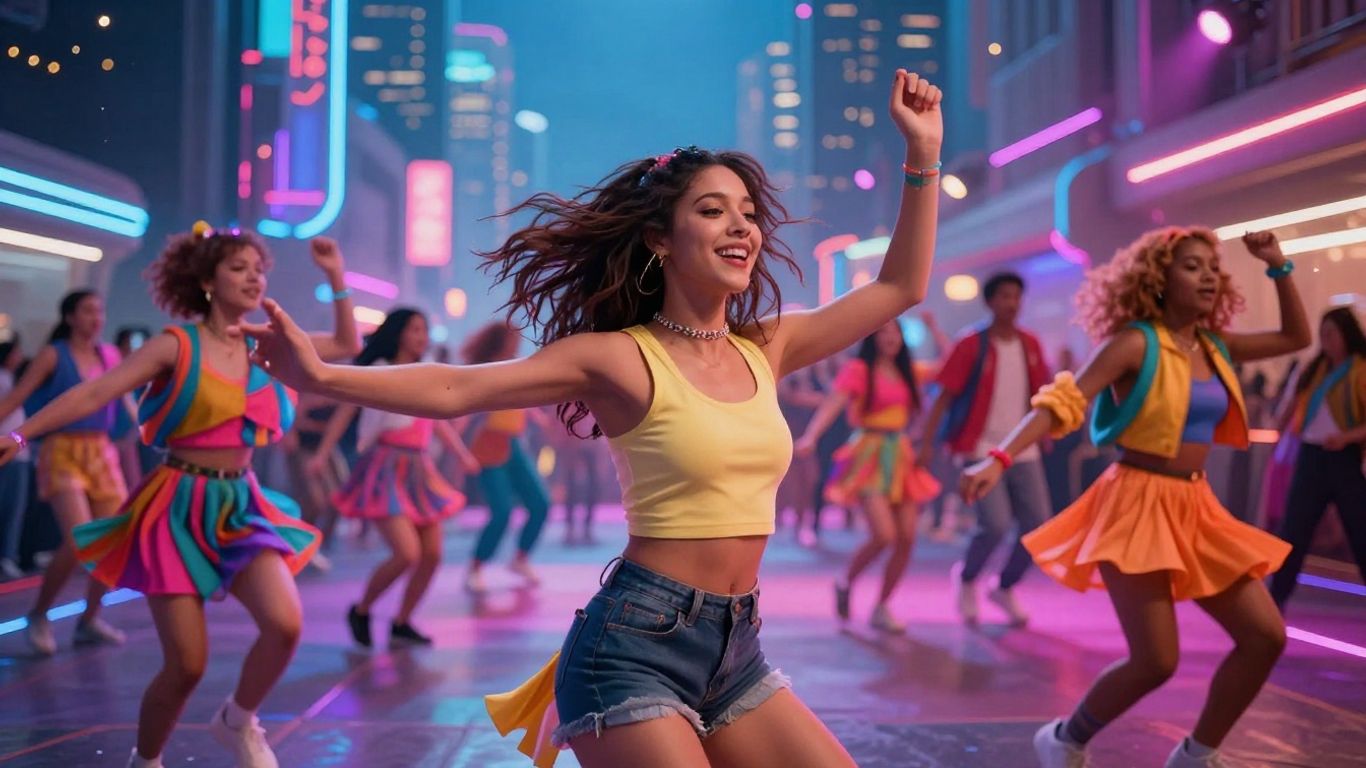
Beyond basic scene generation, you can apply a wide array of dynamic effects and styles. Think one-click viral magic effects, from superhero transformations to red carpet glamour. These tools often come with extensive libraries of trending visual treatments. You can instantly add professional polish, making your music videos stand out on social media. It’s about achieving a high-impact look without needing complex editing skills.
Customizable Visual Elements
True creative control means more than just picking a style. Advanced tools allow you to customize specific visual elements. You can often upload your own logos or images to be integrated into the video. Some platforms even let you fine-tune parameters like video resolution (e.g., 9:16 for TikTok, 16:9 for YouTube) and duration. This level of detail ensures the final video perfectly matches your artistic vision and brand identity. You can even generate visuals based on specific prompts, like "a sunset city skyline synced with electronic beats".
The ability to combine multiple AI video models and apply dynamic effects offers unprecedented creative freedom. You can now produce visually stunning and unique music videos that were previously only possible with large budgets and extensive post-production teams. This democratization of high-quality video creation is a game-changer for independent artists and content creators alike.
Practical Applications for AI Music Video Tools
Content Creation for Social Media
AI music video makers are perfect for whipping up content for platforms like TikTok, Instagram Reels, and YouTube Shorts. You can quickly generate eye-catching visuals that sync with your music, helping your posts stand out. This means less time editing and more time engaging with your audience.
Marketing and Promotional Videos
Need a quick promo for your next release or a brand campaign? AI tools let you create professional-looking videos without a big budget. You can easily match visuals to your brand’s style and message, making your marketing efforts more effective and efficient. This is great for independent artists and small businesses alike.
Visualizing Musical Concepts
Sometimes, you have a specific vibe or story in mind for your music that’s hard to capture on camera. AI video generators allow you to translate abstract musical ideas into concrete visuals. You can experiment with different styles and effects until the video perfectly represents the feeling of your song. This opens up new creative avenues for artists looking to express their music visually.
AI music video tools are changing how we make music videos! Imagine turning your song into a cool visual with just a few clicks. These tools can help artists, filmmakers, and even hobbyists create stunning videos without needing a big budget or a huge crew. Whether you’re promoting a new single or just want to experiment, AI can bring your music to life in exciting new ways. Ready to see what you can create? Visit our website to explore these amazing tools and start making your own AI music videos today!
Wrapping Up Your AI Music Video Journey
So, you’ve explored the options for making AI music videos without watermarks. Tools like Creatus AI stand out because they handle both the song creation and the video part in one go, which is pretty neat. Others focus more on turning your existing audio into visuals. Remember, most of these tools are designed to be easy to use, so you don’t need to be a pro editor or musician. You can start with free tiers to test things out. The key is finding the one that fits your workflow and budget. Now you’re ready to get those visuals made and share them without any annoying branding.
Frequently Asked Questions
What exactly is an AI music video maker without watermarks?
Think of it as a super smart computer program that helps you create cool music videos. You give it your song or an idea, and it makes awesome visuals to go along with it. The ‘without watermarks’ part means when you download your finished video, there’s no annoying logo or text from the program on it, so it looks totally professional and all yours.
Can I use my own songs with these tools?
Absolutely! Most of these AI tools let you upload your own music files, like MP3s or WAVs. The AI then figures out the beat and mood of your song to create visuals that match perfectly. It’s a great way to give your existing tracks a fresh, new look.
Do I need to be a video editing expert to use these?
Not at all! That’s the beauty of these AI tools. They’re designed for beginners. You usually just type in what you want, pick a style, and the AI does the heavy lifting. You don’t need to know anything about fancy editing software to get a great result.
Can I use the videos I make for my business or social media?
Yes, you generally can! Many of these services offer commercial usage rights, especially on their paid plans. This means you can use the videos you create for marketing, on your social media channels, or even for monetized content without worrying about copyright issues. Always check the specific terms, though!
How does the AI know what kind of video to make for my music?
The AI is pretty clever! It analyzes your music’s rhythm, energy, and overall vibe. If you’re just providing lyrics or a text idea, you can also give it prompts describing the mood, genre, or specific scenes you imagine. It uses all this information to generate visuals that fit your sound.
Are there free options available, and do they really not have watermarks?
Many AI music video makers offer a free version to get you started. Some of these free options might include watermarks, but many are now offering watermark-free downloads even on their free plans. It’s worth trying out a few to see which ones give you the best results without any branding.