Key Takeaways
The best free Suno alternative depends on whether you need songs, visuals, distribution, or tighter creative control. Compare the workflow before you spend time generating tracks.
- Choose a song-first tool when audio quality and arrangement matter most.
- Choose a video-first tool when your track already exists.
- Check free-plan limits, watermarks, exports, and usage rights.
- Use audio-reactive tools for visuals that follow rhythm and energy.
- An all-in-one workflow can reduce switching between separate apps.
1. Creatus AI Music Video Generator for songs and videos in one workflow
A Suno alternative free plan becomes more useful when it covers both audio and video. Creatus AI Music Video Generator lets you type a song idea, generate a full track with AI singing vocals, and turn the audio into a synchronized music video. You can also upload your own MP3 or WAV file when the song already exists.
The workflow is aimed at creators who want a finished piece without separate music production or video editing software. You can select a character or upload your own portrait, then export in 9:16, 1:1, or 16:9 for short-form feeds, social posts, or YouTube. The free tier starts with 25 credits and does not require a credit card.
If your priority is a single path from prompt to shareable video, Creatus AI is the clearest fit in this list. Its paid plans add commercial rights and watermark removal, while the free tier gives you room to test the process before paying.
2. Udio for detailed AI music generation
Udio is a strong choice when you want to spend more time shaping the music itself. The source material describes it as a high-quality music generator with more control than a simpler text-to-song workflow. It does not generate videos, so you will need a separate visual tool once the track is ready.
That split can be useful if your audio matters more than speed. You can focus on the song first, listen for the right vocal and arrangement direction, and then move the finished file into a video editor or visual generator. Keep your export settings and licensing terms in view before publishing.
A practical comparison looks like this:
| Priority | Song-first choice | What you still need |
|---|---|---|
| Detailed music control | Udio | A separate video workflow |
| Song and video together | Creatus AI | A plan that fits your export needs |
| Audio-reactive visuals | Neural Frames | An existing audio file |
| Simple distribution | Boomy | A clear publishing goal |
The table points to the main tradeoff: specialized tools can give you more attention on one stage, while a combined workflow can save setup time. For a broader comparison of free AI song generators, see this AI song generator guide before you settle on one platform.
3. Freebeat for beat-synced AI music videos
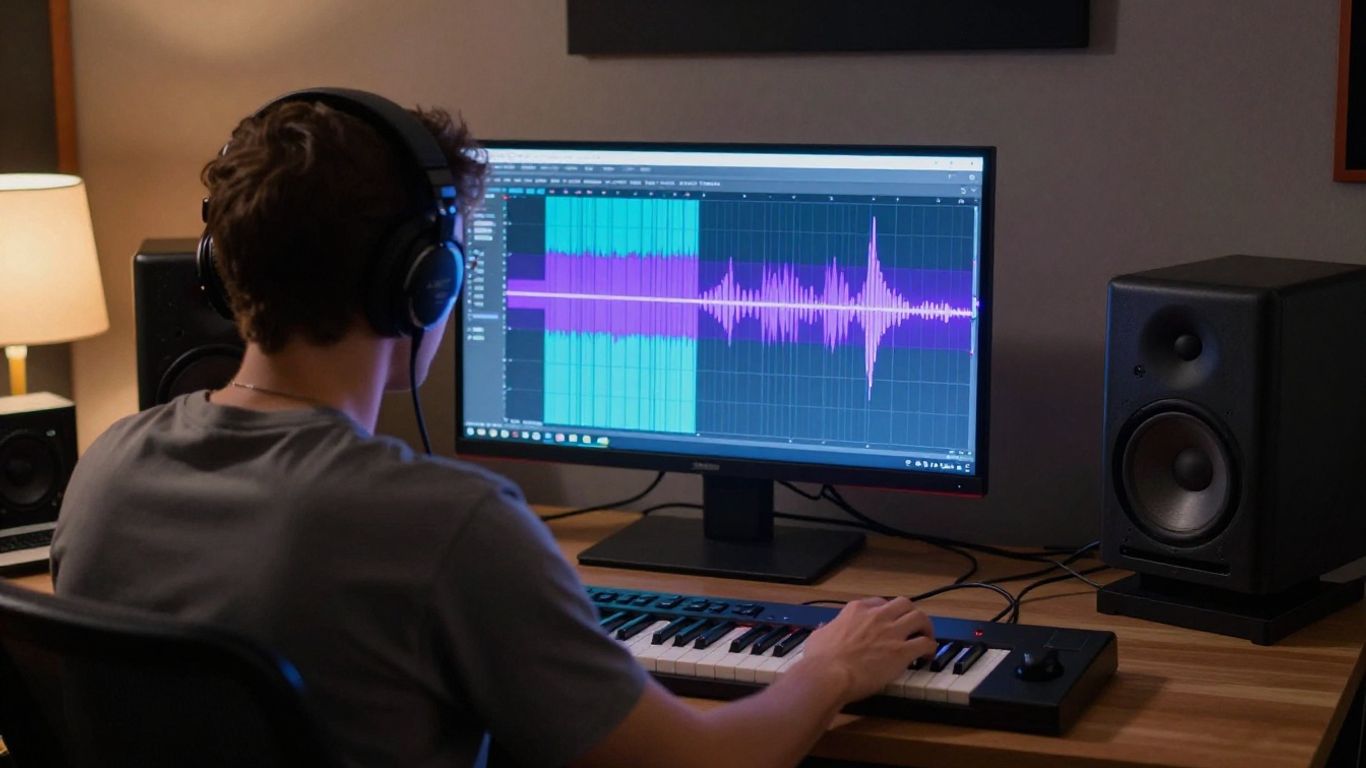
Freebeat is built around AI music video creation, with some song generation included. Its documented features include lip-sync singing, story and stage performance modes, storyboard editing, and an AI director that plans shots and pacing automatically. That makes it more relevant when the beat and the visual sequence need to work together.
The limitation is scope. Freebeat offers less song generation than dedicated music tools, so it makes more sense when you already have a track or only need a simple starting point. You can then spend your attention on scenes, performance choices, and timing.
Before you generate, decide what the video must do:
- Follow a strong beat or chorus change.
- Present a singer or stage performance.
- Tell a short story across several shots.
- Fit a vertical, square, or landscape destination.
This short checklist keeps the output focused instead of asking one prompt to solve every creative decision. If you need a wider view of music video workflows, this AI music video overview gives useful context for comparing song-first and video-first tools.
4. Neural Frames for audio-reactive visuals
Neural Frames is an audio-to-video tool rather than a song generator. It supports frame-by-frame editing, timeline control, audio-reactive visuals, and 4K export, with a free tier and paid plans for full features. It also supports Kling, Seedance, and Runway models according to the supplied source.
This setup suits you when the audio is already finished and the visuals should respond to its movement. You get more control over timing than you would from a fully automatic clip, but the learning curve is steeper. There is no text-to-song capability, so bring your own track.
Treat the timeline as part of the music direction. Mark the intro, chorus, breaks, and final hit, then give each visual shift a reason to occur at that point. A short preview usually tells you more than generating a long video before the pacing feels right.
5. Vidnoz for beginner-friendly free music videos
Vidnoz focuses on free AI music video generation for beginners. Its documented strengths include multiple singer and avatar options, style selection, and a free tier. That combination can help when you want a presentable result without learning a detailed timeline editor first.
The free plan has a one-minute clip limit and places a watermark on free exports. Plan around that limit by making a short chorus clip, teaser, or social post instead of trying to fit a full song into one generation.
You should also check the avatar, aspect ratio, and export settings before you begin. A quick test with the intended song section can show whether the singer style fits the mood. If you need ideas for vocal-focused tools, this AI singing voice guide can help you compare the broader category without treating every platform as a full music video maker.
6. MakeSong for AI songs with lip-sync and narrative videos
MakeSong combines AI song creation with music video production. Its listed strengths include lip-sync, dance videos, a kids song maker, and narrative video options. That range gives you a straightforward path when the song and the on-screen performance need to be planned together.
You can use it for a performance-led clip or for a simple story that follows the lyrics. Since it is a newer platform and less established than some alternatives, test a short section first and inspect the result before committing to a larger project.
Narrative videos work best when the prompt has a clear subject, setting, and sequence. Keep the number of story beats manageable, then check whether the lip-sync remains convincing during the most active parts of the song.
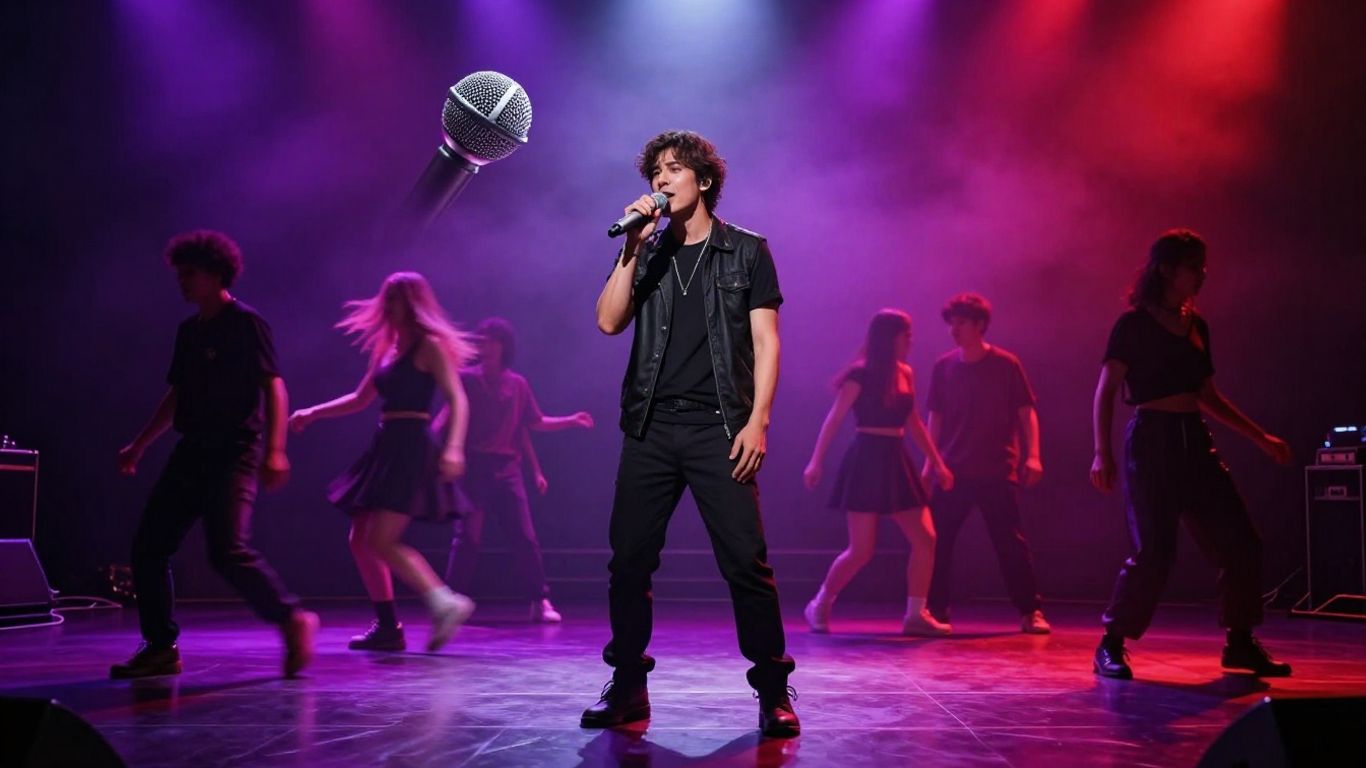
7. MusicCreator.ai for audio visualizers and branded content
MusicCreator.ai focuses on audio-to-video generation with custom prompts. Its documented features include image upload, logo watermarks, and sound wave visuals, making it a practical option for branded content and audio visualizers.
This is more visualizer-focused than a narrative music video platform. You can start with an audio file, add a visual direction, and use a logo or uploaded image to keep the piece connected to a channel, product, or artist identity.
Keep the visual brief concrete. Describe the colors, movement, image treatment, and logo placement you need, then judge the result against the audio rather than against a completely different video style. A focused visualizer often works better for an intro, loop, or promotional post than for a plot-heavy video.
8. Soundverse for copyright-conscious creator workflows
Soundverse is positioned as AI music generation for content creators, with a focus on copyright-safe music. It does not provide video generation, so you will need a separate visual workflow after making the track.
That focus matters when you publish music in videos, podcasts, or branded content. Read the current license and commercial-use terms yourself, especially if the content supports a business or appears across several platforms. A free tier does not automatically mean every use case is covered.
You can also compare the practical questions raised by copyright-safe AI music, including whether the tool fits your publishing needs and how its free access works. The safest workflow is to save the license details, generation date, and source file with each finished project.
9. AIVA for cinematic and instrumental compositions
AIVA is an AI composer for soundtracks and compositions, with a professional and classical focus. It does not generate videos, and it is better suited to instrumental or cinematic scoring than to a singer-led music video workflow.
Choose it when the music must support a scene, presentation, short film, or other visual project without taking over the screen. You can build the video separately and let the composition provide pacing, atmosphere, or tension beneath the images.
The right prompt starts with the scene’s function. Describe the emotional direction, duration, and setting you need, then leave room for the visuals to carry specific story information. For more cinematic composition comparisons, this orchestral AI music guide is a useful next read.
10. Boomy for simple AI songs and music distribution
Boomy is a simple text-to-song platform focused on distribution to streaming platforms. It does not generate videos, but it can suit you when the main goal is to create a song quickly and move it toward release.
Its simpler approach is useful for sketches, experiments, and creators who do not want a large set of production controls. You should still check the current distribution process, account terms, and rights before treating a generated track as a commercial release.
Use the result according to the job it needs to do. A quick song draft may be enough for testing an idea, while a polished video project may call for a tool with stronger audio control or an integrated video stage. For another perspective on release-oriented tools, read this AI music distribution comparison.
Start Your Music Video
Choose the workflow that matches your next project, then test a short section before committing credits or production time. If you want songs and synchronized videos in one place, try Creatus and start with its free credits.
Conclusion
The best free Suno alternative is the one that matches your actual bottleneck. Udio, AIVA, Soundverse, and Boomy focus on music, while Freebeat, Neural Frames, Vidnoz, MakeSong, and MusicCreator.ai focus more on visual output; Creatus connects song generation and video creation in one workflow. Check the free limits, export format, watermark policy, and usage rights before you publish.
Frequently Asked Questions
What is the best free Suno alternative?
There is no single best choice for every project. Pick a song-first platform for music generation, a video-first platform for existing audio, or an integrated tool when you need both stages together.
Can free AI tools make full songs?
Some free tiers can generate full songs or provide credits for testing, but limits vary. Check duration, queue access, download options, watermarks, and commercial-use terms before relying on the output.
Can AI music tools create music videos too?
Some platforms generate videos from audio, while others only create songs. If a tool lacks video generation, you can export the track and use a separate visualizer, editor, or audio-to-video platform.
What should you check before publishing AI music?
Review the service’s license, commercial-use rules, attribution requirements, export restrictions, and any limits tied to the free plan. Keep a record of the terms that applied when you generated the track.
Are AI music videos good for short-form content?
They can work well for teasers, chorus clips, visualizers, and performance snippets. Use the target platform’s aspect ratio and keep the first few seconds visually clear.
Do AI music generators support vocals?
Some generate complete songs with vocals, while others focus on instrumental compositions or audio-reactive visuals. Read the tool description closely so you know whether vocals are part of the workflow.
Should you choose one tool or several?
Use one tool when speed and a simple workflow matter most. Use several when you need stronger control at separate stages, such as detailed music generation followed by precise video timing.