Key Takeaways
An album campaign works better when each visual has a clear job and fits the larger release plan.
- Start with the songs and moments most likely to hold attention.
- Keep colors, characters, settings, and motion consistent across releases.
- Match each video format to the platform and rollout stage.
- Turn full videos into short clips with clear listener actions.
- Review performance, rights, and AI disclosures before publishing.
Define the role of AI music videos in your album campaign
AI music videos for album pre-release marketing give you a practical way to put visuals around your songs before the full record arrives. You can use them to introduce the sound, set expectations, and give listeners something to share. The best campaign treats video as part of the release plan, not as decoration added at the last minute.
Build anticipation before the full album release
Release visuals in stages instead of posting every asset at once. A short mood piece can introduce the album, a lyric moment can preview a single, and a fuller video can arrive closer to release day. This gives your audience several reasons to return while keeping the album itself unrevealed.
Set a simple rhythm for each track. You might post a first clip three weeks out, a second one ten days out, and a final reminder during release week. Keep the audio excerpts short enough to invite curiosity rather than giving away the entire song.
Turn individual tracks into a connected visual story
Give the album a visual thread that listeners can recognize from one post to the next. Repeated colors, locations, wardrobe details, symbols, or camera movement can make separate tracks feel related without forcing every video into the same shape.
Write a short visual rule sheet before you generate anything. Note the palette, lighting, character details, image texture, and emotional temperature. Consistency builds recognition when someone sees a clip in a crowded feed.
Match video types to each stage of the rollout
A rollout usually needs more than one kind of video. Use a short teaser for first contact, a lyric-focused clip when the words matter, a narrative piece for deeper context, and a performance-style video when you want the artist or character at the center.
Think about the viewer’s relationship with the song at each point. Early posts should create a question. Later posts should make the hook easier to remember and give people a direct reason to listen, follow, or pre-save.
Set realistic goals for reach, engagement, and conversions
Choose one primary goal for each asset. Reach measures new exposure, engagement shows whether the concept holds attention, and conversion tracks actions such as profile visits, follows, pre-saves, or email signups.
Do not judge a teaser by streams alone. A short clip may succeed because it raises completion rate or sends people to your profile, while a longer video may be better at moving an already interested listener toward the album.
Plan a visual campaign around your album
A visual campaign starts with decisions you can repeat. Pick a small number of songs, define the visual language, and assign each asset to a date and platform. This approach keeps production focused and makes the campaign easier to manage as the album approaches.
A useful album video strategy can help you connect prompts, visual themes, and social distribution without treating every post as a separate project.
Choose singles and moments worth promoting first
Start with tracks that have a strong opening, memorable chorus, unusual lyric, or clear change in energy. You do not need to choose only the official lead single. A less obvious song can make a strong first impression if one section works well in a fifteen-second clip.
Listen for moments that communicate without much setup. Mark the timestamp, lyric, beat change, and intended viewer action so the video brief stays specific.
Create a consistent visual identity across every video
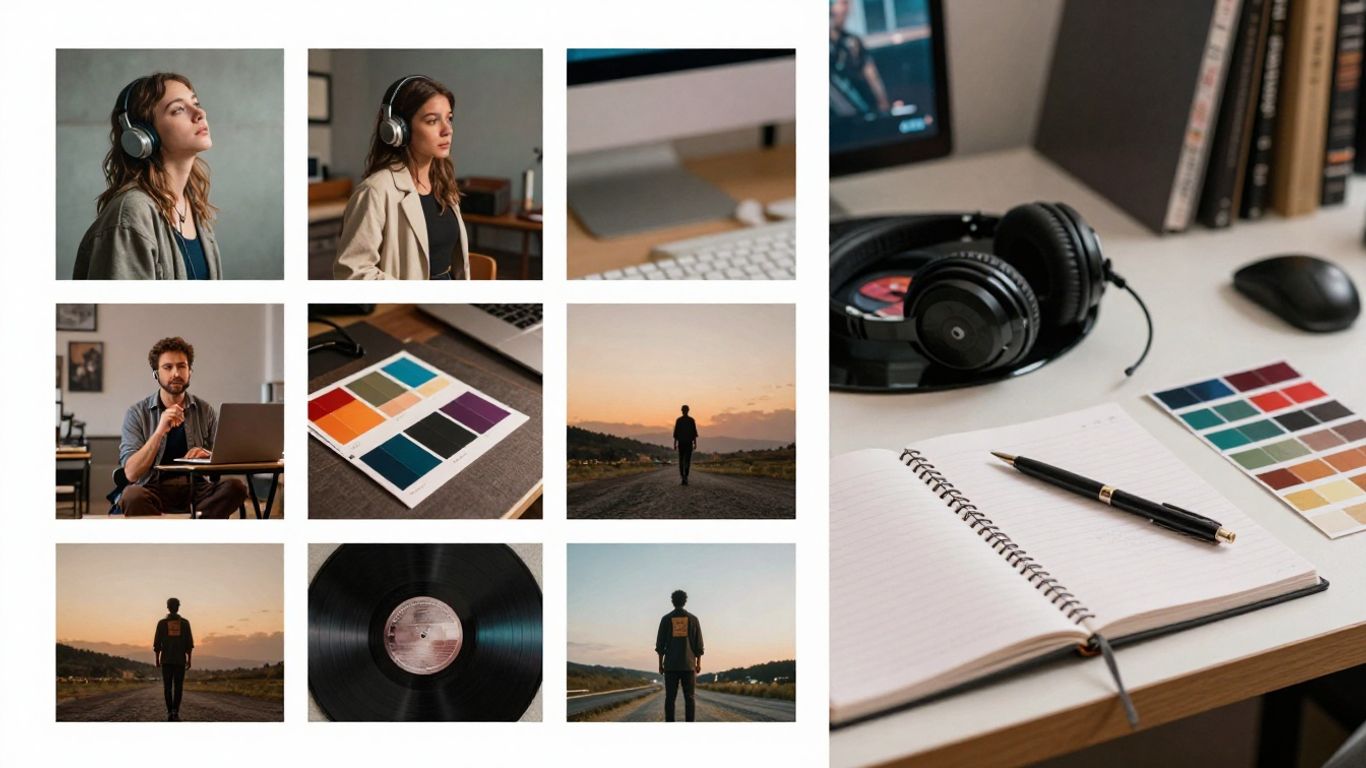
Consistency does not mean repeating one scene. It means making deliberate choices that carry from one asset to another. Keep a record of your main colors, lens feel, lighting, setting types, and recurring characters.
If you use a face or character, review each generation for changes in age, clothing, proportions, and expression. A small continuity error can distract viewers and weaken the connection between the album and its visuals.
Map content to teasers, announcements, and countdowns
Build the calendar around the listener’s next question. A teaser asks what the song sounds like, an announcement gives the date and title, and a countdown reminds people that the release is close. Each post should add information without repeating the same edit.
Use a compact production map to keep the workload visible:
| Rollout moment | Main asset | Listener action |
|---|---|---|
| Three weeks out | Mood teaser | Follow or save the profile |
| Ten days out | Hook or lyric clip | Listen to the single |
| Release week | Full or extended video | Pre-save or stream the album |
| After release | Track-focused cut | Share or revisit a favorite song |
The table also helps you spot gaps. If every post asks for a stream, add a few pieces that simply build familiarity and give the audience a reason to stay with the campaign.
Adapt the campaign for YouTube, TikTok, Instagram, and streaming profiles
A single master video can support several edits, but each platform needs its own opening and pacing. Vertical clips should reach the main visual or lyric quickly, while a YouTube upload can take more time to establish a scene. Streaming profile assets usually work best when they are short, clean, and easy to recognize without context.
For practical formatting ideas, see this guide to social music video formats. Keep captions, thumbnails, titles, and calls to action native to each platform rather than copying one description everywhere.
Choose the right AI music video format
The format should follow the song’s strongest quality. Lyrics suit tracks with a memorable message, audio-reactive visuals suit rhythm-heavy productions, and narrative scenes suit songs with characters or a clear emotional arc. A performance approach works when presence, attitude, or identity is the main reason people should watch.
Test a short section first. It is cheaper in time and attention to reject a weak visual direction before you build a full-length piece.
Use lyric videos to make hooks and choruses discoverable
Lyric videos put the words in front of the viewer while the song plays. Use them for a chorus, a sharp line, or a repeated phrase that listeners may want to quote or sing back. Keep the type large enough for a phone screen and show only a manageable amount of text at once.
Check every line against the final recording. Incorrect spelling, timing, or punctuation can make a polished visual feel unfinished.
Use audio-reactive visuals for beat-driven tracks
Audio-reactive visuals work well when drums, bass, or changes in intensity are central to the track. Let movement, color, scale, or cuts respond to the song’s energy rather than adding random motion throughout.
Avoid constant activity. Contrast creates impact, so quieter sections should have room to breathe before the next rhythmic change arrives.
Use narrative scenes to support the album’s themes
Narrative scenes give a song a place, a character, and a sequence of events. Start with a simple premise that can survive a short runtime, such as a departure, reunion, chase, or private ritual. Then choose a few scenes that move the idea forward.
Keep the story readable even when viewers see only part of it in a feed. Repeated props, locations, and character details can help each clip stand on its own while still connecting to the wider album.
Use performance-style visuals when artist presence matters
Performance-style visuals put the singer, avatar, or central character in front of the viewer. Use them when expression, movement, styling, or stage energy carries the track. A direct visual can also give a new artist a recognizable presence before a traditional shoot is possible.
Review mouth movement and timing carefully if the character appears to sing. If the performance does not match the audio, switch to a less literal visual approach instead of asking the viewer to overlook the mismatch.
Create an AI music video from a song
The production process becomes simpler when you separate the audio decision from the visual decision. First confirm which track you are using, then choose the visual style and output shape that match its release plan. This prevents you from generating a beautiful asset that cannot serve the intended platform.
The CREATUS.AI workflow supports text prompts, uploaded audio, and character-led music videos, so you can begin with a new song idea or an existing track.
Generate a song from text or prepare an existing track
If the song is still in development, write a prompt that states the genre, mood, tempo, lyrical idea, and vocal direction. If the track already exists, export a clean version with the final arrangement and check that the file begins and ends where you expect.
Keep alternate mixes organized. A radio edit, instrumental, demo, and full version can produce different timing, so label each file before you start.
Upload MP3 or WAV files for audio-to-video generation
MP3 and WAV files are useful starting points for audio-to-video generation. Choose the version that listeners will actually hear in the campaign, since visual timing depends on the precise arrangement and duration.
Listen once after upload and check the intro, chorus, bridge, and ending. These checkpoints help you see whether the generated scenes follow the song’s structure rather than merely filling its runtime.
Select visuals that fit the track’s mood and structure
Choose a style that supports the emotional center of the song. A restrained palette may suit an intimate ballad, while stronger color shifts can fit a dance track with pronounced sections. Describe movement and setting in concrete terms so the result has direction.
Use the first render as a test of the concept. Keep what fits, remove details that compete with the music, and refine the prompt around the strongest section.
Export versions in 9:16, 1:1, and 16:9 formats
Prepare vertical, square, and horizontal versions when your campaign spans short-form feeds, profile posts, and YouTube. Recheck framing in each format because a subject near the edge of a wide frame may be cropped in a vertical edit.
Use the same release naming system for every export. Include the track, version, aspect ratio, and date so your team does not publish an unfinished cut by mistake.
Use Creatus to streamline production
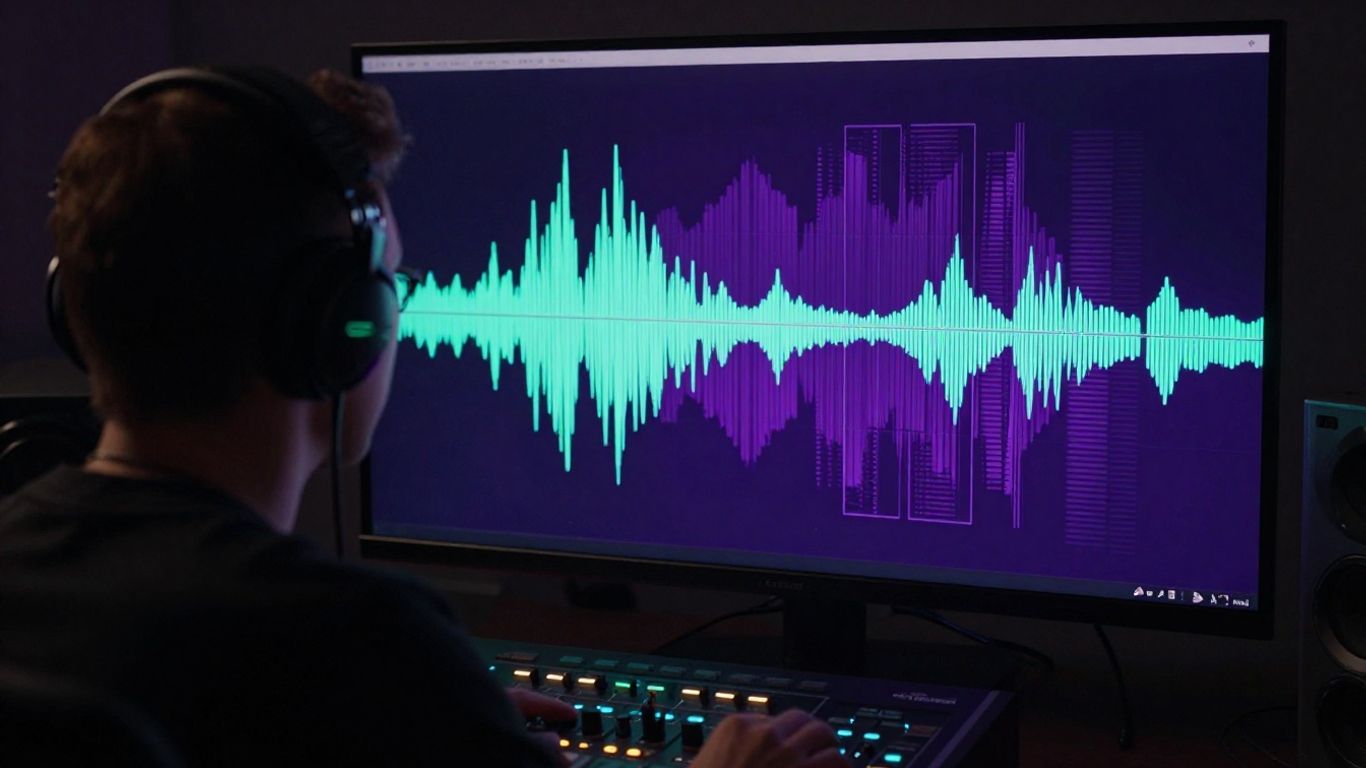
A two-part workflow can save time when you are developing both the song and its visual direction. You can move from an idea to audio, then from audio to a synchronized video, while keeping the campaign concept in one place. The tool is most useful when speed and repeatable output matter more than a large traditional production setup.
Combine text-to-song and music video generation in one workflow
Creatus combines text-to-song generation with AI singing vocals and audio-to-music-video production. You can write a song idea, generate a complete track with vocals, and then use that audio for a synchronized music video without switching between separate platforms.
That path suits early album planning. You can test several moods, identify the strongest direction, and decide which concepts deserve more time before you commit to a larger campaign.
Add AI singing vocals when developing original release concepts
Creatus can generate complete songs with AI singing vocals from a text description, lyrics, genre, mood, or rough idea. This is useful when you need a rough release concept, a placeholder track, or a way to hear how a lyrical idea behaves as a song.
Treat generated vocals as part of the creative test. Review phrasing, pronunciation, emotional fit, and ownership requirements before deciding whether the result belongs in a public campaign.
Create videos without traditional editing or music production skills
Creatus is designed for users who do not have video editing or music production skills. You can begin with text or an existing audio file, select a visual style, and download the generated result for sharing.
That does not remove the need for judgment. You still need to choose the right excerpt, check continuity, review lyrics, and make sure the video fits your artist identity.
Decide when to use Creatus versus separate specialist tools
Use Creatus when you want text-to-song generation and audio-to-music-video production in one workflow. A separate specialist process may make more sense when your team needs a highly specific production method, extensive manual control, or a workflow outside the documented inputs and outputs.
Start with a small test rather than moving the entire album at once. Compare the time required, the quality of the first usable version, and how easily you can produce the formats your campaign needs.
Turn one music video into a pre-release content set
One full video can support a useful set of smaller assets. Pull out moments with a clear visual change, strong lyric, or memorable beat, then give each edit a distinct purpose. This lets you stay present during the rollout without producing a brand-new concept for every post.
Cut short clips around hooks, transitions, and lyrical moments
Mark the chorus, first major transition, instrumental break, and most quotable lyric. Each section can become a separate clip with its own opening frame and caption. Keep the first second active enough to explain why the viewer should stay.
A long video should not be chopped at random intervals. The music already gives you natural points, so use those points to preserve both meaning and rhythm.
Create platform-specific edits instead of reposting one file everywhere
Change the crop, opening, caption, length, and call to action for each platform. TikTok, Instagram Reels, and YouTube Shorts reward quick vertical communication, while YouTube can support a longer visual journey and a fuller description.
A practical single release video guide can help you turn one finished piece into platform-ready cuts without losing the identity of the song.
Pair visuals with calls to pre-save, follow, or join an email list
Give every post one clear next step. A pre-release teaser can ask for a pre-save, a character clip can ask for a follow, and a behind-the-scenes prompt can invite people to join your email list.
Keep the action close to the reason for watching. A viewer who just heard a chorus should not have to search for the album link or guess what happens next.
Reuse styles and prompts while varying the content
Save the prompts, reference images, palette notes, and settings that produce your strongest results. Reusing those foundations helps the campaign feel connected while changing the scene, lyric, crop, or pacing keeps the feed from feeling repetitive.
Make a short list of variations before you generate:
- Change the opening shot while keeping the same color palette.
- Use a different lyric over the same visual setting.
- Shift from a close-up to a wider performance frame.
- Cut the same moment for a vertical and square composition.
These variations give you more posts without asking one asset to do the exact same job repeatedly. They also make it easier to compare which visual choices attract the most attention.
Measure performance and manage campaign risks
A campaign needs review points, not just a publishing schedule. Watch how people respond to the first few concepts, then use that information to decide what deserves another version. Measurement should guide creative choices without reducing the album to a single number.
Track watch time, completion rate, shares, and profile visits
Watch time and completion rate show whether the edit holds attention. Shares indicate that the idea travels beyond your existing audience, while profile visits show whether the visual creates interest in the artist or project behind it.
Record results by platform, song, format, hook, and date. A clip with fewer views may still be valuable if it sends a higher share of viewers to your profile or pre-save page.
Compare creative concepts before investing in more videos
Test two or three distinct concepts with similar excerpts when possible. You might compare a lyric-led edit with an abstract visual or a narrative scene with a performance frame. Keep the test fair by changing one major creative variable at a time.
A music video performance guide can give you more ideas for connecting visual choices with social response. Use those ideas as starting points, then let your own audience data decide what continues.
Review vocals, visuals, lyrics, and branding before publishing
Build a final review pass into the schedule. Check audio sync, vocal quality, lyric accuracy, character continuity, logo use, credits, and links. Look at the video on a phone before publishing because small text and awkward crops become more obvious there.
The same habit applies to production planning in other fields. A Queens renovation guide shows why scope, approvals, and building rules need review before work begins, and your release also benefits from checking constraints early.
Check permissions, platform rules, and disclosure requirements for AI content
Confirm that you have permission to use the audio, lyrics, portrait, character likeness, and any source material in the video. Review the current rules for each platform and disclose AI use when a platform or local rule requires it.
Do not assume that generation alone settles ownership or commercial use. If you use a real person’s likeness, consult appropriate legal guidance and obtain consent before publication. Guidance on AI-generated celebrities is useful for thinking through consent, likeness, and intellectual property concerns.
You should also separate campaign governance from unrelated business systems. A 90 Day AI Challenge may address adoption and governance for service businesses, while your release plan needs permissions, review owners, and publishing checks specific to music.
For a separate production-planning analogy, new construction painting contractors are evaluated through track record, insurance, coordination, and preparation. The lesson for your campaign is simple: verify the work before you put your name behind it.
Start your visual rollout
If you want a faster path from a song idea or existing audio to shareable visuals, start creating and test one track before expanding the campaign.
Conclusion
A strong album pre-release campaign gives every video a purpose, a place on the calendar, and a clear next step for the listener. Choose formats that suit the music, keep the visual identity steady, adapt each export to its platform, and review both performance and permissions before you publish. With that structure, AI can help you produce more useful release content without losing creative direction.
Frequently Asked Questions
How early should you begin an album video campaign?
Begin several weeks before release so you have time to test concepts, prepare multiple edits, and adjust the schedule based on early response.
How many songs should you promote before the album arrives?
Start with one or two strong tracks, then add another when it serves a different purpose. Too many songs at once can make the campaign hard to follow.
What makes a good pre-release music video clip?
A good clip communicates a feeling, lyric, or visual idea quickly. It should work on its own while giving the viewer a reason to hear more.
Should every album video use the same visual style?
Use shared visual rules rather than identical scenes. A consistent palette, character treatment, or lighting approach can connect videos while leaving each song room to feel distinct.
Which aspect ratio works best for music promotion?
Use 9:16 for vertical short-form platforms, 1:1 for square social posts, and 16:9 for standard YouTube video. Keep the source composition safe for more than one crop when possible.
How can you turn one full video into several posts?
Mark the strongest hooks, transitions, lyrics, and visual changes, then create separate edits with different openings, captions, crops, and calls to action.
What should you check before publishing an AI music video?
Check audio and lyric accuracy, visual continuity, likeness permissions, source rights, platform rules, disclosure needs, branding, and the destination link.