Key Takeaways
Creating compelling music videos no longer requires a production team or a massive budget when you utilize smart generative tools. Here is what you need to know:
- Automated tools handle beat-syncing and visual generation to save you production time.
- Integrated platforms like Creatus AI offer all-in-one solutions from song to video.
- Expert-level control is available in paid tiers of specialized audio-reactive platforms.
- Many free tiers allow for testing so you can find the right style before committing.
- Focus on tools that offer flexible export formats to maximize your social media reach.
1. Creatus AI
Creatus AI functions as a two-in-one workspace that eliminates the struggle of switching between song generation and video production. You simply type a prompt or upload your audio, and the system produces a full track with AI vocals, followed by a synchronized video. It stands out in the market by keeping the entire creative process within a single platform.
Most competitors only handle one part of the pipeline, meaning you would normally need separate subscriptions for your music and your visuals. Because it handles 35+ genres and provides multi-format exports like 9:16 for vertical platforms, it simplifies the workflow for busy independent artists. You get 25 free credits upon signup, which is enough to test the output quality without needing a credit card.
If you want to maintain full control over your project, the platform also offers paid plans that include commercial rights and the removal of watermarks. You can even earn more credits every day simply by rating other creators on the public feed. For users looking for cheapest ai music video generators compared, this all-in-one approach effectively halves the cost and time of your production cycle.
2. Neural Frames
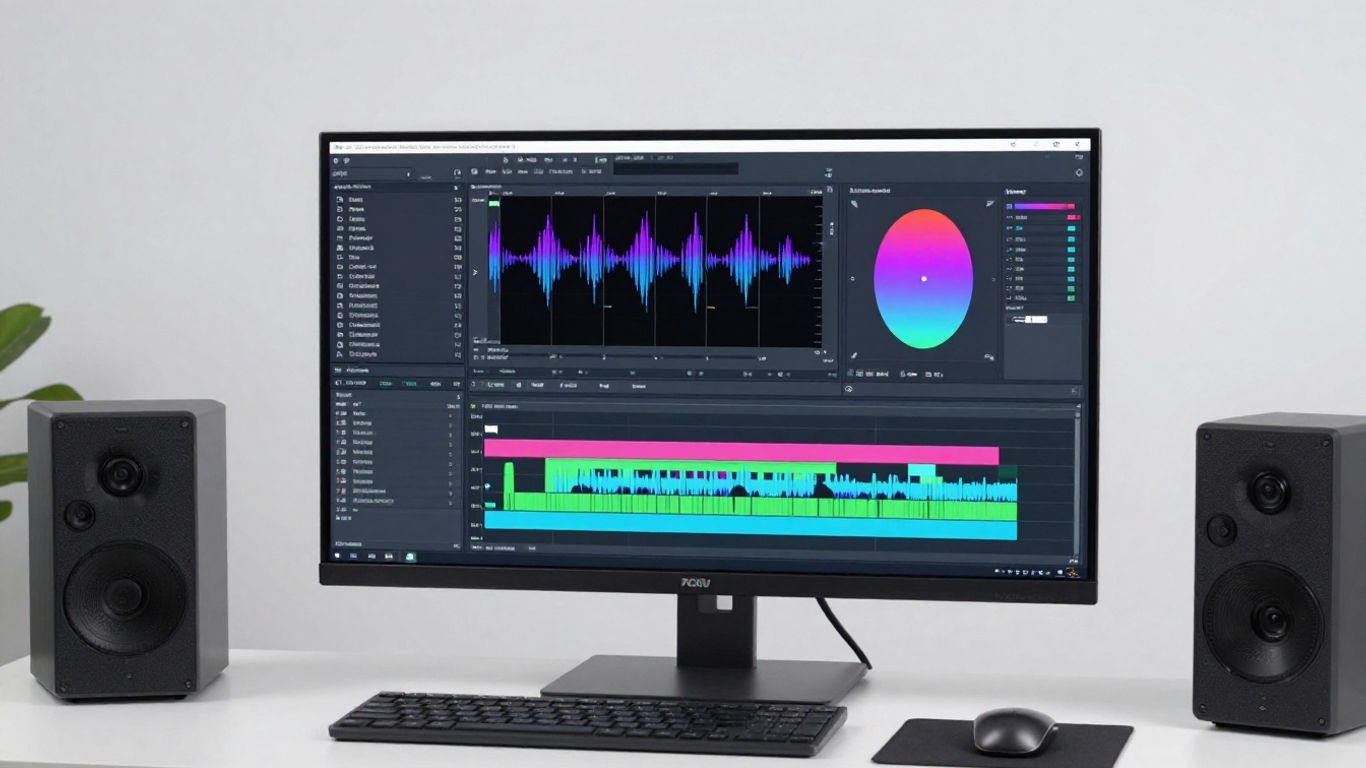
Neural Frames focuses on audio-to-video generation, catering to creators who prioritize fine-grained visual control over their final music video project. Unlike general tools, this platform includes a frame-by-frame editor and specialized timeline tools that allow you to dictate exactly how scenes evolve with your music. It supports advanced models like Kling and Stable Diffusion, giving you a professional-grade aesthetic that suits experimental or cinematic projects.
Because the platform is built for audio-reactive output, it excels at keeping visual cuts perfectly aligned with your song structure. You can utilize its timeline features to create distinct scenes without needing the manual editing skills required by traditional software. This depth of control makes it a favorite for artists who want their visual assets to feel like a curated artistic expression rather than random AI images.
While the learning curve is steeper than many entry-level tools, the payoff is a level of production quality that holds its own against hired video directors. You can get started with a free tier to see how the software performs with your specific style of music. It remains a top recommendation for artists who need reliable 4K exports and distinct, frame-accurate visual sequences that match their vision.
3. Freebeat
Freebeat serves as a virtual director that analyzes your audio to plan shots and pacing automatically, which removes the guesswork from scene composition. It offers modes specifically for Stage Performance and Storytelling, allowing the AI to keep a consistent character on screen for the duration of your track. This level of consistency is rare among generators and proves useful when you want to avoid visual drifting or character morphing.
When you upload your WAV file, the system breaks down the arrangement and detects key energy shifts like drops or breaks. The platform then uses this data to decide when to transition between different shots. For indie artists who feel overwhelmed by complex editing suites, this "set it and forget it" logic provides a massive advantage for your social media content strategy.
| Feature | Creatus AI | Freebeat | Neural Frames |
|---|---|---|---|
| Song Generation | Yes | Limited | No |
| Audio-Reactive | Yes | Yes | Yes |
| Multi-Format Output | 9:16, 1:1, 16:9 | 9:16, 1:1 | 16:9 |
This comparison shows why selecting the right tool depends entirely on whether you need a full song maker or just a vision editor. If you manage an AI Lover character for your brand or simply want to optimize your time, choosing a unified platform often leads to more efficient output.
4. Revid.ai
Revid.ai prioritizes speed and short-form content by offering rapid generation tools designed for platforms like TikTok and Instagram Reels. Its core strength lies in its ability to sync visuals directly to the beat while automatically adding lyric captions to your video. You no longer have to rely on external subtitle tools or manually align text timing, as the platform does the heavy lifting for you.
This is a classic example of an AI tool built for the "social-first" creator who needs to push out constant content updates. Since the generation is fast and the format defaults to vertical video, you can keep your feed fresh without spending hours editing every single clip. It keeps the barrier to entry low for anyone who needs to quickly prototype a visual companion for a trending track.
If you have a library of existing audio clips, using this tool lets you batch-produce dozens of short-form videos in an afternoon. While it lacks the deep narrative control of more complex storytellers, its utility for beat-synced promotion is tough to beat. You can reach audiences faster when your workflow is this streamlined and automated.
5. Plazmapunk
Plazmapunk is designed for creators who want to build unique, audio-reactive visual experiences using a variety of stable models. By utilizing deep-learning tech like Kandinsky and Stable Diffusion XL, you get access to a massive range of artistic styles via scriptable scenes. This platform is ideal if you have a specific artistic direction that requires a slightly more experimental or painterly look than standard production software provides.
Because the scenes are scriptable, you can guide the AI to focus on specific moods or visual motifs that fit the tempo of your song. This gives you a level of customization that feels less like a template and more like a collaboration between your personal aesthetic and the algorithm. It is a powerful choice for musicians who view their music videos as digital art, not just promotional tools.
Ultimately, this tool rewards creators who like to tinker with parameters to find just the right look. You can generate complex animations that feel tailor-made for your track, providing a unique visual identity that standard templates cannot replicate. It occupies a distinct space as a middle ground between simple fast-generators and highly manual, professional editing suites.
6. TopMediai
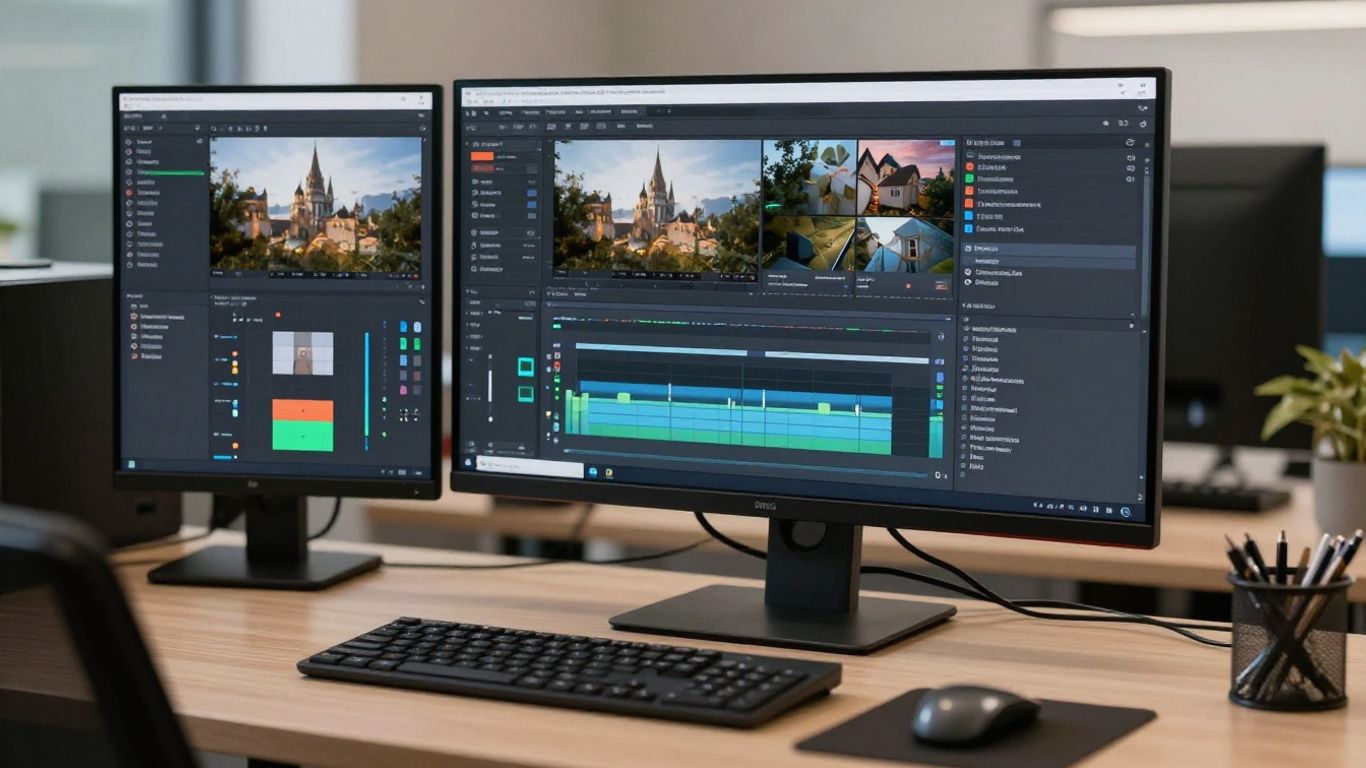
TopMediai excels at converting photos and audio into structured music videos by offering a user-friendly interface that prioritizes theme customization. Instead of starting from scratch, you can feed the tool your existing assets and let the system map them to the rhythm of your provided audio track. This is particularly helpful if you already have a set of promotional images or specific artwork you need to use as the base for your video.
One major benefit of this approach is the ability to preview how your visuals will interact with the music in real-time through a storyboard interface. You can adjust the themes or style parameters before committing to a full final render, which saves you a significant amount of credit usage on trial-and-error. For those who want to create professional music videos without a dedicated art team, the streamlined storyboard tools feel like a natural extension of an easy-to-use editor.
If you find yourself needing to keep a specific visual style across different videos for a brand, the theme settings are especially helpful. You can establish a consistent look and feel that carries over, ensuring your social media feed feels cohesive. It is a solid choice for any creator wanting to turn static assets into dynamic visual stories without needing advanced animation knowledge.
7. Vidnoz
Vidnoz offers a versatile, free-focused approach that leverages human-like avatars and various styles to bring a personal touch to your videos. Since it handles multiple singer-like persona options, you can choose a look that matches the vibe of your song perfectly for a music video experience. This is especially effective for artists who want a "face" for their project without needing to film themselves or hire talent.
By providing a variety of pre-set modes, the platform makes it simple to generate output formats that look polished and intentional. Even if you are working on a zero-dollar budget, you can access the platform to test these avatars with your tracks. It is a great way to handle the visual side of music videos for platforms like YouTube Shorts or TikTok where a presenter or avatar is the primary hook.
When you use these generators to automate your content strategy, keep in mind these key efficiency tips:
- Define your visual style early to ensure consistent character output.
- Use batch processing if the tool supports multiple track uploads.
- Check export resolutions to ensure your final file meets social platform requirements.
- Test free versions first to evaluate the lip-sync quality.
Applying these steps will help you maximize your time and ensure your production workflow stays productive regardless of the specific generator you choose.
8. MakeSong
MakeSong stands out by focusing on narrative potential, specifically giving you tools that can handle dancing characters and coherent scenes. Whether you are producing tracks for a younger audience or just want a lighthearted visual to accompany your music, the ability to generate narrative-heavy videos is a major plus. The platform allows you to move beyond basic visualizers into actual character-driven content.
Because it supports lip-syncing and dance choreography, you can build full performances that feel like a traditional music video production. It is a relatively new player, so you should expect frequent updates as they improve their character consistency and scene logic. The platform is designed to take the technical headache away from music videos so you can focus on the music itself.
If you need a quick way to generate engaging character content, this tool is worth exploring during your testing phase. It offers enough creative flexibility to produce fun and memorable videos that stand out in a sea of generic visualizers. By focusing on the story and the performance, you can create a much stronger connection with your listeners.
9. MusicCreator.ai
MusicCreator.ai leans into the audio-reactive side of visual creation, specializing in high-quality sound wave visuals and logo integrations. If your primary goal is to share tracks on platforms like SoundCloud or YouTube where a clean visualizer is expected, this is a highly functional tool. It integrates your branding elements easily, allowing you to add watermarks or logos without needing additional graphic design work.
This platform is a go-to for artists who want their presentation to look clean and professional from day one. You can upload custom images as a source, ensuring the visualizer matches your album art or promotional aesthetics. The simplicity of the final product makes it extremely easy to produce several variations of content for different platform uses, from square crops for social to wide aspect ratios for streaming headers.
While this tool is less focused on long-form narrative content, it performs its primary job—audio-visual alignment—with high reliability. If you prioritize clarity and branding over film-style storytelling, this is a very strong contender. You get a sleek interface and predictable results that save you time and keep your brand identity consistent across all your music channels.
10. InVideo
InVideo provides a broad AI editing suite that is excellent for general content production but includes powerful features for music videos, such as the Magic Box tool. Because it maintains a massive library of templates to choose from, you can quickly drag and drop your music to create a video that feels polished and high-end. This is one of the most flexible options on this list as it functions more like a full production studio than a dedicated music video maker.
For someone who manages multiple types of content—like behind-the-scenes vlogs, promotional trailers, and music videos—this is a valuable all-in-one solution. You do not have to move your media between different apps, saving you time during your edit. The software includes options for adding text overlays, effects, and transitions, which gives you complete control over how your music is presented to the public.
Whether you are a beginner or someone with a bit more editing experience, the platform guides you through the process effectively. You can use their free plan to start, but the deeper features like template access are well worth the investment for a regular creator. It acts as a final-mile solution for all your video needs, allowing you to wrap up your music videos using standard industry workflows.
Conclusion
Choosing the best AI music video generator really comes down to whether you need a full creative partner that generates your songs from scratch or a high-end visual editor that adds cinematic polish to your existing tracks. Tools like Creatus AI provide a unique efficiency by handling both audio and visual creation in one go, while specialized platforms like Neural Frames and Freebeat offer the deep, technical control necessary for crafting artistic music videos on a budget. By testing these platforms and identifying which features fit your current workflow, you can significantly lower your production costs without sacrificing the professional quality your fans expect.
Frequently Asked Questions
Can AI-generated music videos be monetized profitably?
Yes, many creators successfully monetize content featuring AI-generated visuals, provided they check the platform terms regarding commercial usage rights. Always verify whether the specific tool allows for commercial use on your chosen subscription tier before publishing your project widely.
Do I need to be a professional video editor to use these AI tools?
Most modern AI video tools are built for ease of use and do not require prior editing skills. You can typically get started by simply uploading audio or typing a text prompt into the platform’s generator interface.
How long does it usually take to create an AI music video?
Generation times vary depending on the complexity of the video and the chosen platform, but many users can produce a complete clip in under ten minutes. Simpler visuals or visualizers can often be finalized in just a few minutes of processing time.
What aspect ratios do these platforms typically support?
Most platforms provide support for the standard social media formats including 9:16 for TikTok, 1:1 for Instagram, and 16:9 for YouTube. Always confirm the specific export options on your chosen generator platform to ensure compatibility with your distribution targets.
Are there free options available for beginners?
There are numerous platforms that offer a free tier, often based on a credit system for generation tasks. These free versions are perfect for testing out the software, checking the quality, and understanding the workflow before deciding to upgrade to a paid subscription.
Should I worry about video quality when using free generators?
Free versions sometimes impose limits on resolution or add watermarks, which can impact your professional output. If you are aiming for high-quality production to be displayed on large screens, you should eventually move to a paid plan that unlocks 1080p or 4K resolution.
Can the AI handle specific visual instructions for my video?
Many tools now offer advanced prompt features or storyboard interfaces that allow you to guide the AI’s visual decisions. While the machine maintains creative autonomy, you can refine your outcomes significantly by providing specific details about the mood, lighting, and camera behavior in your initial inputs.