Key Takeaways
Choosing the right tools for your creative output depends heavily on whether you need built-in music generation or traditional video editing features. Follow these main points when making your final decision:
- Creatus handles both AI music composition with vocals and video generation in one workflow.
- InVideo acts as a broader video editing suite that relies on external music or stock assets.
- Independent musicians benefit most from integrated platforms like the Creatus toolset.
- General content creators often favor the template-heavy editing environment found in InVideo.
- Evaluate your specific needs for vocal quality and visual control before committing to a paid plan.
Understanding the core differences between Creatus and InVideo
When you start your music video project, the primary challenge is deciding between an all-in-one generator or a flexible editor. While both platforms utilize AI to speed up production, their core philosophies differ significantly in how they approach audio and visual integration. You should identify whether your project calls for original sound creation or the curation of existing media.
Creatus as a specialized, music-first platform
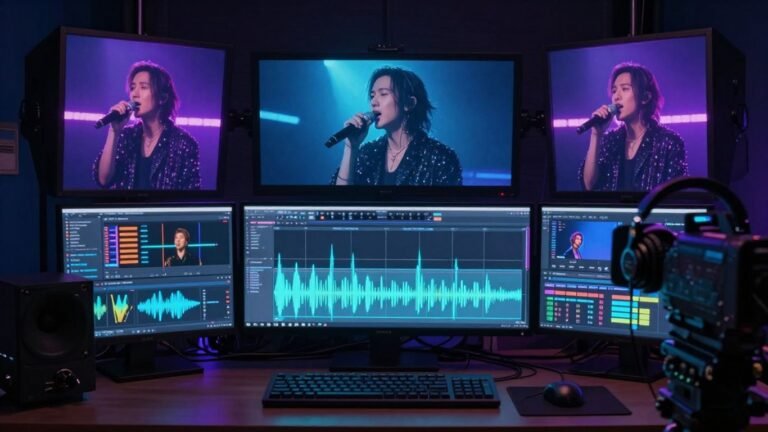
This platform functions primarily as an audio-to-visual engine where the music is generated alongside the imagery. You provide a prompt or an audio file, and the system constructs a cohesive video tailored to that specific beat and mood. It bypasses the need for you to source external audio clips or separate editing suites.
InVideo as a general-purpose AI editing suite
Unlike specialized platforms, this software provides a robust environment for assembly and visual effects. You use its templates to arrange stock assets, add overlays, and modify text elements to suit your branding. It performs best when you already possess your finished audio track and just need a structure for the visuals.
Defining project needs: original song creation vs stock asset editing
You must decide if your priority is creating a track from scratch or managing visual layout. If you need vocal tracks alongside moving images, specialized AI tools will save you significant time. If you prefer manual control over every frame and transition, a general editing platform offers more granular customization options through its Independent technology intelligence framework principles.
Music generation capabilities and AI vocals
Music production with AI requires a delicate balance between quality and convenience. Generating an original song alongside a video ensures that every visual beat lands perfectly with the audio cues.
How Creatus generates full tracks with AI singing vocals
You input your lyrics, mood, and genre requirements, and the engine produces a complete track with harmonized singing. This takes the friction out of hiring session vocalists or navigating complex music libraries. It keeps your creative loop entirely inside one digital workspace.
The reliance on stock audio libraries in InVideo
InVideo focuses on sourcing existing audio to pair with visuals. You browse their database to find tracks that fit your project scope, though you remain limited to what is already created. This forces you to adapt your video around a pre-existing sound rather than building the sound around your artistic vision.
Why specialized song generation matters for unique music content
Originality is harder to achieve when using generic stock music that others are also using. By generating custom songs, you secure a distinct sonic signature that belongs exclusively to your project. This is a critical edge for artists wanting to stand out on social media.
Video production workflow and editing features
Automating your video production helps you maintain a busy release schedule. You want a tool that understands the rhythm of your content without manual alignment at every edit point.
The Creatus two-in-one automated pipeline
The workflow here integrates song creation and video generation, eliminating the need to transfer files between different apps. You select a style, confirm the lyrics, and the system renders a synchronized visual experience automatically.
Manual control and template customization in InVideo
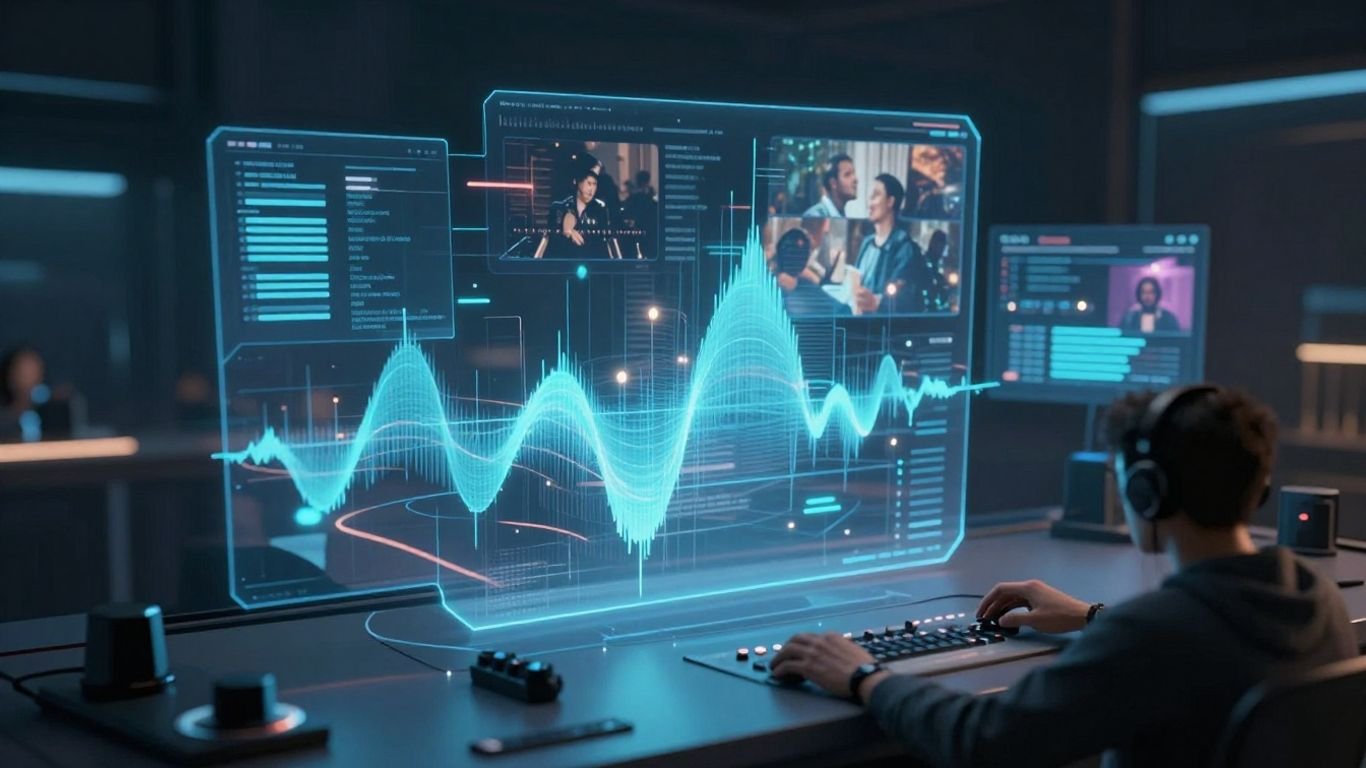
If you prefer detailed arrangement, you use a timeline-based editor with pre-set templates. This allows you to choose your own scene transitions and text placement. You have more control over the specific visual narrative compared to fully automated renderers.
Comparing visual styles and audio-reactive animation quality
| Style Feature | Automated Generator | Manual Editor |
|---|---|---|
| Sync Reliability | High | Variable |
| Visual Variety | High | Low |
| Time per Project | Low | Moderate |
| Custom Elements | Limited | Extensive |
The table above highlights that manual editing offers more depth for power users who demand specific scenes. However, automated systems like the one offered by Creatus provide faster results for social media content.
Platform-specific optimization and export options

You need to ensure your finished work reaches your audience in the right format. Different social platforms favor vertical, square, or wide orientations, and your tool must handle these natively.
Native aspect ratio support for TikTok, Reels, and Shorts
Both platforms provide templates designed for vertical playback in 9:16. Using these formats is vital for capturing engagement on mobile-first apps. It ensures that your key visual elements remain within the frame and are not cropped by platform interfaces.
Managing 16:9 widescreen exports for YouTube and music videos
Standard horizontal video remains the best choice for artist channels and long-form storytelling. You must ensure that your audio files, especially high-fidelity exports, are handled without quality degradation during render. Achieving consistency here means your music videos appear crisp on large displays.
Maintaining visual consistency across social media channels
- Use uniform color palettes across all versions.
- Keep character identities consistent if you use avatars.
- Brand your intros and transitions for recognizability.
- Ensure all exported files share the same naming conventions.
A checklist like the one above will help you stay organized. Being proactive about your export quality and branding is essential to building an audience.
Pricing, plans, and value for creators
Selecting a tool requires keeping your budget in mind. You should look for plans that offer a transition path from free exploration to professional output.
Evaluating the Creatus subscription model for songwriters
The subscription model is built around credit packs and access tiers. You start with free credits, allowing you to iterate on your song ideas without initial overhead. This gives you a safe way to test if the platform suits your specific vocal needs before you commit to a monthly cost.
InVideo tiered pricing and asset-based credit systems
This pricing usually revolves around access to more sophisticated editing assets and stock media libraries. Your costs scale up as you unlock higher-resolution exports and more advanced visual effects packs. It rewards creators who need deep, library-rich resources for regular production.
Comparing the value of the broader Creatus AI ecosystem
When you invest in Creatus, you gain access to a larger suite beyond just music videos. This [157a] encompasses more than 35 distinct AI tools designed for various creator tasks. The total value is often higher if your project expands to include image editing or character generation alongside your music.
Choosing the right tool for your specific goals
Understanding what you want to achieve is the first step toward picking a victor for your workflow. Your decision should match the specific demands of your projects.
Why independent musicians should opt for Creatus
Musicians need a tool that speaks their language, which means focusing on audio and vocal generation first. You want a platform that removes the technical barriers to music production entirely. It is a more direct route to getting your music into the world with visuals attached.
Why content creators may prefer InVideo’s broad toolkit
If you work as a general creator or marketer making diverse content, you need flexibility. InVideo excels at adapting to different niches, whether they are ads or informational videos. It serves as a single home for many different types of editorial projects.
Assessing the learning curve for beginners versus power users
The learning curve for beginners is much gentler on automated sites. Power users, however, will likely seek more control over the frames. You should reflect on how much time you are willing to spend editing versus how much time you want to save through automation.
Conclusion
Selecting the right tool for your music videos requires you to weigh the importance of automated song generation against the appeal of manual visual editing. If you are an artist needing to bridge the gap from a text idea to a full music video, look toward specialized solutions. Conversely, if you have a pre-produced library and need a robust editor for your final assembly, a general-purpose AI suite might be your best choice for maintaining high creative standards.
Frequently Asked Questions
Is it better to use an all-in-one AI platform or a separate editor?
An all-in-one platform is better if you have limited experience and want to save time. A separate editor offers more professional control if you already have custom audio and footage you must combine manually.
How does AI ensure the video syncs with the music rhythm?
Most current tools utilize audio-reactive models that process the amplitude and tempo of the track. These models adjust visual transitions based on peak volume and beat patterns to maintain alignment.
Do I need prior music production knowledge for AI song creation?
No prior experience is necessary as these platforms handle composition and mixing. You simply provide text prompts or lyrics, and the system generates the musical structure for you.
Can social media platforms identify copyrighted audio in AI music?
Some platforms provide attribution metadata, but you should always review terms of service for original ownership. AI-generated tracks created from prompts generally avoid classic copyright issues associated with commercial music but still require platform-specific checks.
Are the visual styles limited in AI-generated videos?
Styles depend on the model and the presets offered by your provider. Providers often launch new themes periodically, giving you access to evolving visual aesthetics without needing manual editing skills.
Is there a benefit to starting with a free tier when testing tools?
Using a free tier allows you to test the output quality and vocal realism before making a financial commitment. Most tools provide enough free credits to render small test projects for your evaluation.
Does file export quality matter for YouTube versus TikTok?
Yes, because each platform has different compression and resolution requirements. YouTube typically handles 16:9 full-HD video better than highly compressed mobile formats, so you must select the correct export setting for each destination platform. Click here to build your video now with our partner tools.