Key Takeaways
Matching visual output to your audio requires a deliberate approach to tone and pacing. Master these principles to create professional-quality music videos using AI.
- Sync visual transitions with your song’s rhythmic structure for impact.
- Select dominant color palettes that mirror the song’s emotional intensity.
- Match visual animation speed to the underlying track tempo.
- Use specific camera angle descriptions to emphasize the narrative arc.
- Choose styles that align with your distribution platform’s audience habits.
Understanding your song’s mood
Analyzing tempo and rhythmic structure
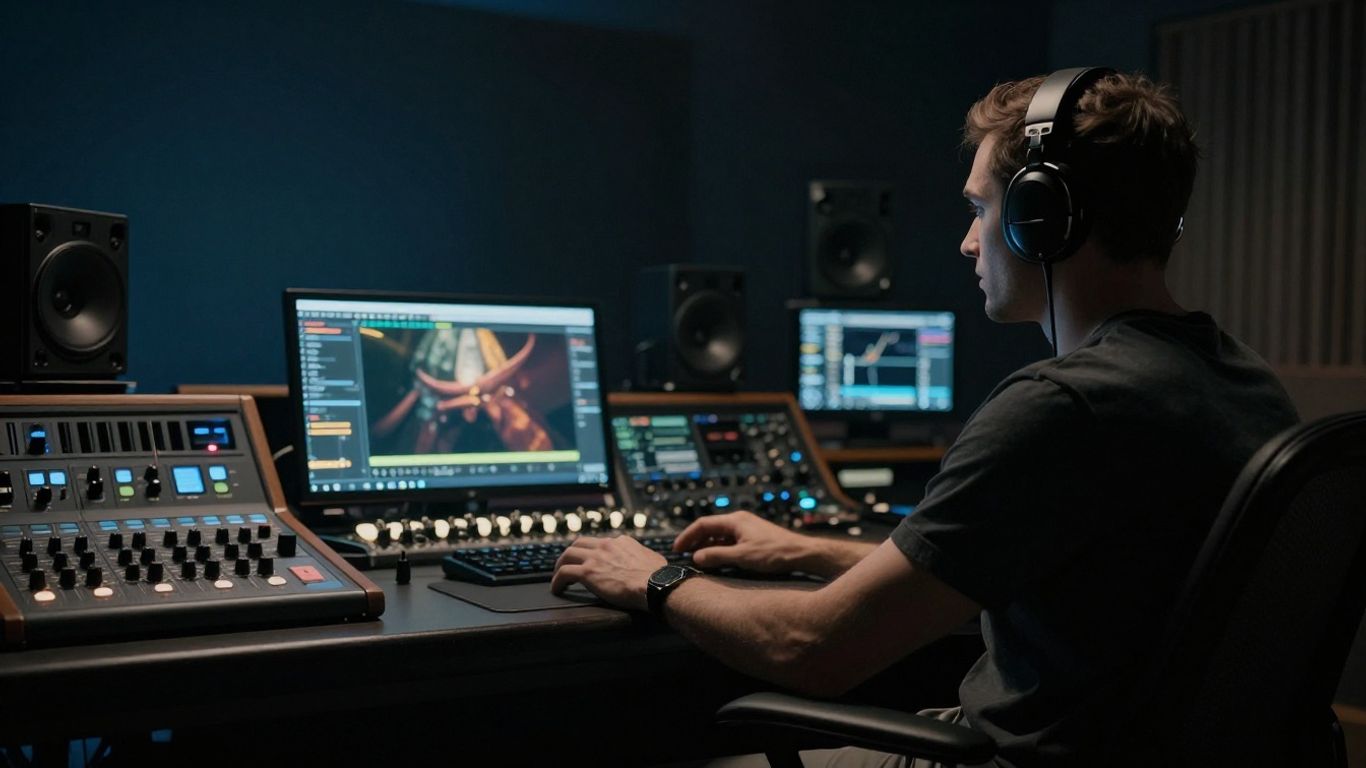
Your first step is identifying the core pulse of the track. A fast, high-BPM track demands rapid-fire visual changes, while downtempo beats call for lingering shots and smoother transitions. Pay attention to percussion intensity, as these moments act as natural triggers for visual cuts.
Interpreting lyrical themes and narrative arc
Most songs follow a clear emotional trajectory, shifting from tension to resolution. List the narrative components of your track before generating visuals to ensure the energy stays consistent with your lyrics.
Identifying key sonic textures and genre influences
Sonic textures like distorted guitars or lush synthesizers dictate the look of your output. For example, Raptor 77 pokies style games often rely on high-energy, neon-soaked visuals, and you can adopt similar aesthetic cues for punk or industrial music.
Translating audio characteristics into visual language
Selecting color palettes that evoke emotional states
Colors provide an immediate psychological hook for your viewer. You want to choose hues that reinforce the track’s primary mood rather than fighting against it.
| Emotional State | Primary Color | Secondary Tone |
|---|---|---|
| Melancholic | Deep Blue | Charcoal Grey |
| Energetic/Pop | Neon Pink | Electric Yellow |
| Intense/Hard Rock | Crimson Red | Pitch Black |
Selecting colors effectively allows the audience to understand the song atmosphere before the first lyric hits the monitor.
Determining the appropriate visual pace and cut frequency
Visual pace acts as the heartbeat of your screen presence. If you move between scenes too slowly during uptempo sections, the viewer experience feels sluggish. Adjust your cut frequency to mirror the song’s complexity. You can learn more about managing this flow by looking at the ElevenLabs AI Music Generator capabilities for visual mapping.
Defining movement styles to complement energy levels
Physical movement within the frame must match the intensity level. Gentle camera pans work well for instrumental ambient tracks, whereas handheld shaking or fast zooms suit energetic trap beats. Always maintain a consistent motion pattern to avoid visual fatigue.
Choosing compatible AI visual styles
Utilizing cinematic styles for storytelling tracks
Cinematic styles prioritize depth of field and controlled lighting to ground the viewer in a narrative. This is perfect for tracks with strong vocal performances. You can observe similar cinematic output by exploring the freebeat AI visual production tools.
Opting for abstract or motion graphics for instrumental beats
Instrumental tracks offer freedom to favor shapes over character-based scenes. Abstract visuals allow the viewer to focus entirely on the sound design without the distraction of a central performer.
Applying stylized animation for high-energy or pop content
Stylized animation adds a layer of vibrancy that photorealism often lacks. When your track is upbeat, use bold colors and sharp, snappy animations to match the modern energy of your audience. You should use a Vuela.ai Song to Video Generator to test how different animation styles react to your specific chord progressions.
Crafting effective prompts for mood alignment
Integrating descriptive mood adjectives into visual instructions
Prompts serve as your director’s notes. Be specific with your input by pairing adjectives with expected outcome textures.
- Use atmospheric terms: "hazy," "cinematic," "harsh," or "fluid."
- Mention specific lighting concepts: "soft silhouettes," "hard rim lighting," or "low-light ambiance."
- Incorporate camera movement keywords: "tracking shot," "dynamic pans," or "steady close-up."
Providing these details ensures your chosen tool understands the intended vibe from the very first frame.
Balancing lighting and shadow to set a specific tone
Lighting choices will define the weight of your visuals. High contrast and deep shadows often convey seriousness or mystery, which fits well with heavier genres. If your music feels airy, prioritize natural, bright lighting conditions in your prompt setup.
Specifying camera angles to reinforce the song’s perspective
Camera angles tell the audience how to receive the music. A low-angle shot makes the subject appear powerful and intimidating, while a high-angle shot can impart a sense of vulnerability. It is essential to experiment with different perspectives to keep the viewer’s interest high throughout the duration of the track.
Optimizing the technical workflow for better matching
Preparing high-fidelity audio inputs for analysis
Clean, high-quality audio feeds ensure the AI performs its analysis with maximum accuracy. Avoid noisy tracks with extraneous background audio interference. You might consider professional options like Elite Trader Funding simulations to manage the pacing of your professional content output effectively.
Adjusting synchronization settings to ensure rhythmic accuracy
Most tools allow you to nudge the visual timing if the output feels slightly off-beat. Manually verifying key drops against your video transition timing is the most reliable way to guarantee professional results. You can use platforms like Revid AI Music Video to simplify these synchronization tasks.
Iterating on visual output using platform-specific overrides
Do not settle for your first generation pass. Use settings or custom prompt modifiers to adjust specific scenes that don’t quite hit the target mood. Continuous iteration is the secret to a polished, professional video.
Matching styles to platform-specific viewing habits
Designing balanced visuals for short-form video feeds
Mobile users scroll fast, meaning your visual must grab attention in less than two seconds. Ensure your main subjects are centered and clearly visible on small screens. Sometimes dealing with dog training issues requires similar patience to debugging your visual feed, so focus on the most impactful moments first.
Adapting visual complexity for mobile screen attention spans
Complexity works in high-resolution, long-form spaces, but it often looks like clutter on mobile screens. Simplify your visual compositions to ensure the core emotion remains legible to the viewer. When creating content for platforms like TikTok, check out the One More Shot suite for specific mobile-optimized generation cues.
Aligning export dimensions with platform distribution requirements
Always stick to the native aspect ratios used by your target apps. Using adjustable bed mattresses provides comfort, but using the wrong aspect ratio creates discomfort for your viewers. If you need clarity on specific research-backed visual trends, you can refer to the legal status of peptides if you are investigating laboratory-grade performance standards for your production.
Conclusion
Successfully matching your video style to your track involves a constant balance between the technical capabilities of your software and the artistic intent of your song. By focusing on tonal consistency, rhythmic alignment, and platform-specific constraints, you create music videos that resonate with your target audience. Always keep your creative vision front and center, using automation to handle the heavy lifting while you define the emotional core of the project.
Frequently Asked Questions
How does the song tempo influence the choice of visual style?
Fast tempos generally require high-frequency cuts and rapid camera movement to keep the visual energy aligned with the beat. Slow tempos allow for more expressive, lingering shots, which helps establish a specific emotional atmosphere before moving to the next sequence.
Is it better to start with an image or a text prompt for music videos?
Starting with a reference image provides a solid foundation for consistency, especially if you have a defined character or scene you want to maintain. Text prompts are better for exploration, but you will often need an image to ground the AI output over a longer duration.
How can I make my audio-synchronized visuals stand out?
Focus on unique color palettes and subtle lighting changes that react to the music’s volume or intensity. Avoid overusing standard transitions, as a cohesive, custom-generated aesthetic is far more likely to capture viewer attention in a crowded feed.
Do I need to be a professional editor to match music to video?
No, modern automated tools perform most of the sync work for you based on the song data. Your role is to provide the initial direction and pick the styles that best reflect the mood of your track.
What are the best aspect ratios for social media platforms?
Use 9:16 vertical video for TikTok, Reels, and Shorts to ensure the display takes up the full mobile screen. Use 1:1 for social media feeds and 16:9 for traditional widescreen displays or standard long-form platform uploads.
How often should I change visual styles within a single song?
It depends on the song’s structural changes, but usually, a consistent style works best to keep the mood intact. If your song shifts wildly between sections, such as from an upbeat pop chorus to a somber bridge, you may need to adjust visual parameters to suit the transition.
Can I use my own footage alongside AI-generated music videos?
Many advanced tools allow you to mix real-world footage with AI effects or backgrounds for a hybrid result. This combination often creates a more grounded feeling and adds authenticity to your project, especially for high-quality storytelling.
Start Your Visual Journey
If you are ready to produce high-quality music content with ease, try our generator today. Our platform provides the two-in-one workflow you need to craft songs and synchronized music videos without any extra production headaches.