Key Takeaways
AI tools provide a direct path from raw audio to finished, pro-quality music videos without requiring specialized production skills. This article breaks down the technical and creative hurdles involved in modern music promotion.
- Streamline promotion by using AI to generate visual assets from single audio tracks.
- Choose tools that support both song and video generation to cut down on app switching.
- Optimize file formats and aspect ratios to ensure your content performs well across platforms.
- Synchronize your visual release strategy with your music distribution timeline to maximize impact.
- Maintain consistent branding by repurposing individual video elements for different social media channels.
Understanding the role of AI in music promotion
Visuals are the heartbeat of modern music sharing, and ignoring them often limits how far your tracks travel. You need to keep listeners engaged through dynamic moving images that serve as a bridge to your work. By integrating digital resources into your workflow, you manage to keep your brand professional and active.
The impact of visual content on music discovery
Most listeners find new music through short video clips instead of audio-only streams. If your release lacks a visual component, you are essentially invisible to a huge portion of potential fans.
Overcoming production budget constraints
Traditional music video production costs often keep independent creators from releasing high-quality promotional content. You can get around these high costs by utilizing AI to generate materials that match your artistic vision at a fraction of the expense. This shift allows you to produce more visual content without thinning out your marketing budget.
Balancing artistic intent with algorithmic requirements
Platforms want videos that keep people watching, which means your content must fit specific length and pacing standards. Creatus.AI simplifies this by offering tools designed specifically for the social media formats that algorithms prefer.
Preparing your audio assets for conversion
Organizing source files for the best AI import
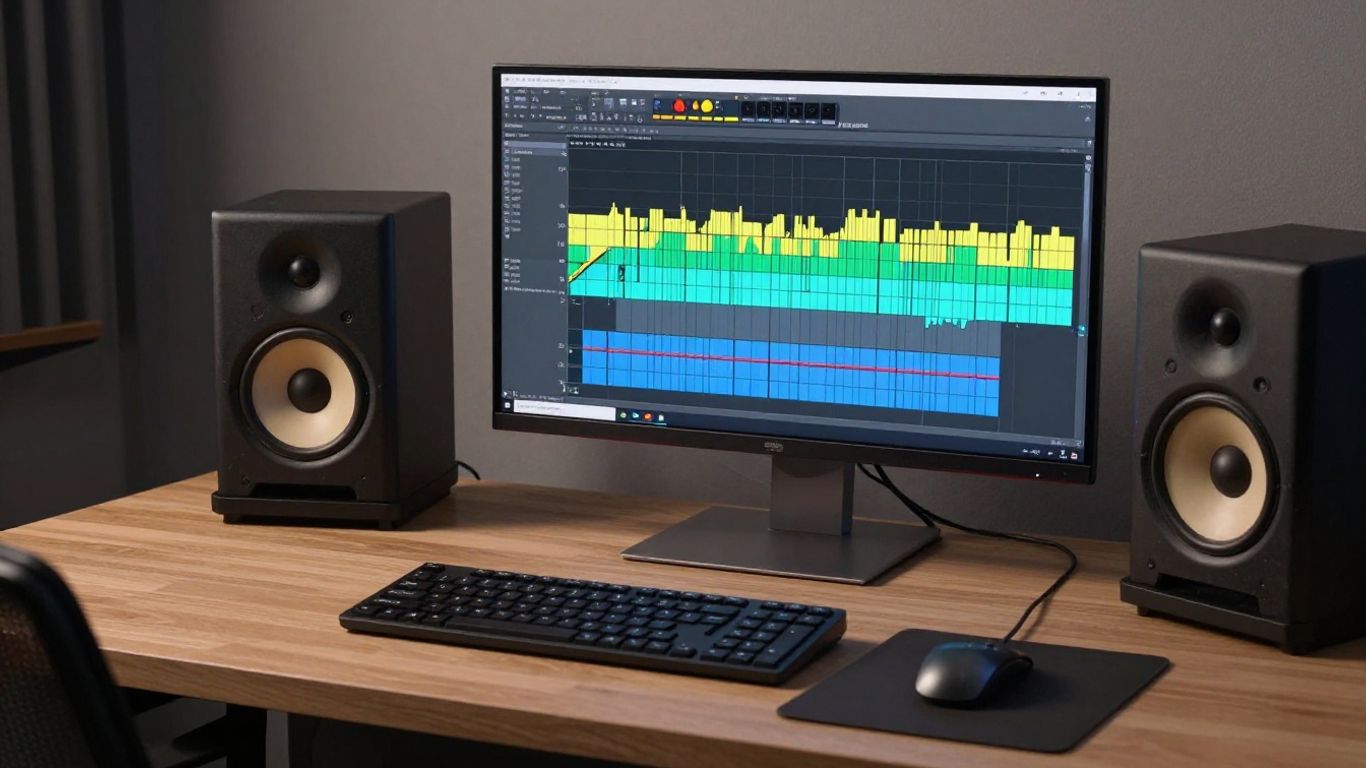
Raw audio needs to be clean if you want the best visual results from your software. Ensure your tracks are titled correctly and stored in an accessible folder before you begin the import process. If your files have excessive background noise, the software might misinterpret the rhythm or tempo, leading to visual artifacts.
Selecting track segments to maximize visual impact
| Track Segment | Purpose | Ideal Length |
|---|---|---|
| Hook Intro | Audience Hook | 15 Seconds |
| Verse Build | Visual Narrative | 30 Seconds |
| Drop/Chorus | High Energy | 15 Seconds |
Selecting the right parts of your song is important because you need to match visual intensity with your audio spikes. This table helps you plan your video structure so that the most engaging moments coincide with your highest-energy audio clips.
Managing file quality between MP3 and WAV formats
While MP3 files work for quick uploads, WAV files retain more data and usually yield superior synchronization with AI video generators. You should always aim for high-quality input if you want your final product to look crisp when viewed on larger displays.
Choosing an AI tool for your music career
Distinguishing between song-only and video-only platforms
Understand that some tools only handle music generation like Suno, while others specialize in video. Choosing a specialized video maker allows you to focus on the visual storytelling aspects without wasting time on tools that do not actually build the final video file.
Evaluating the benefits of a two-in-one generation workflow
Creatus.AI offers a two-in-one workflow that handles both text-to-song and audio-to-music-video production in a single interface. Accessing these tools means you spend less time switching between accounts and more time finishing your projects. This seamless integration is critical for creators who want to keep their production cycle short and efficient.
Assessing required skill levels and platform integrations
You do not need a degree in production to use these tools effectively. Look for platforms that offer simple interfaces and pre-set visual styles, which help you avoid the frustration of learning complex software from scratch.
The step-by-step process of AI video generation
Generating original songs with synthetic vocals
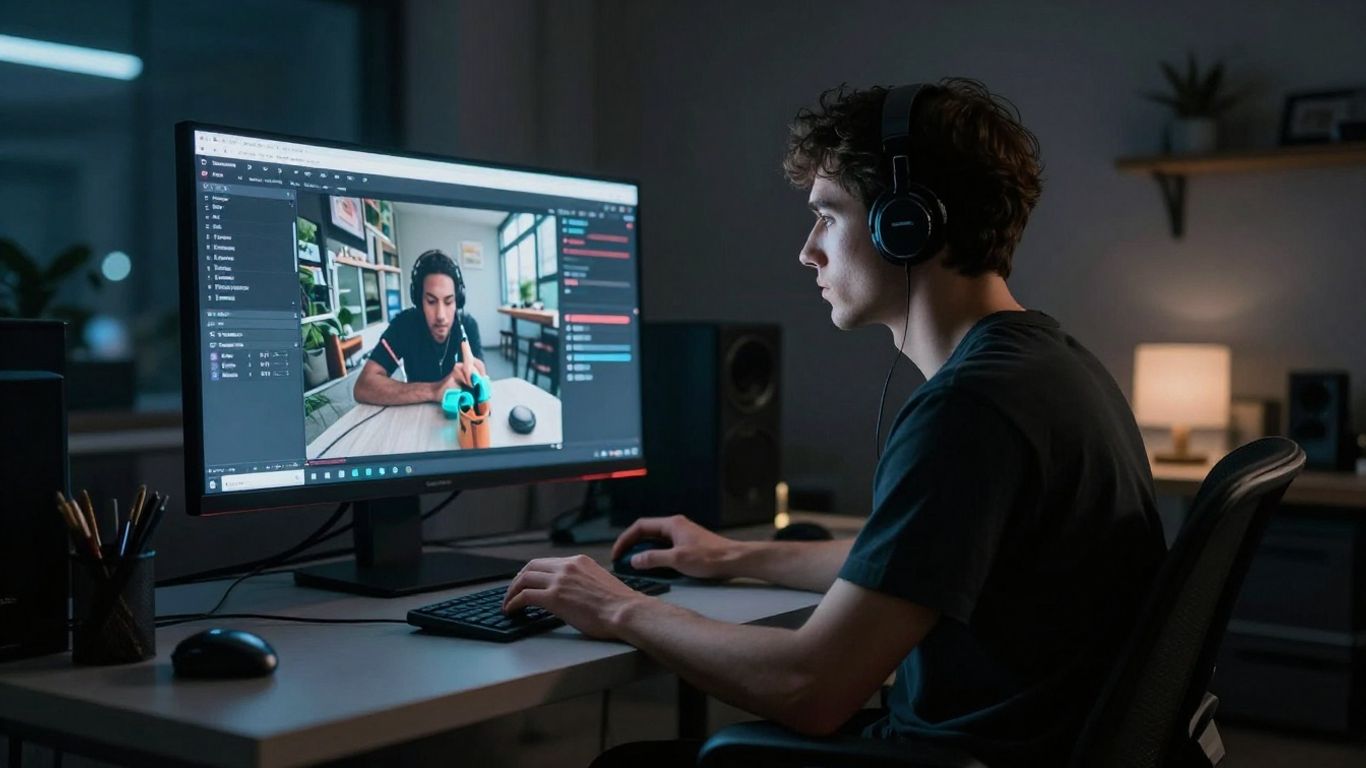
If you have a rough idea, you can use AI to build a full track with synthetic vocals. This allows you to prototype your music releases rapidly before committing to a final studio version.
Writing effective visual prompts for music videos
Your prompts should describe the mood, lighting, and camera movement you want to see. Specificity helps the AI understand whether you are aiming for an abstract art style or a realistic performance clip. You should try to keep these descriptions clear and focused on physical attributes rather than abstract feelings.
Applying styles and refining visual synchronization
Once the video is generated, you can often choose between several creative styles like cinematic, animated, or abstract visuals. Applying these styles ensures your video matches the aesthetic identity you have built across your other social media branding.
Optimizing video exports for social platforms
Selecting the correct aspect ratio for TikTok, Reels, and Shorts
You must export in 9:16 vertical format to succeed on modern short-form video platforms. These apps prioritize full-screen experiences that feel native to mobile devices. Avoid using horizontal video here, as black bars will ruin the viewer experience and lower your engagement scores.
Planning content for horizontal vs. vertical viewing experiences
Planning for both orientations is a standard practice that keeps your footprint alive on every major platform. You should shoot or generate in a way that respects the main subjects even when the frame is cropped differently. By knowing where the action is, you keep the focus on the right parts of your visual.
Balancing export file size and visual resolution for streaming
Large files can lead to laggy playback on weaker mobile connections. Aim for a resolution that looks good while keeping file sizes small, ensuring your music video starts playing immediately when someone scrolls past it.
Integrating video content into your release strategy
Linking social video content back to your SoundCloud profile
Always direct your viewers back to your main catalogue on SoundCloud through your bio or video links. Tracking where your traffic comes from helps you see which videos are effectively driving real listens to your music.
Aligning video release timelines with music drops
- Post a teaser clip three days before the release date.
- Release the full video simultaneously with your song launch.
- Share behind-the-scenes visual cuts one week after the drop.
This sequence ensures your audience sees your content at exactly the right time to pique interest. Consistency in your schedule helps you build anticipation, which in turn leads to a more successful launch cycle for every track you put out.
Repurposing visual assets for consistent artist branding
You can take high-quality frames from your generated video and turn them into cover art or promotional headers. Using similar visual elements across different posts builds a recognizable look that fans will start to associate with your specific music style.
Conclusion
Utilizing AI to build your library of visual assets helps you stay competitive without needing a production team. By following a consistent workflow, you save time, reduce costs, and spend more energy on the music itself, allowing you to build a stronger connection with your audience.
Frequently Asked Questions
Does AI music video generation require advanced software skills?
No, modern AI generators are built with user-friendly interfaces that prioritize accessibility over technical complexity.
Should I use MP3 or WAV files for video creation?
WAV files are preferred because they contain more data, which allows the AI to synchronize beats and energy levels much more accurately.
How do I ensure my AI music videos match my brand style?
Maintain consistency by using the same visual style, color palettes, and prompt terminology throughout all your video generation projects.
Can I use exported AI videos on multiple social media sites?
You can certainly use your exported videos across TikTok, Instagram, YouTube, and other platforms, as long as you export them in the correct aspect ratios for each.
What are the main benefits of two-in-one AI platforms?
These platforms save you from paying for separate song and video tools and prevent the workflow friction involved in switching between apps.
How often should I release new video content for my tracks?
Releasing content alongside your music drops and keeping a steady stream of clips helps maintain engagement, so coordinate your posting schedule with your release rhythm.
Can I generate lyrics and vocals with AI video tools?
Yes, many integrated AI tools allow you to generate full songs with lyrics and synthetic vocals from simple text descriptions before automating the video creation.
Elevate Your Artistic Reach
Start creating professional music videos for your tracks with no video editing experience required. Sign up for Creatus.AI to generate your next release in minutes and see how simple, high-quality promotion can be.