
Key Takeaways
Producing high volumes of visuals requires a structured plan to keep quality high without manual labor. These five steps refine your workflow for scalability and consistency.
- Audit your existing content themes to match them with specific musical moods.
- Build a centralized library of prompts to keep your visuals consistent across different tracks.
- Automate the conversion of audio files into video format using batch tools.
- Develop a standard quality check procedure for every video output.
- Maintain a content calendar that automates the transition from production to publishing.
Preparing your creative assets for batch generation
You need a systematic approach to handle high-output content creation. Start by prepping your assets so the generation process runs without error.
Organizing lyric themes and song concepts
Group your project ideas by thematic clusters to make the generation phase faster. When your concept is clear, the software handles the creative load better than when you work with vague ideas.
Building a standardized prompt library for genre consistency
Keep a file of your most successful descriptions and settings. This ensures that every song, regardless of the unique melody, follows your brand’s aesthetic. You can find DIY music promotion tips for independent creators who want to build their library efficiently.
Identifying essential audio file requirements for batching
Ensure your source files are at the correct sample rates and file types before you start. Clear audio leads to better visuals by allowing the AI to track beats accurately.
Establishing a cohesive visual aesthetic for your brand
Decentralized production kills brand recognition, so lock in your color palette and style choices early. Use the Creatify’s AI Music Video Generator to define a consistent visual identity for your tracks.
Streamlining AI song generation at scale
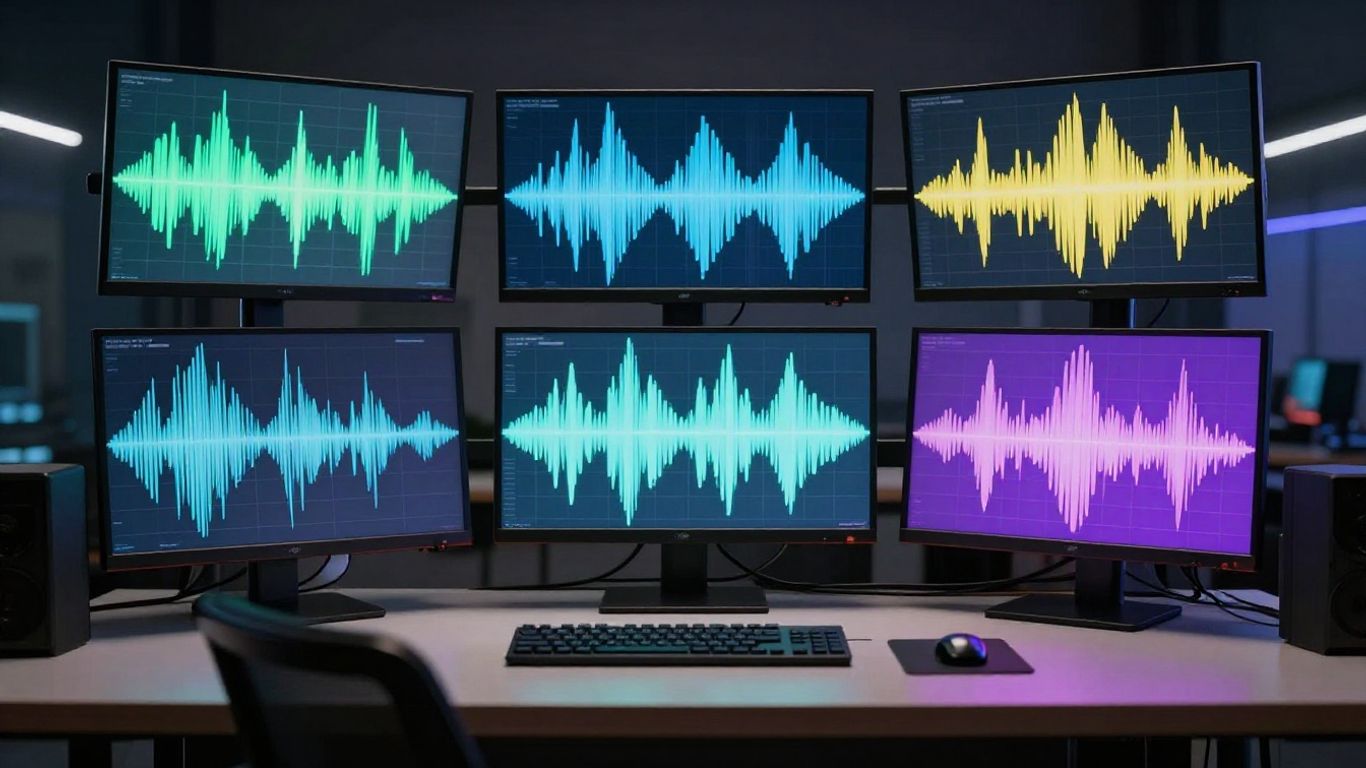
Once assets are ready, the generation phase should be purely technical and mechanical. Focus on high velocity without sacrificing the base quality of your audio.
Establishing a consistent musical identity for multiple tracks
Apply a set of core parameters to all your songs to ensure they share a common "vibe" or sonic weight. Consistent instrumentation helps your audience identify your work instantly.
Iterating with text prompts to ensure high-quality vocal output
Test specific word combinations in your prompts until the vocal synthesis sounds real and emotionally resonant. Small adjustments to your instructions often mean the difference between a robotic sound and a human quality performance.
Maintaining rigorous file naming conventions for organization
Use a naming system that includes dates, themes, and version numbers to avoid drowning in duplicate files. Without this, you will waste hours searching for the right master file when you reach the publishing stage.
Validating generated tracks before moving to video production
Listen to every track at least once to ensure the vocals hit correctly before dumping them into your video generator. A broken song file leads to a broken video, which stalls your entire production loop.
Automating audio-to-video transformation
Use batch tools to convert songs into clips, ensuring your production speed stays high. When you use a Pippit AI generator, you keep the flow moving from raw audio to final video quickly.
Selecting compatible visual styles for diverse song types
Match your visual style to the BPM and mood of the song for a cohesive result. Not every track needs a high-energy visual; some tracks work better with abstract, static imagery.
Matching visual energy to the structure of your audio files
Sync your visuals by analyzing the high and low points of your audio. Consider these categories during your planning:
| Item | Strategy | Frequency |
|---|---|---|
| High Energy | Flashy edits | Intense |
| Mid Tempo | Slow transitions | Moderate |
| Low Energy | Smooth pans | Rare |
These categories ensure that your visual presentation respects the energy of the music across different batches.
Leveraging single-platform workflows to minimize production friction
Avoid switching between ten different applications, as this fragmentation creates bottlenecks that destroy your timeline. Keep your video output in one place to maintain quality control.
Troubleshooting synchronization and rendering issues during bulk processing
Check the output logs when you notice a mismatch between audio beat and video transition. If an error persists, re-render that specific snippet using a slightly different parameter to bypass the glitch.
Configuring export settings for multi-platform distribution
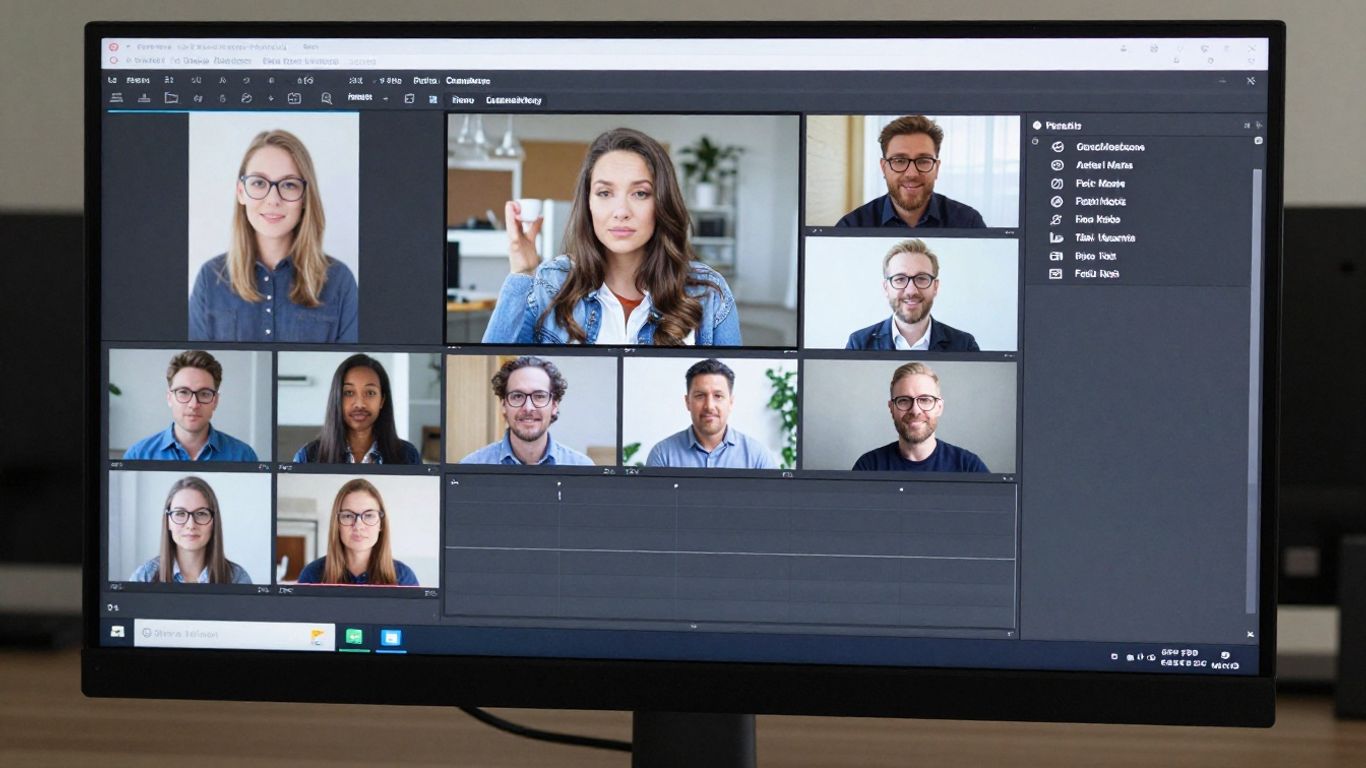
Setting up your exports early ensures broad and rapid reach for all your content across platforms. Once you configure your settings, keep them locked.
Scaling exports for 9:16, 1:1, and 16:9 aspect ratios
Every social platform needs a specific ratio, so export three varieties for every video. This strategy saves you from having to re-render clips for a different target site later in the week.
Ensuring technical compatibility with specific social media platforms
Check file size limits for each social handle so you do not hit upload errors. Each platform behaves differently, so test a single short clip before running a bulk hour-long export.
Applying batch export best practices for operational efficiency
Stack your export tasks so they run overnight. This keeps your hardware free during working hours and ensures a fresh set of clips is ready every morning.
Managing high-volume file transfers and storage requirements
Use a cloud bucket to house your raw masters and finalized video clips. You want a clean and accessible archive that allows for easy retrieval and sharing with external team members.
Implementing a quality control loop for mass production
Reviewing the batch is not optional if you care about your brand. You need an objective way to grade your output before it reaches public feeds.
Establishing benchmarks for professional AI visual outputs
Define what success looks like in terms of sync, visual quality, and branding accuracy. If a video fails to meet these, discard it from the main pool and adjust your prompt settings.
Sampling batch results to ensure thematic cohesion
Pick five random files from every hundred generated to check if the AI is drifting in style. Consistent checking keeps the entire volume of production aligned with your initial creative vision.
Refining prompt parameters based on initial generation testing
Use the data from your rejections to tweak the underlying prompts for your next run. Continuous adjustment during your bulk content generation cycles will improve your final yield significantly.
Managing assets through descriptive metadata and tags
Add tags for theme, mood, and platform so your library stays searchable over time. You will thank yourself later when looking for specific clips to include in a summary video.
Integrating music videos into your content calendar
Schedule these videos to align with your releases so you have a steady stream of content on your socials. Your marketing strategy should lean on this volume to maintain visibility.
Aligning batch-produced videos with your social media schedule
Map out your release dates on your calendar as soon as your batch generation is complete. Proper timing ensures your highest energy tracks drop during your peak traffic hours.
Using AI music generation to meet high-volume content demands
AI allows you to provide a constant flow of media without relying on expensive production days. This is the difference between occasional social presence and constant brand awareness.
Analyzing performance data to guide future batch direction
Look at your engagement rates to see which visual styles perform better than others. Use these learnings to prioritize certain categories of tracks over others in your upcoming projects.
Automating the transition from generation to publishing
Connect your production environment to your scheduling tools so videos move automatically to your queue. Removing the human hand from the upload process gives you more time to focus on strategy.
Conclusion
Applying a systematic approach to music video creation turns a complex task into a routine operation. By focusing on asset organization, quality control, and platform-specific exports, you maintain high standards while meeting your growth targets. Keep your prompts clean, store your files with intention, and let your production cycle do the heavy lifting for your content calendar.
Frequently Asked Questions
How long should an AI music video be?
Most social media algorithms prioritize short clips between fifteen and thirty seconds, as these promote high rewatch rates.
Can I generate multiple videos at once?
If your platform uses bulk processing, you can queue several tasks at once to run in parallel depending on your subscription tier.
Do I need to be a musician to use these tools?
No musical training is required because the AI handles the composition, lyrics, and vocal synthesis through your provided text prompts.
How often should I update my prompt library?
Review your prompts every few weeks to test if newer models offer better results or if your brand aesthetic has shifted toward new visual patterns.
What file format is best for social media?
MP4 is the standard file format across almost every major platform, ensuring your videos play cleanly and look professional on any device screen.
Can I edit the video after it is generated?
Most generators provide a finished file, so it is often more efficient to re-run the generation with a new prompt rather than manually editing the result.
How do I troubleshoot sync issues between audio and video?
Usually, this involves re-exporting the raw audio at a different sample rate or selecting a different visual rhythm setting in your generation settings.
Ready to Start?
If you are ready to put your music on screen, try the generator now to see how quickly you can turn a text idea into a professional music clip.