Key Takeaways
Creating music videos no longer requires a film crew or expensive gear. Here are five ways to streamline your production using modern AI tools:
- Use text-to-song models to generate original audio with AI vocals.
- Connect audio files to video generators for automatic beat-synced visuals.
- Export content in specific aspect ratios depending on your target social media platform.
- Edit and iterate using cloud-based workspaces to save time on revisions.
- Maintain brand consistency by applying custom visual styles to every project.
Understanding the AI music video workflow for beginners
You no longer need years of technical schooling to output professional results. By adopting a modern AI music video generator, you can achieve high-quality visuals and audio tracks without specialized equipment.
The shift from traditional production to generative AI
Traditional music video production often relied on physical cameras, professional editing software, and significant financial overhead. Today, generative models allow you to create similar output by simply describing your vision in text prompts. You maintain creative control while the software handles the time-consuming tasks of frame generation and color grading.
Why an all-in-one platform saves time and technical effort
Switching between five different websites to compose music, generate images, and edit video destroys your focus and productivity. Using a unified environment provides a faster video creation process where audio and visual assets are generated within the same workspace. This integration ensures that your project stays cohesive from the first draft to the final export.
Eliminating the need for complex music or editing software
Most creators assume that making a music video requires a deep understanding of rhythm and timeline management. Modern AI tools analyze your uploaded audio to decide exactly when to swap shots or trigger visual effects. You can now focus entirely on the artistic direction while the underlying algorithms handle the heavy lifting of synchronization.
Selecting the right AI platform for your needs
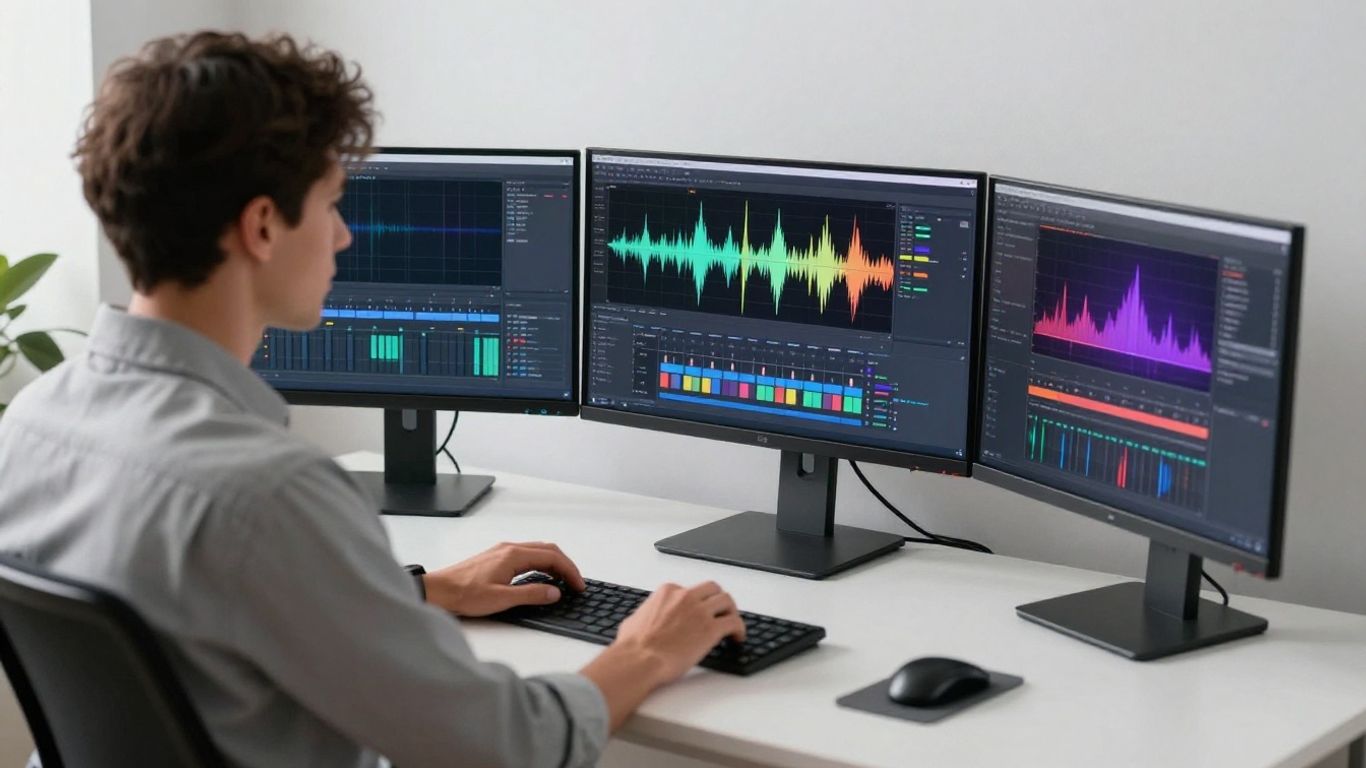
Finding the right service comes down to how much control you want over the final aesthetic. Many platforms now offer AI music video production that balances power with a user-friendly interface.
Evaluating tools that offer both music and video generation
Some services specialize only in audio, while others focus purely on visual generation. Using a platform that combines these capabilities prevents compatibility issues and keeps your workflow simple. It is better to use specialized AI audio tools that link directly to video outputs.
Considering the learning curve and ease of use
Look for systems that provide a clean, dashboard-style interface. If you have to spend more than an hour watching tutorials to understand the basic panel, the tool is likely too complex for your current goals. You deserve a smooth technical experience that starts working immediately.
Identifying essential features like lip-sync and scene selection
Professional-looking videos rely on specific markers like accurate mouth movement and intentional scene pacing. Check that your chosen tool offers automated lip-syncing for any AI vocals generated in the session. These features act as your virtual director, ensuring the song and video feel connected.
Balancing free trial options against long-term subscription needs
Test your workflow with free credits before committing to a monthly bill. Many services have usage limits, so look for a platform that offers enough flexibility for regular content scheduling. A beat-synchronized platform should align with your business growth and frequency of releases.
Crafting effective prompts to generate unique tracks
Your text input dictates the DNA of the song and the underlying mood for the visuals. Be specific with your language to ensure the results match what you have written down.
Defining genre, mood, and tempo in your text inputs
Use descriptive words that clearly outline the structure of the song. Instead of saying "fast music," use terms like "upbeat tempo, high energy, house genre" to guide the AI toward the sound you need for your project.
Incorporating thematic lyrics for improved AI vocal performance
Lyrics provide the AI with context and rhythm that inform where a singer might place the emphasis. Providing a clear lyrical structure will result in a more natural-sounding vocal track. A pro music generator can interpret your words and craft a performance meant for high-impact social media content.
Iterating on initial drafts to refine melody and structure
Rarely will the first attempt be perfect. Treat your early drafts as rough sketches, adjusting the prompt to nudge the AI toward a better melody or a more interesting bridge. This iterative feedback loop is what separates experienced creators from beginners.
Leveraging custom audio uploads for greater creative control
Sometimes a pre-recorded track or an existing stems file provides a better foundation than purely generative music. Most modern platforms allow users to upload their own WAV or MP3 files for the visual generation engine to follow.
| Feature Type | Basic AI Tools | Pro-Level Platforms | Integrated Workspace |
|---|---|---|---|
| Music Gen | Random | Genre Specific | Advanced Control |
| Video Export | Fixed Aspect | Adjustable | Full Suite |
| Cloud Storage | Local Only | Minimal | Full History |
Using a professional workspace for your media allows you to maintain version control throughout production.
Bringing your song to life with synchronized visuals
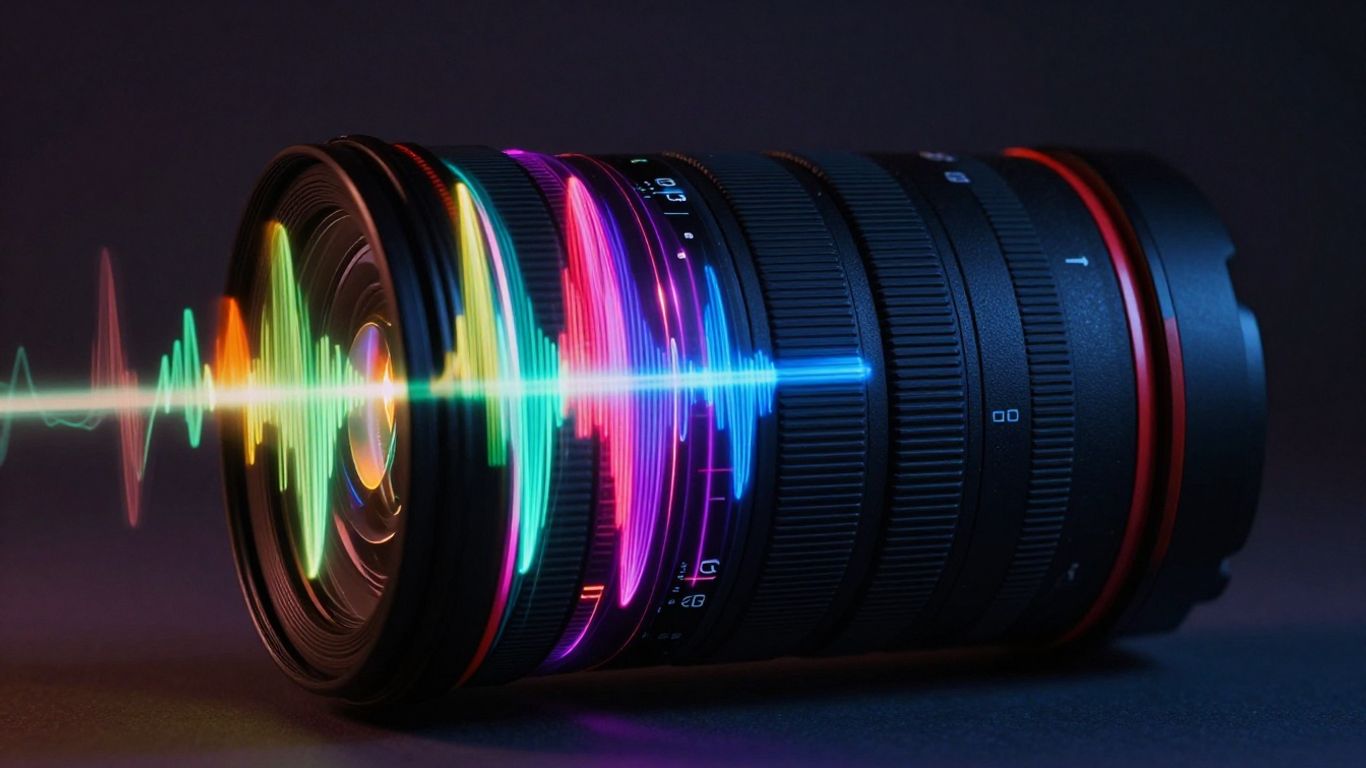
Visuals that do not match the beat can make even the best song feel unprofessional. Proper synchronization requires an AI that recognizes frequency, energy changes, and specific drops.
Matching visual styles to the emotional energy of your track
Choose a visual theme that complements the mood of your track, whether it is gritty and industrial or bright and optimistic. The AI should allow you to select a specific aesthetic style or upload reference images for consistent character design.
Understanding how AI analyzes tempo and rhythm for editing
High-quality generation involves a tool that interprets the BPM of your track to trigger scene cuts precisely on the beat. Without this, your video feels like a series of disjointed photo slides rather than a cohesive story. The software must read your audio file to identify where the energy swells and where it relaxes.
Exploring the role of AI directors in managing shot pacing
An AI director acts as a background manager that ensures shot variety throughout the music video. This prevents monotony and keeps the audience visually engaged from start to finish. Good editors choose to balance long shots with quick cuts to mimic human direction.
Troubleshooting common sync issues in automated video generation
If you notice misalignment between the audio energy and the visual cuts, adjust the intensity settings. Sometimes shortening the loop time or altering the visual transition speed resolves subtle timing gaps. You can also experiment with different scene transition modes if the AI is defaulting to a rhythm that does not fit your audio track.
Optimizing video formats for every social channel
Platforms have distinct requirements for resolution and aspect ratios, and failure to meet these often leads to cropped images or grainy footage. You must plan your project according to where the video will ultimately live.
Choosing the correct aspect ratio for TikTok and Reels
Always export in 9:16 vertical format for TikTok and Instagram Reels. This ensures the content fills the full screen on mobile devices, which remains the primary way viewers consume music content today.
Adapting your content for square (1:1) Instagram feeds
Square format works well for traditional feed posts when you want to include extra detail in the captions and allow user comments to be clearly visible without blocking the frame. A dedicated video creation process allows for fast reformatting of existing vertical projects into square variations.
Setting the right resolution for YouTube and long-form playback
YouTube defaults to 16:9, which offers the most cinematic viewing experience. Ensure your resolution is set to at least 1080p to maintain clarity during full-screen playback on desktop monitors.
Why using built-in export settings prevents re-editing headaches
Using a platform that offers native export settings eliminates the need to push your file through secondary conversion software. By selecting your target channel during the final render, you get a file that meets platform standards automatically. This reduces the risk of quality loss during compression or frame-rate mismatches.
Polishing your final product for maximum engagement
Once the video is done, add final touches to ensure it resonates with listeners. Engagement comes down to how accessible and polished your file looks in a busy feed.
Reviewing AI-generated exports for timing and visual consistency
Always watch your final export at least twice before posting to check for minor flickering or odd artifacts. If you have chosen to include lyric captions, ensure they are readable against the background and do not overlap with platform icons. High-quality output is the key to repeat viewership and sharing.
Integrating music video clips into a larger content strategy
Do not treat a single music video as a stand-alone item. Your video generation workflow can provide you with dozens of short clips, loops, and behind-the-scenes teasers for your social channels. A steady stream of content keeps your audience engaged while you continue to build out your library.
Using metadata and descriptions to help find an audience
Keywords and proper tagging go a long way in helping new listeners discover your work. A clear description summarizing the mood, genre, and instrumentation helps the platform algorithms categorize your content accurately. Never skip the basic titling process after your generation is complete.
Leveraging cloud-based workspaces for quick iterative edits
Store all your project files in an integrated cloud workspace where you can quickly re-render individual segments if necessary. This approach saves time compared to locally saving every variation or re-uploading source files multiple times. It allows you to focus on growth while the technical environment keeps your assets ready at all times.
Conclusion
Producing a custom music video is now a matter of following a clear generative workflow rather than enduring long filming sessions. By using tools that handle both audio and visual production, you gain control over your content and save significant time. Start small by generating short clips for your social media channels today to see how these tools work in practice.
Frequently Asked Questions
Do I need a professional computer to generate AI videos?
Most AI video platforms are cloud-based, meaning they handle all the heavy rendering on their own servers so your personal device doesn’t need to be high-performance.
How long does it take to make a video?
With an AI-native workspace, most users can complete a full music video project from initial text prompt to a finished export in under twenty minutes.
Can I use my own music for video generation?
Yes, almost all modern video generation tools support standard audio formats like MP3 and WAV for users who prefer to start with pre-existing tracks.
How do I stop the AI from making visual glitches?
Glitchiness is often caused by overly dense prompts; simplifying your text descriptions or choosing a more stable, less abstract visual style can resolve these issues.
Are my generated videos free of copyright issues?
Most platform terms of service grant you ownership of your outputs, but you should always check the specific rules of the provider you use to ensure your content is cleared for commercial distribution.
What is the advantage of an AI director?
An AI director automatically manages shot cuts and pacing based on your audio data, which spares you the manual effort of aligning clips to the beat of the song.
Why does aspect ratio matter for my reach?
Different social platforms are designed for specific screen sizes; posting a video in an incorrect ratio often leads to black bars or unnecessary cropping that disconnects the viewer.
Get Creative Today
Ready to transform your audio ideas into stunning visual art? Choose a professional AI workspace designed for creators who want fast, studio-grade results without complex editing software start your music video journey by signing up for free today.