Key Takeaways
Creating AI music requires thoughtful preparation and technical precision to ensure your final track sounds professional and is ready for public streaming platforms.
- Define your genre and instrumentation before generating audio to maintain a clear creative vision.
- Use AI tools like Creatus AI for a comprehensive workflow covering both song generation and video production.
- Master your audio files to meet professional loudness standards required by major distributors.
- Choose a music distributor that supports AI-assisted content while reviewing their royalty and territory policies.
- Promote your release effectively by pairing your audio with synchronized AI-generated music videos to drive engagement.
Understanding the AI music generation process
Producing electronic tracks using artificial intelligence starts with setting firm boundaries for what you want to hear. Instead of letting the model guess your intent, you should explicitly describe the style, specific BPM, and instrumentation that fits your project. Clear guidelines prevent muddy results and help the software focus on the creative elements that matter to your brand.
Defining your genre and song structure
Start by outlining the foundational blueprint of your song, including key elements such as time signatures and structural arcs. You might specify a standard verse-chorus-bridge format to ensure the final output feels familiar to listeners. Defining these parameters early ensures the machine understands the emotional arc you want to build over three minutes.
Evaluating the role of AI vocal performance
AI vocals now simulate natural breathing, tone, and emotional phrasing that were once impossible to achieve without live studio time. You should decide whether you want a soaring lead vocal or a subtle, rhythmic backing performance. While these AI tools excel at replication, your choice of input lyrics remains the primary engine for the emotional outcome of the piece.
Selecting the right tools for your specific sound
Picking the right platform dictates how much control you maintain over the arrangement and final output. There are many options, but identifying a workflow that integrates AI Music Video Generator capabilities means you do not need to switch between conflicting apps to finish your release. Aim for platforms that offer high-bitrate outputs and granular control over stylistic elements.
Managing expectations for copyright and original composition
Be aware that AI music copyright remains a complex topic because models learn from vast datasets containing human-produced art. You need to verify the usage rights granted by your chosen tool for commercial distribution. Always aim to adjust your compositions so they are unique rather than simple reproductions of existing chart-toppers.
Crafting effective prompts for AI music creation
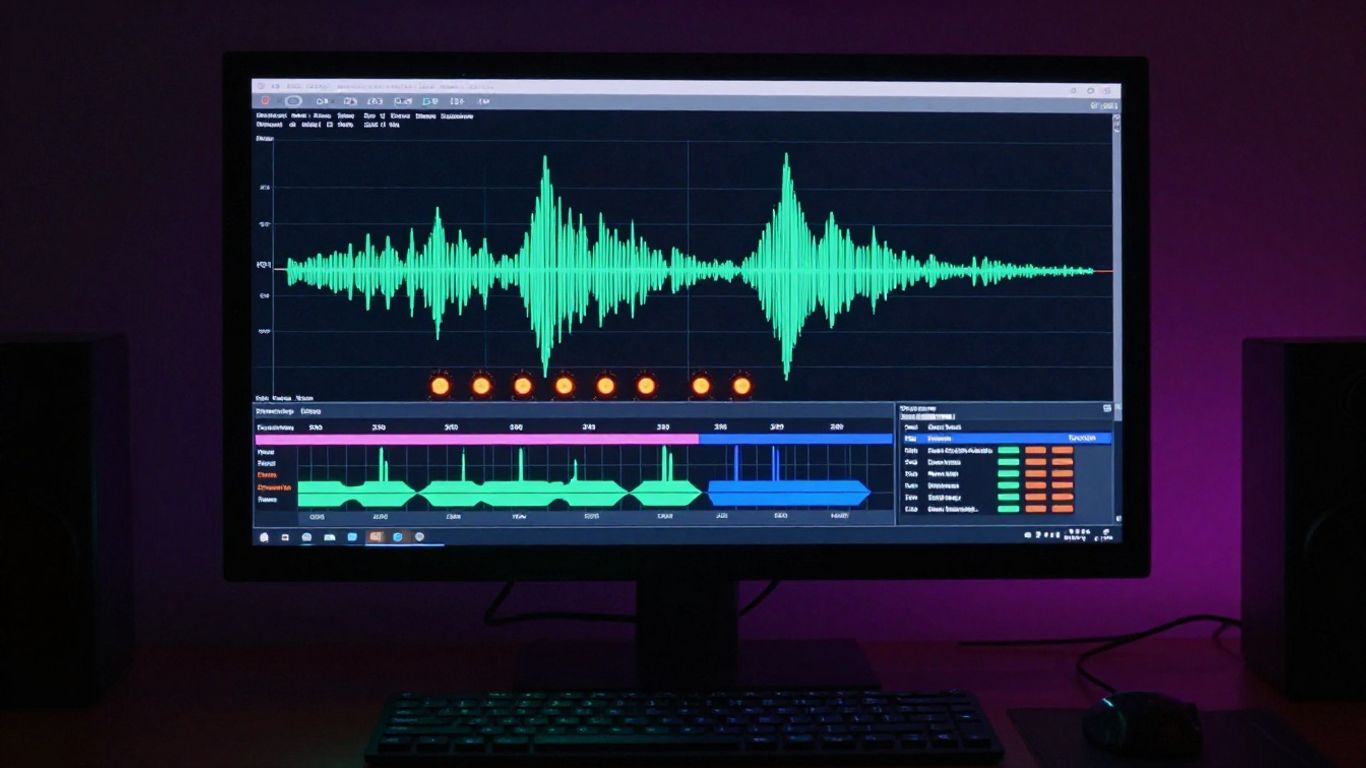
Writing commands for an AI generator is all about precision and providing the right level of descriptive detail. You want to avoid generic instructions like "make a song" and instead focus on specific textures, time signatures, and lyrical themes. Providing detailed context enables the engine to generate audio that actually sounds finished rather than experimental or erratic.
Specifying instrumentation and tempo requirements
Detailing your instrumentation prevents the AI from choosing instruments that might clash with your sonic vision. You can specify whether you prefer a minimalist synth setup or a full orchestral arrangement by mentioning specific equipment or acoustic qualities. Setting the BPM accurately from the start is absolutely essential for keeping your track danceable and well-paced.
Writing lyrics that guide the AI vocal narrative
Lyrics act as the roadmap for your vocalist, dictating the rhythm and emotional inflection point. Ensure your word choices match your chosen genre, such as using shorter, punchy phrases for energetic tracks or longer, flowing sentences for ballads. Treat the text as a script that dictates not just the story, but the cadence of the performance.
Defining mood and atmosphere for consistent output
Consistency in music is achieved by tagging your prompt with words that reflect the intended listening experience. You might note specific moods like melancholic, upbeat, or tense to calibrate the audio coloring correctly. This calibration ensures that every segment of the track contributes to one cohesive, singular feeling.
Iterating on drafts for better technical results
Even with clear prompts, the first version rarely captures everything perfectly. You should plan on regenerating sections or tweaking your initial description until the balance between the drums and strings feels correct. Treat this as a standard mixing phase where minor adjustments lead to major technical improvements.
Generating high-fidelity songs with Creatus AI
Creatus AI simplifies the technical headache by housing both musical creation and visual companion production under one roof. By combining these, you save hours typically spent importing files between mismatched softwares. This, in turn, keeps your project metadata consistent and your workflow fast and efficient.
Configuring the text-to-song engine settings
Start by adjusting the engine parameters to prioritize high-fidelity sampling rates before you hit generate. You want to ensure the base layer of the composition has enough headroom for later mastering steps. Always check that the vocal strength settings align with your instrumentation intensity to avoid a buried vocal sound.
Auditioning multiple versions of generated audio
Never settle for the first draft, as the platform might generate subtle variations in energy that you might prefer. Comparing three to five versions side-by-side reveals hidden choices the model made in rhythm or melody. Selecting the strongest take early saves you from fixing structural issues during the later editing stage.
Exporting the final track in high-quality formats (WAV/MP3)
Always export in the highest lossless format available to ensure that downstream services have the best possible source material. A WAV file is the industry baseline because it preserves all the depth and frequency information you need for professional listening. Avoid heavily compressed formats unless you are just sending a reference sample for quick feedback.
Transitioning from raw audio to a production-ready file
Once you have your export, you might find that you need to add small finishing touches like noise reduction or volume adjustments. Integrating this into your standard routine ensures your tracks are ready for mass consumption. Following this AI music guide ensures you handle each technical step correctly.
Preparing your AI-generated files for Spotify
Getting a track ready for distribution is more than just having a high-quality file; you have to consider how it appears on a user’s screen. You must organize your credits and visual assets with the same care as your composition. This level of professionalism impacts how algorithms interpret your release and suggest it to potential fans.
Mastering levels and balancing audio frequencies
Mastering is the difference between a amateur demo and a commercial record that stands out on any speaker. You should verify your track meets common loudness targets, which prevents it from sounding weak next to other popular music. If the levels are off, your song will sound thin or distorted compared to the rest of the stream.
Ensuring metadata and track info tags are correct
Metadata serves as the backbone for discovery, containing the artist name, genre tags, and songwriter credits. Use this table as a checklist to verify your submission data:
| Data Point | Description | Status |
|---|---|---|
| ISRC Code | Unique identifier for the audio | Required |
| Artist Name | Correct legal billing name | Verified |
| Genre Tags | Defining style and mood | Added |
You must populate these fields accurately so that your music is filed under the correct categories on platforms. Failure to input your ISRC creates a risk that your track is lost in a large distribution backlog.
Formatting cover art for streaming requirements
Visuals must adhere to strict platform specs, typically requiring a perfectly square high-resolution file. You cannot include heavy text overlays that clutter the design or violate basic quality rules set by curators. Keep it bold and easy to read even when viewed as a tiny thumbnail on a mobile device.
Understanding Spotify’s submission guidelines for AI content
Recent shifts in digital policy mean you should stay informed about how platforms categorize AI-assisted work. Some distributors now require you to flag content as AI-generated, so check their specific forms during the upload process. Transparency helps ensure you follow the rules and avoids rejections that could delay your launch schedule.
Selecting a music distributor for independent artists
Your distributor acts as the bridge between your workstation and the global streaming ecosystem. Finding a partner that fits your budget and rights management needs is essential for independent success. Take the time to read the fine print regarding independent production standards.
Comparing pros and cons of major distribution platforms
Look for providers that offer fast turnaround times and detailed analytics so you can see where your fans are located. Some platforms are optimized for beginners, while others offer deeper tools for established creators who need complex split-pay arrangements. Choose one that supports both the technical file types you use and your preferred release velocity.
Reviewing royalty payouts and subscription structures
Understanding how you receive payments helps you manage your business goals and plan for future releases. Some services charge a flat yearly fee, while others take a percentage of your total streaming earnings. Use this Spotify music guide to inform which pricing structure aligns with your current volume and goals.
Checking requirements for original and AI-assisted music
Verify that your distributor accepts files generated via specific AI models before you put time into the process. Some companies have specific policies regarding the use of voice synthesis or original lyrics generated by machines. Ensuring your chosen partner aligns with your workflow saves time later in the cycle.
Managing territory rights and global release timing
You have the power to decide if your track releases in specific regions or globally at the exact same time. Scheduling your release to drop globally helps maximize your initial reach during the critical first 24 hours of availability. Consider time zone differences to ensure your fans wake up to your new music regardless of where they live.
Distributing your AI music to Spotify
Navigating the final submission dashboard is the climax of your project, turning a local file into a live stream. You will input your metadata, upload your assets, and hit the final submit button to send the track to the digital warehouses. Follow these steps to ensure the experience is seamless and does not hit any common roadblocks.
Navigating the submission dashboard for your chosen distributor
Your dashboard is where you track the progress of your delivery and handle any metadata adjustments. Pay close attention to the preview window for your song information, as this is exactly how your name and track title will look to the public. If you notice any typos, fix them immediately before the data is locked for delivery.
Scheduling your release date for maximum impact
Give yourself at least a two-week window between submission and release to allow for editorial review. This buffer is helpful if there is a problem with the file quality or if your metadata needs a quick correction. Planning ahead ensures you can coordinate your social media push without technical stress.
Linking your Spotify for Artists profile ahead of launch
Connecting your profile allows you to access analytics and ensures your song appears on your artist page the moment it drops. You should claim this account well in advance so that you have the tools needed to update your bio and image. Building your presence here early puts you in a position to track your AI-generated tracks as they reach new listeners.
Troubleshooting common distribution rejection issues
If you see a rejection note, do not panic; it is usually due to a minor metadata conflict or file format error. You might simply need to re-encode your file or adjust your artwork resolution to fit the required dimensions precisely. Review the distributor error report, make the requested change, and resubmit to finish the journey.
Driving engagement with companion AI music videos
Visuals are the primary way fans find new music on social media today, making them essential for your growth. When you pair an audio track with a synthetic video, you amplify the emotional impact of the composition significantly. This strategy works because viewers interact with motion graphics long before they might click through to listen to the song itself.
Using Creatus AI to synchronize visuals with your track
Once your audio file is polished, look to automated software to map visual bursts to your beat structure automatically. This saves hours of manual frame-matching while producing a professional, rhythmic result that matches the intensity of your composition. It creates a cohesive package that looks like a high-budget music video without requiring expert editing skills.
Selecting appropriate visual styles for social promotion
Different visual styles resonate with different demographics, so choose one that aligns with your specific brand and genre. If you are creating a lo-fi track, abstract and dreamlike visuals often drive more engagement than hyper-realistic imagery. 1. Stick to one visual identity for a sequence of posts.
2. Ensure the colors match your cover art palette.
3. Test different pacing styles to see what keeps people watching longer.
4. Prioritize movement that complements your track’s BPM.
Following these steps turns your song into a visual experience that is optimized for repeat viewing on social platforms.
Adapting video content for TikTok, Reels, and Shorts
Vertical format content represents a massive share of how people listen to music, so keep your aspect ratio locked to 9:16. Ensure all your major visual elements, like lyrics or key graphic focal points, stay within the safe zones of the phone screen. This prevents critical visual details from being obscured by UI elements like text overlays.
Leveraging visual content to boost Spotify link-in-bio traffic
Your video content should always drive viewers toward your actual streaming link via your social media profile. Frame your videos with call-to-action text that invites listeners to keep playing the track in full on their preferred music platform. This creates a sustainable feedback loop where new video viewers find your profile and then move to your official streaming page.
Conclusion
Sharing your music is a rewarding process that connects your creative output with listeners all over the world. By following these steps and focusing on high-quality production across audio and video, you establish a professional standard for your independent artist career. Stay consistent with your releases and keep exploring new sounds to keep your audience engaged and excited for your next drop.
Frequently Asked Questions
How can I make sure my music sounds professional enough for distributors?
Distributors look for clean, mastered audio files, so always aim for consistency in your volume levels and remove any distortion before you export. Using a high-bitrate format like WAV provides the necessary data for your music to sound great when it is compressed for streaming.
Do I need to be a skilled music producer to use these tools?
You do not need prior experience in production to generate high-quality tracks if you focus on drafting clear, descriptive prompts for your AI software. Modern generators take care of the instrumentation and rhythmic foundation, leaving you to focus on the creative vision and song structure.
How long should I wait for my music to appear on streaming services?
Most distributors suggest waiting between two to four weeks to ensure that platforms have sufficient time to process your metadata and artwork. This timeline also gives you time to manage any potential errors or file rejections that might come from the distribution portal.
Why is my cover art being rejected by the platform?
Cover art is often rejected if it does not meet the exact pixel dimensions or if it contains restricted elements like text, logos, or watermarks. Always follow the specific design guidelines provided by your distributor to ensure a smooth acceptance process.
Can I generate the video after I have already released the music?
Yes, you can release a visual counterpart for your song at any time after the official launch date, which is a great tactic for revitalizing interest. Using a synchronized video mid-cycle can help push your song into new social media algorithms and attract new fans.
What should I do if a song is rejected for being AI-generated?
If a song is rejected due to its AI nature, check the specific policy documentation on your distributor’s website to ensure you are meeting their disclosure requirements. Many platforms now just want you to check a box identifying the content, so transparency is usually the required path forward.
How do I link my artistic social accounts to the streaming profile?
Once you claim your artist profile on the streaming platform, you generally get access to a dashboard where you can add your official social media URLs directly to your page. This connects your music identity with your public persona and allows fans to verify that they are following the correct account.
Start Creating Now
Ready to turn your musical ideas into professional-grade tracks and videos? Create your first song today with our simple text-to-music engine and start reaching new fans on every major streaming platform.