Key Takeaways
Creating compelling vertical content requires technical planning and effective AI tools. Here are five essential points for your production process.
- Start with high-quality audio or precise text prompts to ensure the AI generates clear musical structures.
- Choose a visual aesthetic that fits your genre to ensure your brand identity remains consistent.
- Always export in 9:16 vertical orientation to prevent platform cropping and improve mobile viewing experiences.
- Maintain a steady release cadence to help your channel grow through algorithmic discovery.
- Focus on centralizing your workflow to save time and streamline the transition from song generation to video export.
Understanding the AI music video workflow
Success in the social video space requires a streamlined path from an initial concept to a final, polished post. By choosing a versatile tool like Creatus AI, you unify your production pipeline without needing dozens of disparate interfaces. This approach lets you refine every technical detail while your audience stays engaged with fresh, daily content.
Why combine song and video generation
Producing a track and then finding visuals can take days when working with manual software or external contractors. When you combine these tasks, the creative speed increases because the generation engine understands the relationship between specific musical beats and required visual transitions.
Reducing technical barriers for creators
Traditional video creation asks you to learn complex suites filled with obscure editing menus. AI tools remove these impediments, allowing you to focus on the story rather than track management or frame-by-frame color correction.
Eliminating multi-platform switching
Moving files between a digital audio workstation and a separate video renderer is a recipe for error. Using Creatus AI allows you to keep your session inside one workspace, ensuring your project remains intact throughout the entire lifecycle.
Analyzing the role of generative AI in short-form discovery
Algorithms prioritize high-energy visuals that grab attention within the first two seconds, which is difficult to manage on a shoestring budget. Generative AI allows you to produce high-density visual content consistently, putting you in the best position to reach viewers who browse through short-form video feeds.
Preparing your concept for vertical formats
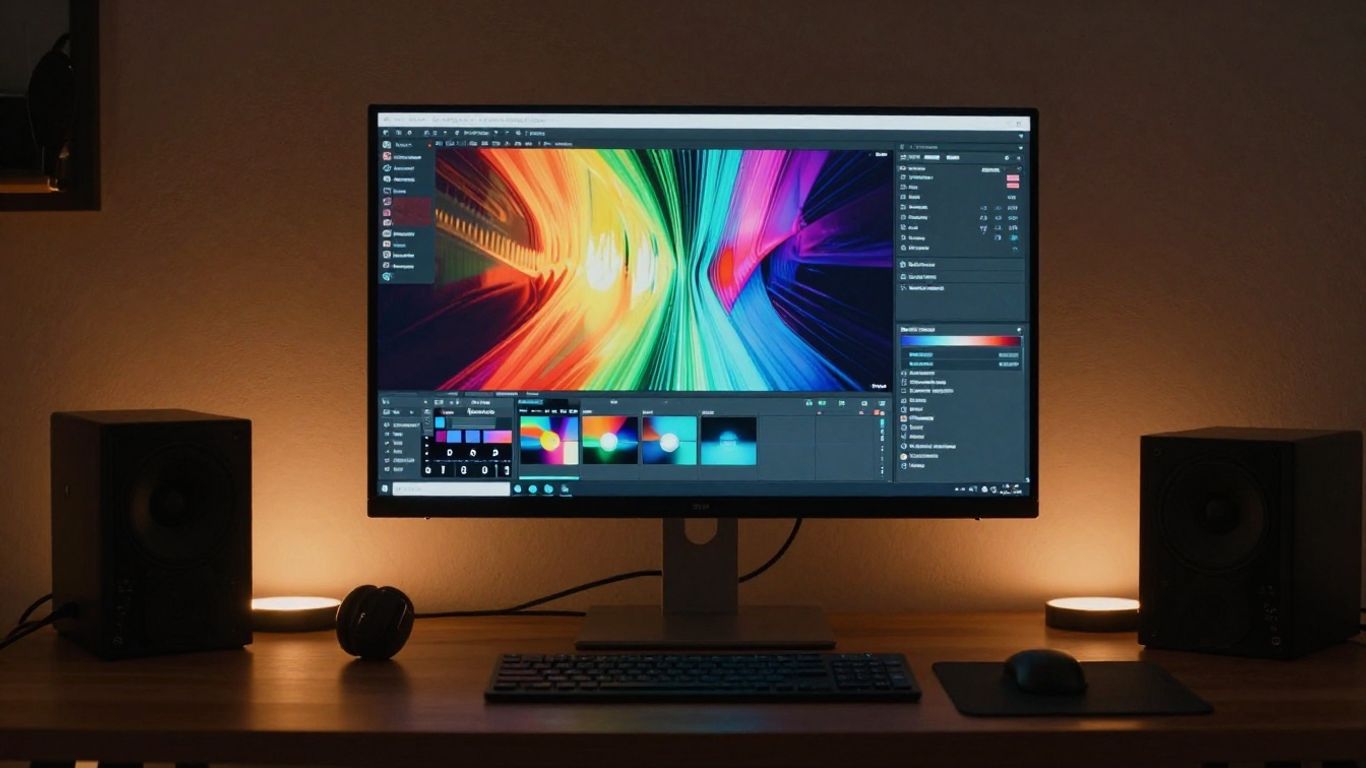
Focusing on the vertical canvas demands a rethink of your compositional layout. You want to prioritize the center frame so that UI elements in social apps do not obscure key action or important text overlays.
Defining your song genre and mood
Your genre dictates the visual color palette and tempo adjustments for the model. Always decide if your track is upbeat for dance content or moody for introspective storytelling before starting the generation process.
Writing effective text prompts for AI models
| Feature | Descriptive Term | Why it matters |
|---|---|---|
| Lighting | Cinematic neon, soft glow | Sets the overall scene tone |
| Perspective | Wide angle, extreme close-up | Determines the viewer’s intimacy |
| Motion | Fluid, rapid, static | Controls the intensity of the scene |
Clear prompts define how the model interprets your vision. Using descriptors instead of vague terms gives the AI enough context to produce usable, high-quality results.
Structuring content for high audience engagement
- Establish a strong visual opening in the first second.
- Keep your recurring visual themes recognizable throughout the track.
- Integrate subtle transitions at every major beat drop.
- Design ending frames that loop smoothly for repeat views.
Building content that keeps a viewer watching through the loop is a critical element of social growth for your channel. Structured pacing helps ensure no part of the track feels stagnant while the visual experience progresses.
Matching visual aesthetics to audio energy
Visuals must mirror the intensity of the music, moving rhythmically with the drums or melodic shifts. A visual style that contrasts heavily with the genre creates a disjointed experience that users often scroll past.
Utilizing text-to-song generation
Generating audio from scratch is the most powerful starting point for your project. By defining the arrangement first, you maintain complete mastery over the cadence that your visuals will eventually follow.
Selecting musical styles and instruments
Choosing specific instrumentation like deep bass or soaring synths informs the base for your AI-generated audio. Specify these elements early in your text inputs to avoid generic, muddy outputs that lack character.
Managing vocal tracks and AI singers
Quality vocals provide a focal point for your audience, grounding the AI-generated music in something relatable. You can adjust the intensity and emotional delivery by modifying your prompt to emphasize specific lyrical delivery styles.
Translating ideas into complete arrangements
Think of your prompt as an instruction manual for a session musician, outlining verse and chorus structures clearly. The Creatus AI generator interprets these structural tags to craft a professional, coherent song.
Reviewing song output before moving to visual generation
Always listen for balance issues between the vocal track and the backing instrumentation before committing to video generation. A crisp, balanced audio file is the foundation for a professional-looking project.
Converting audio into synchronized visuals
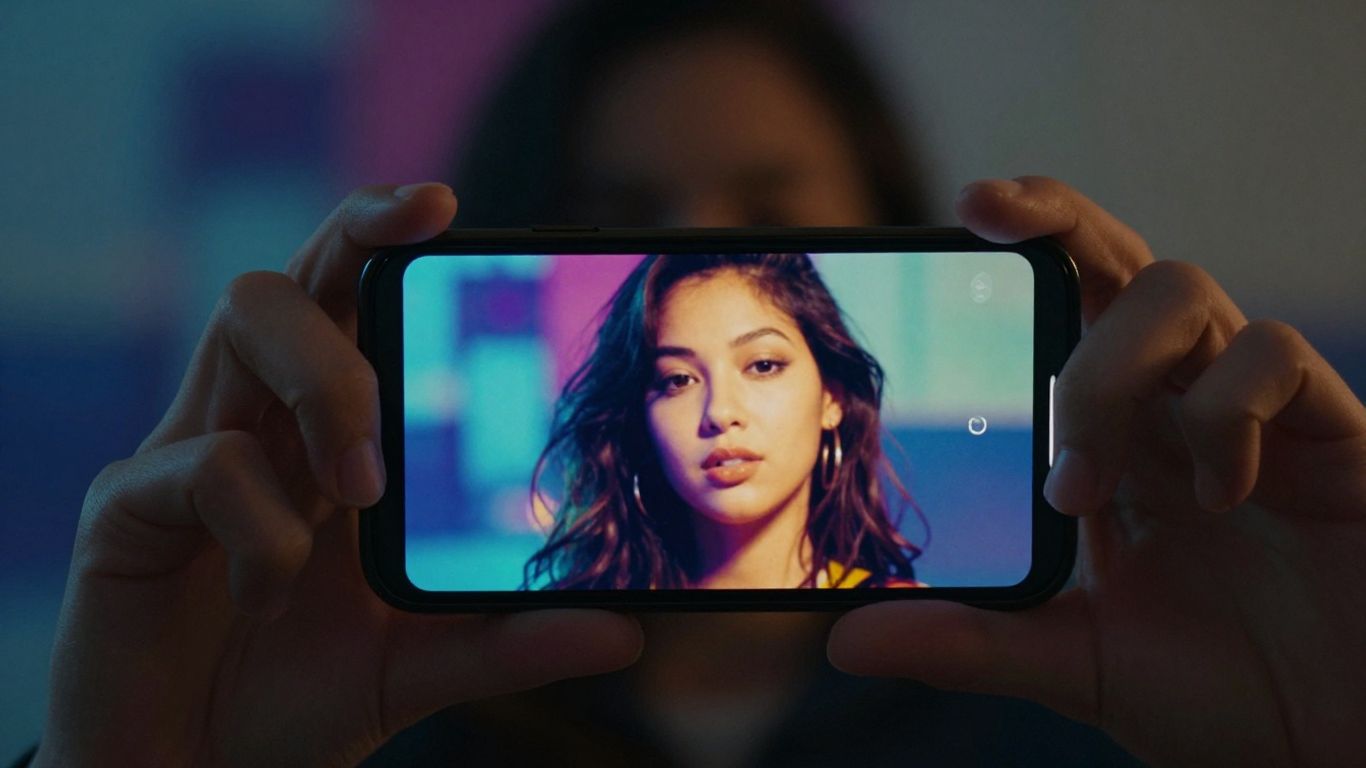
Once your audio is locked, the technical task is syncing the visual output to your track’s unique rhythm. You can leverage Creatus AI to analyze the beat, ensuring that every transition happens exactly when the energy spikes.
Uploading existing tracks versus using AI-generated audio
Uploading an existing MP3 file works best if you have a pre-produced track in mind, while AI-generated audio offers a faster path for quick experimentations. Both methods produce synchronized visual results, so choose the path that fits your existing assets.
Matching visual reactivity to tempo and rhythm
Visuals that react to specific tempo shifts keep the viewer locked to the screen, providing a cohesive rhythmic experience. Ensure your settings prioritize beat detection, allowing the software to trigger changes during major melodic phrases or drops.
Exploring varied visual style presets
Different presets shift your project from a cinematic feel to an abstract or illustrated one. Experimenting with these settings allows you to maintain variety without having to restart your entire creative workflow from scratch.
Troubleshooting frame-by-frame sync in automated generation
If you find visual cues are slightly off, check the tempo of the input file or the alignment of your text instructions. Making small, incremental tweaks to your style prompt often resolves sync issues caused by overly complex visuals.
Optimizing exports for Instagram Reels
Every platform has distinct compression standards that can impact your video’s visual fidelity. Getting this right the first time prevents your high-quality AI visuals from becoming blurry or artifacted.
Implementing the 9:16 aspect ratio correctly
Instagram performs best with native 9:16 uploads rather than resized horizontal footage. Ensure your project settings are fixed at this ratio from the beginning, so you do not deal with letterboxing later.
Ensuring visual focus at the center of the frame
Most phone screens and social app interfaces overlay buttons and text wrappers that cover the edges of your video. Keeping your primary focal points in the middle third ensures visibility across every OS and device type.
Managing resolutions for mobile playback
Targeting 1080p for your export is the sweet spot for mobile data and clarity. Higher resolutions can lead to poor server-side compression, which actually makes the video look worse for the end user.
Exporting files that meet Instagram compression standards
Export your final files as high-quality MP4s to ensure they survive the transition to the platform’s servers. Avoid excessive movement that can lead to frame-skipping, and keep your bitrate stable for best results.
Strategies for sustainable content creation
Sustainable growth comes from being smart about how to make vertical ai music video for reels without burning through your free time. Systematizing your production allows you to feed the algorithm enough content to get noticed.
Building a library of brand-consistent visuals
Maintain a folder of visual assets, prompts, and style seeds that perform well for your audience. Reusing successful visual themes creates a cohesive artistic look across your channel that followers will start to recognize.
Balancing frequency with production quality
Consistency matters more than perfection in the social media game. Aim for a posting schedule you can actually maintain, even if that means producing shorter, tighter clips instead of long-form projects.
Repurposing vertical content across multiple platforms
Your 9:16 videos are perfectly suited for other short-form hosts, meaning one export can serve your entire social media presence. Simply download your finished file and distribute it to every vertical feed you maintain.
Iterating on visual styles based on engagement metrics
Pay attention to which visual styles or genres get the most views. Use that data to guide your future prompts, ensuring your productions evolve in a direction that your audience explicitly prefers.
Conclusion
Mastering the technical side of AI-enhanced content creation provides you with the freedom to release high-quality music and visuals at a professional pace. By keeping your workflow simple, sticking to defined vertical formats, and carefully syncing your visuals to your audio, you ensure that every upload is built for success on social feeds.
Frequently Asked Questions
What file formats should I use for audio exports?
Most standard audio-to-video tools perform best with high-quality MP3 or WAV files. These formats preserve the necessary dynamic range and beat information that the AI needs for accurate synchronization.
How long should an average vertical music video be?
For social media platforms, keeping your videos between 15 and 30 seconds is often ideal for discovery. This allows potential fans to catch the catchy parts of the track without feeling obligated to watch a long-form performance.
Do I need to learn professional video editing software?
Generative AI tools are specifically designed to eliminate the steep learning curve of traditional editing platforms. You can achieve professional-grade results by simply mastering your text prompts and style settings.
Can I use these generated videos for commercial projects?
While the specific usage rights depend on the platform you choose, many AI generators allow commercial use of your outputs. Always verify the specific terms of the tool you are using before publishing content to business channels.
Will AI music generation impact my copyright?
Copyright laws regarding AI-generated media remain complex and are constantly changing. It is best to treat these tools as a creative aid rather than a replacement for human song composition if your focus is on music ownership.
Does the resolution of my video limit its reach?
Lower resolution video often triggers negative feedback from social platform algorithms, which prioritize high-definition content. Always export at 1080p or higher to ensure your video is displayed to as many potential viewers as possible.
How can I make my music videos stand out from others?
Focus on narrative coherence and unique visual branding to set your content apart from generic clips. When you have a distinct art style that followers can recognize instantly, your videos naturally gain more traction in competitive feeds.