Key Takeaways
Adding vocals to your music is now faster than ever with modern software.
- Upload your instrumental audio file first.
- Use AI tools to generate singing melodies.
- Sync your vocal tracks to the tempo.
- Mix levels to sit in the track.
- Export the final song for distribution.
The basics of AI vocal integration
How text-to-song models handle rhythmic alignment
When you add lyrics to a model, it processes the timing by scanning the transient peaks of your beat. The software calculates where the beat hits and places vocal syllables accordingly. This automatic process ensures your lyrics stay locked to the click track, which means you spend less time manually nudging audio blocks. AirMusic’s AI simplifies these technical hurdles for producers.
Differentiating between vocal synthesis and vocal replacement
Vocal synthesis builds a new performance from scratch based on text input, while vocal replacement takes an existing performance and swaps the color of the voice. You need to know which one fits your project before you start firing up a generator. Synthesis gives you total creative control over words and melody, whereas replacement is best if you already have a dry vocal track you want to change.
Managing expectations for spectral quality and vocal timbre
Even top models struggle with certain vocal inflections or extreme pitch jumps. You might hear occasional glitches or unnatural vibrato when the AI tries to find a note that doesn’t fit the scale. Always plan to spend time cleaning up the audio after the generation process finishes, especially in the high frequencies where sibilance often creeps in. Dealing with these limitations requires patience but leads to a much cleaner final product.
Preparing your instrumental for AI analysis
Optimizing file formats for AI processing
Make sure you submit the highest quality source file you own, preferably a WAV format. AI models perform better when they have more data to analyze, as compressed formats like MP3 can mask timing details. High-resolution audio allows the algorithm to detect subtle frequency cues that inform where the singer should pause or breathe.
Removing existing vocal bleed from mixed tracks
If you have a rough draft with background noise, clean it up before processing. Residual frequencies from other instruments can confuse the model, leading to muddy, washed out vocal parts. Use a tool to isolate the stem if possible to ensure the algorithm focuses entirely on your primary beat structure.
Setting the correct tempo and key for vocal consistency
Before you upload, identify the exact BPM and key of your instrumental. While most modern Vocuno’s tool will detect these automatically, manual entry prevents the AI from choosing the wrong octave or speed. Check your project settings against this table to ensure basic compatibility:
| File Format | Sample Rate | Bit Depth |
|---|---|---|
| WAV (Uncompressed) | 44.1 kHz | 16-bit to 24-bit |
| AIFF (Uncompressed) | 48 kHz | 24-bit |
| FLAC (Lossless) | 44.1 kHz | 16-bit to 24-bit |
Keeping your input files consistent prevents the model from dropping beats or shifting pitch unexpectedly.
Utilizing AI platforms for vocal generation
Prompting for lyrics that match your track’s mood
Write your lyrics with clear emotional markers to guide the machine. Descriptive words like sorrowful, energetic, or aggressive help the model choose the right singing style for the performance. You can use the Suno Add Vocals feature to refine these performance aspects through iterative prompting.
Leveraging text-to-song generators like Creatus AI
You can try the Creatus AI Music Video Generator to handle your entire song creation process. This approach keeps your project contained within one workflow from composition to final visuals, avoiding the need for constant file transfers between different programs. This methodology works well for creators who want to build entire clips without needing complex software.
Adjusting vocal personality and genre specificities
Most platforms provide a list of presets or voices to choose from before you generate. Experimenting with different vocal tones changes the entire feel of your song even if you keep the same instrumental. You might discover that a soft folk voice fits your aggressive synth beat better than the standard rock vocalist preset.
Implementing AI vocals in a DAW environment
Exporting and importing raw vocal stems
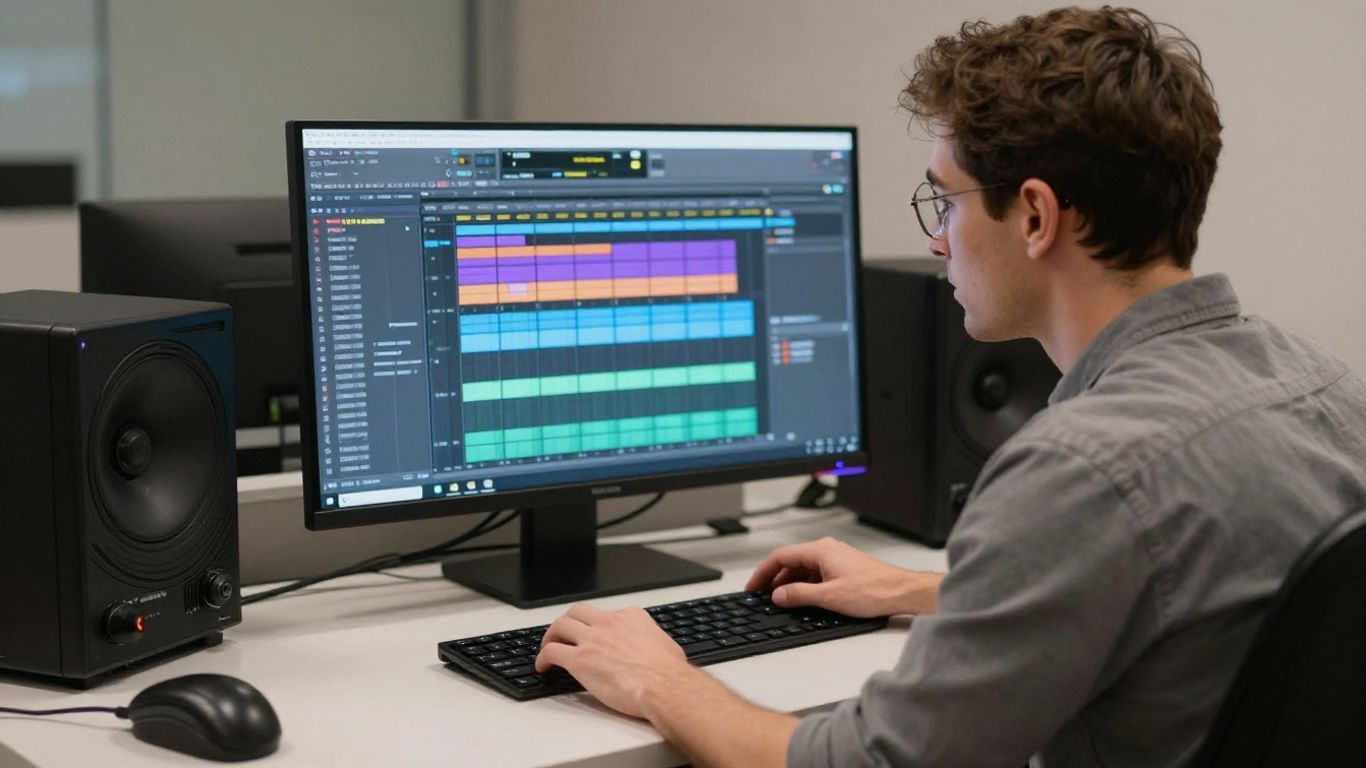
Once the generation is done, grab the dry vocal files and drag them into your project. Most platforms allow you to download isolated stems, which is better than importing a pre-mixed file with the beat attached. Clean, dry vocals give you the room you need to tweak the production later.
Time-stretching and pitch-matching vocals to your instrumental
Even if the generation was accurate, small timing imperfections often occur during export. You might need to adjust the warp mode or perform manual audio cuts to align specific syllables with your drum hits. The following list explains common fixes for timing issues when importing tracks:
- Chop the lead vocal if it drifts off the beat.
- Shift vocal chunks by a few samples to center transient hits.
- Apply fades to the start of each word to prevent clipping.
- Stretch individual syllables that feel rushed or lazy.
Following these steps keeps your production feeling tight and professional while correcting minor processing errors.
Syncing vocal entry points with song structure
Check every chorus and verse entry to ensure the pacing matches your song arrangement. Sometimes the lead vocal enters a beat late, creating a dragging effect that ruins the energy of the drop. Take time to slide those entry points until the singer feels like they are locked in with the band.
Mixing and processing AI vocals for production quality
Applying EQ and compression to glue vocals to the instrumental
Start by cutting the low-end mud from the vocal stem using a high-pass filter. Set this around 100Hz and then apply gentle compression to keep the performance steady. If you add vocals with precision, you will need less overall processing to make the track feel like a single unit.
Utilizing reverb and delay to create spatial width
Give your vocal a sense of space by using a subtle room reverb. Place a short delay on the stereo field to add width without overcrowding the center channel. This creates a larger sound that helps your AI performer sit naturally against the instrumental background.
Using sidechain compression to clear frequency clashes
When the vocals compete for space with your synthesizers, sidechain the synths to trigger off the vocal volume. Setting a fast attack and release on an external compressor will duck the music slightly every time the singer hits a note. This leaves the vocal crystal clear during the busier sections of the track.
Navigating copyright and creative ownership
Understanding platform-specific terms of service
Read the terms of service closely before you upload your finished work. Some sites claim partial ownership over the generated content, while others explicitly grant you full rights to use the output commercially. Make sure you know if your chosen site requires attribution in your metadata.
Documenting AI involvement for distribution platforms
Most streaming services ask you to declare AI usage during the upload process. Being transparent protects your account from copyright disputes and keeps your creative portfolio compliant with platform policies. Check your music distributor’s guidelines to see if they need you to submit an AI-disclosures form along with your audio files.
Distinguishing between proprietary and open-source vocal models
Proprietary models often have strict limits on what you can do with the resulting audio files. Open-source alternatives may allow you to run the model locally on your own machine without the constraints found on website portals. Choose the route that aligns with your long-term plan for the music you produce.
Conclusion
Creating music with machine assistance is a fast way to turn your instrumental ideas into finished songs. Focus on cleaning your vocal stems and keeping your timing tight to ensure the result sounds professional. Once you master these basic steps, you can save significant time on your production workflow.
Frequently Asked Questions
Can I use AI vocals for commercial tracks?
Yes, as long as the platform terms permit it, but you should verify your specific agreement before selling the song.
Do I need to be a music producer to use these tools?
No, because many generators handle the complex mixing and syncing tasks automatically for you.
Will the AI match my song key automatically?
Most tools detect the key, though you should verify this manually for the best performance outcome.
Can I change the singer’s voice after the song is made?
Many platforms allow you to re-process your vocal stems with different voice models to see how they sound.
What do I do if the AI voice sounds robotic?
Try adjusting the audio strength settings or re-generating the snippet with a shorter lyric input.
Is it possible to upload my own voice for the AI to learn?
Some advanced tools allow voice cloning, but you must own the rights to the voice you wish to emulate.
How long should the lyrics be for a song?
Structure your lyrics to fit standard verse-chorus patterns to achieve a flow that feels like a natural human performance.