Key Takeaways
Learning how to write ai song prompts that work helps you turn vague ideas into polished, professional-sounding audio tracks without needing a studio budget.
- Start with a clear genre and mood to set the foundation.
- Use specific instrumentation tokens to shape the soundscape.
- Structure your lyrics with tags like [Verse] and [Chorus] for better flow.
- Iterate on your initial outputs to refine the melody and rhythm.
- Combine audio and visual generation workflows to create synchronized music videos.
The foundation of a high-quality song prompt
Writing effective prompts requires you to treat the AI like a collaborator rather than a magic box. You supply the vision, and it manages the technical heavy lifting such as chord progressions or frequency balancing. High-quality results depend on providing enough detail to narrow down the infinite possibilities the model could explore. When you provide a focused brief, you stop the machine from defaulting to generic, washed-out musical patterns.
Defining the essential parameters of your request
Your prompt should start with the core identity of the song. You need to name the genre, the primary mood, and the speed of the track as your first signal to the AI. This prevents the generator from guessing a wrong or contradictory style that ruins your finished track.
Ordering your tokens for maximum AI interpretability
Place your most important modifiers at the beginning of the prompt where the model focuses its attention. You should prioritize genre and tempo first, saving specific instrumental or vocal colorations for the second half of the instruction set. This hierarchical structure ensures the AI anchors itself correctly before it moves into the specific nuances of your song.
Balancing descriptive detail with creative freedom
Avoid writing an overwhelming wall of text, as too many conflicting constraints can confuse the model. You want to provide a solid frame, such as a dark synth-pop track, while leaving enough space for the AI to handle the arrangement. If you get stuck on starting, consult an AI music creation guide to see how experts layer their primary descriptors effectively.
Avoiding common syntax pitfalls that derail generation
Never crowd your prompt with too many adjectives that mean the same thing, like using both ‘fast’ and ‘upbeat’ and ‘high-tempo’ in the same clause. Simplify your syntax by using distinct terms that represent different components of the sound. If you use a SunoPrompt or similar tool, you can see how specific tagging improves the output clarity without adding unnecessary complexity.
Defining genre, mood, and sonic textures
Defining your soundscape requires a mix of specific genre names and descriptive emotional markers. You build a better track when you combine a broad genre with a specific energy level, such as calling for a moody alternative rock anthem instead of just rock. Use this approach to keep your generation consistent across multiple trials.
Selecting descriptors that define rhythmic and harmonic structure
Use terms that suggest rhythm, such as driving, steady, or syncopated, to help the AI settle on the right beat. You can also specify the harmony by asking for consonant, major, or dissonant tones depending on the emotional gravity you want the song to possess.
Using sub-genre modifiers to narrow down the soundscape
Don’t just stick to top-level genres like pop or rock. Adding specific stylistic markers like dream-pop, industrial-techno, or outlaw-country gives the generator a specific palette to pull from when crafting your composition.
Specifying instrumentation to control the arrangement
Your choice of instruments dictates the color of the track. Use the following table to help you select appropriate instrument sets to guide your requested arrangement:
| Instrument Class | Example Sounds | Best For |
|---|---|---|
| Percussion | Heavy kicks, crisp snares | Energy and rhythmic intensity |
| Strings | Cello, violin, plucked harp | Emotional depth and texture |
| Synths | Sawtooth, pluck, ambient pads | Modern, electronic, or futuristic moods |
You can refine these instrument selections further by asking the tool to favor one set over another, ensuring the AI focuses on your preferred mix.
Setting the tempo and atmosphere through technical terminology
Use BPM identifiers or descriptive tempo words like allegro or andante to lock in the speed. You should also define the atmosphere with words like claustrophobic, wide-open, intimate, or spacious to tell the AI how much reverb or room tone you expect.
Structuring lyrics and song composition
Your song structure acts as the roadmap for the production process. A well-segmented prompt tells the AI where the intensity needs to peak and where the track should taper off into silence. You get much more predictable results when you clearly mark transitions between your composition sections.
Utilizing structural tags like [Verse], [Chorus], and [Bridge]
Bracketed tags are the most effective way to communicate section changes to the modern generative models used by Creatus.AI. Use these consistently at the start of every distinct section of your lyric block so the system understands that the tone should change after each chorus or bridge arrives.
Embedding cues for song progression and section transitions
Guide the listener through your musical journey by adding small cues before transitions. You can add marks like [Fast buildup] or [Smooth fade-out] to ensure the model knows exactly how to bridge the gap between two different parts of the composition.
Balancing rhyme schemes and syllabic counts for natural flow
AI models struggle with awkward phrasing if your lyrics have erratic line lengths. Stick to consistent syllable counts per line to help the model maintain a steady cadence. If you find your lines feel clunky, here are four techniques to fix the flow:
- Read your lyrics aloud to find natural pauses.
- Ensure your rhyme sounds feel intentional, not forced.
- Cut excessive words that clutter the rhythm of a bar.
- Use simple, direct language to help the machine grasp the vocal timing.
Focusing on these rhythmic mechanics keeps your song from sounding like an awkward poem recited in time to music.
Incorporating structural metatags to control the song’s intensity levels
Metatags like [Low energy] or [High intensity climax] act as volume and dynamic overrides for the AI. You can rely on these to signal that a specific section of the track needs to be louder or softer than the surrounding verses.
Directing vocal performance and tone
Your vocalist’s delivery is where the emotional core of the song lives. You need to push the AI beyond a monotone performance by applying specific style tags and emotional descriptors that frame the singer’s intent during each section.
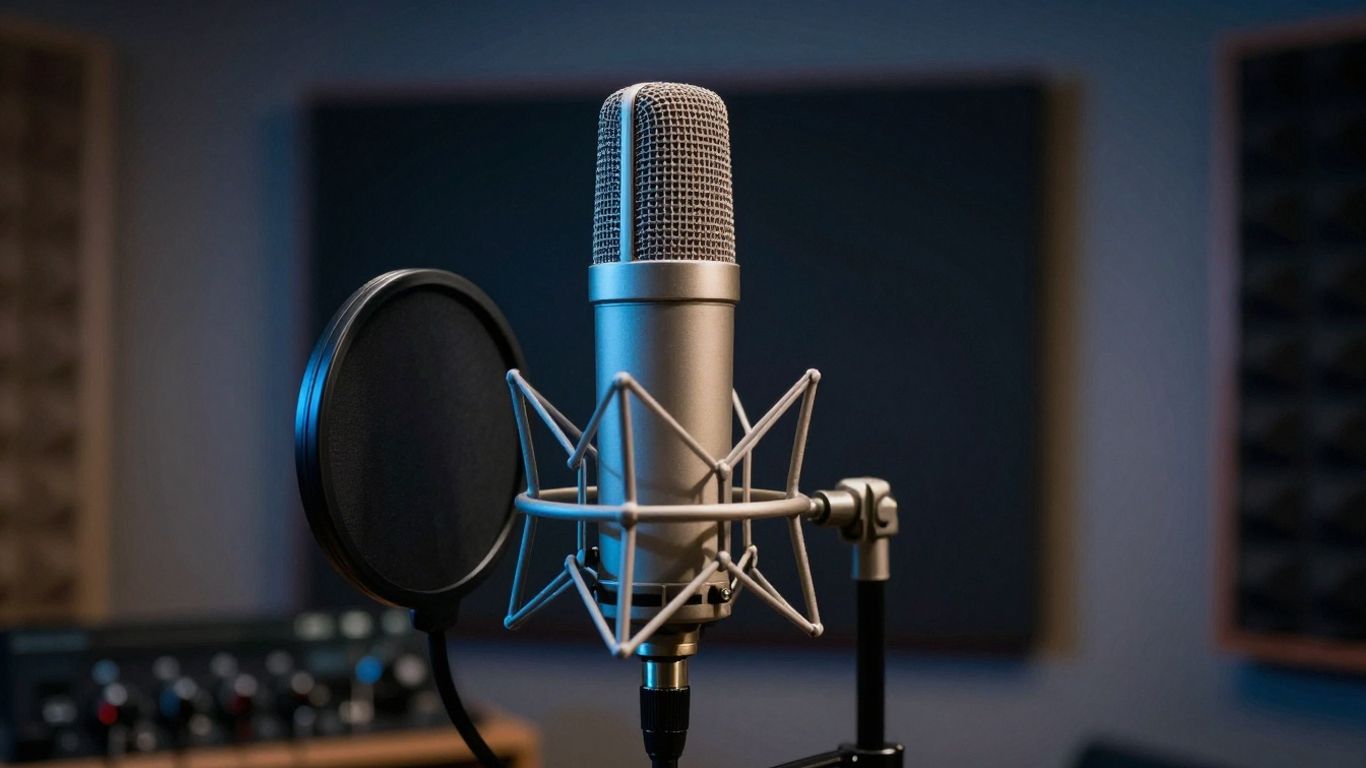
Choosing vocal style modifiers such as breathy, raspy, or operatic
Style modifiers immediately change how the AI constructs the vocal waveform. A raspy delivery feels gritty and personal, while an operatic request forces the model to hit wider ranges and more sustained power notes in your recording.
Controlling vocal range and gender-specific characteristics
Specify the range if you want a deep baritone, a bright alto, or a soaring soprano performance. If you have specific expectations for the voice type, be explicit about the tone you expect heard throughout the entire track.
Describing the emotional intent behind the delivered lyrics
It is not enough to ask for a sad song. Direct the AI to express desperation, hidden anger, or calm melancholy to get a nuanced performance. The model reads these emotional clues to modulate pitch and vibrato in ways that pure technical descriptions cannot achieve on their own.
Adding performance instructions like [Vocal Harmonies] or [Spoken Word]
Layering instruction tags into your text blocks creates complexity in your final audio. Requesting [Vocal Harmonies] in the chorus or [Spoken Word] in the outro provides instant dynamic contrast that keeps the listener hooked on your production.
Iterative prompting for consistent results
Generating music is a process of trial and error rather than a one-time command. By the time you land on the exact output you want, you will likely have tweaked your descriptors at least three or four times.
Analyzing initial outputs to adjust your subsequent descriptors
Take notes on what the first generation got right and where it stumbled. If the melody was perfect but the bass was too muddy, remove the generic synth tags and replace them with specific instructions for a cleaner low-end sound in your next attempt.
Treating the prompt as an evolving draft rather than a final command
You are building a document that grows as the model generates content. If you use a tool like the Creatus AI Music Video Generator to create your tracks, keep an organized scratchpad of your most successful prompts so you can reuse the good parts later.
Managing creative variables when generating multiple versions
Change only one or two variables at a time between generations to isolate what actually impacts the sound. If you change the genre, tempo, and vocal style all at once, you will never know which modification caused the shift in quality for better or worse.
Troubleshooting unexpected shifts in melody or key signature
If the AI keeps jumping into keys that sound out of place, lock your harmonic preferences earlier in the prompt. Use prompt engineering basics to force the model back into a stable musical box, ensuring that the melody stays coherent from the opening hook to the final fade.
Extending your output to AI music videos
Taking your audio creation to the next stage allows you to captivate your audience visually. When you understand the mood of your track, you can easily translate it into a compelling prompt for an integrated video generation tool.
Translating audio energy into visual theme prompts
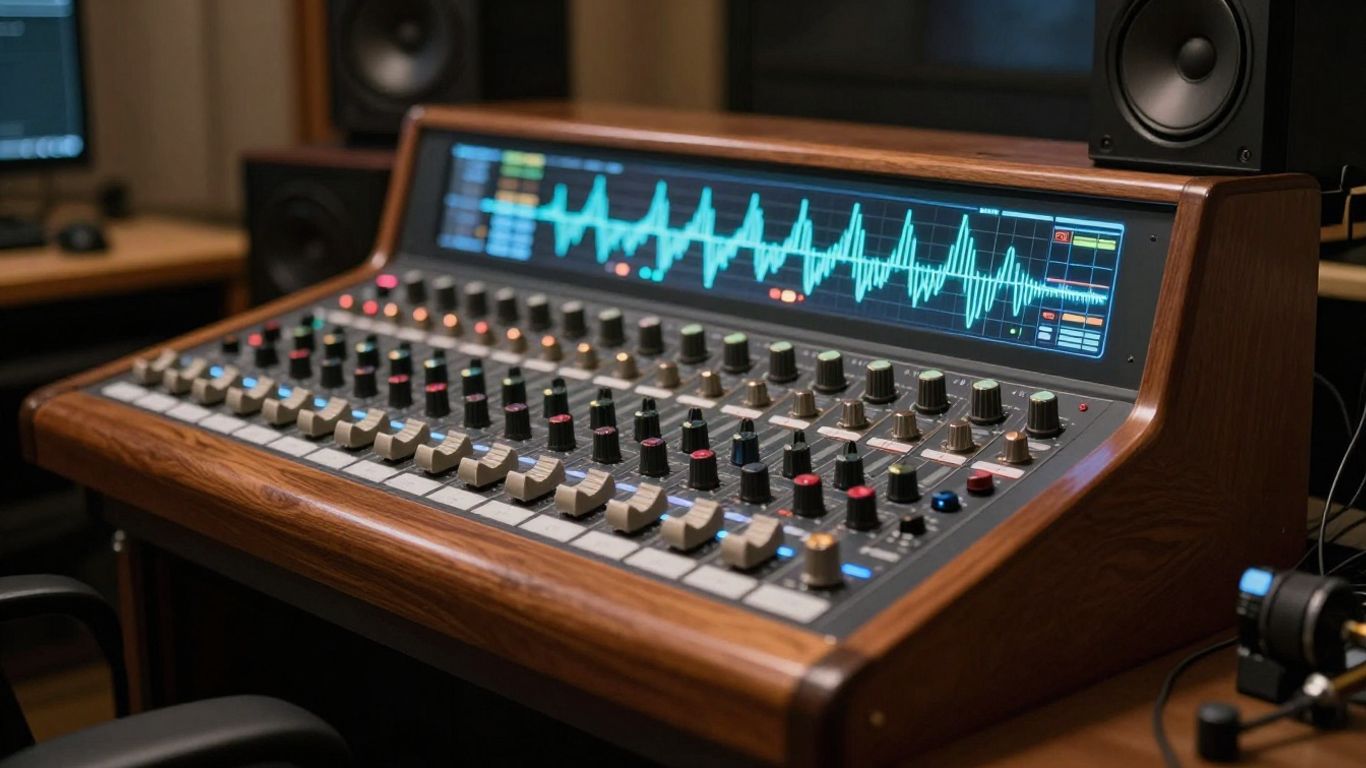
High-energy songs require fast-moving, vibrant visual scenes, while slower tracks need lingering, more atmospheric imagery. Observe your waveform when looking at the Suno AI music track you created; spikes in the audio are your best indicators of when a visual cut or transition should trigger.
Selecting visual styles that complement the sonic mood
Choose a visual palette that aligns with your genre. A synthwave track demands neon lights and retro-digital graphics, while a folk song calls for warm tones, nature scenes, and hand-drawn character designs.
Designing prompts for aspect ratio and platform compatibility
Always define your vertical needs before the model starts rendering your video files. If you are aiming for short-form clips, specify that you need a portrait setting for your export, ensuring the framing works for phones regardless of the platform you plan on using.
Integrating song structure with visual synchronization cues
Use your lyrics to inform the visual narrative of your video project. When the chorus hits, switch to scenes that show more action or change the color grading to signal the change in musical intensity to your viewers.
Conclusion
Mastering the art of prompt design is the most reliable way to improve your AI-generated audio and visual content. By carefully structuring your requirements and iterating through small changes, you move from hit-or-miss generation to consistent, high-quality production that fits your specific needs.
Frequently Asked Questions
Can I generate multiple tracks using the same prompt template?
You can certainly reuse your best prompt structures to keep a consistent sound across different tracks if you maintain the same genre and instrumentation tags.
Does adding complex musical theory terms help improve the output quality?
It is better to use clear, descriptive emotional language rather than complex theory terms, as clear adjectives and style markers often provide the AI with more reliable guidance.
Should I include lyric punctuation in my AI song prompts?
Using punctuation helps the model understand your sentence structure and timing, which significantly contributes to a cleaner, more readable vocal performance during the final generation stage.
How do I stop the AI from generating instrumental parts when I only want vocals?
If you want fewer background distractions, explicitly add tags like [Minimalist arrangement] or [Acapella] to your prompt to direct the model to prioritize the lead singer over the instrumental backing.
Is it possible to mix vocal styles within a single song generation?
You can prompt for different vocal styles by splitting your lyrics into blocks and requesting specific tonal shifts for each, such as asking for a breathy performance in the verses and a powerful, raspy delivery in the chorus.
What should I do if the AI misinterprets my genre request?
Try rephrasing your genre request by including references to specific artists or iconic sounds that the model associates with the style you are trying to imitate.
Are my AI-generated music tracks safe to use in videos on social media?
Most modern generation platforms provide tools that are designed to produce original content, but it is always wise to double-check the platform’s specific terms regarding ownership and copyright before you post your final work.
Ready to Start Creating?
Create professional songs and synchronized music videos today with Creatus.AI. Our two-in-one platform handles everything from text-to-song generation with AI vocals to audio-to-video production, so you can build your entire project in one workflow without switching apps.