Key Takeaways
Creating music videos no longer requires a production team or expensive camera gear thanks to modern generative technology. These key principles will help you get started:
- Use AI tools that combine song generation and video creation in one workflow.
- Start with clear text prompts to define your song’s genre and energy.
- Upload audio files in standard formats like WAV or MP3 for best results.
- Match your video aspect ratio to the specific social media platform requirements.
- Refine your output through iterative adjustments to prompts and visual styles.
Understanding the AI music video workflow
Adopting an AI-native approach simplifies the creative process for musicians and content creators. You can move from a rough idea to a finished video without switching between multiple software subscriptions or purchasing heavy equipment. This efficient streamlined production model allows you to focus on your creative vision rather than technical constraints.
The power of two-in-one AI workflows
Most platforms force you to use one tool for audio and another for visuals, which creates disjointed results. The Creatus AI Music Video Generator solves this by integrating text-to-song generation and audio-to-video production. You can generate a full track with AI singing vocals and then transform that same track into a synchronized video within a single workspace.
Eliminating the need for traditional production studios
Traditional video creation consumes significant time and budget for lighting, cameras, and professional editors. By using AI, you move toward a digital, automated environment where your computer acts as the studio. This shift levels the playing field for independent artists who need high-quality content on a consistent basis.
Essential hardware and software requirements
You only need a reliable computer with an internet connection and a modern web browser to gain full access to these tools. Since platforms like the AI Music Video Generator operate entirely in the cloud, your local machine performance does not limit your rendering capacity. This setup ensures that your projects remain accessible from anywhere with a stable network link.
Preparing your creative vision for the AI tools
Before launching the generator, take a moment to outline the atmosphere and primary messages you want to convey. Organizing your thoughts into descriptive themes ensures the AI interprets your input accurately. A well-prepared vision serves as the foundation for both your lyrics and the final visual narrative.
Defining your song concept with text
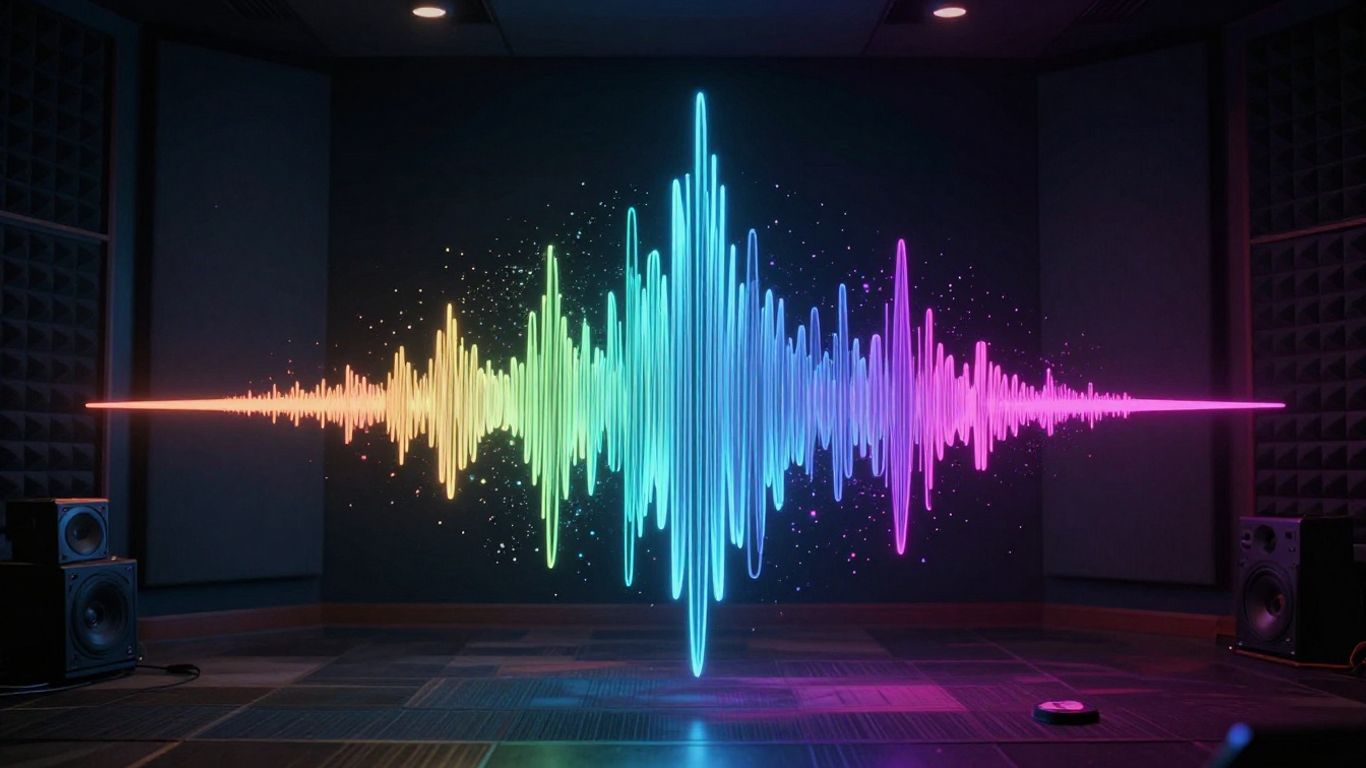
You communicate your musical goals to the platform by entering detailed descriptions of your desired output. Whether you want an upbeat electronic track or a slow, melancholic ballad, your input sets the boundary for the melody and vocal style. Providing clear parameters acts as the primary dial for tuning your song’s performance.
Writing effective prompts for specific genres
Be specific about your genre, instruments, and any stylistic influences to help the model refine its output. Instead of writing "a pop song," try specifying "an upbeat synth-pop track with bright percussion and driving bass." Detailed prompts yield significantly more accurate, usable results than vague requests.
How to incorporate descriptive lyrics and themes
Your lyrics should align with the core emotional arc of your song concept. If the theme is frustration, include keywords that emphasize that tension in your prompt alongside your lyrics. This alignment helps the model choose the right vocal tone and inflection for your lyrics.
Setting the right mood and energy levels
Mood and energy determine the pacing and visual flow of your video. You can balance these by adjusting descriptors like "ambient," "high-energy," or "theatrical" to shape the final output. Think of these modifiers as instructions for the timing of your song’s rhythmic progression.
Iterative prompting for the best possible output
AI production is rarely a one-shot process; you should treat it as a collaborative conversation. If the initial result feels slightly off, tweak your keywords or adjust the phrasing of your lyrics and ask the model to regenerate. This refinement loop allows you to hone in on the exact sound you need.
Generating or uploading your audio track
You have the option to generate a brand-new track from scratch or upload your own pre-recorded audio files. The platform handles both routes with equal efficiency, ensuring your project begins exactly as it should. If you prefer to create your music using outside tools, you can upload your work directly.
Utilizing AI to convert text into full songs
The text-to-song engine provides a fast, automated way to produce original music with complete vocal tracks. This feature is useful for creators who need a theme song or background music but lack the skills to compose and mix their own audio. The model generates both the instrumental arrangement and the singing voice in high fidelity.
Managing audio input formats like MP3 and WAV
The platform supports standard uncompressed and compressed audio files. Using higher-quality files like WAV helps the video generation process capture more nuance in your audio’s dynamics. Keep your file sizes reasonable to ensure quick processing speeds during the generation phase.
Checking vocal clarity and audio balance
Listen closely to your generated or uploaded audio to ensure the vocal track isn’t drowned out by heavy synths or drums. If the vocal clarity is low, adjust your initial prompt to prioritize the singing voice or ensure your mixed file has carved-out space for the voice during production. Maintaining balance is important for clarity.
When to re-generate or modify existing audio tracks
Sometimes a small change to a prompt or an EQ edit in your source file makes a world of difference. Do not hesitate to re-generate sections of the song if the vocal performance or timing of the chorus feels incorrect. The goal is to perfect your base audio before committing it to the final visual generation.
Converting audio into synchronized visuals
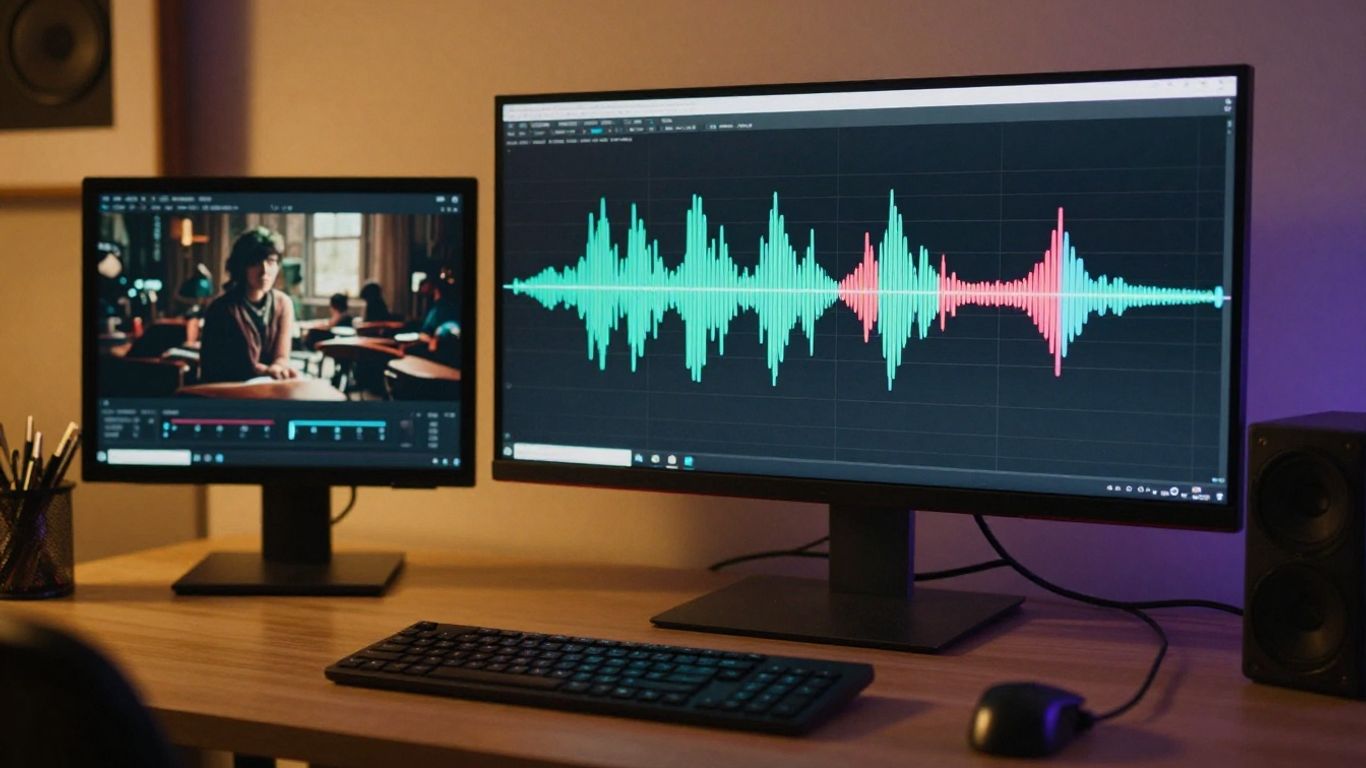
Syncing video to audio is the final step in aligning your creative work. The AI interprets the tempo and shifts in your track to place visual transitions where they make the most impact. This automated alignment saves hours of manual work typically required in video editing applications.
Aligning visual styles with your music’s identity
You must select a visual style that matches your music’s tone, as this guides the algorithm’s interpretation of your audio track. For instance, you should pair cinematic styles with dramatic music and abstract visuals with experimental or electronic tracks. Consider these common style pairings in your selection:
| Style Category | Ideal Audio Type | Visual Frequency |
|---|---|---|
| Cinematic | Orchestral or Soul | Slower pace |
| Animated | Upbeat Pop or Funk | High activity |
| Abstract | Techno or Ambient | Geometric patterns |
Letting the AI interpret tempo and beat structure
The video generator automates timing so you do not need to cut clips manually to match your beat. It monitors your file’s structural shifts and adjusts the visual pacing to match. This allows you to produce complex videos that feel polished and rhythmically accurate without any manual effort.
Experimenting with different scene and transition aesthetics
Try testing different transition styles within the software to see how they impact the overall energy of your music. Some transitions are smooth and fluid, while others are abrupt for high-intensity sections. You should prioritize flow where it keeps the user engaged with the visual journey.
Balancing abstract visuals with narrative elements
Great videos often combine rhythmic abstract patterns with more concrete narrative moments to keep the viewer interested. By diversifying your visual elements, you ensure that the project feels dynamic rather than repetitive. Focus on these core elements during the generation process:
- Layer in story-driven imagery for the verse.
- Switch to abstract patterns during the explosive chorus.
- Utilize consistent color palettes throughout the track.
- Include performance-oriented shots to increase personal connection.
Formatting and exporting for social media
Finalizing your video for specific social media channels is the final checkmark for your project. Providing your video in the exact aspect ratio required for each platform prevents clipping and ensures your content appears exactly as intended. These final formatting touches make your work look professional.
Matching aspect ratios to your distribution channel
Select your target platform format before downloading to ensure you meet their specific requirements. Use 9:16 for TikTok or Reels, 1:1 for a standard square feed, or 16:9 for YouTube and long-form video. Choosing the right size maximizes your engagement on each platform.
Optimization best practices for TikTok, Instagram, and YouTube
Each social media site rewards content that feels natively integrated into its feed. For TikTok and Instagram, ensure your visual interest remains high in the first few seconds to combat rapid scrolling. On YouTube, focus on audio fidelity and overall image resolution to satisfy the higher quality expectations of that platform.
Maintaining high visual quality during final export
Always select the highest resolution setting available during your final export to preserve the texture and detail of your generated imagery. Even if you share your video on a mobile-first platform, starting with high resolution provides the best foundation for future repurposing. Do not compromise on your export settings when you have the option.
Conducting a final review of audio-visual alignment
Perform a final watch of your video on different devices to test how the audio-visual sync holds up in various environments. Listen through both speakers and headphones to verify the audio mix. Ensure the transitions feel intentional rather than arbitrary before you share the finished video with your audience.
Conclusion
Understanding the AI music video workflow allows you to maintain full control over your creative expression without needing a massive budget. By utilizing tools that bridge the gap between initial text prompts and finished high-quality exports, you can consistently produce professional videos that capture the mood of your music. Stay patient, iterate on your designs, and keep experimenting with the different tools in your workspace to broaden your visual possibilities.
Frequently Asked Questions
What are the main benefits of using AI for music video production?
AI music video production significantly lowers the barrier to entry by removing the need for camera crews, lighting equipment, and expensive video editing software.
Can I use my own music audio files with these tools?
Yes, most advanced generators allow you to upload your own MP3 or WAV files so you can create visuals for music you have already recorded elsewhere.
How does the AI ensure that visuals stay in sync with the tempo?
The software performs automatic audio analysis to map the beats and mood of your track, adjusting the visual transitions to match these structural cues.
Should I choose a vertical or horizontal video format?
The optimal format depends on your distribution strategy; choose 9:16 for TikTok, Instagram Reels, and YouTube Shorts, while reserving 16:9 for standard YouTube videos.
What if I am not a developer or video editor?
These platforms are specifically built for beginners, relying on intuitive interfaces and text-based prompts that do not require any prior technical experience with video editing.
Is it possible to edit the video after it has been generated?
While some platforms offer frame-by-frame control, many allow you to adjust your prompt or request regenerations to fine-tune specific sections to your liking before finalizing.
Can I monetize content created with AI music video tools?
Many platforms provide rights-managed content that is suitable for personal and promotional use, though you should always verify the terms of service regarding commercial licensing for your specific project.