Key Takeaways
- Define your genre and tempo before writing.
- Match specific rhyme schemes to your melody.
- Use AI tools with combined audio and video capabilities.
- Keep your song structure simple for better results.
- Export in standard formats for platform performance.
Preparing your song concept and structure
Starting a new project requires a concrete plan before you open any software. You need a clear vision for the mood to guide the machine toward your intended sound. Without this initial direction, the output often feels disjointed regardless of the technology used.
Defining your target genre and musical mood
Decide if you want a high-energy pop track or a moody acoustic ballad. The chosen genre sets the constraints for instrument selection and vocal processing. Sticking to one clear style helps the model provide a polished result.
Establishing your desired tempo and rhythmic feel
Set your beats per minute based on the energy of your idea. Faster tempos work well for danceable tracks, while slower beats suit emotional or storytelling pieces. This choice impacts how the vocals sit within the final mix.
Outlining standard song structure components
Organize your ideas into common segments like verses, choruses, and bridges. This familiarity makes your composition feel professional and catchy to listeners. Most songs rely on these segments to maintain audience interest from start to finish.
Identifying key themes for your lyrical content
Focus your writing on singular, relatable messages to prevent your song from feeling aimless. Determine how each section connects back to your main idea. This creates a cohesive narrative that carries the listener through your track.
Crafting effective custom lyrics
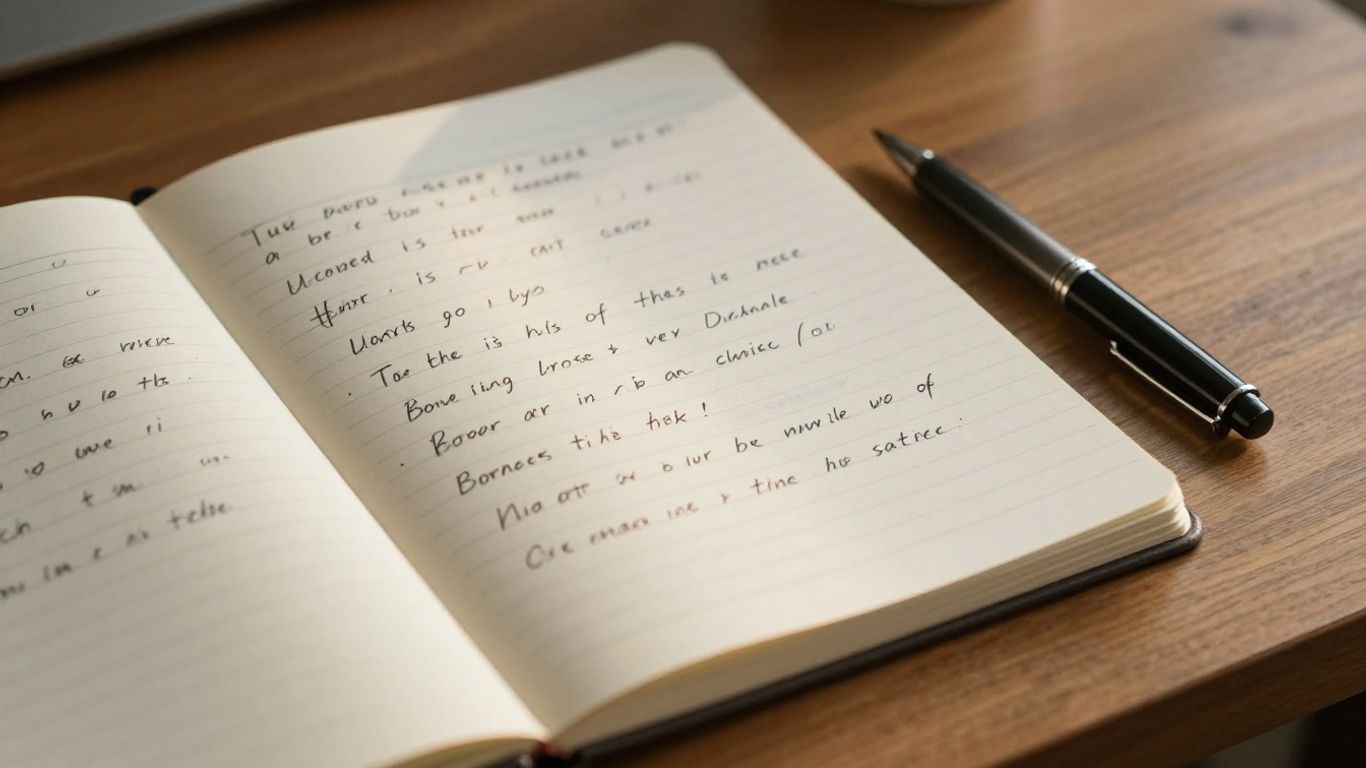
Writing lyrics that pair well with music involves careful attention to patterns. Avoid overly complex phrasing that might trip up the vocal synthesis. Your words should guide the melody, not fight against it.
Balancing rhyme schemes for consistent musical flow
Experiment with simple AABB or ABAB patterns to keep the rhythm steady. These structures make your song easier to sing and remember. Consistency creates a predictable flow that works well with standard pop arrangements.
Utilizing meter and syllable counts for better delivery
Count your syllables to ensure lines fit comfortably within a bar. If one line feels too long, trim the word count to match the surrounding rhythm. Staying within a consistent meter helps the AI maintain a natural vocal pace.
Structuring lyrics with clear verse-chorus-bridge markers
Label your sections clearly so the model knows how to arrange your words. Use brackets like [Verse 1] or [Chorus] to signal transitions. This organization makes your lyrics readable and actionable for the generation process.
Using descriptive prompts to influence AI interpretation
Add specific adjectives or style notes alongside your lyrics to guide the output. Mention if the vocals should sound husky, whisper-soft, or powerful. This extra detail helps the system select better vocal parameters for your specific content.
Selecting the right AI music generator
Choosing a platform involves weighing features like output quality and ease of use. You want a tool that produces clean vocals without demanding studio-level mixing skills. Some platforms prioritize rapid generation, while others focus on deep creative control.
Evaluating AI tools based on vocal quality
Listen to samples provided by each service to check for natural phrasing. High-quality synthesis sounds human, avoiding the robotic staccato found in older models. Quality varies across the market, so take time to compare results before committing to a tool.
Comparing free tiers versus professional usage limits
Most services offer a free way to test their models, but these often involve restricted credit systems or lower audio fidelity levels. Reviewing these options allows you to find one that fits your budget.
| Plan Type | Audio Quality | Credit Limit | Commercial Use |
|---|---|---|---|
| Free | Standard | Limited | No |
| Starter | Enhanced | Moderate | Yes |
| Premium | Professional | Unlimited | Yes |
Selecting a plan ensures you have enough credits to iterate on your draft without sudden interruptions to your workflow.
Assessing user interface and creative control
Look for a workspace that keeps your tools organized and accessible. A clean layout helps you manage multiple project files and track versions during production. Intuitive controls mean you spend more time writing and less time fighting with a clunky menu system.
Identifying platforms with integrated video capabilities
Many developers force you to jump between different services to produce a music video. The AI Music Video Generator from Creatus.AI stands out because it combines song creation and video production in one place. Using this tool allows you to move from text to a full visual piece without switching between various software apps.
Generating your custom music composition
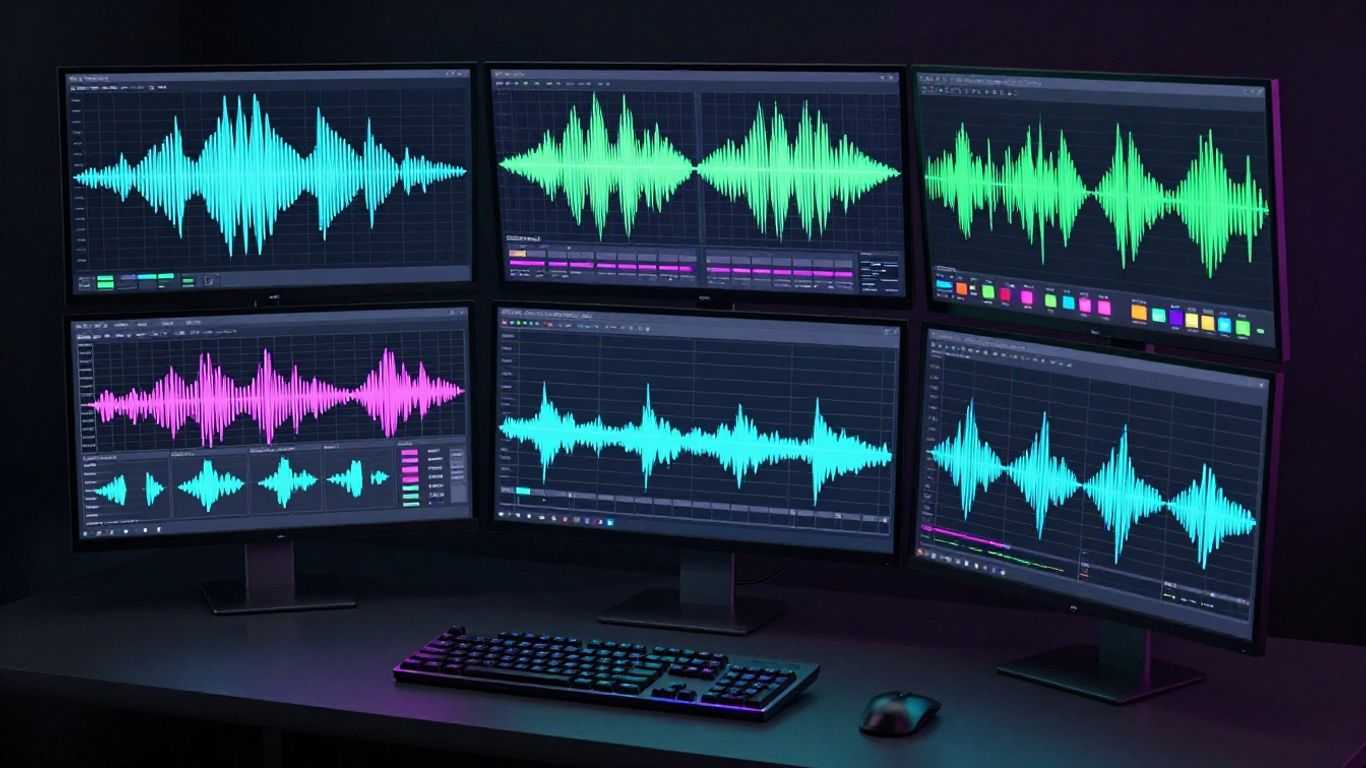
Once you have your lyrics and platform chosen, the generation process begins. Input your requirements carefully and review each draft for potential issues in melody or timing.
Inputting lyrics into the AI generation workspace
Paste your formatted text into the designated fields provided by your chosen platform. Check for typos and ensure your markers are correctly placed before starting the task. Accurate inputs lead to faster, more accurate musical results.
Selecting musical cues for genre and instrumentation
Choose instruments that fit your intended vibe, such as synthesizers for modern tracks or acoustic guitars for folk. Follow this checklist to get better results:
- Start with a generic prompt if you are still experimenting.
- Add specific instrument tags to tighten the audio profile.
- Keep your genre description consistent across the entire project.
- Audition at least three different variations before choosing a final path.
Applying these steps helps you refine the sonic output significantly.
Iterating on initial drafts to improve composition
Don’t accept the very first result if it doesn’t match your vision. Adjust your prompt, change one instrument, or slightly modify the syllable count in your lyrics. Each small tweak brings you closer to your preferred sound.
Auditioning different musical styles for the best vocal fit
Different styles can change how a vocal sounds, sometimes making a lyric feel harsher or softer. Test your words against multiple genres to see which one brings out the emotion you want. You might find a style you never considered works better for your specific track.
Enhancing track performance with AI vocals
Vocals serve as the centerpiece of your song. When you understand how to talk to the AI, you can nudge the performance to sound more authentic to your original plan.
Choosing vocal styles and tonal characteristics
Selecting a specific vocal profile influences everything from pitch to resonance. Think about whether you want a gravelly rock tone or a clear, operatic voice. Matching the persona to the song goes a long way toward professional sound.
Refining phrasing adjustments through prompt tuning
If the AI rushes your words, add directions like "slower phrasing" or "breathe between lines" to your prompt. These small adjustments provide the model with a better map for emotional delivery. It takes practice to know exactly which keywords trigger the best vocal shifts.
Troubleshooting common vocal synthesis nuances
At times the AI might stumble over complex words. Simplify your vocabulary or substitute similar terms that are easier for the synthesizer to process. Clear, distinct words always perform better during the generation stage.
Ensuring vocal clarity against instrumental tracks
If the instruments drown out the singing, reduce the intensity of your instrumental prompt. Striking the right balance makes your lyrics easy to follow for the audience. Use test exports to gauge volume levels before you finalize the audio.
Visualizing your AI song for social media
Getting eyes on your work requires video that hits hard in the scroll. Match your visuals to the theme and speed of your music so the viewer experience stays consistent.
Uploading generated audio files for video processing
Prepare your MP3 or WAV file for upload once you approve the final audio mix. Ensure the file is clean and free of background noise. The generator analyzes your file to time visual changes with your song structure.
Matching visual themes to your song’s mood
Pick color palettes and imagery that mirror the emotion in your lyrics. Darker, moody visuals work well for sad songs, while saturated colors fit upbeat pop tracks. The visual tools help you tie these elements together for a cohesive production.
Selecting optimal aspect ratios for different platforms
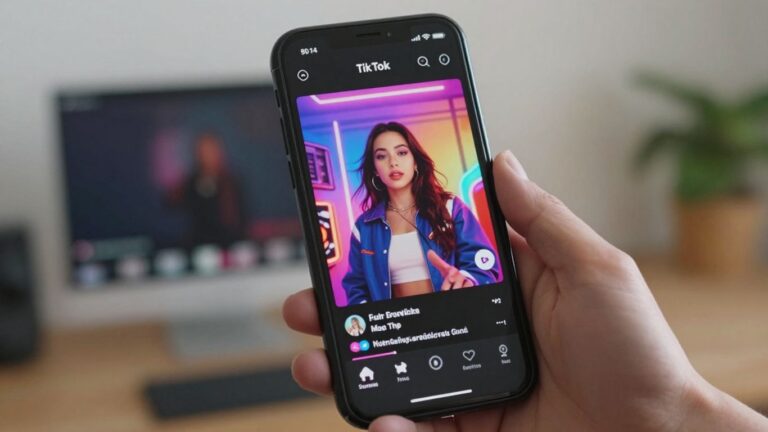
Think about where your audience hangs out. TikTok and Instagram need vertical orientation, while YouTube users prefer horizontal content. Always choose the ratio that fits the target destination before running the video task.
Adjusting synchronization settings for video output
Most AI tools automatically align visuals with the beat, but some allow for manual tweaks. Check the sync to ensure moments like instrument solos or major lyrical drops land accurately. A well-synced video keeps people watching longer.
Managing file exports and final distribution
Final steps are vital for ensuring your song reaches listeners without quality loss. Proper export management protects your work and ensures platform compatibility.
Optimizing audio formats for high-quality streaming
Export your audio in high-resolution formats like WAV or high-bitrate MP3 to maintain clarity. Check if your distribution channels have specific size or bitrate preferences. High-quality files prevent distortion during the compression that streaming apps often apply.
Preparing vertical assets for TikTok and Instagram Reels
Create short cuts of your best sections to serve as promotional hooks. These clips should focus on your most interesting melody or hook to draw interest quickly. Use the official Creatus guides to ensure your files match current app requirements.
Formatting horizontal exports for platform-specific standards
Ensure your YouTube uploads match the standard 16:9 ratio to avoid awkward black bars. Check that your audio levels meet the recommended loudness standards for the platform. Consistency in presentation builds a stronger professional reputation.
Understanding copyright and commercial usage requirements
Always confirm that the tool you choose grants you ownership of the audio you produce. If you plan to sell or stream your work, ensure the terms support professional commercial usage. Verification prevents headaches later if your track starts gaining traction.
Conclusion
Making music with AI is a simple process once you master the basics of prompting and structural organization. By focusing on your lyrics first and selecting a platform that handles both audio and visual needs, you can produce professional-sounding tracks without needing a studio. Keep iterating on your ideas, learn how to refine your prompts, and stay consistent with your style to find your signature sound.
Frequently Asked Questions
What do I need to start creating music with AI?
You only need a basic idea, a list of lyrics, and an internet connection to use a browser-based generation tool.
Can I make a full song from just a sentence of text?
Yes, but adding descriptive lyrics and genre cues usually results in a much higher quality production.
Is prior music production experience required?
There is no requirement for technical skills because the AI handles the complex melody and mixing tasks for you.
How do I stop the AI from mangling long sentences?
Break your sentences into smaller, distinct parts so the synthesizer has a better chance to pronounce each word correctly.
Are my AI-generated songs automatically ready for streaming?
Most platforms require you to download and review the track to ensure it meets your audio standard before you upload it to a distribution service.
How can I make my AI music video more engaging?
Focus on rhythm-synced visual changes that move with the beat to keep the listener visually occupied.
What should I do if the AI misinterprets my genre?
Try to provide specific musical keywords or instrument types instead of general genre labels to guide the model specifically.
Let’s Get Started Today
Do not wait to bring your musical ideas to life. You have the tools necessary to begin right now. Visit Creatus.AI and start your first project without needing a background in music production.