Key Takeaways
Creating professional music visuals is now within reach for any artist thanks to efficient AI tools. Here are the central points for your production journey:
- Write descriptive prompts to influence genre and mood effectively.
- Use dedicated tools for both audio synthesis and video synchronization.
- Choose visual styles that fit your platform distribution needs.
- Optimize export settings for high-quality social media sharing.
- Leverage integrated platforms to avoid switching between multiple applications.
Understanding the AI music video workflow
Modern technology allows you to produce high-quality music and visuals without hiring a full production crew. By using a specialized platform, you consolidate the creative process into one place to save time.
How text-to-song technology works
Text-to-song models interpret your written input to build a full musical composition from scratch. You provide a prompt describing instruments, structure, and singing characteristics, and the engine executes the request to generate studio-ready audio files.
The role of AI in audio-to-visual synchronization
Once the audio is ready, visual analysis algorithms scan the beat, tempo, and song energy to align motion. This ensures that transitions, camera cuts, and light pulses align perfectly with the music, providing a cohesive spectator experience.
Why an integrated, single-platform workflow matters
Managing a separate song creator and a video maker creates unnecessary friction. Using a single ecosystem, such as the Creatus.AI music video suite, lets you maintain momentum by keeping all project assets under one roof through every generation step.
Preparing your song concept and lyrics
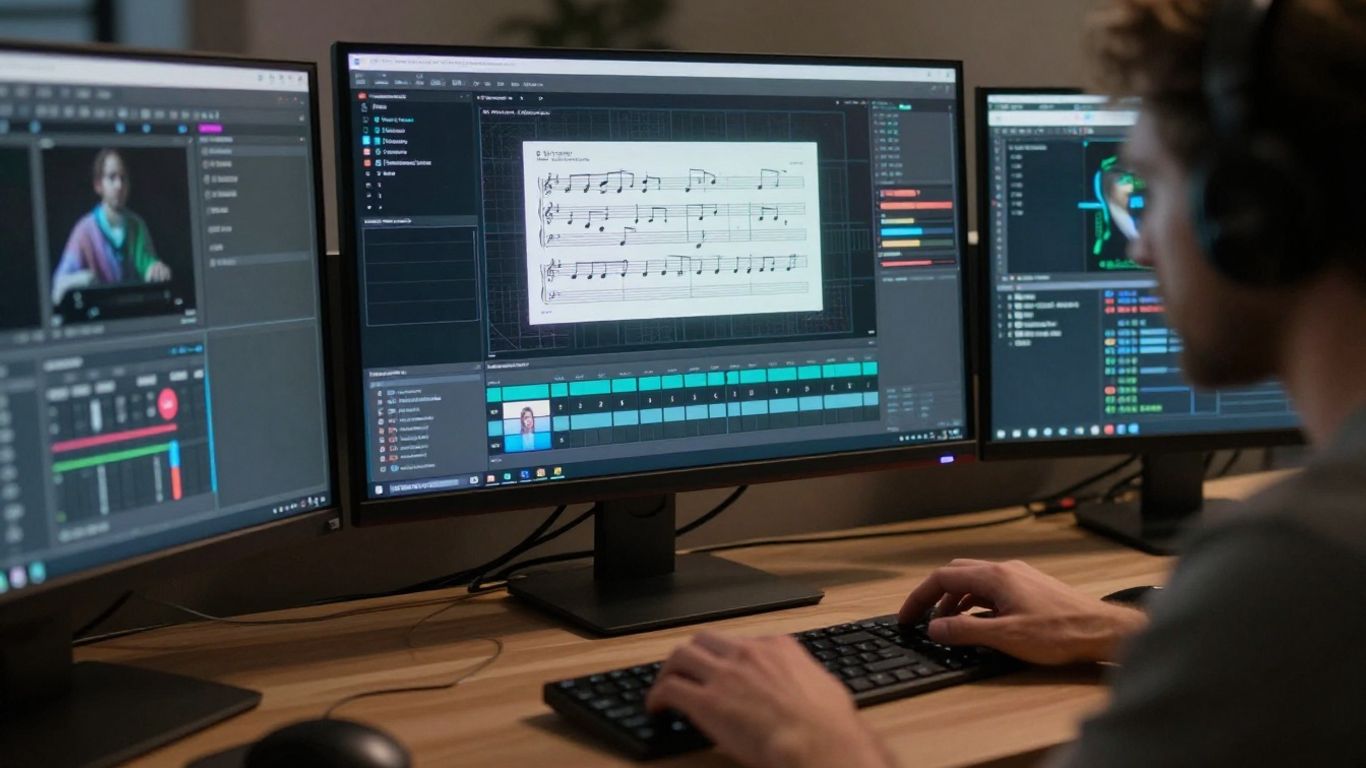
Clear preparation ensures the AI interprets your vision accurately during the generation process. You can control the end result by supplying specific, high-quality information early on.
Writing clear prompts for genre and mood
Describe the exact emotions you want the listeners to feel when they play your track. Mention specific influences, tempos, and vocal textures, which helps the model narrow down its search space for the most fitting sonic pattern.
Structuring your lyrics for optimal AI performance
Organize your verses, chorus, and bridge sections clearly so the vocal engine handles the cadence appropriately. A logical structure guides the AI through the song pacing, resulting in a more natural delivery of your lyrics.
Defining your target audience and visual theme
Consider where you plan to share your content, as this dictates your aesthetic choice.
| Audience | Visual Preference | Best Platforms |
|---|---|---|
| Electronic Enthusiasts | Abstract visuals | YouTube, TikTok |
| Indie Listeners | Cinematic shots | Instagram, Reels |
| Pop Audiences | Fast-cut performance | TikTok, YouTube |
Selecting a theme that aligns with your fanbase ensures higher retention rates and better engagement across your social feeds.
Generating your original song with AI
Creating professional songs happens quickly when you rely on high-fidelity models that understand studio vocal dynamics. The key is to keep your prompt descriptive so the machine output matches your internal rhythm.
Using text-to-song tools for professional-grade vocals
Advanced engines generate human-like singing that captures nuance and pitch with surprising accuracy. By simply typing your lyrics into the interface, you can generate a complete piece that feels finished and polished.
Tuning voice characteristics and instrumentation
Refine the audio by adjusting elements like vocal depth, echo, and instrument variety. Most interfaces allow you to toggle these settings after the first generation, helping you polish the track until it sounds like it came from a professional studio.
Reviewing and refining your audio generation
Listen closely to the playback to ensure the beat stays in sync with your intended climax and quiet moments. If the AI misses a beat, try regenerating with a slight adjustment to the prompt intensity before moving to the video phase.
Creating synchronized music visuals
Once your audio file is finished, you can transition straight into visual generation. An integrated Creatus.AI workflow allows you to upload these files seamlessly, ensuring the final media matches your creative intent.
Uploading your audio file for analysis
Start by uploading your completed MP3 or WAV audio file directly into the visual generation tool. The system evaluates the dynamics, identifying peaks and valleys to pace the visuals correctly.
Aligning visuals with song tempo and energy
Consider the Following Steps:
- Choose an motion style that matches your song bpm.
- Enable automatic beat detection to trigger visual transitions.
- Adjust the sensitivity of the movement for softer sections.
These adjustments ensure that your video does not feel random, giving the audience a satisfying and intentional experience throughout the playback.
Customizing the animation style and scene composition
Select a style that reflects the character of your music, such as hyper-realistic portraits or abstract geometric shapes. You maintain control by tweaking the camera movement and color palettes within the editor.
Choosing the right visual style for your video
Selecting a look that fits your branding is important for establishing a strong visual identity. Your aesthetic should feel like an extension of your music.
Utilizing cinematic and abstract visuals
Cinematic styles often feature sweeping shots and grand landscapes, while abstract visuals emphasize pure color and movement. Both options prevent visual boredom by providing constant, evolving imagery for the viewer.
Incorporating performance-focused AI generation
If you want your video to feel like a live performance, utilize models trained on human movement and facial expression. This draws the viewer in and adds a personal touch to your digital content.
Choosing between animated and realistic video aesthetics
Animation offers unlimited flexibility for surreal imagery, whereas realistic generation provides a grounded, movie-like quality to your project. Evaluate your song message to decide which direction best conveys your central theme.
Formatting and exporting your video
Matching the technical requirements for different platforms ensures your video looks sharp upon release. Proper formatting removes the need for manual post-generation edits.
Selecting the correct aspect ratio for TikTok, Reels, and YouTube
Different platforms require specific frames to show content effectively. A 9:16 aspect ratio serves portrait displays like TikTok, while 16:9 is standard for YouTube viewing on desktop computers.
Managing output settings for consistent social presence
Keep your resolution settings high to preserve the details of your generated visuals. Check that your export bitrate is optimized for web sharing, ensuring that your Creatus.AI video loads fast for your audience.
Preparing final files for distribution
Save your files with clear naming conventions for tracking purposes. Once exported, you are ready to upload, tag your content properly, and start building your following on public streaming services.
Best practices for high-quality production
Quality production depends on consistency and knowing how to push your tools effectively. Following sound habits ensures your final projects meet industry standards.
Ensuring audio-visual cohesion
Match your lyrical themes to your visual palettes to create a strong mood. When the color scheme and narrative imagery support the lyrics, your audience perceives the video as a unified work of art.
Leveraging free tiers vs. paid features for power users
Start your journey with free tiers to refine your prompt writing skills and explore basic styles. Move to paid features to unlock longer video lengths, higher resolution limits, and access to more unique generation models.
Scaling from individual tracks to automated promotion workflows
Establish a regular output schedule for your music. By standardizing your creation process, you can maintain a constant stream of content, helping you find your audience faster and turning casual listeners into dedicated fans.
Conclusion
Learning how to create lyric video with ai allows you to transform raw ideas into visual experiences that stand out, making it an essential skill for any modern creator. By combining audio generation with synchronized visuals in a single dedicated platform, you maintain full control over your narrative while reaching new viewers across social media.
Frequently Asked Questions
Can I generate lyric videos without video editing experience?
Yes, AI platforms are designed to handle the technical heavy lifting, such as cutting and syncing, so you only need to focus on your creative vision.
Is it possible to use my own custom background images?
Most modern tools allow you to upload specific images, letting you blend AI-generated animation with personal photo assets.
How long does it take to produce a music video from scratch?
Depending on your internet connection and the length of the track, most complete videos process within a few minutes after you finish your prompt settings.
Do I need to be a musician to create these videos?
Not at all, as the AI handles both the song generation and visual production, ensuring anyone can build a complete entertainment product regardless of their background.
Which video platforms benefit most from these creations?
Vertical video platforms like TikTok, YouTube Shorts, and Instagram Reels currently see the highest engagement for AI-generated music and visual content.
Are the lyrics always perfectly synced to the audio?
While AI provides a highly accurate first draft for synchronization, you can use the built-in editor to manually refine word-level timing if subtle adjustments are needed.
Can I create videos for songs I already produced manually?
Absolutely, you can upload your existing MP3 or WAV files to the platform to generate new, synchronized visuals that match your previously recorded music.
Start Your AI Music Creation
Ready to turn your musical ideas into reality? Create your first music video now using professional tools that handle everything from text to finished video files without the need for complex editing software.