Key Takeaways
Creating professional visuals without a budget is possible if you understand platform limits and strategy. These points guide your free creation journey:
- Credits reset monthly or weekly depending on the provider policy.
- Free tiers often impose resolution caps and mandatory watermarks.
- Multi-platform workflows bypass individual account limitations effectively.
- Efficiency in prompting reduces the number of iterations needed.
- Free-forever models typically scale usage based on server traffic.
Understanding how free usage models work
Most AI platforms manage their costs by assigning a fixed number of digital credits to a user account. These credits fluctuate based on the intensity of the generation request, such as video length or visual resolution. When you ask how many ai music videos can i make for free, the answer depends entirely on your specific platform choice.
The credit-based system explained
Platforms grant an allocation of points to generate media upon sign-up or through a recurring daily refresh. Every clip consuming computing power deducts from your total balance until the cycle starts over.
Limitations on export quality and resolution
Free access often restricts your output to standard definition or 720p resolution to curb server costs. You might find higher quality settings grayed out or entirely behind a paywall when attempting to export your work.
Watermarks and attribution requirements
Many free tiers force branding onto your finished video file. Removing these marks typically requires upgrading, but you can plan your frames to hide them if needed.
Time duration versus total video volume
Short clips appear more frequently in free accounts than longer, cinematic sequences. You may be limited to generating only ten seconds at a time to keep server strain predictable.
Evaluating top AI music video platforms for free access
Finding the right service requires matching your creative intent with specific platform strengths. Some focus on visuals, while others handle both audio and video in a single workflow.
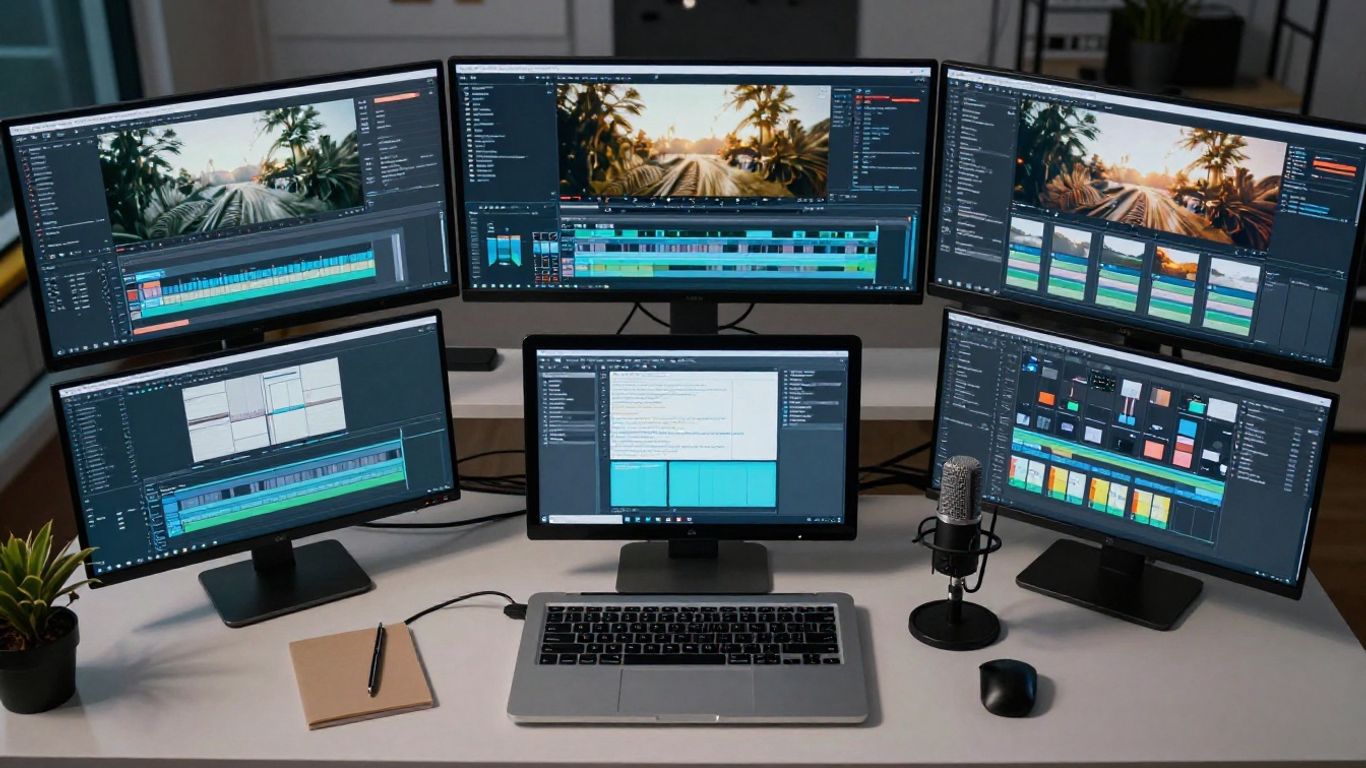
Integrated platforms like Creatus AI
Creatus AI offers a two-in-one approach where you generate songs and videos in the same interface. This removes the need for separate subscriptions for audio and motion work.
Audio-reactive visualizer specialists
Platforms like Plazmapunk prioritize beat synchronization, making them ideal for electronic tracks. Their tools excel at turning audio energy into visual movement across the entire timeline.
Lip-sync and narrative-focused tools
If you need characters to perform, freebeat.ai generates specific dance and singing behaviors. You can compare common free features in this table:
| Platform | Free Allowance | Primary Capability |
|---|---|---|
| Creatus AI | Daily credits | Integrated Audio-Video |
| freebeat.ai | Fixed monthly | Dance and Lip-sync |
| Plazmapunk | Per-generation | Audio-reactive visuals |
Comparing trial tiers versus permanent free accounts
Some services offer a one-time trial limit, whereas others provide a perpetual low-volume quota. Always verify the status of your account, as platforms like Animator Hub keep their video tools open for direct uncensored generation.
Managing your quota across multiple services
Heavy users often adopt a rotation strategy to maximize their total free output. By using multiple platforms in tandem, you avoid hitting a single bottleneck.
Stacking different free trials efficiently
Rotate between services to ensure you always have active resources. Most users perform well by following a simple rotation list:
- Use your primary platform for complex scene composition.
- Leverage backup tools for quick audio-reactive tests.
- Save high-quality exports for the end of your cycle.
- Archive outputs locally to avoid recurring cloud storage fees.
Leveraging unique offerings from competing platforms
Different tools specialize in distinct visual aesthetics. Using one platform for narrative clips and another for abstract backgrounds allows you to avoid repetition in your work.
Balancing high-quality output with quantity limits
Focus your most valuable credits on final polish rather than early drafts. Use lower-quality, quick-generation tools to verify your timing before exporting high-resolution versions.
Integrating separate music generation tools with video generators
If your video tool lacks audio capability, you can create AI music using free generators. This allows you to combine higher quality audio with your self-generated visuals.
Strategic preparation for high-frequency creation
Planning your output saves both time and credit allowance. A well-constructed prompt prevents the need for endless redos.
Optimizing input audio for faster AI interpretation
Ensure your audio files are clean and well-structured, especially if you need the video to hit specific drops. The AI analyzes stems and phrasing more accurately with distinct audio peaks.
Defining consistent style prompts to save iterations
Use consistent language in your prompts to maintain visual continuity across shots. Using Animator Hub also allows you to keep consistent personas in your work, which stops the need for trial-and-error generation.
Leveraging built-in templates for efficiency
Built-in scene presets offer a reliable foundation for your project before you even start the generation process. These help you verify spacing and framing without wasting manual effort on every shot.
Batching projects to maximize monthly refresh cycles
Execute all your generation tasks leading up to your credit reset date. If you have leftover capacity, use it for testing new styles to prepare for your next monthly run.
Hidden costs beyond the free generation
Free tools often come with limitations that impact how you distribute your final product. Understanding these constraints early saves you frustration during the post-production stage.
Commercial usage rights on free-tier assets
Free assets frequently lack the commercial license needed for public monetization. Check the service terms to ensure you own the output before publishing.
The trade-off between automation and manual editing
Automation saves time, but rarely produces a perfect result on the first attempt. You may spend hours manually fixing minor visual errors that occur during the auto-generation process.
Storage limitations and cloud-based file management
Most free-tier creators face strict storage caps for their projects. You must download your work to your own machine regularly, just as you might find marble tiles for your home to ensure quality control yourself.
Transitioning from trial versions to paid subscriptions
Consider how your budget might look when you eventually upgrade. You could find your skills improving quickly, much like students at the Total Guitar Transformation Academy who move from basic chords to complex lines.
Assessing the trade-offs of the free-forever model
Unlimited but throttled platforms solve the problem of missing credits, but they come with their own set of challenges.
Quality consistency across successive generations
Free tiers often utilize legacy AI models that fluctuate in quality compared to their newer paid counterparts. Your visuals might change slightly between generation windows if the model updates.
Latency and server queue times for free users
Expect significantly longer wait times during peak hours. Animator Hub creators often notice this latency, but it remains a minor inconvenience given the uncensored freedom provided.
Managing style drift in longer video projects
Stitching long videos gets tricky when the AI loses context between generations. You might need to break your video into segments rather than generating it all at once to ensure consistency.
Professional viability of free-tier versus paid-tier outputs
Free output works well for social proof or testing, but commercial projects usually require the reliability of premium tiers. Use this link to explore options that support your professional vision.
Conclusion
By carefully navigating account limits and building smart workflows, you can produce a high volume of content without any subscription costs. Remember that your time remains the most valuable resource, so prioritize tools that allow for fast iteration and precise control over your visual story. Continue to test, refine, and upgrade your platform choices only when your project demands greater commercial flexibility.
Frequently Asked Questions
Can I use generated music videos on any social platform?
Yes, but always check the terms of service for each AI tool to ensure you have the necessary usage rights for your account type.
How do I prevent watermarks from appearing on my videos?
Removing watermarks usually requires a paid account, but some creators use framing or basic editing software to crop the footage if the composition allows it.
Are there file size limits on free video exports?
Most platforms cap your file size to a few hundred megabytes to prevent server congestion, so you should export frequently for archival purposes.
Can I reuse the same prompt across different platforms?
Yes, though the results will vary significantly because each service uses its own specialized AI models to interpret your text input.
Why does my video look different after a few scenes?
Visual drift occurs because the AI model maintains context for a limited number of frames, leading it to slowly lose the original prompt’s specific style settings.
Do free tiers support high-definition exports?
Usually not, as bandwidth costs are significant for high-resolution video, so most platforms restrict free users to standard or medium quality.
What happens to my projects if I stop using the platform?
Most services store your project files for a short period before automatic deletion, so you should always back up your work to your own device.