Key Takeaways
- Creatus handles both audio and video production in one place.
- Suno offers high-grade music generation with specific pro audio features.
- Choosing between them depends on whether your project needs video integration.
- Rights and ownership vary based on your subscription status with these services.
- Beginners often prefer all-in-one tools to avoid technical learning curves.
The core difference: Song creation versus total workflow
Music production creates unique paths for every creator. Some people want deep control over every note, while others need a fast path to finished video content. Understanding whether you prefer a surgical approach or a speed-focused pipeline changes everything about your software choice.
Understanding the specialized music focus of Suno
Suno builds its service around pure audio generation. Its system generates songs from simple text prompts, giving you the ability to tweak lyrics or adjust vocal styles. This focus makes it a strong pick if your primary work centers on generating complex music for personal projects or sonic exploration.
The Creatus all-in-one design philosophy
Creatus takes a different path by keeping your music and video in one place. Its workflow connects text-to-song generation with audio-to-video production. You skip the extra steps of moving files between separate apps, which keeps your production time short.
Evaluating the friction of switching between multiple platforms
Moving files back and forth between different services creates work for your brain. You lose time as you export, import, and sync your media across separate tabs. Choosing a single platform saves you from these repetitive administrative tasks.
When to choose Creatus AI
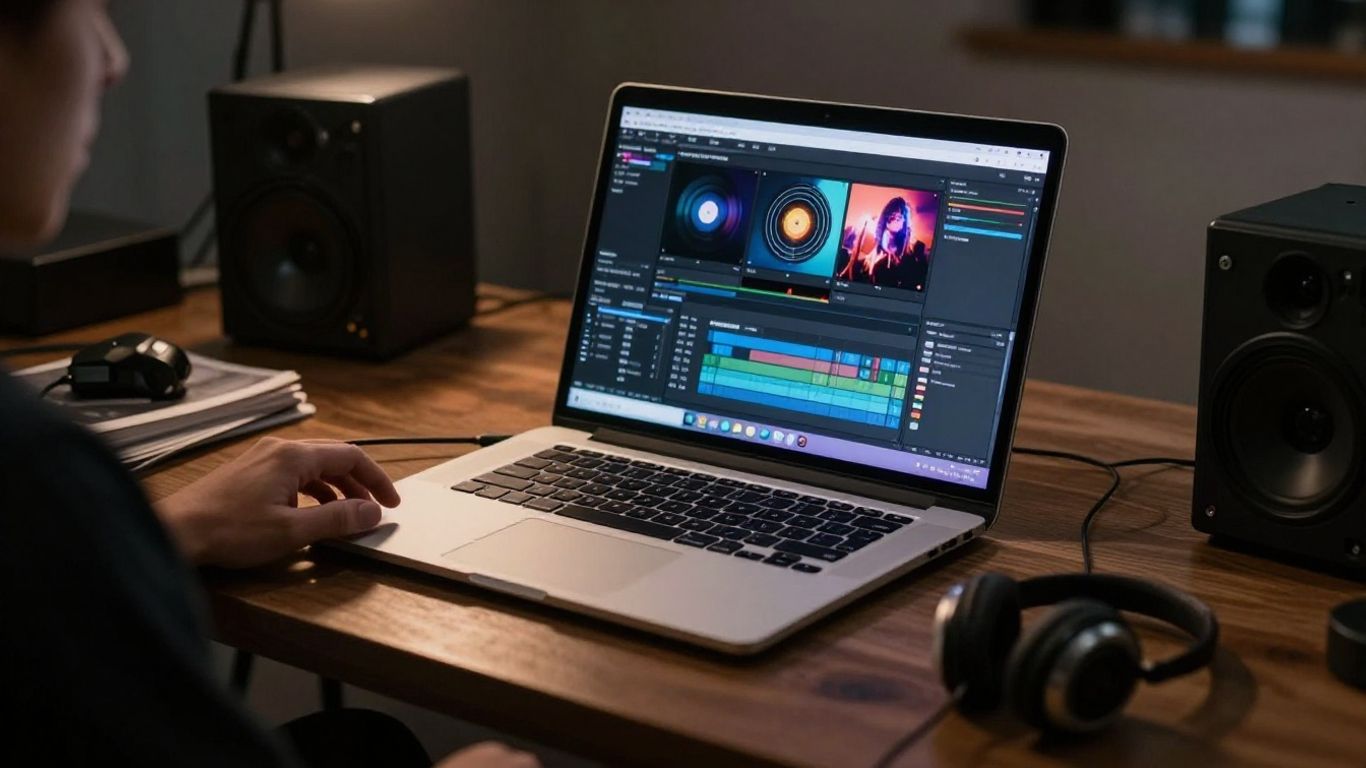
Choosing Creatus simplifies your work when your release schedule demands high output. It acts as a single station for your musical and visual needs. You get faster results by using tools meant to work together.
Prioritizing speed for social media and short-form content
TikTok and Reels reward speed and frequency of posting. Generating a song and video in one session lets you grab trends while they stay relevant. You spend less time managing files and more time publishing finished clips.
Eliminating the need for separate video editing software
Adding visuals should not require advanced skills or expensive editing programs. This platform handles the match between your audio tempo and visual motion for you. You bypass the complex work of setting up timelines or color correction.
Scaling creative output from a single text prompt
Starting with one idea allows you to produce an entire audio-visual asset. The system interprets your text to build the track and the video clip simultaneously. This process keeps your workflow tight and consistent for bulk content batches.
When to choose Suno for your music
Suno provides a depth of control suited for musicians who care about the fine details of their compositions. Its interface gives you the space to refine style and structure until the final output sounds correct to your ears. You gain a workspace that prioritizes professional audio results above visual features.
Leveraging high-fidelity music generation quality
Suno manages the technical side of sound production to produce finished songs from text. It handles genre markers, tempo, and vocal layering well. You get tracks that reach a high standard right out of the box with minimal extra work.
Accessing advanced internal editing and song structure controls
Managing your song structure helps you refine how lyrics land and how sections build. Whether you need to rewrite specific verses or tweak existing arrangements, you have the interface to make those changes quickly. This control is useful for people who view the track as their main product.
Using Suno as a foundational tool for complex audio projects
Many producers utilize stems from these tracks for integration into larger arrangements. You can take your generated audio into other programs to layer, mix, or produce finished tracks. It serves as a starting point for more involved studio work.
Comparing production pipelines and asset management
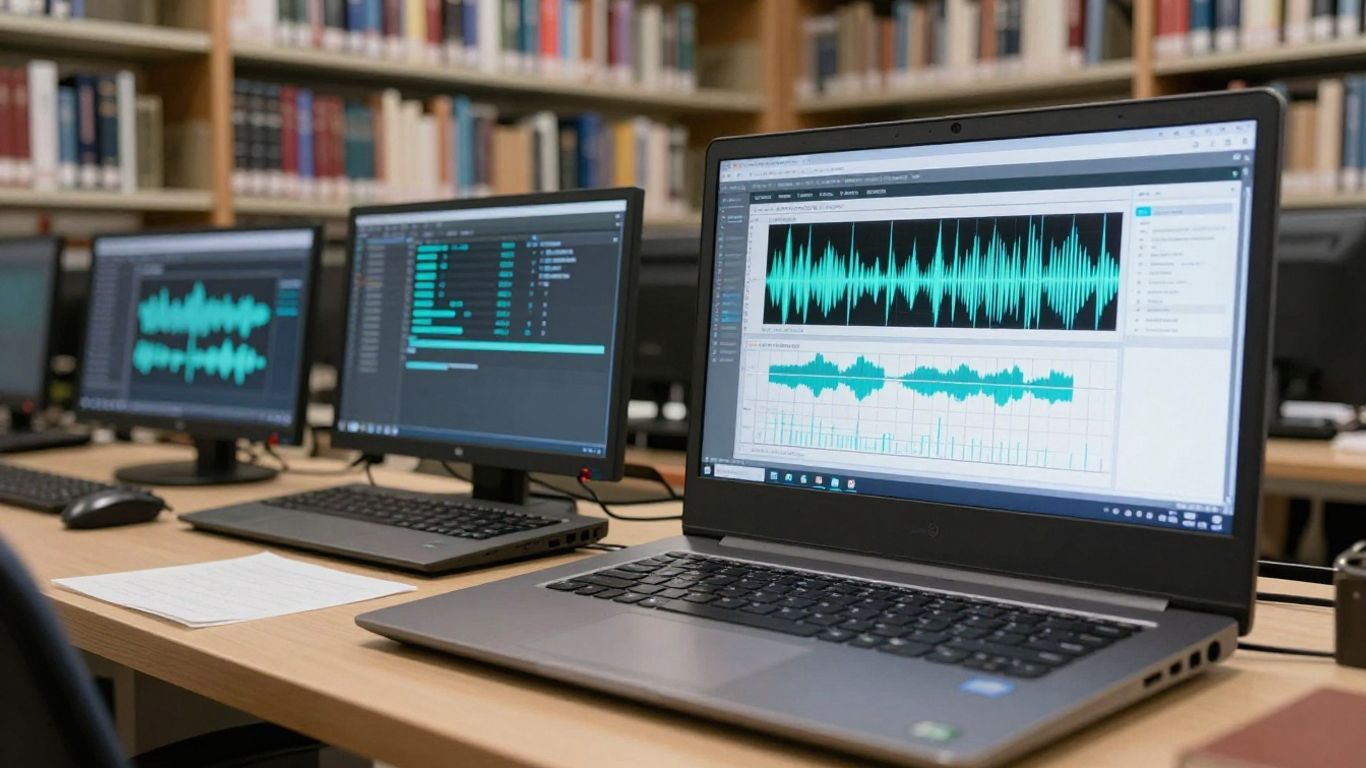
Tracking files across multiple platforms creates a mess for your project folders. A unified system helps you keep every visual and audio element in one place. You save energy by managing your exports from a single dashboard.
Executing the prompt-to-video workflow in Creatus
Creating a video after making a song takes place in one step here. You upload your audio or let the tool generate the track, then pick your visual style. The AI aligns your video frames to match the rhythm of the track.
Managing multi-platform exports for TikTok, Reels, and YouTube
Exporting your content in specific ratios is built into the workflow here. You save time by setting your target format before you start generation. Your clips come out ready for deployment without further cropping or resizing.
Maintaining visual or auditory consistency across multiple assets
Keeping your branding consistent across many videos is easier when you stay inside one app. You apply the same project settings and visual styles to everything you produce. This creates a recognizable look for your brand on every platform.
Considerations for rights, usage, and commercial ownership
Rights management for AI media is a work in progress for every creator. Reading your terms is a task you should perform before you commit to a subscription. You need to verify what your chosen tier allows regarding public use and commercial distribution.
Reviewing commercial usage rights for AI-generated content
Different platforms offer different rights depending on which plan you choose. Some require you to hold a paid account to use your generated content for business projects. Double-check these policies to ensure you own what you post.
Evaluating professional licensing needs for business campaigns
Using generative media for paid advertisements requires extra caution. You might need to verify the specific terms about redistribution or ownership. Research the platform policies to ensure you meet their requirements for commercial activity.
Assessing the impact of platform-specific terms on your projects
Some services have updated their terms recently, which changes what users may do with their work. Stay informed about any adjustments to your service contract. Knowing these terms keeps you clear of future copyright issues.
Deciding based on your specific creative profile
Your goal defines which tool you pick for your process. Selecting the right app saves you from paying for features you may not use. Consider the tasks that occupy your time and select the service that fixes your biggest production hurdles.
Choosing the right tool for independent musicians and producers
If your main task is recording tracks, Suno fits your needs well. Professional sound quality ranks high for people focused on audio releases. You gain the control necessary to manage your vocal tracks and song arrangement.
Streamlining promotional video production for digital marketers
Marketers need high-frequency output across social feeds. A platform that links song creation and video generation serves this fast-paced schedule. You lower your production time and keep your brand active across every channel.
Minimizing the technical barrier for beginner content creators
If editing video seems difficult, look for an all-in-one system. You remove the need to learn complicated software or manage complex creative pipelines. Beginners often find that a single workflow lets them start creating from their first login.
Conclusion
Deciding between these tools comes down to how much you prioritize a unified workflow versus specialized audio control. If you require a quick path to video content, a platform designed for both audio and video saves time and effort. For those focused on pure composition and sound design, an audio-first service offers the depth you need to polish your work. Pick the platform that matches your specific production rhythm.
Frequently Asked Questions
Can I make music without knowing theory?
Yes, modern AI tools translate your text ideas into finished songs without requiring music training.
How do I share my AI content on social media?
Most of these platforms allow direct downloads which are ready to upload to any standard social media site.
Is the output quality high enough for professional albums?
Audio resolution varies, though many generators now produce tracks that fit industry standards for digital music platforms.
Do I need a subscription for every tool I use?
Many platforms provide free tiers for testing, but professional or commercial use usually requires a paid plan.
Are my songs considered copyrighted media?
Copyright laws for generative media are complex and often depend on the policies of each service and current regional regulations.
Can I export my files into external editing software?
Yes, you can import your exported audio or video files into larger studio suites for further mixing or layer editing.
How do I handle lyrics for my generated songs?
Users often provide custom lyrics via text prompts, which the AI then structures into verses and choruses for the song.