
Here are the main points to remember when comparing Suno and Creatus for your creative needs. Keep these in mind as you decide which tool fits your workflow best.
Key Takeaways
- Creatus offers a combined workflow for generating songs and then turning them into music videos, all within one platform.
- Suno focuses solely on generating full songs from text prompts, excelling at music creation but lacking video features.
- If your priority is just making music with AI vocals, Suno is a top-tier option.
- For creators who need both music and video without jumping between apps, Creatus provides a more integrated solution.
- Consider your end goal: a song only, or a song with a music video, to determine which tool is the better fit.
Understanding The Core Offerings: Suno Versus Creatus

When you’re looking to create music with AI, two names often pop up: Suno and Creatus. They both use artificial intelligence to help you make songs, but they go about it in different ways. Understanding what each one does at its core will help you figure out which tool fits your needs.
Suno’s Focus: Comprehensive Song Generation
Suno is all about making complete songs. You give it a text prompt – maybe a genre, a mood, or even some lyrics – and it generates a full track with vocals and instruments. It’s designed to be a straightforward way to get a finished song, whether you’re a seasoned musician or just starting out. Suno aims to be your go-to for creating original music from scratch. It’s pretty impressive how quickly it can put together a track that sounds like a real song, not just a loop.
Creatus’s Approach: Integrated Song and Video Creation
Creatus takes a different path by combining song creation with video production. It offers a text-to-song feature similar to Suno, complete with AI singing vocals. But where it really stands out is its ability to then turn that song, or an audio file you upload, into a music video. This means you can go from an idea to a song and then to a visual representation all within the same platform. It’s built for creators who need both audio and visual elements without jumping between different software.
Key Differentiator: The All-In-One Workflow
The biggest difference between Suno and Creatus is their workflow. Suno focuses solely on the audio side of music creation. If you want a music video, you’ll need to use a separate tool. Creatus, on the other hand, offers a unified process. You can generate a song and then immediately create a music video for it, all without leaving the Creatus environment. This integrated approach is a major advantage if you’re looking to streamline your creative process and produce content faster.
Evaluating Song Generation Capabilities
When you’re looking at AI tools for making music, the song generation part is where it all begins. This is where the AI takes your ideas and turns them into actual audio, complete with vocals. Both Suno and Creatus offer this, but they approach it a bit differently.
Suno’s Strengths in Music Creation
Suno is really built around making full songs from just text. You give it a prompt, maybe some lyrics, and it generates a complete track with vocals. It’s known for producing surprisingly catchy tunes across various genres. The AI handles both the music composition and the singing, making it a powerful tool for quickly getting a song idea out. It’s a great starting point if your main goal is just to create music.
Creatus’s AI Singing Vocals
Creatus also offers text-to-song generation, and a key feature here is its AI singing vocals. This means you don’t just get an instrumental track; you get a song with a voice. The platform aims to provide a complete vocal performance that fits the music it creates. This is important if you want a finished song that sounds ready to go, without needing to add vocals separately.
Control and Customization Options
While both tools generate songs, the level of control you have can vary. Suno often gives you a finished product based on your prompt, which is fast but might offer less fine-tuning. Creatus, by integrating song creation into a larger workflow, might focus more on getting you to a usable song quickly to then move to video. For more detailed control over composition, you might look into platforms like AIVA, which allows for MIDI export and deeper arrangement editing. This lets you tweak the music extensively in other software if needed. You can explore tips for creating AI-generated songs to get a better sense of the options available.
Assessing Music Video Production
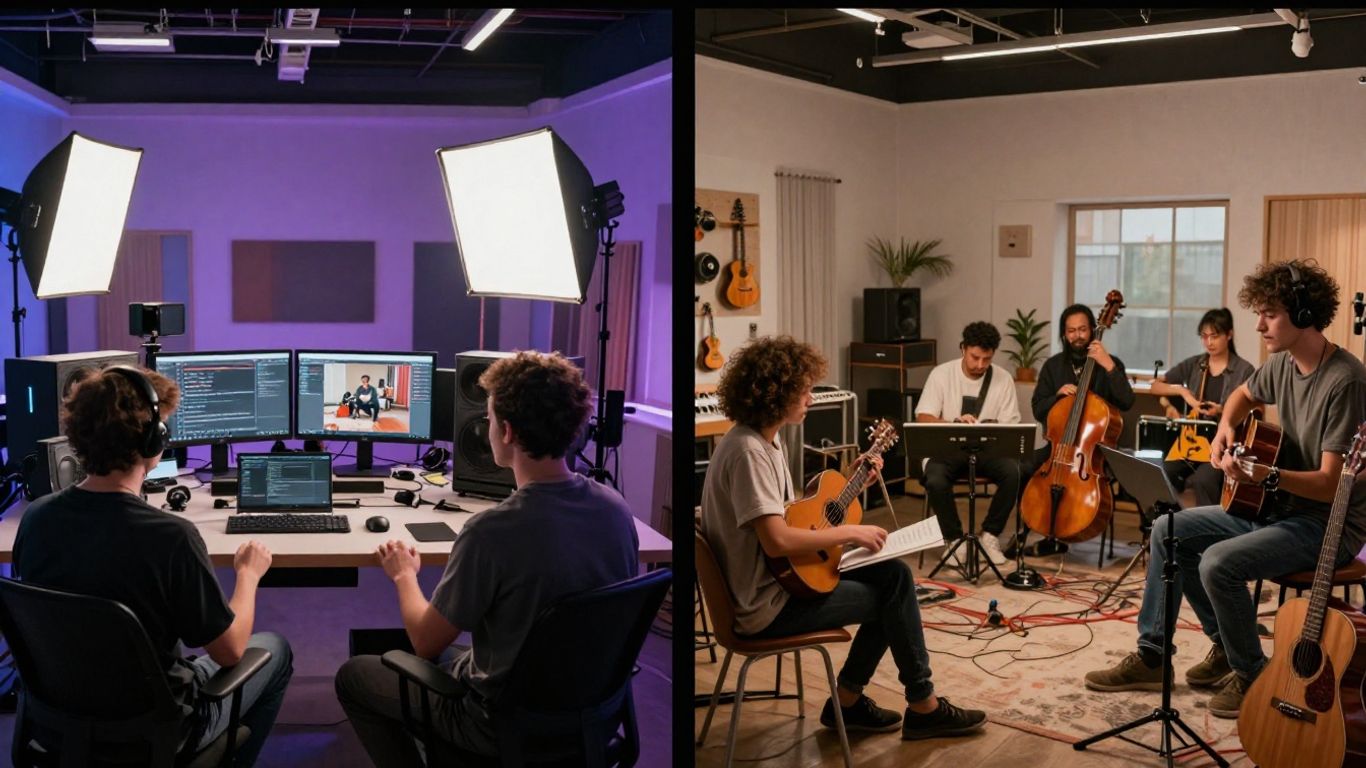
When you’re creating music, the visuals often matter just as much as the sound. This is where the differences between Suno and Creatus become quite clear.
Creatus’s Integrated Video Generation
Creatus is built with video in mind, right alongside music. It offers a complete workflow where you can generate a song and then immediately create a music video for it. This means you don’t have to switch between different applications to get your final product. The platform handles both audio and visual creation in one place. This integrated approach is a major time-saver if you want a song and its accompanying video.
Suno’s Lack of Native Video Features
Suno, on the other hand, is purely focused on music generation. You can create fantastic songs with lyrics and vocals, but that’s where its capabilities end. If you want a music video for your Suno creation, you’ll need to use a separate tool. This might be fine if you already have a video production workflow, but it adds an extra step if you’re looking for an all-in-one solution. You can find resources to help you generate soundtracks for non-commercial videos using Suno [0568].
Video Output Formats and Styles
Creatus provides flexibility in how your music video looks and where you can use it. You can export your videos in several formats:
- 9:16 Vertical: Perfect for TikTok, Instagram Reels, and YouTube Shorts.
- 1:1 Square: Ideal for Instagram feeds and other social media posts.
- 16:9 Horizontal: Standard format for YouTube and general video sharing.
It also offers various visual styles to match the mood of your song, from cinematic looks to animated or abstract visuals. Suno doesn’t offer any of these video features directly. You’re on your own to sync visuals with the music you create there. It’s worth noting that while platforms like Suno and Udio are powerful for music, there have been discussions about their training data and potential copyright issues [9163].
User Experience and Workflow
Seamless Workflow with Creatus
Creatus aims to simplify your creative process by keeping everything in one place. You start with a text prompt, and the AI generates a song. Then, without leaving the platform, you can create a music video to match. This integrated approach means you don’t have to jump between different apps or services. It’s designed to save you time and effort, letting you focus on the creative output.
Suno’s Standalone Song Creation Process
Suno focuses purely on generating songs. You provide a text prompt, and it delivers a complete track with vocals. While it’s very good at what it does, you’ll need to look elsewhere for video creation. This means if you want a music video, you’ll have to export your song and then use a separate tool. It’s a straightforward process for just music, but it adds an extra step for visual content.
Ease of Use for Beginners
Both platforms are built with ease of use in mind, but Creatus offers a more complete package for beginners. You can go from a simple idea to a song and video in just a few steps. Suno is also easy to start with for music, but the need for a separate video tool might be a hurdle for those new to content creation. If you’re looking for a quick way to get both audio and visuals, Creatus has the edge. You can explore different awning styles to get a feel for how different elements can be combined, much like how Creatus combines music and video.
The core idea is to reduce the number of steps between your initial concept and the final product. For creators who want to produce content quickly, especially for social media, a single platform that handles both song and video generation is a significant advantage. It removes the friction of transferring files and learning multiple interfaces.
Here’s a quick look at how the workflows compare:
| Feature | Creatus | Suno |
|---|---|---|
| Primary Function | Song & Video Generation | Song Generation Only |
| Workflow | Integrated (Text -> Song -> Video) | Standalone (Text -> Song, then separate video) |
| Video Creation | Built-in, AI-driven | None (requires external tools) |
| Learning Curve | Low (single interface) | Low (for song), Moderate (for video workflow) |
| Output | Song + Music Video | Song Only |
Pricing and Accessibility
When you’re looking at AI music tools, the cost and how easy they are to get into are big factors. You don’t want to get locked into something that breaks the bank or requires a degree to use.
Suno’s Free Tier and Paid Plans
Suno offers a free tier that lets you try out its song generation capabilities. It’s a good way to see if you like the output before committing any money. Paid plans unlock more features and higher usage limits, which is standard for these kinds of services.
- Free Tier: Basic song generation with limited credits.
- Pro Plan: More credits, faster generation, and commercial use rights.
- Premier Plan: Highest usage limits, access to advanced features like Suno Studio, and priority support.
You can get started with Suno for free, making it very accessible for casual users. For serious creators, the paid plans offer a significant boost in capabilities. Check out their site for the most current pricing details.
Creatus’s Free Tier and Subscription Costs
Creatus also provides a free entry point, allowing you to experiment with both song and video generation. This is a smart move for attracting new users. Their subscription model is designed to scale with your needs, offering more power as you pay more.
Creatus positions itself as an all-in-one solution, which can be cost-effective if you need both song and video creation. You avoid paying for separate tools. Their pricing structure usually involves different tiers based on usage and features, similar to Suno. You can explore their AI Music Video Generator to see their current plans.
Commercial Use Rights Considerations
This is where things can get a bit tricky. Always check the terms of service for both Suno and Creatus regarding commercial use. Some free tiers might restrict commercial use, meaning you can’t use the generated music or videos for business purposes or monetization. Paid plans often include these rights, but it’s vital to confirm.
Be aware that copyright issues with AI-generated content are still a developing area. While platforms grant licenses, the ultimate legal standing can be complex. It’s wise to stay informed about copyright infringement lawsuits affecting AI music platforms.
If you plan to use your creations professionally, investing in a paid plan that explicitly grants commercial rights is usually the safest bet. This protects you if you’re using the music in ads, for client projects, or on monetized social media channels.
Ecosystem and Advanced Features
Creatus’s Broader AI Toolset
Creatus isn’t just about music and video. It’s part of a larger AI-native workspace. This means you get access to over 35 different AI tools. You can generate text, create avatars, edit images, and much more, all within the same platform. Think of it as a Swiss Army knife for creative tasks. This integrated approach means you don’t need to jump between multiple apps for different parts of your project. You can even explore how to create AI-generated music using advanced tools on their site.
Suno Studio and Advanced Editing
Suno offers a more focused experience, especially with its Premier plan. This plan gives you access to Suno Studio, which is described as a generative audio workstation. You’ll also find features like a multitrack editor and MIDI export. These tools are for users who want finer control over their music production. Suno Studio aims to be a full AI music production suite right in your browser.
API and Integration Options
For those with more complex needs, both platforms offer ways to integrate with other systems. Creatus provides API and SDK access, which is great for businesses or developers looking to build custom solutions. This allows you to connect their AI tools into your existing workflows or applications. Suno, while more focused on its standalone application, also has options for advanced users. These integrations can really expand what you’re able to do with AI-generated content.
Dive deeper into CREATUS.AI’s world! Beyond the basics, we offer amazing tools that make creating music videos super easy. Want to see what else you can do? Visit our website to explore all the cool stuff.
So, Which Is Better: Suno or Creatus?
Deciding between Suno and Creatus really comes down to what you need. If you’re all about making songs and don’t care about video, Suno is a solid choice. It’s great at churning out full tracks with vocals from just a text idea. But if you want to go from a song idea to a finished music video all in one place, Creatus is the clear winner. It bundles song creation and video production, saving you the hassle of switching between different tools. Think about your workflow: do you need just music, or music and video? That’s the main question to ask yourself.
Frequently Asked Questions
Can Suno make music videos?
No, Suno is designed to create songs only. It doesn’t have built-in features for making music videos. You’d need to use a separate tool for that part.
Does Creatus make songs AND videos?
Yes, that’s its main thing! Creatus lets you type in a song idea and it makes the music with singing. Then, it can take that song (or one you upload) and turn it into a music video, all in the same place.
Which one is easier for beginners?
Both are pretty easy to start with. Suno is simple if you just want to type a song idea and get a song. Creatus is also straightforward for its combined song and video process, especially since you don’t need to be a pro at music or video editing.
What if I already have a song I want to make a video for?
Creatus can handle that. You can upload your existing audio file, and it will create a music video to go with it. Suno, on the other hand, is only for creating new songs from scratch.
Can I use the music I make for my own projects?
With Suno’s paid plans, you get commercial use rights, meaning you can use the songs for things like YouTube videos or ads. Creatus also offers commercial use options with its paid plans, letting you use the generated music and videos for your projects.
Which tool offers more AI features overall?
Creatus is part of a bigger set of AI tools, so it has more options beyond just music and video, like image generation or avatars. Suno is focused purely on making music.