Thinking about making a music video but worried about the cost? You’re probably wondering, ‘Can you make a music video with AI for free?’ The good news is, yes, you totally can! AI tools have gotten pretty wild, and many now let you create both the music and the video without spending a dime. It’s not quite like Hollywood, but for getting your ideas out there, it’s a solid start. Let’s check out what’s possible without opening your wallet.
Key Takeaways
- You can indeed create a music video using AI without paying anything, thanks to various free tools and tiers available.
- Some AI platforms can generate both the song (lyrics, vocals, music) and the accompanying video from text prompts, simplifying the entire process.
- Free AI music video tools often have limits, like watermarks, shorter video lengths, or fewer customization options, which you need to be aware of.
- While AI can create music and visuals, you might need to combine different free tools if one doesn’t cover all your needs, like a separate AI song generator and a video maker.
- Even with free AI tools, understanding basic concepts of music video styles and how to prompt the AI effectively will help you get better results.
Understanding AI Music Video Creation
Creating a music video with AI might sound complicated, but it’s becoming more accessible. Think of an AI music video generator as a digital assistant that helps you put visuals to your sound. It takes your music and, using artificial intelligence, crafts a video to go along with it.
What Constitutes An AI Music Video Generator?
An AI music video generator is a tool that uses artificial intelligence to create videos based on your music. It can analyze your audio track, understand its rhythm and mood, and then generate matching visuals. These tools aim to automate much of the video production process. Some can even create the song itself from a text prompt, offering a complete package.
Key Features Of AI Music Video Tools
These platforms often come with a range of features designed to simplify video creation. You can expect options for:
- Audio Analysis: The AI breaks down your music’s tempo, energy, and structure.
- Visual Style Selection: Choose from various aesthetics, like animated, cinematic, or abstract looks.
- Automated Editing: The AI handles scene transitions and effects, syncing them to the music.
- Customization Options: Some tools let you upload images or specify certain visual elements.
The Workflow For Generating Music Videos With AI
Getting started is usually straightforward. The general process involves a few key steps:
- Provide Your Audio: Upload your song or let the AI generate one for you. If you’re uploading, formats like MP3 or WAV are common.
- Set Visual Parameters: Select a visual style, theme, or mood that fits your music. You might also define specific elements you want to see.
- Generate the Video: The AI processes your input and creates the music video. This can often be done in minutes.
- Review and Export: Watch the generated video, make any minor adjustments if the tool allows, and then export it. You can often choose from different aspect ratios like 16:9 for YouTube or 9:16 for social media. Tools like LTX Studio are built for this kind of workflow, allowing you to fine-tune shots and export in various formats.
Exploring Free AI Music Video Options
So, you want to make a music video without spending any cash? You’re in luck. The AI landscape is rapidly changing, and that means more free tools are popping up all the time. These platforms can help you create visuals for your tracks, sometimes even generating the song itself.
Tools Offering Both Song and Video Generation
Some services aim to be an all-in-one solution. They let you type in a song idea, and the AI writes and sings it for you. Then, it takes that song and builds a music video around it. This is pretty neat because you don’t need to switch between different apps. Creatus AI is one such platform that offers this dual capability, letting you go from a text prompt to a finished song and video in one go.
Platforms Focused on AI Video from Audio
Other tools focus solely on the video part. You upload your existing song, and the AI generates visuals to match the music’s mood and tempo. These are great if you already have your track ready. You can often choose different styles, from animated looks to more cinematic scenes. Some of these platforms, like Vidnoz, offer a free tier that lets you experiment with creating videos from your audio files.
Limitations of Free Tiers
While free options are fantastic for getting started, they usually come with some strings attached. You might find that your videos have watermarks, or the export quality is limited. There can also be restrictions on how long your videos can be or how many you can create per month. For example, a free plan might limit you to 1-minute clips or add a visible watermark to your final product. You’ll need to check the specific terms for each service to see what you get.
Leveraging AI For Song Creation
Text-To-Song Capabilities
AI can now write and compose music for you. You just need to give it a prompt. Think about the genre, mood, or even specific lyrics you want. The AI then takes that idea and turns it into a full song.
This means you don’t need to be a musician to create original music. It’s a fast way to get a track for your video. Tools like OpenMusic AI can handle this process from start to finish.
AI Vocal Generation
Beyond just the music, AI can also create the vocals. You can have the AI sing your lyrics, or even generate a voice that sounds like a specific singer. This adds a whole new layer to your AI-generated songs.
These AI voices can sound surprisingly human. It’s a big step up from robotic-sounding text-to-speech. You can get a complete song with music and vocals without hiring a singer.
Limitations Of AI Songwriting Tools
While AI songwriting is impressive, it’s not perfect. The output can sometimes be generic or lack emotional depth. You might find yourself tweaking prompts a lot to get something you really like.
Also, the quality of AI vocals can vary. Some tools are better than others. You may need to experiment to find the best fit for your project. Remember, FreeMusic AI offers unlimited royalty-free music, but always check the specific features for vocals.
AI songwriting tools are powerful assistants, but they still require your creative direction. Think of them as a collaborator, not a replacement for your artistic vision. You’ll get the best results when you guide the AI with clear ideas and refine its output.
Generating Visuals For Your Music
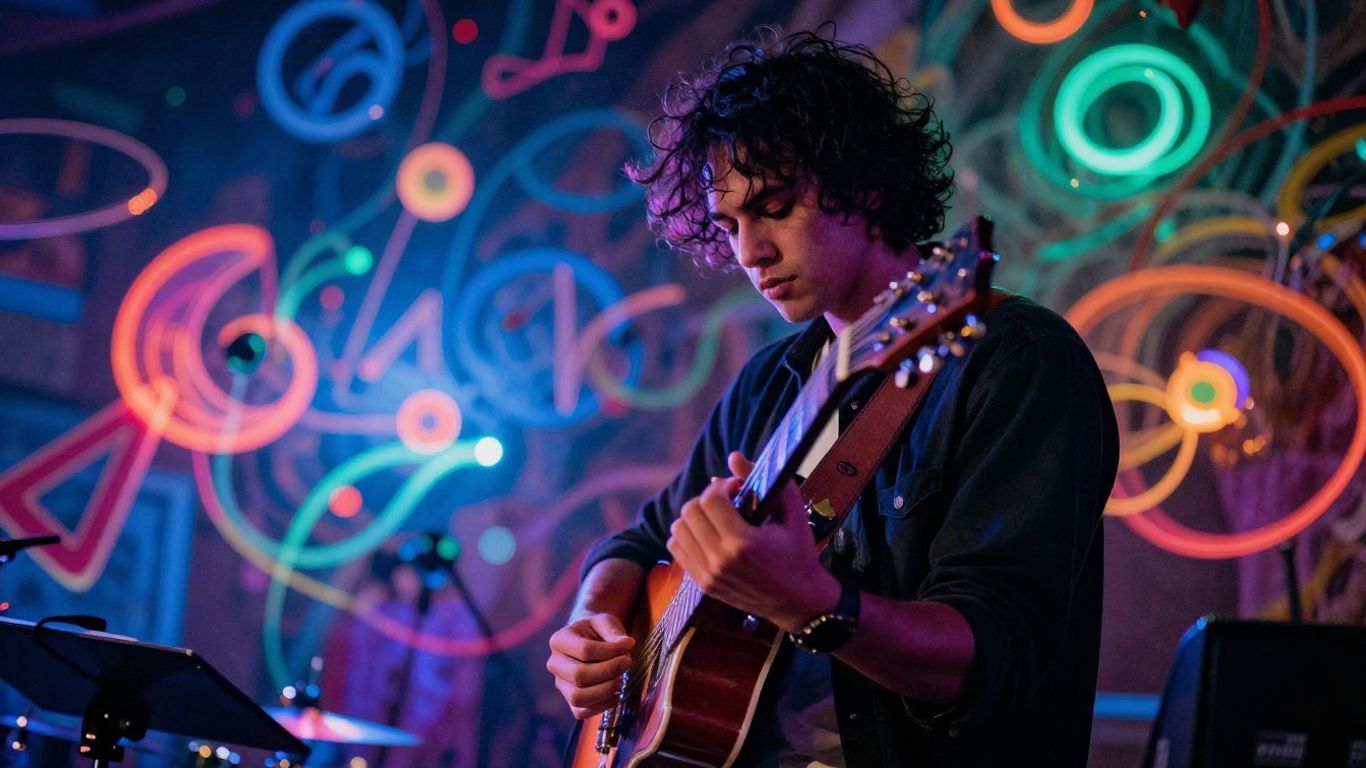
Once you have your audio, it’s time to think about what people will actually see. AI tools can help you create visuals that match your music’s vibe, whether you’re going for a narrative story or just something cool to look at.
Audio-Reactive Visualizers
Some AI tools can take your music and create visuals that react to the sound. This means the colors, shapes, and movements on screen will change based on the beat, melody, and volume of your song. It’s a straightforward way to get dynamic visuals without much input from you. These visualizers can range from simple geometric patterns to more complex, abstract animations. They’re great for keeping viewers engaged, especially if you don’t have a specific story in mind.
Narrative And Performance Styles
If you want more than just abstract visuals, AI can also help create scenes that tell a story or show a performance. You can often guide the AI by describing the kind of scenes you want, like a band playing on stage or characters in a specific setting. Some platforms even let you choose different styles, from realistic to animated. This gives you a lot of control over the video’s overall feel and message. You can explore options like OpenMusic AI Music Video Generator for tools that focus on creating these kinds of visuals from your audio.
Customizing Video Aesthetics
Beyond the basic style, you can often tweak the look and feel of your AI-generated video. This might include adjusting color palettes, lighting, camera angles, or even the overall artistic style. Some tools allow you to upload reference images to guide the AI’s aesthetic choices. The goal is to make the visuals feel like a natural extension of your music. You’re not just getting a generic video; you’re shaping it to fit your unique sound and brand. This level of customization is key to making your AI music video stand out.
Practical Considerations For Free AI Music Videos
Output Formats and Platform Compatibility
When you create a music video with AI, think about where you’ll share it. Most free tools offer standard video formats like MP4. You’ll want to check if the output matches the requirements for platforms like YouTube, TikTok, or Instagram. Some tools might give you options for vertical (9:16), square (1:1), or horizontal (16:9) video. This flexibility is key to making your video look good everywhere.
Watermarks and Usage Rights
Be aware that free AI tools often include watermarks on the final video. This is how they promote their service. You’ll also need to understand the usage rights. Can you use the video for commercial purposes? Some free tiers might restrict commercial use or require attribution. Always check the terms of service to avoid any legal issues with your content. It’s important to know if you can use the video freely for commercial purposes.
Skill Requirements For AI Video Creation
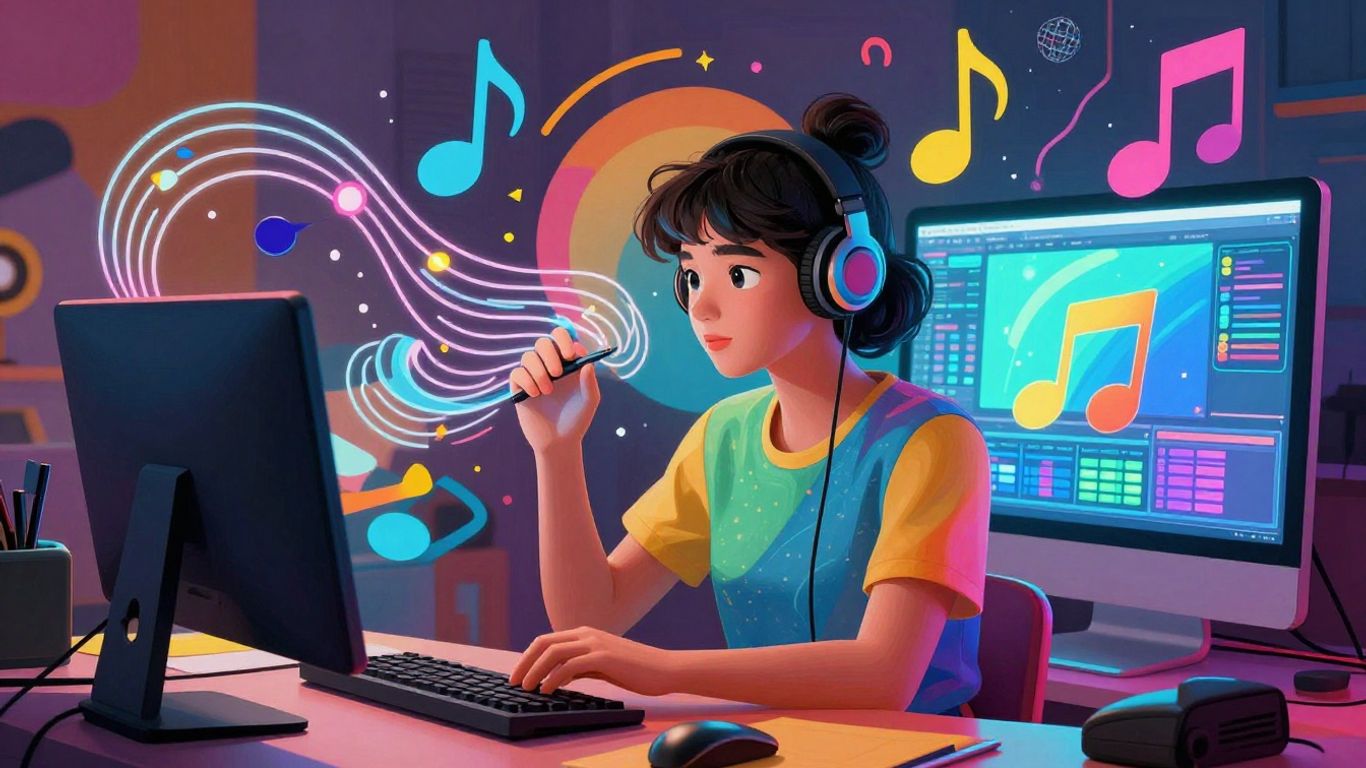
Don’t worry too much about needing advanced skills. Many AI music video generators are designed for ease of use. You typically don’t need professional video editing experience. The AI handles much of the heavy lifting, like syncing visuals to the music. You’ll focus more on providing clear prompts and making aesthetic choices. This makes AI tools accessible even if you’re just starting out. You can find a variety of free AI music video generator tools to experiment with.
Comparing AI Music Video Platforms
Creatus AI: A Two-In-One Solution
When you’re looking at AI tools, Creatus AI stands out because it handles both song creation and video production. You can type in your idea for a song, and it will generate the music with AI vocals. Then, you can take that song or your own audio file and turn it into a music video. This means you don’t have to jump between different apps to get your music video done.
This integrated approach is a big deal. Most other platforms focus on just one part of the process. Creatus aims to be your all-in-one stop for making music and visuals. They also offer a free tier, so you can try it out without any initial cost.
Other Notable AI Music Video Generators
Beyond Creatus, several other tools focus specifically on turning your audio into visuals. Freebeat, for example, is designed to make music videos that sync with your audio, offering different modes like story or performance. It uses an AI director to plan shots and pacing automatically, which can save you a lot of time.
Revid.ai is another option that focuses on generating videos synced to the beat of your music. It’s known for being fast and can add lyric captions. However, it’s often better suited for shorter content rather than full-length music videos. Many of these platforms offer free trials or limited free plans, letting you experiment before committing.
Dedicated AI Songwriting Competitors
If your main goal is to create the music itself using AI, you’ll find platforms like Suno and Udio. These tools are leaders in generating full songs from text prompts, complete with vocals. They are powerful for songwriting but don’t offer video creation capabilities.
This means if you use Suno or Udio for your music, you’ll need a separate tool to make the video. You might then use a platform like Kaiber or Runway to generate visuals based on your AI-generated song. It’s a common workflow: create the audio in one place and the video in another.
Choosing the right platform often depends on whether you need a single tool for everything or if you’re comfortable combining different AI services. Consider your budget and how much control you want over the final product.
Thinking about which AI tool is best for making music videos? We’ve checked out a few popular options to help you decide. It’s easier than you think to get started! Want to see which one comes out on top? Visit our website to find out more and start creating your own awesome music videos today!
So, Can You Make a Music Video with AI for Free?
Yeah, you totally can. Tools like Creatus, Vidnoz, and others give you a free way to get started. You won’t get Hollywood-level stuff right out of the gate, but for simple lyric videos, visualizers, or just getting your song out there with some kind of visual, it’s surprisingly capable. You might hit limits on free plans, like watermarks or clip length, and sometimes the AI does its own thing. But if you’re just starting out or need something quick without spending cash, these free AI tools are definitely worth checking out. Just be ready to experiment a bit.
Frequently Asked Questions
Can I really make a music video with AI for free?
Yes, you can! There are AI tools like Creatus and Vidnoz that let you create music videos without paying. They usually have a free tier, but there might be some limits like watermarks or shorter video lengths.
Do I need any music or video editing skills to use these AI tools?
Nope! Most AI music video generators are made for beginners. You just type your song idea or upload your audio, pick a style, and the AI does the rest. No editing or music skills needed.
Can I make both the song and the video using just one tool?
With some platforms like Creatus, yes! You can write a song idea, let the AI make a full song with vocals, and then turn it into a music video—all in one place. But most other tools only do either music or video, not both.
What kind of videos can I make with free AI music video generators?
You can make all sorts of videos, like lyric videos, animated clips, audio-reactive visualizers, and even performance-style videos. Some tools let you pick the look and feel, so you can match your vibe.
Are there any limits if I use the free version?
Yes, most free plans have some limits. You might get watermarks on your video, shorter video times (like only 1 minute), or fewer style choices. To get longer videos or remove watermarks, you usually have to pay.
Where can I use the music videos I make with AI?
You can share your videos on TikTok, YouTube, Instagram, or anywhere you want. Just check if your video has a watermark or if there are any rules about commercial use if you plan to use it for business.