So, you’re wondering if AI can actually whip up a 4K music video for your latest track? It’s a pretty cool thought, right? Imagine getting a professional-looking video without all the usual hassle and cost. We’re going to break down what’s out there and what you can realistically expect when you’re looking for that perfect ai music video 4k.
Key Takeaways
- You can definitely generate music videos using AI, and some tools even let you create the song itself from a text prompt. This means you can go from an idea to a full song and video in one go.
- Getting that crisp 4K quality is becoming more common. Many AI video tools now offer upscaling and export options that support high resolutions, making your ai music video 4k a reality.
- The workflow is getting simpler. Tools are designed so you don’t need to be a music producer or a video editing wizard to get good results. Just describe what you want, and the AI does the heavy lifting.
- When choosing a platform, look for ones that combine song and video creation, offer flexible export formats (like 9:16 for TikTok or 16:9 for YouTube), and fit your budget. Some even have free tiers to get you started.
- Be aware of the rules around using AI content. While AI visuals generally don’t cause copyright issues on platforms like YouTube or TikTok, you’re responsible for the music itself. Commercial use and ownership rights are usually granted by the platform, but it’s good to check the specifics.
Understanding AI Music Video Generation
What Constitutes An AI Music Video Generator?
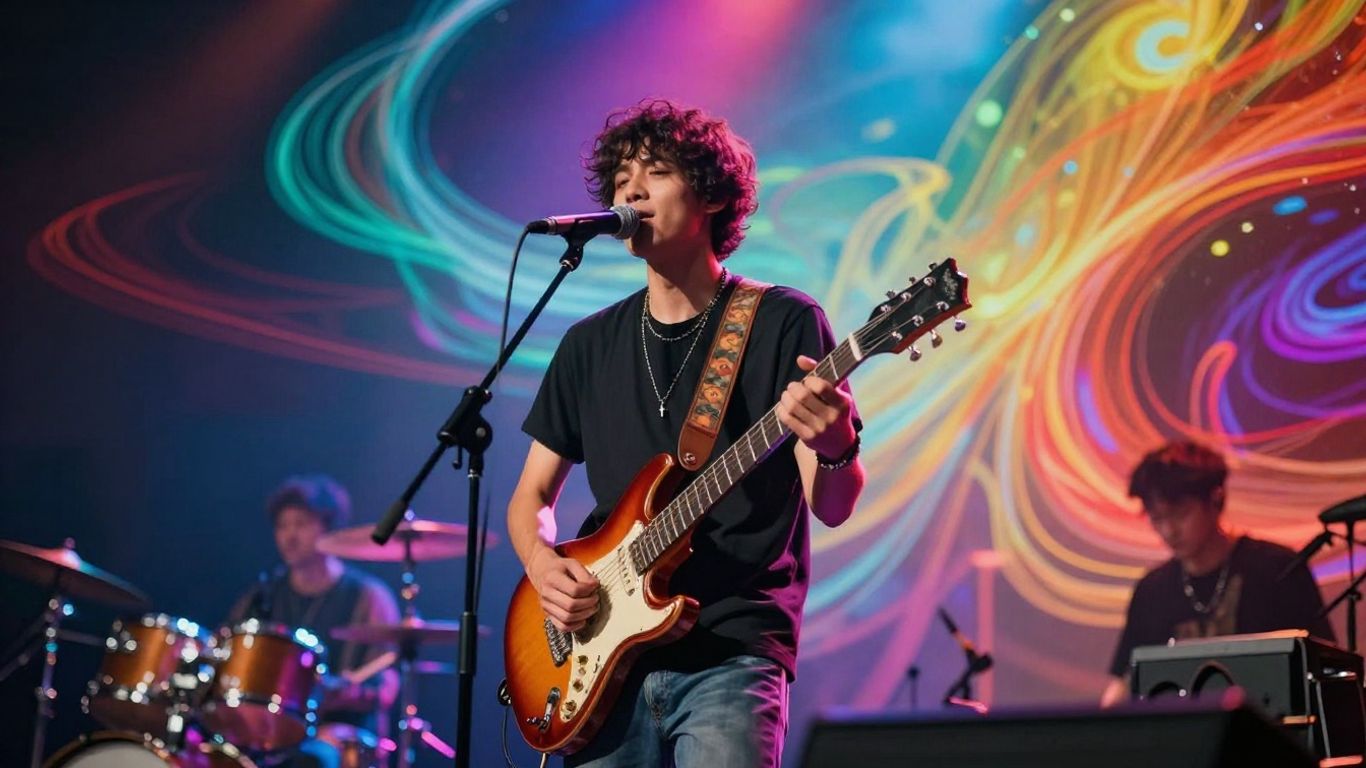
An AI music video generator is a tool that takes your song and turns it into a video. You don’t need a camera, a film crew, or even animation skills. You upload your music, tell the AI what kind of visuals you’re looking for, and it creates moving images that match your song’s rhythm and energy. The best ones analyze your music deeply, not just the beat, but individual instruments and vocals. This allows for visuals that truly react to what’s happening in your track. You can explore what these tools can do by looking at AI music generators.
The Core Workflow For Creating AI Music Videos
The process is usually pretty straightforward. First, you’ll upload your song. The AI then analyzes its structure, mood, and energy. Next, you’ll describe the visual style you want or choose from presets. Some tools let you refine specific scenes or characters. Finally, you export the finished video, ready for sharing. It’s designed to be a quick way to get professional-looking visuals. This whole process significantly speeds up video production, reducing creation time from weeks to mere minutes, as noted in AI video generation.
Key Features Of Modern AI Music Video Tools
Modern AI music video tools offer a range of features to give you control. You can expect options for audio-reactive visuals, meaning the video changes with the music’s dynamics. Many tools allow you to maintain character consistency across different scenes, which is great for storytelling. You’ll also find options for different export formats, like vertical video for social media or widescreen for YouTube. Some platforms even offer advanced editing capabilities through simple text prompts.
- Audio-reactive visuals: The video reacts to the music’s beat, tempo, and mood.
- Character consistency: Keep the same characters or style throughout your video.
- Multiple export formats: Get videos ready for TikTok, YouTube, Instagram, and more.
- Text-based refinement: Adjust scenes and visuals using natural language prompts.
The goal is to democratize music video creation, making it accessible to artists without large budgets or technical teams. You get creative control without the traditional production hurdles.
Achieving 4K Quality In AI Music Videos
You want your music video to look sharp, right? Getting that high-resolution 4K output is key for a professional feel. Most modern AI tools can handle this, but you need to know what to look for.
Upscaling Capabilities For High Resolution
Many AI video generators can take lower-resolution footage and intelligently upscale it to 4K. This process uses AI algorithms to add detail and clarity, making the final video look much sharper than the original source material. Look for tools that explicitly mention upscaling or 4K export options. This feature is crucial if your initial AI-generated clips aren’t already at that resolution.
Export Formats For Maximum Compatibility
When you’re ready to export, you’ll want to choose formats that work everywhere. MP4 is the standard, usually with H.264 or H.265 codecs. These offer a good balance between quality and file size. You’ll also want to check if the platform supports different aspect ratios, like 16:9 for YouTube or 9:16 for TikTok and Reels. This ensures your video looks great on any screen. You can explore top AI music video generators like Freebeat for their superior quality and 4K resolution capabilities.
Ensuring Broadcast-Quality Renders
To get that broadcast-quality look, pay attention to the rendering settings. Some tools allow you to select specific quality presets or bitrates. Higher bitrates generally mean better quality but larger file sizes. You might also want to check if the platform offers features like color grading or advanced visual effects that can further polish the final output.
Getting a polished, high-resolution video doesn’t just happen. You need to actively select the right settings during generation and export. Think about where you’ll be showing the video and choose your export options accordingly. It’s about making smart choices at each step.
Here’s a quick rundown of what to consider:
- Resolution: Aim for 3840 x 2160 pixels (4K UHD).
- Codec: H.264 or H.265 are generally preferred for their efficiency.
- Aspect Ratio: 16:9 (widescreen), 9:16 (vertical), or 1:1 (square).
- Bitrate: Higher bitrates offer better quality but larger files. Check what the platform recommends or allows.
Choosing the right settings can make a big difference in how professional your final music video looks. Don’t just hit export; take a moment to review your options. You can find platforms that offer 4K exports and other advanced features.
Integrating Song Creation With Video Production
From Text Prompt To Full Song
Creating a music video often starts with the music itself. You can now generate entire songs, complete with vocals, directly from text prompts. Simply describe the genre, mood, tempo, or even provide lyrics, and let the AI compose an original track for you. This means you don’t need to be a musician to have a song ready for your video.
Synchronizing Visuals With Audio Tracks
Once you have your audio, the next step is matching it with compelling visuals. AI tools can analyze your song’s tempo, energy, and structure to generate a synchronized music video. You can select from various visual styles, from cinematic narratives to abstract animations, ensuring the video complements your music perfectly. This allows you to transform your songs into stunning cinematic music videos without needing a film crew.
The Advantage Of A Unified Workflow
Using a single platform for both song creation and video production streamlines the entire process. You avoid the hassle of switching between different software or services. This unified workflow means you can generate a song, then immediately start creating its accompanying video, all within one intuitive environment. Platforms like BeatViz AI offer this all-in-one solution, letting you turn your ideas into a complete music and video package quickly.
Evaluating AI Music Video Platforms
Comparing Feature Sets Of Leading Tools
When you’re looking at AI music video generators, it’s easy to get lost in all the options. You’ll want to see what each platform actually does. Some tools focus on making the music itself, while others are all about the visuals. It’s important to know if a platform can handle both, or if you’ll need to stitch together different services.
Think about what you need most. Do you want a tool that can create a song from scratch and then turn it into a video, all in one go? Or are you just looking to animate existing audio? Platforms like Creatus.AI aim to combine these, offering a single workflow. Others, like Suno or Udio, are strictly for music generation, meaning you’d need a separate tool for the video part. This comparison helps you avoid unnecessary subscriptions and extra steps.
Understanding Competitive Advantages
What makes one AI music video platform stand out from another? Often, it’s about how they handle the core tasks. Some might offer more control over character consistency or visual styles, which is a big deal for branding. Others might boast faster generation times or higher export resolutions. You should also look at their integration with other AI tools or their overall ecosystem.
The biggest advantage for many independent musicians is a unified workflow that handles both song creation and video production. This means less time switching between apps and potentially lower costs. Platforms that offer a free tier or affordable plans are also attractive. It’s about finding a tool that fits your budget and your creative process without making things overly complicated. You can find a good overview of top AI video generators here.
Identifying Tools For Independent Musicians
For independent artists, budget and ease of use are usually top priorities. You don’t have a big production team or a massive budget. So, you’ll want to find platforms that are accessible and don’t require a steep learning curve. Many tools are now built with this in mind, offering intuitive interfaces and straightforward processes.
Look for platforms that offer features like audio-reactive visuals, beat synchronization, and 4K export options. These are the things that make a music video look professional. Some platforms even provide different modes, from quick, automated generation to more detailed, frame-by-frame editing. Checking out reviews and comparisons can help you pinpoint the best fit for your specific needs, like this resource on AI video tools.
When choosing an AI music video platform, consider the entire process from idea to final export. A tool that simplifies this journey, offering both creative control and technical output, will serve you best as an independent artist.
Practical Considerations For AI Music Video Creation
Copyright and Monetization With AI Visuals
When you use AI to generate visuals for your music videos, you generally own the rights to the output. This means you can use them commercially without worrying about copyright strikes on platforms like YouTube or TikTok. These platforms primarily flag content based on audio, not visuals. If your music is cleared, your AI-generated video should be too.
However, transparency is key. If your AI visuals could be mistaken for real footage of people or events, you might need to disclose it. Platforms like YouTube have an "altered content" checkbox, and TikTok offers an AI-generated label. For stylized or abstract videos, this disclosure isn’t usually necessary.
Commercial Use and Ownership Rights
Most AI music video tools grant you full commercial rights to the videos you create. This allows you to monetize your content on streaming platforms and use it for promotional purposes. Always check the specific terms of service for the platform you’re using, as subscription tiers can sometimes affect commercial usage rights.
It’s important to understand what constitutes "mass-produced, zero-effort content." Platforms are cracking down on AI-generated material that lacks genuine creative input. As long as you’re actively directing the creative process and making distinct choices, your AI music videos should be fine for monetization.
The Role of AI in Modern Music Marketing
AI tools can significantly streamline your marketing efforts. They allow you to produce high-quality visuals quickly and affordably, which is a game-changer for independent artists. You can experiment with different styles and concepts without the high costs associated with traditional video production.
These tools also help you create content tailored for various platforms, from YouTube to TikTok. By syncing visuals precisely with your audio, you create a more engaging experience for your audience. This integrated approach, combining music creation and video production, offers a unified workflow that saves time and resources. Explore leading AI music video platforms like Freebeat to see how they can fit into your marketing strategy. You can also find tools that combine song creation with video production, simplifying the entire process. This unified workflow is becoming increasingly important for musicians looking to stand out.
Thinking about making your own AI music videos? It’s easier than you might think! We’ll walk you through the important stuff you need to know to get started. Ready to see how it’s done? Visit our website to learn more and start creating!
So, Can AI Make 4K Music Videos?
Look, the tech is here, and it’s getting better fast. Tools like Creatus and others can now whip up a song and a video in one go, no fancy skills needed. You can get decent results, even in 4K, for platforms like YouTube or TikTok. It’s not going to replace a big-budget studio shoot for a major artist, not yet anyway. But for independent musicians, creators, or anyone just wanting to get their ideas out there visually without breaking the bank? Yeah, you can absolutely do it. You’ll need to play around with the settings and maybe try a few different tools to get exactly what you want, but the power is definitely in your hands now.
Frequently Asked Questions
What exactly is an AI music video maker?
Think of it as a super-smart tool that can create a music video for your song without you needing a camera or a film crew. You give it your music and maybe some ideas about what you want it to look like, and the AI makes cool visuals that move along with your song. It’s like having a digital artist that understands your music.
Can I make a song and its video all in one place?
Totally! Some tools are like a one-stop shop. You can type in your song idea, and the AI writes and sings the song for you. Then, right after, you can turn that song into a music video. It makes the whole process way simpler because you’re not jumping between different apps.
Will my AI-generated music video look good enough for YouTube or TikTok?
You bet! Many AI tools can create videos in high quality, like 4K, which is super clear. They also let you export in different shapes (like vertical for TikTok or horizontal for YouTube) so your video looks awesome on any platform you choose.
Do I have to worry about copyright if I use AI for my music video?
Generally, the AI-generated visuals themselves won’t cause copyright problems. The main thing to watch out for is the music. If you use a song you have the rights to, or one created by the AI, your video should be fine. Platforms like YouTube usually flag music, not the pictures, so as long as your song is clear, your video should be too.
Can I use the music videos I make with AI for my band or business?
Yep, most of the time you can! When you create a video using these tools, you usually get the rights to use it commercially. This means you can put it on your website, use it in ads, or share it on social media to promote your music or business without issues.
Is it hard to use these AI music video tools?
Not at all! Many of these tools are designed to be easy to use, even if you’ve never made a video before. You often just need to type in what you want or upload your song, and the AI does the heavy lifting. Some even offer free versions so you can try them out before committing.