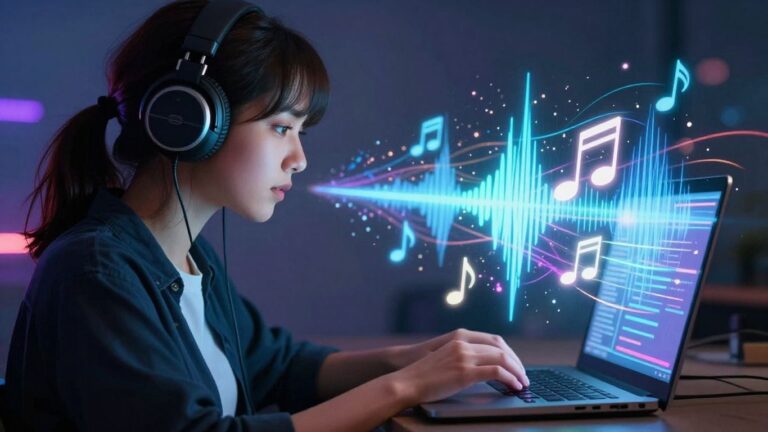
You’ve got a killer song idea, or maybe even a full track ready to go. But how do you get a music video to match without a huge budget or a film crew? That’s where the ai music video generator comes in. Think of it as your personal music video factory, turning your text descriptions or audio files into eye-catching visuals that sync up perfectly with your tunes. You can go from a simple idea to a finished video, all from your computer.
Key Takeaways
- An ai music video generator lets you create both songs and videos using just text prompts or audio files.
- You don’t need any special skills in music production or video editing to use these tools.
- Many tools offer different visual styles so you can match the video’s look to your song’s mood.
- Generated videos can be exported in formats perfect for social media platforms like TikTok, Instagram, and YouTube.
- The big advantage is having everything in one place, from making the song to finishing the video, which saves a lot of time and hassle.
Understanding the AI Music Video Generator
What an AI Music Video Generator Does
An AI music video generator is a tool that takes your music and automatically creates a video to go with it. You give it your song, and it figures out how to make visuals that match the beat and mood. It’s designed to make the whole process much faster than traditional methods. This means you can get a finished music video without needing a big production team or a lot of technical skills.
The Core Workflow Explained
The process is usually pretty straightforward. First, you provide your music. This can be an audio file you’ve already made, or sometimes you can even describe a song idea and the AI will create it for you. Next, you pick a visual style you like. Finally, the AI generates the video. You can then make small adjustments if needed before downloading.
Here’s a typical breakdown:
- Input Music: Upload your audio file (like MP3 or WAV) or describe your song idea.
- Choose Style: Select from different visual themes, like stock footage, AI-generated scenes, or animated images.
- Generate Video: Let the AI create the synchronized visuals and captions.
- Refine & Export: Make minor tweaks and download your video in formats ready for social media.
This streamlined approach removes many of the usual hurdles in music video production, making it accessible to more creators.
Supported Input and Output Formats
These tools are built for flexibility. You can usually upload common audio formats like MP3 and WAV. If you’re creating the song within the tool, you’ll typically start with text prompts, lyrics, or a description of the genre and mood you want. AI music videos are designed to work with what you have.
When it comes to output, you’ll get videos ready for different platforms. This includes:
- 9:16 Vertical: Perfect for TikTok, Instagram Reels, and YouTube Shorts.
- 1:1 Square: Ideal for Instagram feeds and other social media posts.
- 16:9 Horizontal: Standard format for YouTube and general video sharing.
Key Features and Capabilities
Integrated Song and Video Creation
This tool brings together two major creative processes into one place. You can generate an original song from text prompts and then immediately turn that song into a music video. This eliminates the need to switch between different software for audio and visual production. It’s designed to keep your workflow smooth and efficient.
Visual Style Customization
You have control over how your music video looks. Choose from various visual styles, whether you want something cinematic, animated, or a straightforward lyric video. The AI adapts to your chosen aesthetic, helping you create visuals that match the mood of your music. You can experiment with different looks until you find the perfect fit for your track.
Seamless Multi-Platform Export
Once your video is ready, you can export it in formats suitable for all major platforms. This includes vertical 9:16 for TikTok and Instagram Reels, square 1:1 for Instagram feeds, and horizontal 16:9 for YouTube. You create once and can publish everywhere without worrying about reformatting. This makes distributing your music video much simpler. You can get your music video ready for platforms like TikTok and YouTube with just a few clicks.
The ability to generate both the song and the video within a single application significantly speeds up the creative process. It removes technical hurdles, allowing you to focus more on the artistic side of your music and less on the production details. This integrated approach is a game-changer for creators working on tight schedules or with limited resources.
Who Benefits from AI Music Video Generation
AI music video generators aren’t just niche tools—they fit smoothly into many creative routines. From solo musicians to business owners, anyone sharing music or audio online can cut back on time and headaches with these platforms. Let’s look at how different types of users get real value from AI-powered song and video creation.
Empowering Independent Musicians
As an indie artist, you can skip the big studio costs and long editing sessions. AI music video tools let you turn each of your tracks into a polished, beat-synced story—fast. You upload your song, pick a look, and the system builds a pro video in minutes, giving your release a visual edge for every social platform. If staying nimble is key to your process, this tech is a real equalizer. For a closer look at time savings and quality shifts, check out these professional results more efficiently with AI tools:
| Typical Video Production Time | With AI Generator |
|---|---|
| 1-3 weeks | < 2 hours |
| $500-$4,000 per video | Often free or <$50 |
| Requires full crew | Solo workflow |
Accelerating Content Creator Output
If you’re a content creator, you need videos—lots of them, and fast. AI video generators give you a way to drop in your audio and get a TikTok, Reels, or YouTube-ready video without wrestling editing software. It’s especially handy for:
- Social media managers who need daily content
- Podcasters creating snippets for promotion
- Streamers visualizing background tracks
This means less busywork and more energy for audience engagement.
Sometimes, getting your brand or sound noticed comes down to speed. With AI video generation, you keep pace with trends instead of falling behind.
Supporting Business and Marketing Needs
Businesses use music-backed video to grab attention in ads, explainers, or product showcases. With AI tools, you don’t need to hire an agency or buy extra software. Just upload a jingle or a script, and the generator spits out content formatted for every platform—LinkedIn, Instagram, YouTube—no design skills needed.
Practical uses for companies include:
- Making quick promo videos during product launches
- Customizing intro/outro music for brand identity
- Turning webinars or training sessions into engaging highlight reels
For marketing, it’s not just about looking modern—it’s about saving hours every month and reducing the steps between idea and publish-ready video.
Navigating the Competitive Landscape
You’ve got options—lots of them. The space around AI music video generators has exploded, with tools that target different needs and work styles. Not every tool offers the same features, so it pays to understand where each one stands. Here’s what you should know before choosing what fits your workflow.
Dedicated AI Music Video Platforms
Some tools put their energy into music video generation, promising fast exports and creative control. These include:
- Freebeat: Offers lip-sync singing, storyboard editing, and quick video creation from audio tracks. Story and performance video modes let you switch things up without much fuss.
- Neural Frames: Focuses on detailed visuals and fine-tuning. You get timeline control, frame-by-frame editing, and cinematic results—good for someone who craves precision.
- Revid.ai: Stands out for beat-synced visuals and simple lyric captioning for TikTok and Reels videos. It favors speed and frequent sharing.
| Platform | Song Creation | Lyric Sync | Video Editing | Pricing |
|---|---|---|---|---|
| Freebeat | Basic | Yes | Basic | Free/Paid |
| Neural Frames | No | No | Advanced | Free/Paid |
| Revid.ai | No | Yes | Minimal | Free/Paid |
When you want quick, good-looking music videos for socials, a dedicated generator usually gets it done faster than old-school editing.
Broader AI Tools with Music Video Features
Some platforms—like Creatus.ai’s text-to-video technology—aren’t just about music videos. They bundle music video tools into larger creative suites. You might find:
- AI song generation, avatars, and face swapping
- Text-to-video and image tools
- Extra integrations for business projects or marketing
You get flexibility since you can work on lots of project types in the same spot. But sometimes, music video features may not go as deep as in dedicated tools.
Distinguishing Song Generation Tools
Now, watch out: many popular tools only do half the job. They create songs from your input text, but don’t make videos. Suno and Udio fit this mold—great for voice and melody, but you’ll need a different app if you want matching visuals. Others, like Boomy or AIVA, focus on pure music generation for background tracks and streaming, with no built-in music video export.
When you want both music and video, look for a true two-in-one solution. Some platforms let you handle everything—songwriting, singing vocals, and video visuals—without switching accounts or learning new interfaces.
- Check before you start: Does the platform cover song and video, or just one?
- What formats matter? TikTok, YouTube, or Instagram? Export options can make a difference.
- Is there a free tier? Try before you commit; most top tools offer limited free use.
The best fit depends on your style, needs, and workflow. Try a few options and see what feels right—the market will keep branching as AI video creation gets easier.
Maximizing Your AI Music Video Generator
Crafting Effective Text Prompts
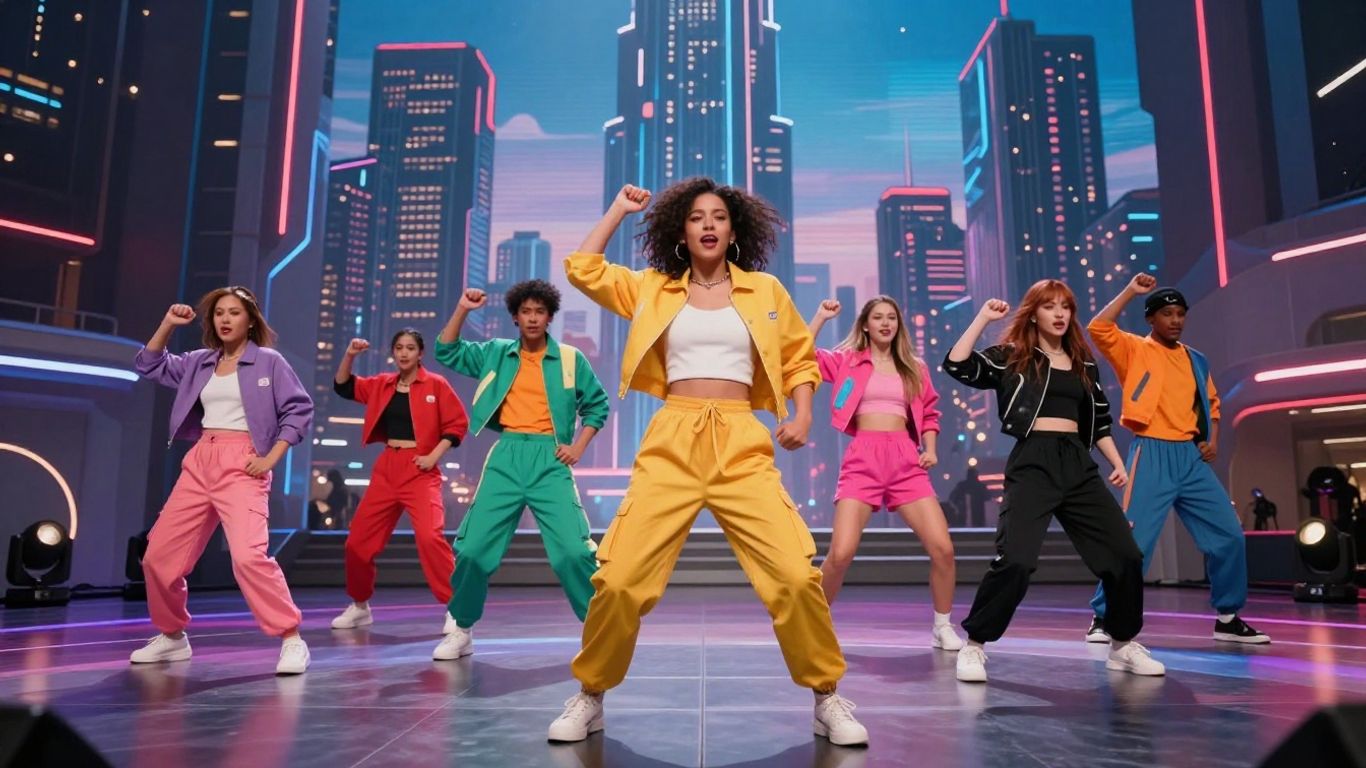
Think of your text prompt as the blueprint for your song and video. Be specific about the genre, mood, and any lyrical themes you want. The more detail you provide, the closer the AI will get to your vision. Don’t be afraid to experiment with different descriptive words to see what results you get.
Leveraging Audio Uploads
While the AI can generate songs from scratch, you can also upload your own audio files. This is great if you’ve already produced a track or have a specific instrumental you want to visualize. The generator will then create visuals that sync with your existing music, giving you more control over the audio side of things. You can upload files in formats like MP3 and WAV.
Refining Generated Videos
Once the AI produces a video, it’s rarely perfect on the first try. Take advantage of the editing tools to make adjustments. You can tweak visual styles, fine-tune the timing of scenes, or even adjust the generated captions. This iterative process is key to achieving a polished final product. Don’t just accept the first output; refine it until it matches your expectations. You can explore different visual styles to see what fits best with your music, perhaps trying out AI-generated videos for something unique or stock footage for a quicker result.
The Value Proposition of Integrated Workflows
Eliminating Platform Switching
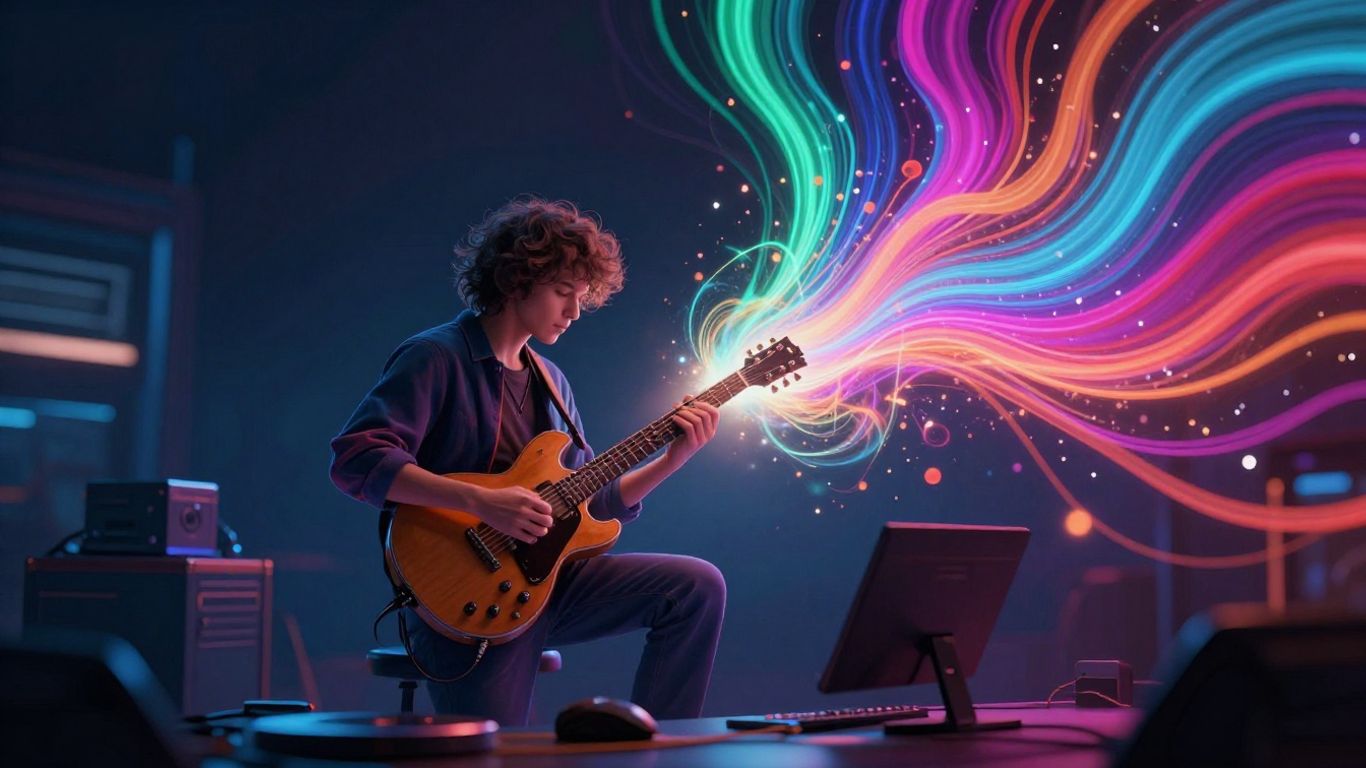
Think about how much time you waste jumping between different apps. You write a song in one place, then export it to create a video in another. This AI music video generator changes that. It brings song creation and video production together in a single tool. You go from a text idea straight to a finished music video without ever leaving the platform.
Streamlining the Creative Process
This integrated approach makes your creative flow much smoother. Instead of managing multiple files and workflows, everything happens in one connected space. This means less hassle and more time spent on the actual creative work. You can experiment faster and bring your ideas to life more efficiently.
Reducing Production Barriers
Creating professional-looking music videos used to require a whole team and a big budget. Now, you can achieve similar results with just your ideas and this tool. It removes the need for specialized editing skills or expensive software. This makes high-quality video production accessible to everyone, regardless of their technical background or budget. You can finally create the visuals your music deserves without the usual roadblocks. Check out tools like Creatus.ai to see this integrated workflow in action.
Discover how putting your tasks together can make things way easier and faster. When your tools talk to each other, you save time and avoid mistakes. It’s like having a super-smart assistant that handles the boring stuff so you can focus on what matters. Want to see how this can change your work? Visit our website to learn more!
Wrapping Up
So, you’ve seen how tools like Creatus AI can take a simple text idea and turn it into a full song with vocals, then spin that into a music video. It’s pretty straightforward: type your idea, let the AI handle the music, then let it create the visuals. You don’t need to be a musician or a video editor to get something decent. You can export in formats for TikTok, Instagram, or YouTube, and it’s all done in one place. If you’re looking to get your music out there visually without a big budget or a steep learning curve, this kind of AI tool is definitely worth checking out.
Frequently Asked Questions
What exactly does this AI music video tool do?
Think of it as a super cool magic box! You can type in an idea for a song, and the AI will write and sing it for you. Then, you can take that song (or any song you already have) and the AI will create a music video that matches the music perfectly. It’s like having a songwriter and a video director all in one!
Do I need to be a music expert or a video whiz to use this?
Nope, not at all! You don’t need any fancy music-making skills or video editing experience. The AI does all the heavy lifting. You just give it your ideas or your song, pick some styles you like, and it puts it all together for you. It’s made for everyone, even if you’ve never touched a music program or video editor before.
Can I use this for different kinds of videos, like for TikTok or YouTube?
Absolutely! You can make videos in different shapes and sizes. Whether you need a tall, skinny video for TikTok, Reels, and Shorts, or a wider one for YouTube, this tool can do it. It makes sure your video looks great on whatever platform you decide to share it on.
What if I already have a song I want to make a video for?
That’s totally fine! You don’t have to use the AI to write your song. You can upload your own music files, like MP3s or WAVs, and the AI will create a music video that syncs up with your track. It’s a great way to give your existing songs a fresh visual.
How does the AI know what kind of video to make for my song?
The AI is pretty smart! It listens to your song and picks up on the mood, the beat, and how energetic it is. You can also give it some hints by choosing different visual styles. It then uses all that information to create video scenes that fit the music, making it feel like the visuals and sound were made for each other.
Is this better than using separate tools for music and video?
For many people, yes! Imagine writing a song in one app, then having to move it to another app to make the video. This tool does both things together. It saves you time and hassle because you don’t have to jump between different programs. Everything happens in one place, making the whole process much smoother and quicker.