Thinking about making your own music but don’t know where to start? You’ve probably heard about AI music tools, and maybe you’re wondering if they’re actually any good. Well, let me tell you, they’re pretty wild. It’s like having a whole band and studio at your fingertips, all powered by just typing a few words. This guide is here to show you how to make AI music, even if you’ve never touched a musical instrument in your life. We’ll walk through the basics, from picking a tool to getting your first track sounding just right. It’s simpler than you might think, and honestly, it’s a lot of fun to play around with. So, let’s get you making some tunes!
Key Takeaways
- You can create full songs with AI just by typing a description, no musical skills needed.
- AI music tools can generate both vocals and instrumental backing for your tracks.
- You can use AI to create music videos that sync with your generated songs.
- Many AI music platforms offer free tiers, making it easy to start experimenting.
- AI music is great for content creators needing background tracks for social media or videos.
Understanding AI Music Generation
What Are AI Music Generation Models?
AI music generation models are computer programs designed to create music. They learn by analyzing vast amounts of existing music, picking up on patterns, structures, and styles. Think of them as digital musicians who have studied countless songs to understand how music works.
These models take your input, like a text description or even a simple melody, and turn it into a complete musical piece. Some focus on instrumental tracks, while others can generate full songs with vocals. They handle the technical aspects, letting you focus on the creative idea.
How AI Models Create Music
AI models create music using different techniques. Some use autoregressive methods, which predict the next note or sound based on what came before, like building a sequence. Others use diffusion models, starting with random noise and gradually refining it into a coherent piece of music.
These systems are trained on huge datasets, sometimes hundreds of thousands of hours of audio. This training allows them to understand musical elements like rhythm, harmony, and genre. The goal is to make music creation accessible, even if you don’t have formal musical training.
The Role of AI in Modern Music Creation
AI is changing how music is made. Instead of spending hours on complex software, you can now type a few words and get a song in seconds. Tools like Google’s MusicLM or Meta’s MusicGen can turn simple text prompts into actual music.
This technology isn’t about replacing human artists. It’s about providing new tools that can speed up the creative process and help artists explore new ideas. AI can help generate initial ideas, create backing tracks, or even produce complete songs, augmenting human creativity rather than replacing it.
Getting Started With AI Music Creation
Choosing Your AI Music Platform
There are a few different AI music tools out there now. For beginners, it’s best to pick one that’s straightforward. Suno is great if you want full songs with vocals, almost like a radio-ready track. Udio offers a lot of flexibility with different genres and styles, and it has a growing community you can check out.
Don’t spend too much time deciding; just pick one and start experimenting. You can always try others later if you want to see what else is out there.
Crafting Your First Prompt
This is where you tell the AI what kind of music you want. Think about the mood, the genre, and maybe even a specific scenario. For example, you could try "upbeat electronic music for a road trip" or "calm acoustic guitar for studying." Be descriptive.
Here are some tips for writing good prompts:
- Be specific: Instead of "sad song," try "melancholy piano ballad about lost love."
- Mention the mood: Use words like happy, energetic, chill, mysterious, or epic.
- Include genre and instruments: Specify if you want rock, jazz, hip-hop, or if you prefer piano, synth, or drums.
- Add tempo: Words like fast, slow, or mid-tempo can help.
The AI is like a very talented but literal musician. The clearer your instructions, the closer the output will be to what you imagined.
Iterating and Refining Your AI Song
Your first attempt might not be perfect, and that’s totally fine. AI music generation is often a process of trial and error. Listen to what the AI creates and think about what you like and what you’d change.
Try tweaking your prompt based on the results. Maybe you need to add more detail, change a specific instrument, or adjust the mood. You can also often regenerate parts of the song or ask for variations. Keep playing with it until you get something you’re happy with.
Advanced AI Music Techniques
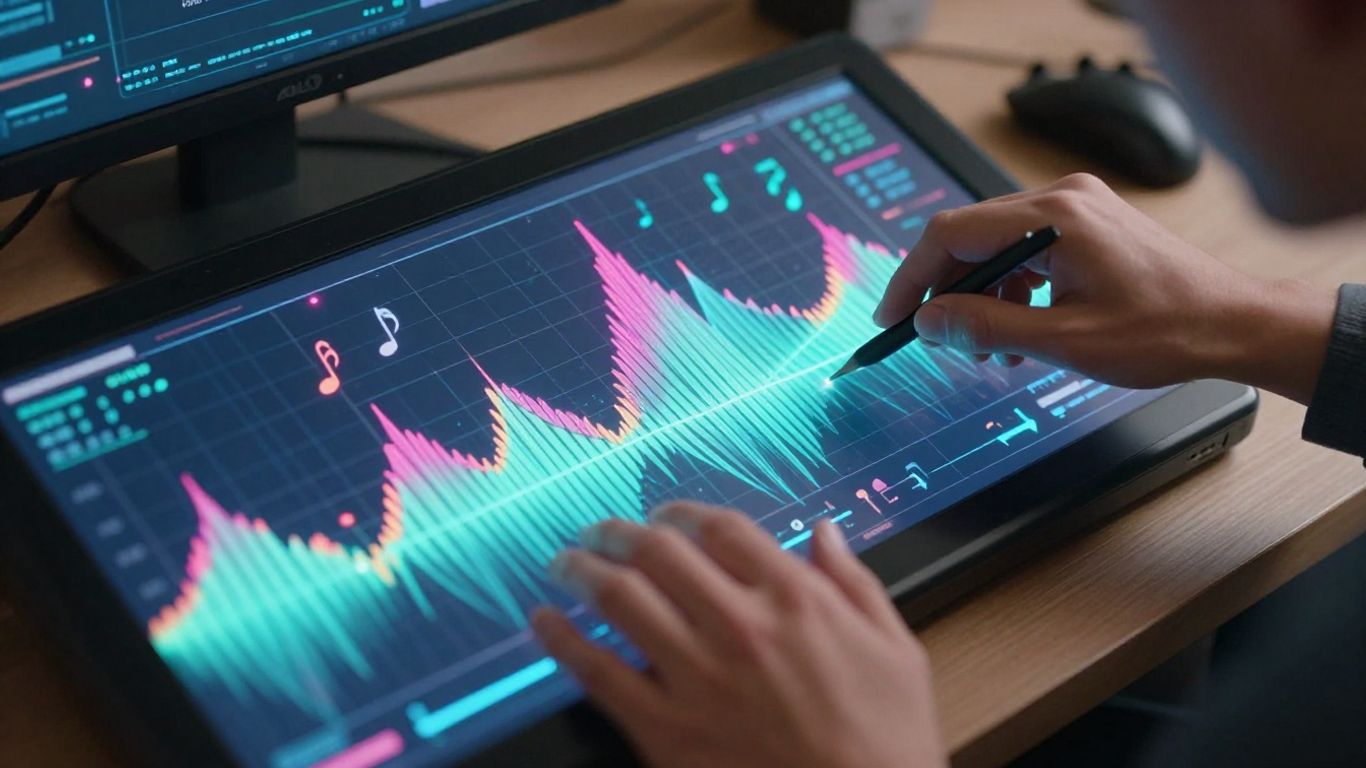
Once you’ve got the basics down, you can start pushing the boundaries of AI music creation. This means getting more specific with your instructions and using advanced features to shape the sound.
Leveraging Reference Audio for Accuracy
To get AI music that really matches your vision, try using reference audio. Uploading a guide track helps the AI understand the rhythm and melody you’re aiming for. This is a big step up from just text prompts. It makes the generated music much more cohesive and aligned with your specific needs. It’s like giving the AI a blueprint to follow.
Editing and Shaping AI-Generated Tracks
AI tools are getting better at giving you control. Some platforms let you tweak almost every part of the generated song. You can adjust tempo, change intensity at certain points, or even extend clips. Think of it like having "pixel-level control" for audio. This turns AI generation into a more interactive process, not just a one-off creation.
AI music generation is evolving from a simple ‘push-button’ solution to a dynamic creative partner. The ability to fine-tune and manipulate AI outputs means you can achieve highly specific results that were previously impossible without extensive musical knowledge or complex software.
Creating Themed Music Collections
Many creators build playlists of AI songs around specific themes or aesthetics. This can be really useful for branding or for projects that need a consistent sound. You might create a collection for a series of videos or for a specific mood. It helps to organize your AI-generated music and makes it easy to find the right track later. Consider guides on how to create music evoking a certain feeling for inspiration. Explore AI music tools to find platforms that support this kind of organization.
Integrating AI Music and Video
Now that you’ve got your AI-generated music, it’s time to pair it with visuals. Many tools can now create music videos directly from your audio. This means you can go from a song idea to a finished music video without leaving a single platform.
Combining Song and Video Generation
Some AI platforms offer a two-in-one workflow. You can generate a song using text prompts and then immediately create a music video for it. This integrated approach saves a lot of time and hassle. You don’t need to switch between different apps for music and video production.
Uploading Your Own Audio for Video
If you’ve already created a track, or if you’re using an AI song generator that only produces audio, you can still use AI video tools. Simply upload your audio file. The AI will then analyze the music’s tempo, mood, and structure to create a synchronized video. This is great for producers showcasing instrumentals or for musicians who want a quick visual for their existing tracks.
Exporting for Different Platforms
When you create your AI music video, you’ll want to make sure it looks good everywhere. Most AI video tools let you export in various aspect ratios. You can choose between vertical (9:16) for TikTok and Reels, square (1:1) for Instagram feeds, or horizontal (16:9) for YouTube. This flexibility ensures your content is ready for any platform you plan to use.
Creating a music video used to be a complex and expensive process. Now, AI tools can handle both the music composition and the visual creation. This democratizes music video production, making it accessible to independent artists and content creators alike. You can achieve professional-looking results with just a few prompts and uploads.
Here’s a quick look at what you can do:
- Generate a song and video together: Use a text prompt to create both music and visuals in one go.
- Upload existing audio: Pair your own tracks with AI-generated visuals.
- Choose export formats: Select 9:16, 1:1, or 16:9 for social media or YouTube.
- Experiment with styles: Many tools offer different visual themes to match your music’s vibe.
Key Features of AI Music Tools
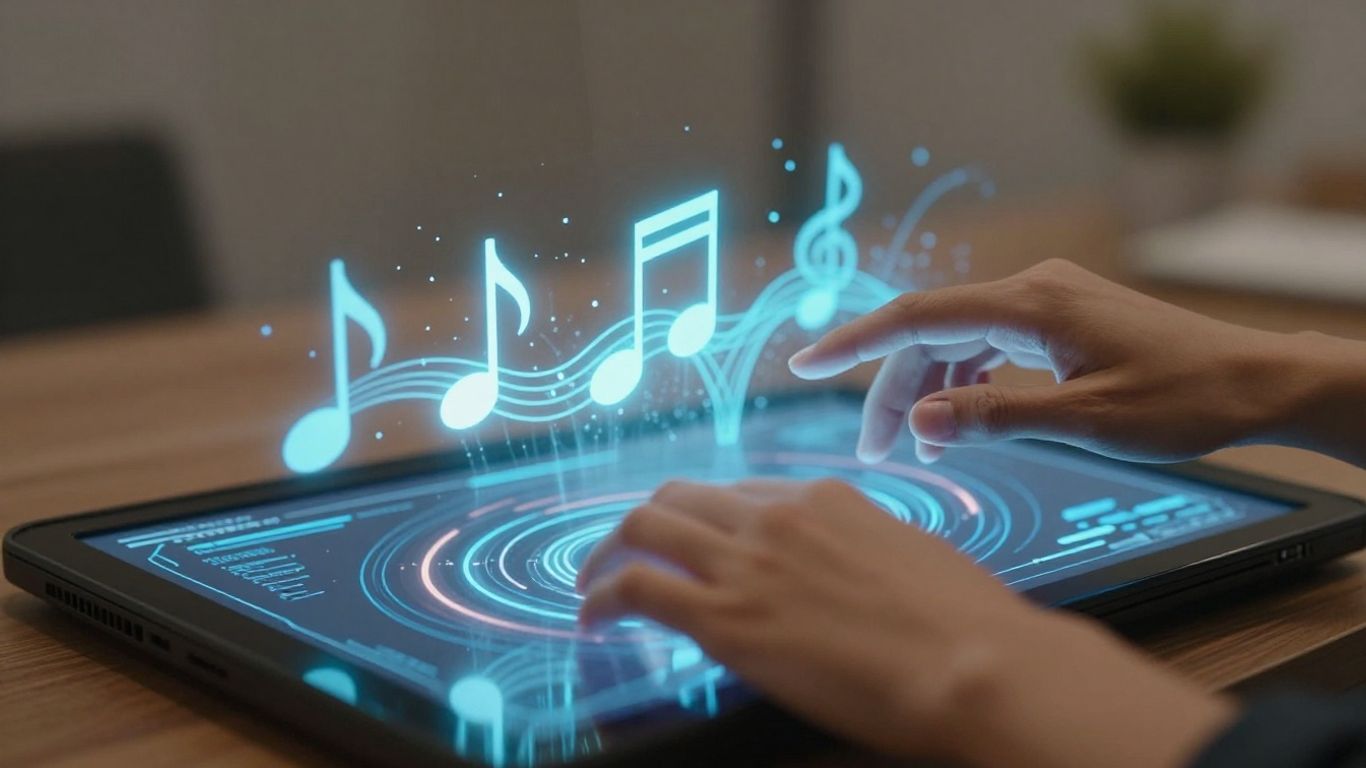
AI music tools come packed with features designed to make creating music easier and more accessible. You’ll find that many platforms offer capabilities that were once only available to seasoned professionals.
Text-to-Song Capabilities
This is a core feature in most AI music generators. You simply type in a description of the music you want – think genre, mood, tempo, or even specific instruments. The AI then takes your text and turns it into a complete song. It’s like having a composer on demand, ready to bring your ideas to life with just a few words.
AI Singing Vocals and Instrumental Backing
Many tools don’t just create the music; they can also add vocals. You can get AI-generated singing voices that fit the style of your song, or just opt for instrumental tracks. Some platforms even let you choose different vocal styles or generate backing tracks separately. This means you can get a full song, complete with a lead vocal, without needing a singer.
Multi-Format Export Options
Once you’ve created your masterpiece, you need to be able to use it. AI music tools typically offer various export options. You can usually download your music in common audio formats like MP3 or WAV. Some tools also provide video export options, often in different aspect ratios like 9:16 for social media or 16:9 for standard video platforms. This flexibility ensures your music is ready for whatever project you have in mind.
AI Music for Content Creators
Ideal Use Cases for AI Music
AI music tools are a game-changer for anyone producing content regularly. You can quickly generate background tracks for videos, podcasts, or social media posts without needing to hire a composer or spend hours searching for royalty-free music. Need a specific mood for your travel vlog or an energetic beat for a workout video? AI can deliver that in minutes. This accessibility means you can focus more on your creative vision and less on production hurdles.
Optimizing AI Music for Social Media
When creating content for platforms like TikTok, Instagram Reels, or YouTube Shorts, timing and impact are everything. AI music generators let you create tracks that perfectly fit the length and energy of your short-form videos. You can experiment with different tempos and styles to see what grabs your audience’s attention. Many tools also offer multi-format exports, so your music is ready for any platform.
Royalty-Free Music Generation
One of the biggest advantages of using AI for music is that you can often generate tracks that are royalty-free. This means you can use the music in your projects without worrying about copyright claims or licensing fees. This is incredibly useful for monetizing your content on platforms like YouTube. You get unique, custom music tailored to your needs, and you don’t have to pay ongoing royalties.
AI music generation removes many of the traditional barriers to creating custom soundtracks. You can get a unique piece of music that fits your project’s mood and style without needing musical training or a large budget. This democratizes audio production for creators of all levels.
Here’s a quick look at how AI music can fit into your workflow:
- Background Music: Generate endless unique tracks for vlogs, tutorials, or product demos.
- Intro/Outro Jingles: Create catchy, branded audio for podcasts or video series.
- Social Media Clips: Produce energetic or atmospheric music for short-form video content.
- Sound Effects: Some tools can even generate specific sound effects to complement your visuals.
- Mood Setting: Quickly create music that matches the exact emotional tone of your content.
Making music with AI is a game-changer for anyone creating videos or podcasts. Forget spending hours searching for the perfect track or paying big bucks for licenses. AI tools can whip up unique tunes in seconds, fitting exactly what you need. Ready to see how easy it is to create your own background music? Visit our website today and start experimenting!
Wrapping Up Your AI Music Journey
So, you’ve taken the first steps into making AI music. It’s not about replacing human creativity, but giving you new tools to play with. You can go from a simple idea to a full song and even a music video without needing a studio or years of training. Tools like Creatus AI make it easy to try things out, generate something unique, and share it. Don’t expect every track to be a hit right away. The real fun is in experimenting, seeing what the AI comes up with, and making it your own. Keep playing around with prompts, try different styles, and see where your ideas take you. You’ve got the basics now, so go make some noise.
Frequently Asked Questions
What exactly is AI music generation?
Think of AI music generation as having a super-smart musical assistant. You give it an idea, maybe a genre like ‘rock’ or a mood like ‘happy,’ and it creates a whole song for you! It’s like magic for making tunes without needing to play an instrument yourself.
Do I need to be a musician to make AI music?
Nope, not at all! You don’t need to know how to read music, play the guitar, or even understand complicated music software. All you really need is an idea and the ability to type it out. The AI handles all the technical stuff for you.
How do I start making my first AI song?
It’s pretty straightforward. First, you pick an AI music tool online. Then, you write a simple description of the song you want – like ‘a chill song about a sunny day.’ Hit generate, and the AI will whip up a track for you. You can then tweak it a bit if you like.
Can I make music videos with AI too?
You bet! Some cool AI tools can take the song you just made or an audio file you upload and create a music video to go with it. It’s like a one-stop shop for both the music and the visuals, making it super easy to share your creations online.
What if I don’t like the first song the AI makes?
That’s totally normal! The first try might not be exactly what you imagined. Most AI tools let you regenerate the song or adjust your description to get closer to what you want. You can keep trying until you get a version you’re happy with.
Is AI music free to use?
Many AI music tools offer a free version to get you started, which is awesome for beginners. They usually have limits, but it’s a great way to experiment. If you want more features or unlimited creations, they often have affordable paid plans too.