Hey there, indie artist! Thinking about getting a music video made but worried about the cost? You’re in luck. Technology has come a long way, and now you can actually create cool visuals for your songs without emptying your wallet. We’re talking about using AI, which is pretty wild when you think about it. It’s like having a whole production team at your fingertips, ready to bring your music to life visually. Let’s check out how this whole ai music video for indie artist thing works and how you can make it work for you.
Key Takeaways
- AI music video generators let you create visuals for your songs without needing fancy equipment or a big team.
- Many tools can create a song from text and then turn that song into a video, all in one place.
- You can upload your existing music files too, and the AI will make a video to match the beat and mood.
- These tools are way cheaper than traditional music video production, making them perfect for indie artists.
- Using AI means you can get professional-looking videos quickly and easily, helping you promote your music on social media.
Leveraging AI For Your Music Video Production
Understanding the AI Music Video Landscape
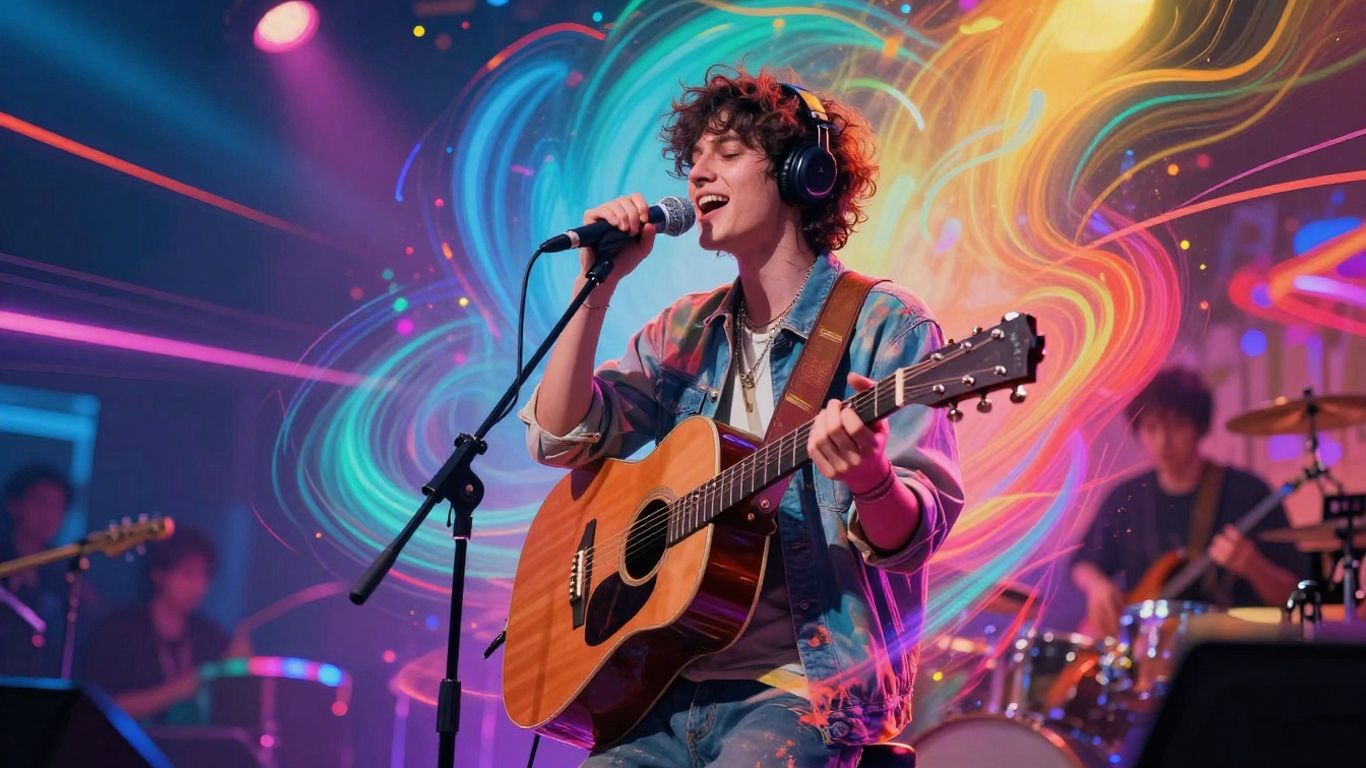
The way we make music videos has changed. AI tools now offer a way to create visuals for your songs without needing a big budget or a film crew. These tools can take your music and turn it into a video, often just from a text description or by analyzing your audio. It’s a new approach for artists who want to get their music seen.
Key Features of AI Music Video Generators
Many AI video generators focus on making visuals that sync with your music. Some can even create the song itself, complete with vocals, from a simple text prompt. You can often choose from different visual styles, like animated, cinematic, or abstract looks. The goal is to give you a complete package, from song idea to finished video, all in one place.
The All-in-One Workflow Advantage
What’s really helpful is when a tool can handle both the music creation and the video production. This means you don’t have to jump between different software or services. You can write a song idea, have the AI generate the music and vocals, and then immediately create a video for it. This streamlined process saves a lot of time and hassle, letting you focus more on the creative side.
This integrated approach means you can go from a basic concept to a finished music video much faster than traditional methods. It’s about simplifying the entire production pipeline for independent artists.
Creating Your AI Music Video: A Practical Guide
Getting your music out there visually doesn’t require a film crew anymore. AI tools make it straightforward to turn your sound into a video.
From Text Prompt to Song and Video
Some AI platforms let you start with just an idea. You can type in lyrics, a genre, or a mood, and the AI will generate both the music and the visuals. This is a fast way to get a complete song and video package. It’s like having a full production team in your computer.
This process is incredibly efficient for generating initial concepts or even final tracks. You can experiment with different lyrical ideas and see how they translate visually. It’s a powerful way to bring your song to life without needing to write music or edit video yourself.
Uploading Existing Audio for Visuals
If you already have your song ready, you can upload it directly. The AI will analyze your track’s rhythm, tempo, and mood. It then creates visuals that sync up perfectly with your music. This is a great option if you’ve already finished your audio production.
This feature is designed to save you time. Instead of manually syncing video clips to your song, the AI handles it automatically. You can focus on refining the visual style to match your song’s energy. This makes the process much smoother for artists with finished tracks.
Selecting Visual Styles and Export Formats
Once your video is generated, you can choose from various visual styles. Think cinematic, animated, abstract, or even lyric video formats. You can also select the export format that best suits your needs. Common options include vertical (9:16) for TikTok and Reels, square (1:1) for Instagram, and horizontal (16:9) for YouTube.
Here’s a look at common export options:
| Format | Use Case |
|---|---|
| 9:16 | TikTok, Instagram Reels, YouTube Shorts |
| 1:1 | Instagram Feed, Social Media Posts |
| 16:9 | YouTube, Standard Video Platforms |
Choosing the right format ensures your video looks its best on the platform you plan to use. This flexibility means your AI-generated video can be optimized for maximum impact across different social media channels.
Affordable Promotion for Indie Artists
Cost-Effectiveness Compared to Traditional Production
Forget the old days of needing thousands of dollars for a decent music video. AI tools change the game for indie artists. You can now create professional-looking visuals without hiring a crew, renting expensive gear, or spending weeks on set. This means your budget goes further, allowing you to focus on making great music.
You can achieve cinematic quality for a fraction of the cost of traditional methods. This shift makes high-quality promotion accessible to everyone, regardless of their financial backing. It’s about smart tools for smart artists.
Maximizing Reach on Social Media Platforms
AI-generated music videos are perfect for today’s social media landscape. Most platforms favor short-form video content, and AI tools can easily output videos in vertical formats like 9:16 for TikTok, Instagram Reels, and YouTube Shorts. This means your music can reach a wider audience more effectively.
- Platform-Ready Formats: Generate videos optimized for different social channels without extra editing.
- Algorithm Friendly: Consistent content creation keeps your audience engaged and signals to algorithms that you’re active.
- Shareability: Eye-catching visuals grab attention in crowded feeds, encouraging shares and discovery.
Achieving Cinematic Quality on a Budget
Getting that polished, professional look used to be out of reach for many indie artists. AI video generators, however, are closing that gap. By focusing on key elements like smooth motion, consistent color grading, and clear visuals, you can produce results that rival much more expensive productions.
Pay attention to the details that make a video feel real. Stable camera movement, clear edges on subjects, and consistent lighting across scenes are more important than just high resolution. These are the things AI is getting good at, making your budget stretch further.
Here’s a quick look at what to expect:
| Feature | Traditional Production | AI Production (Budget) |
|---|---|---|
| Cost | $5,000 – $500,000+ | Minutes, fraction of cost |
| Time to Produce | Weeks/Months | Minutes/Hours |
| Crew Required | Yes (Director, DP, etc.) | No |
| Location Scouting | Yes | No |
| Post-Production | Extensive | Minimal/Automated |
Choosing the Right AI Music Video Tool
Evaluating AI Music Video Generators
When you’re looking for an AI music video tool, think about what you need it to do. Some tools focus on generating music from text, while others are built to turn your existing audio into visuals. It’s important to match the tool’s strengths to your project goals. Don’t just pick the first one you see; take a moment to see if it fits your workflow.
Understanding Pricing and Free Tiers
Most AI music video generators have different pricing structures. You’ll often find free tiers that let you test the waters, but these usually come with limitations like watermarks or lower export quality. Paid plans can range from monthly subscriptions to credit-based systems. Consider the cost per usable minute of video you get, not just the sticker price. This helps you figure out the real value for your budget.
Key Differentiators to Consider
Look beyond just the basic features. Some tools offer advanced options like integrating multiple AI models, giving you more control over the final look. Others focus on speed and simplicity, perfect for quick social media clips. Think about whether you need features like automatic beat syncing, specific visual styles, or the ability to generate background music and sound effects within the same platform. Tools like Freebeat stand out by analyzing audio to create visuals, offering a more integrated experience.
Here’s a quick look at what some tools offer:
| Feature | Tool A (Example) | Tool B (Example) | Tool C (Example) |
|---|---|---|---|
| Text-to-Song | Yes | No | Yes |
| Audio-to-Video Sync | Yes | Yes | Basic |
| Multiple AI Models | No | Yes | No |
| Free Tier | Limited | None | Yes |
| Customization Options | Basic | Advanced | Moderate |
When evaluating tools, think about the entire process. Does it handle everything from initial idea to final export smoothly? A tool that streamlines the workflow, even with a slightly higher cost, can save you a lot of time and frustration down the line. It’s about efficiency as much as it is about the final output quality.
Optimizing Your AI Music Video Strategy
You’ve got your AI music video ready, but how do you make sure it actually gets seen? It’s not just about creating the video; it’s about how you use it. Think of it as part of a bigger plan to get your music out there.
Integrating AI Videos into Your Release Schedule
Don’t just drop your AI video randomly. Plan it around your song releases. A new single might get a full AI music video, while an EP could use shorter, AI-generated clips for each track. This keeps your content fresh and gives fans something new to look forward to with each release. Consistency is key for keeping your audience engaged.
Content Creation for Algorithm Performance
Social media algorithms love new content. AI tools make it easy to create variations of your main video. You can generate short, punchy clips for TikTok or Instagram Reels, or even create different aspect ratios for YouTube Shorts. This variety helps you hit different platforms effectively and keeps your content appearing in feeds. It’s about giving the algorithm what it wants: more content.
Iterative Generation for Best Results
Your first AI video might not be perfect. That’s okay. Use the tools to experiment. Generate a few different versions of a scene or the whole video. Look at what works and what doesn’t. You can then refine your prompts or settings based on those early results. This iterative process helps you zero in on the best possible visual for your song. It’s like sketching out ideas before painting the final picture.
The goal is to create visuals that match your music’s vibe without breaking the bank. AI makes this experimentation possible, letting you try out different styles and concepts quickly. Don’t be afraid to generate multiple options and pick the strongest one, or even combine elements from different versions. This approach saves time and often leads to a more polished final product.
Here’s a quick look at how you might plan your AI video content around a release:
- Pre-release: Teaser clips, behind-the-scenes snippets of the AI generation process.
- Release Day: Full AI music video premiere on YouTube, shorter edits for social media.
- Post-release: Lyric videos, visualizers for streaming platforms like Spotify Canvas, fan-generated content prompts.
This structured approach ensures your AI video works hard for you across different platforms and stages of your release cycle. It helps you distribute your AI music video effectively.
Beyond the Basics: Advanced AI Video Techniques
Customizing AI Models and Styles
Most AI music video tools offer a range of pre-set styles. But you can often go deeper. Look for options that let you fine-tune parameters like color palettes, motion blur, or even the complexity of generated elements. This level of control helps you create a truly unique look for your music.
Experiment with combining different style prompts or using negative prompts to exclude unwanted visual elements. The goal is to push the AI beyond its default settings to match your specific artistic vision. This might take a few tries, but the results can be striking.
Ensuring Visual Continuity and Coherence
Maintaining a consistent look and feel across an entire music video is key. If your AI generator allows, try using the same seed number for different video segments. This can help produce visually similar elements. You can also use specific keywords in your prompts to reinforce recurring themes or objects.
Some platforms offer features to maintain character consistency or background elements. If yours doesn’t, you might need to manually edit clips together to ensure a smooth flow. Pay attention to how transitions between scenes feel. A jarring shift can pull viewers out of the experience.
Utilizing AI for Background Music and Sound Effects
Did you know some AI video tools can also generate background music and sound effects? If you’re creating a video for a piece of music that doesn’t have a full instrumental track, or if you want to add atmospheric sounds, this feature can be a lifesaver. You can often generate these elements based on text prompts describing the mood or action.
This capability is especially useful for experimental tracks or when you need specific sound design to complement your visuals. It means you can potentially create an entire audio-visual package from a single platform. This is a huge time-saver for indie artists looking to streamline their workflow.
When you start pushing the boundaries of AI video generation, remember that iteration is your best friend. Don’t expect perfection on the first try. Treat each generation as a step towards your final goal, learning what works and what doesn’t with each attempt. This iterative process is where true creativity happens with these tools.
Ready to go beyond simple AI video tricks? This section dives into some really cool, advanced ways to make your AI videos stand out. We’ll explore techniques that can make your creations look super professional and unique. Want to see these awesome methods in action and learn how to use them yourself? Visit our website today to unlock your video-making potential!
Wrapping Up: Your Next Music Video Awaits
So, there you have it. Creating a music video for your indie project doesn’t have to drain your bank account or take weeks of your time anymore. Tools like the ones we’ve looked at can take your song from a simple idea to a finished video, ready for sharing, all within a reasonable budget and timeframe. You can get started with free options and upgrade as you go. It’s about making the most of what’s available to get your music seen and heard. Give it a try – you might be surprised at what you can create.
Frequently Asked Questions
How can AI help me make a music video if I’m on a tight budget?
AI music video tools are a game-changer for indie artists! Instead of spending thousands on cameras, crews, and editing, you can use AI to create visuals for your songs in minutes. Many tools let you type in an idea and generate a video, or even turn your existing audio into a cool visual. It’s way cheaper and faster than traditional methods.
Do I need to be a tech whiz to use these AI video tools?
Nope! Most AI music video generators are designed to be super easy to use, even if you’ve never edited a video before. You usually just type in what you want, upload your song, pick a style, and the AI does the rest. Think of it like giving instructions to a very creative robot.
Can I use my own song with these AI tools?
Absolutely! While some AI tools can create a song from scratch based on your text, most also let you upload your own music files, like MP3s or WAVs. The AI will then create visuals that match the beat and mood of your track.
What kind of video styles can I get with AI?
You can get a huge variety of styles! AI tools can create everything from cinematic scenes and animated sequences to abstract visuals and lyric videos. You can often choose from different looks, or even describe the style you want in your text prompt.
Are there AI tools that can make both the song and the video?
Yes, there are! Some newer AI platforms are amazing because they can actually generate a full song with AI vocals from just a text description, and then turn that song into a music video, all within the same tool. This makes the whole process super smooth.
Where should I share my AI-generated music videos?
You can share them anywhere! AI tools usually let you export your videos in different sizes, like vertical 9:16 for TikTok, Instagram Reels, and YouTube Shorts, or the standard 16:9 for YouTube. This means you can easily get your music out on all the popular social media platforms.