So, you’re a musician and you’ve heard about AI making music videos? It sounds like science fiction, but it’s actually pretty doable now. Forget hiring a big crew or spending a fortune. You can totally make a cool DIY music video with AI. This guide is here to walk you through it, step-by-step, so you can get your music out there with visuals to match, without all the usual hassle.
Key Takeaways
- You can create a DIY music video with AI without needing a big budget or a film crew.
- Tools like Creatus AI combine song generation from text and audio-to-video creation in one place.
- Planning your video concept is still important, even when using AI.
- AI simplifies the technical side, but understanding input/output formats helps.
- Post-production editing is still needed to polish your AI-generated video.
Understanding AI Music Video Creation
The Evolution of Music Videos
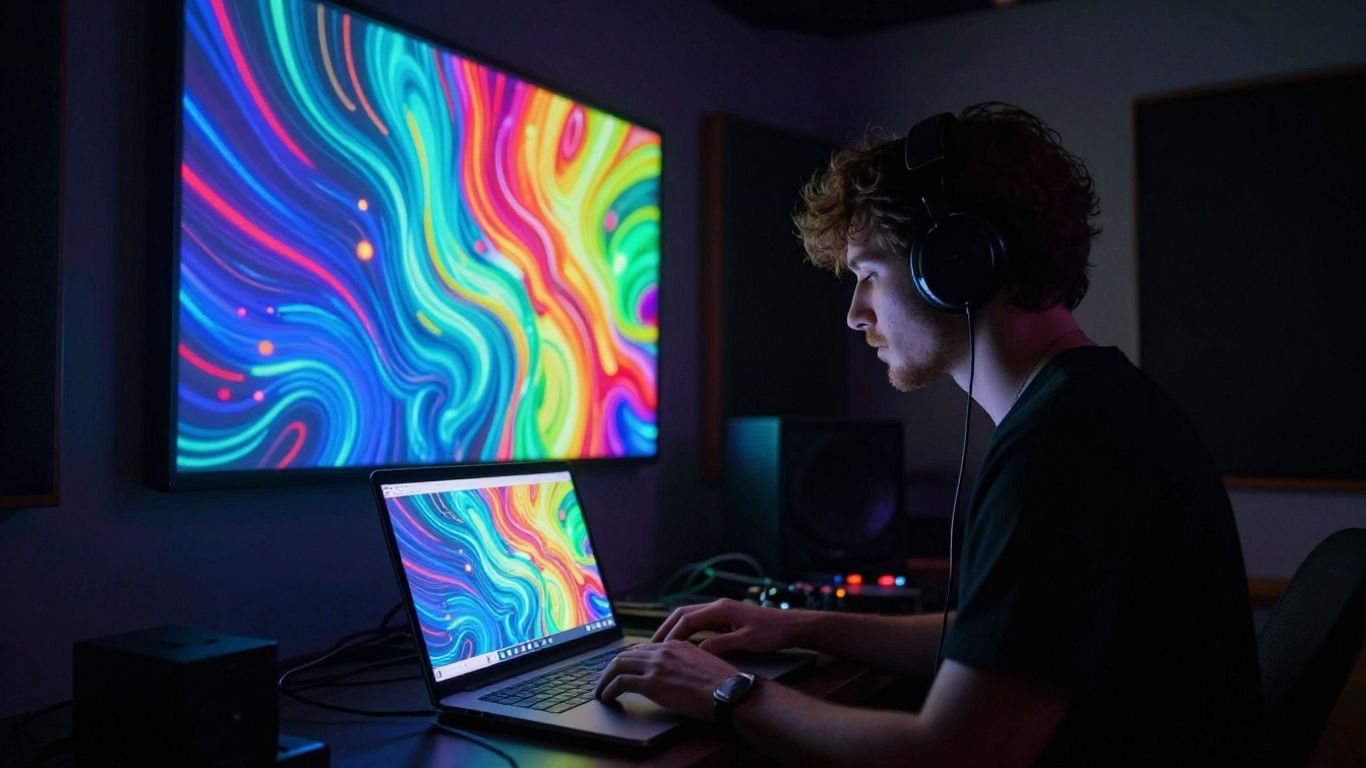
Music videos have come a long way since MTV first hit the airwaves. Back in the ’80s, they were a luxury controlled by record labels, shaping how artists were seen. YouTube changed all that, giving independent musicians a platform to share their vision without gatekeepers. Now, with streaming dominating, budgets are tighter, and that’s where AI steps in.
AI’s Role in Modern Music Production
Artificial intelligence isn’t just for visuals anymore; it’s changing how music is made too. AI tools can help you compose, arrange, and even produce entire songs with vocals. Think of AI as a collaborator that can translate your ideas into sound, offering new ways to create. This technology is becoming a core part of how many musicians work today.
Benefits of AI for Independent Musicians
For independent artists, AI offers a powerful way to create professional-looking music videos without a big budget or a large crew. You can generate visuals quickly and affordably, which is a huge advantage in today’s fast-paced music industry. AI tools can significantly speed up your production timeline and lower costs. This allows you to focus more on your music and less on the technical hurdles of video production. You can explore tools like Soundverse for music generation and then use other AI platforms to bring your visuals to life.
Choosing the Right AI Tools for Your Project
With so many AI tools popping up, picking the right ones for your music video can feel overwhelming. It’s not just about finding a tool that makes videos; you need one that fits your workflow and creative goals. Think about what you need most: a complete song-and-video package, or specialized tools for each part?
Integrated Song and Video Generation Platforms
These platforms aim to be an all-in-one solution, generating both your music and the accompanying video. They’re great if you want to keep things simple and avoid switching between multiple applications. You can often describe your song idea and get a complete package, though customization might be more limited.
Platforms like CREATUS.AI offer a two-in-one approach, handling both text-to-song generation with AI vocals and audio-to-video production. This means you don’t need separate subscriptions for music creation and video making. They are designed to streamline the process, allowing you to go from concept to finished video without leaving their ecosystem. This can save you a lot of time and hassle.
Specialized AI Video Generators
If you already have your music ready or prefer to use a dedicated AI music generator, specialized video tools are your best bet. These platforms focus solely on creating visuals from your audio. They often provide more control over the video’s style, pacing, and visual elements.
Here are a few types of specialized tools you might encounter:
- Audio-to-Video Generators: These take your existing song and create visuals that sync with the music. They might offer features like beat-synced editing or lyric overlays.
- Text-to-Video Generators: Similar to song generators, you describe the video you want, and the AI creates it. You’d then combine this with your music.
- AI Editing Suites: Some tools offer AI-powered editing features that can help you assemble and refine your video clips, even if they weren’t generated by AI.
When selecting a specialized tool, consider its ability to interpret musical cues. Some generators can automatically sync visuals to the beat, while others might require more manual input to achieve the desired effect. Look for features that align with your vision for the video’s energy and mood.
AI Songwriting Assistants
Sometimes, the biggest hurdle is getting the music itself right. AI songwriting assistants can help you overcome creative blocks or generate foundational musical ideas. These tools can produce melodies, harmonies, or even full instrumental tracks based on your prompts. You can then take these AI-generated tracks and build upon them, adding your own vocals or instrumentation.
Tools like Soundverse AI Music Generator are designed to help you create copyright-safe music. They allow you to describe the genre, mood, and tempo you’re looking for, and the AI will compose a track for you. You can then export this music and use it as the basis for your video project, whether you’re using a separate AI video tool or traditional editing software.
Crafting Your Music Video Concept
Before you start generating visuals, you need a solid idea for your music video. This is where you define what your audience will see and how it connects to your song. Think about the core message and the overall feeling you want to convey.
Defining Your Narrative and Theme
What story does your song tell? It doesn’t have to be a complex plot. A simple performance or a series of evocative images can work just as well. Consider the mood of your music – is it energetic, melancholic, or something else entirely? Your video’s theme should amplify the song’s emotional core.
Visual Storyboarding with AI Prompts
Once you have a theme, start sketching out scenes. You can do this with simple drawings or by using AI text-to-image tools. Describe the shots you envision, including lighting, camera angles, and any specific elements. For example, a prompt like "a lone figure walking through a neon-lit city street at night, rain falling, wide shot" can help visualize a scene. This process helps you plan the visual flow before you even start generating video clips.
Analyzing Your Music for Visual Cues
Listen to your song with a critical ear for visual inspiration. Pay attention to the rhythm, tempo changes, and lyrical content. Does a particular lyric suggest a specific image? Are there moments in the music that feel more intense or calm? These cues can guide your visual choices and help you create a video that feels truly connected to the music. You can use AI tools to help analyze your audio and suggest visual directions, making the process more efficient.
Generating Your Music and Visuals
Now that you have a concept and have chosen your tools, it’s time to bring your music video to life. This section covers how to generate both the audio and the visuals for your project, whether you’re starting from scratch or using existing material.
Text-to-Song Generation Workflow
If you’re creating a new song entirely with AI, you’ll start by feeding the AI a text prompt. Be descriptive. Think about the genre, mood, tempo, and any specific lyrical ideas you have. The AI will then compose an original piece of music, often including AI-generated vocals. You can then fine-tune the output, adjusting instruments, tempo, and dynamics until it fits your vision. This process lets you build a song from the ground up, tailored to your video concept.
Uploading Existing Audio for Video Creation
Many AI tools allow you to upload your own pre-recorded audio files, like MP3s or WAVs. The AI will analyze your track’s tempo, energy, and overall structure. It then uses this information to generate visuals that sync up with your music. This is a great option if you already have a finished song or instrumental track you want to visualize. You don’t need to create a new song; just provide the audio you already have.
Selecting Visual Styles and Aesthetics
Once your audio is ready, you’ll choose the visual style for your video. AI platforms often offer a range of options, from cinematic and animated to abstract or lyric-focused visuals. Consider which style best matches the mood and message of your song. You might experiment with different styles to see what works best. The right aesthetic can significantly impact how your audience perceives your music. Some tools let you further customize parameters like color palettes or animation intensity to get the look just right.
Technical Aspects of AI Video Production
Understanding Input and Output Formats
When you’re working with AI video tools, knowing your file formats is key. Most platforms accept common audio files like MP3 or WAV for your music. For video output, you’ll usually have options for different aspect ratios. This is important for matching where you plan to share your video.
Common output formats include:
- 9:16 (Vertical: TikTok, Instagram Reels, YouTube Shorts)
- 1:1 (Square: Instagram Feed, social media posts)
- 16:9 (Horizontal: YouTube, standard video playback)
AI Video Generation Parameters
AI video generators offer various settings you can tweak to get the look you want. You’ll often control things like the visual style, the number of generated clips, and sometimes even camera movement or effects. Experimenting with these parameters lets you fine-tune the output to better match your song’s mood and energy.
Think about these settings:
- Visual Style: Choose from presets like cinematic, animated, abstract, or even lyric video styles.
- Prompt Detail: The more specific your text prompt for the visuals, the more control you have.
- Motion/Animation: Some tools allow you to influence how much movement appears in the generated clips.
Don’t be afraid to play around with the settings. What looks good on paper might not translate perfectly, and sometimes the unexpected results are the best.
Integrating AI-Generated Content
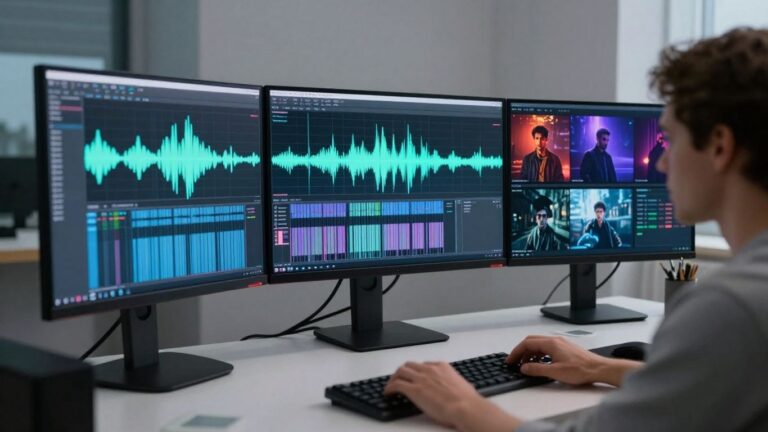
Once you have your AI-generated video clips, you’ll likely need to put them together. This usually involves using video editing software. You’ll import your clips, arrange them on a timeline, and sync them with your music. Many AI tools can automatically sync visuals to the audio’s beat and mood, which saves a lot of time. However, you might still want to make manual adjustments for perfect timing or to add specific visual flair.
Post-Production and Distribution
You’ve generated your music and visuals, but the work isn’t quite done. Post-production is where you polish everything up and get it ready for the world to see. Think of it as the final layer of paint on your masterpiece.
Essential Editing Techniques for AI Videos
Even with AI doing the heavy lifting, you’ll likely need to do some editing. This involves stitching together different AI-generated clips, trimming unnecessary parts, and ensuring a smooth flow. You might use software like DaVinci Resolve, which has a powerful free version, or Shotcut if you prefer open-source options. The goal is to make the AI output feel cohesive and intentional.
Here are some common editing tasks:
- Trimming clips: Cut out any awkward pauses or repetitive sections.
- Sequencing: Arrange your clips in an order that best tells your story or matches the song’s energy.
- Adding transitions: Use simple fades or cuts to move between scenes smoothly.
- Overlaying lyrics: If you want to add lyrics, this is the time to do it. Some tools can help automate this process.
Color Grading and Final Touches
Color grading can dramatically change the mood and look of your video. AI tools might offer different visual styles, but you can further refine the colors to match your artistic vision. Adjusting brightness, contrast, and saturation can make your video pop. This step helps unify the look of different AI-generated scenes, making them feel like they belong together. You can also add subtle effects or text overlays here. AI tools can help with initial generation, but this refinement is key.
Don’t be afraid to experiment with different color palettes. What looks good on your screen might look different on a phone, so test it out.
Exporting for Various Platforms
Once your video is polished, you need to export it in the right format. Different platforms have different requirements for resolution, aspect ratio, and file size. For example, TikTok and Instagram Reels prefer vertical 9:16 aspect ratio, while YouTube typically uses 16:9. Most AI video generators will offer these options. Make sure you select the highest quality settings your chosen platform allows without creating an excessively large file. This ensures your video looks its best everywhere you share it.
Once your amazing video is ready, it’s time to share it with the world! Getting your music out there is just as important as making it. We can help you figure out the best ways to get your video seen by lots of people. Ready to make your music video a hit? Visit our website to learn more about spreading the word!
Wrapping Up Your AI Music Video Journey
So, you’ve seen how AI can really change the game for making music videos. Tools like Creatus AI let you go from a simple idea to a finished song and video, all without needing a film crew or a fancy studio. It’s about using these new technologies to get your music out there faster and easier. Don’t overthink it; just start experimenting. Pick a tool, try out some prompts, and see what you can create. The barrier to entry is lower than ever, so go ahead and make that video.
Frequently Asked Questions
What exactly is an AI music video generator?
Think of it like a super-smart assistant for making music videos! These tools use artificial intelligence to help you create a video for your song. Some can even help you write the song itself. You give them an idea or your music, and they whip up visuals that go along with it, often without you needing to know complicated video editing tricks.
Can I really make a whole song and video with AI?
You sure can! Tools like Creatus AI can take your text idea and create a full song with singing. Then, you can take that song (or one you already have) and have the AI make a music video for it. It’s like having a whole production team in your computer!
Do I need to be a tech whiz or a pro musician to use these tools?
Nope! That’s the cool part. These AI tools are designed to be easy to use, even if you’re just starting out. You don’t need to be a music producer or a video editing expert. Most of them work by you typing in what you want, and the AI does the heavy lifting.
Are there free AI tools I can try out?
Yes, absolutely! Many AI music video tools offer a free version or a free trial. This is a great way to experiment and see what they can do before you decide to pay for more features. You can often make some pretty neat stuff without spending any money.
What kind of videos can AI make for my music?
AI can create all sorts of visuals! It can make cinematic scenes, cool animations, abstract patterns, or even lyric videos that show the words to your song. You can often pick the style you like best, or the AI can suggest something based on your music’s mood.
How do I get my video onto YouTube or TikTok?
Once your AI-generated video is ready, you can usually download it in different sizes. There are formats perfect for short videos like TikTok and Instagram Reels (vertical), and others for longer videos on YouTube (horizontal). Then, you just upload it like any other video!